
Hosting
Hosting with a control panel
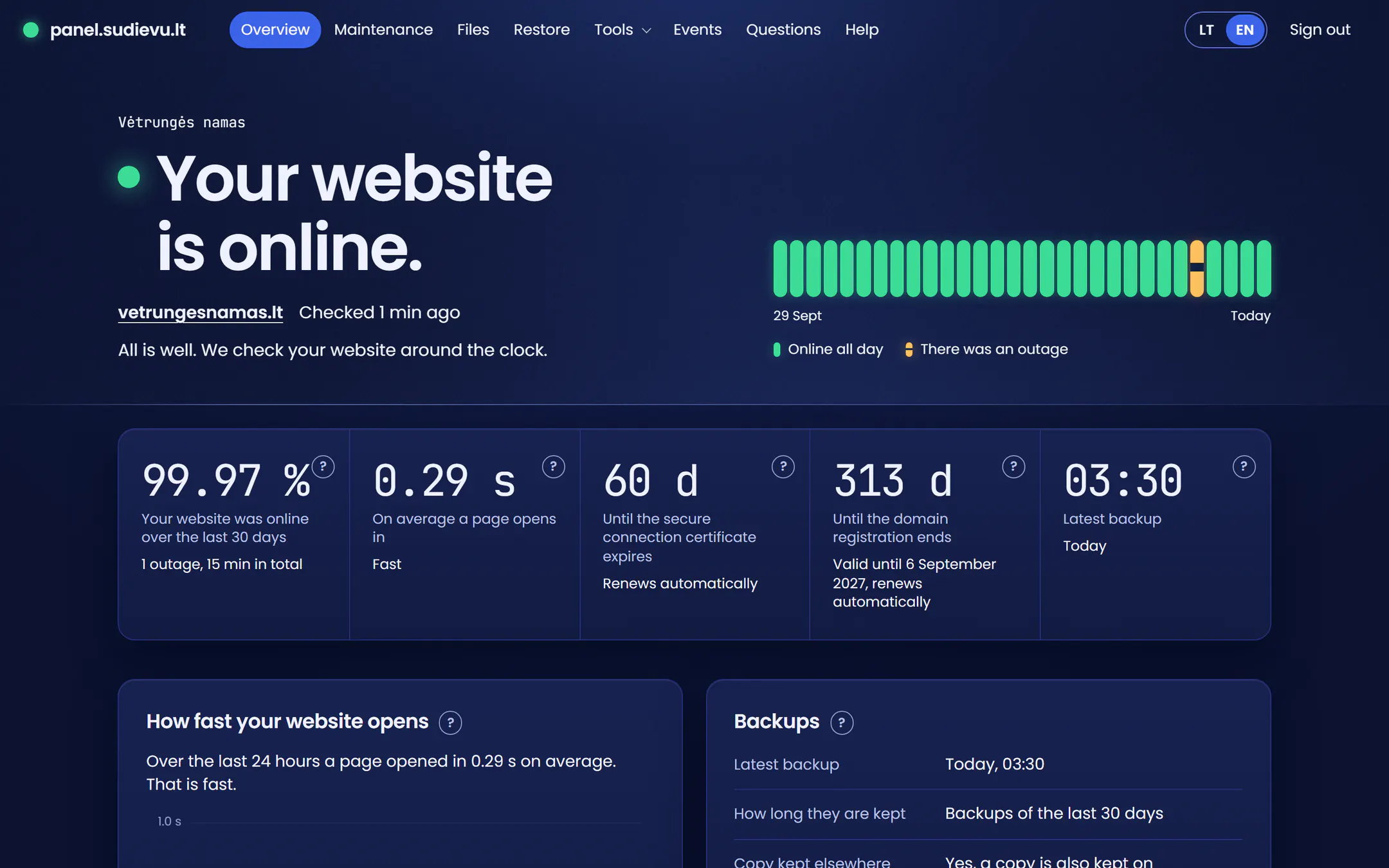
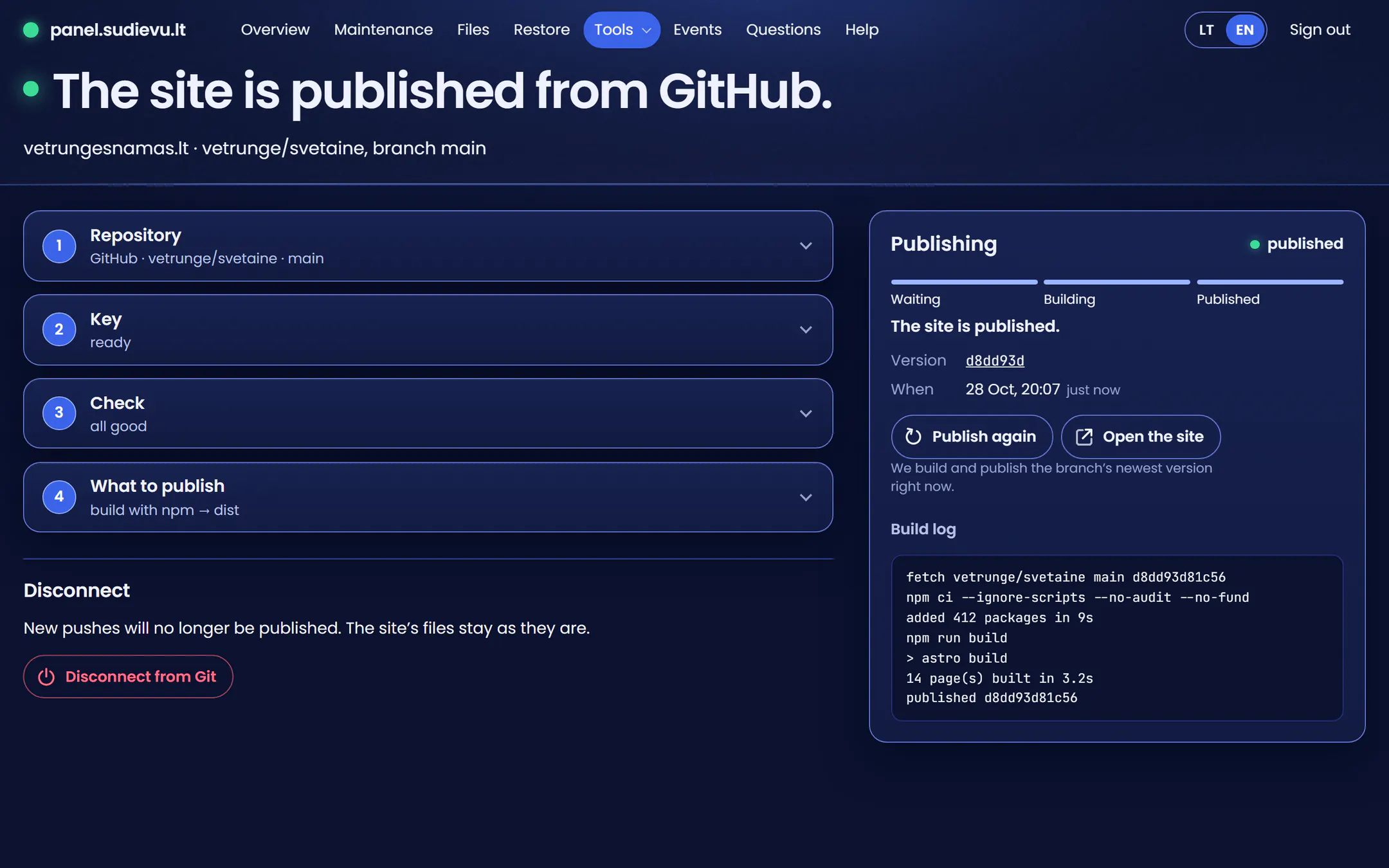
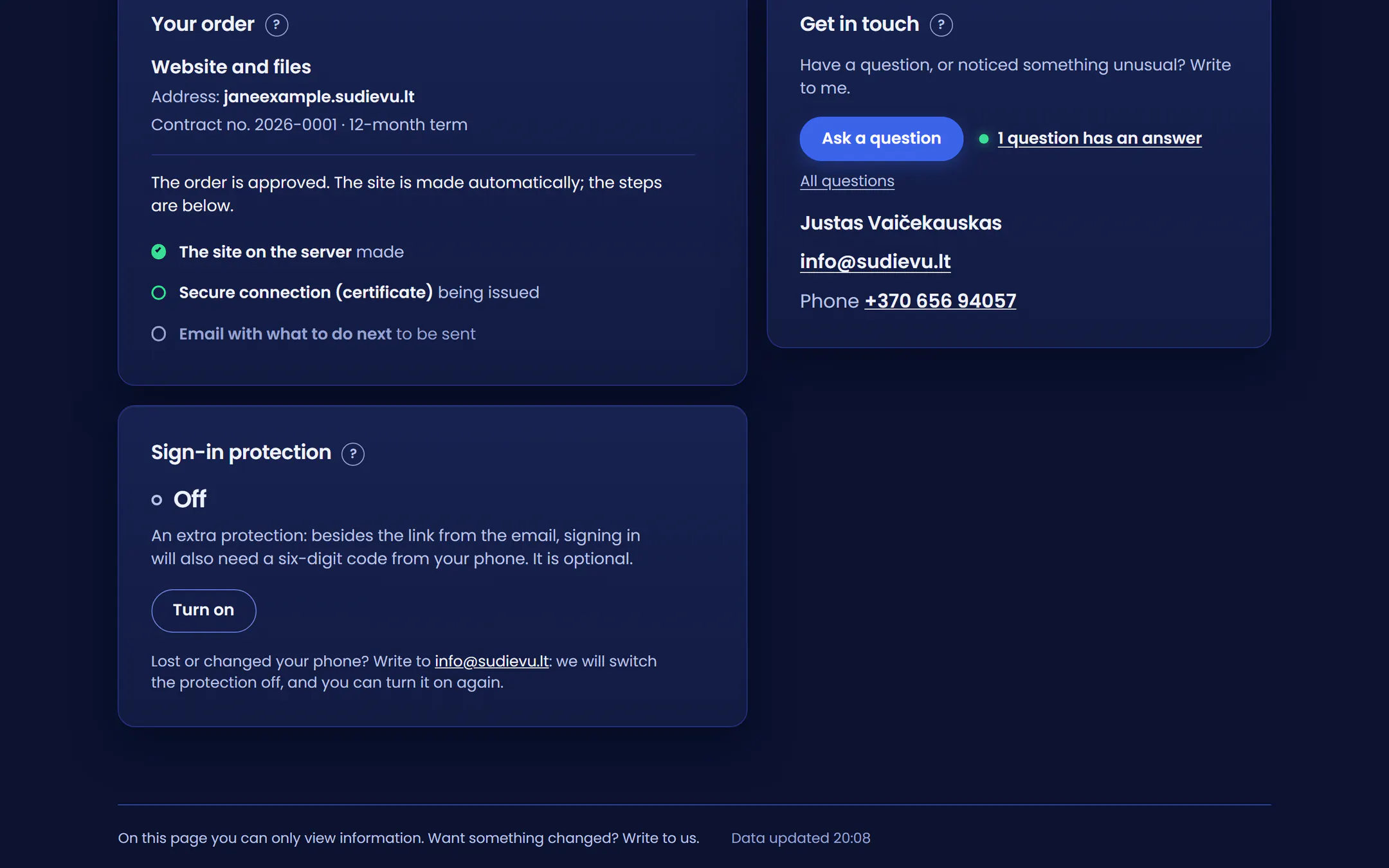
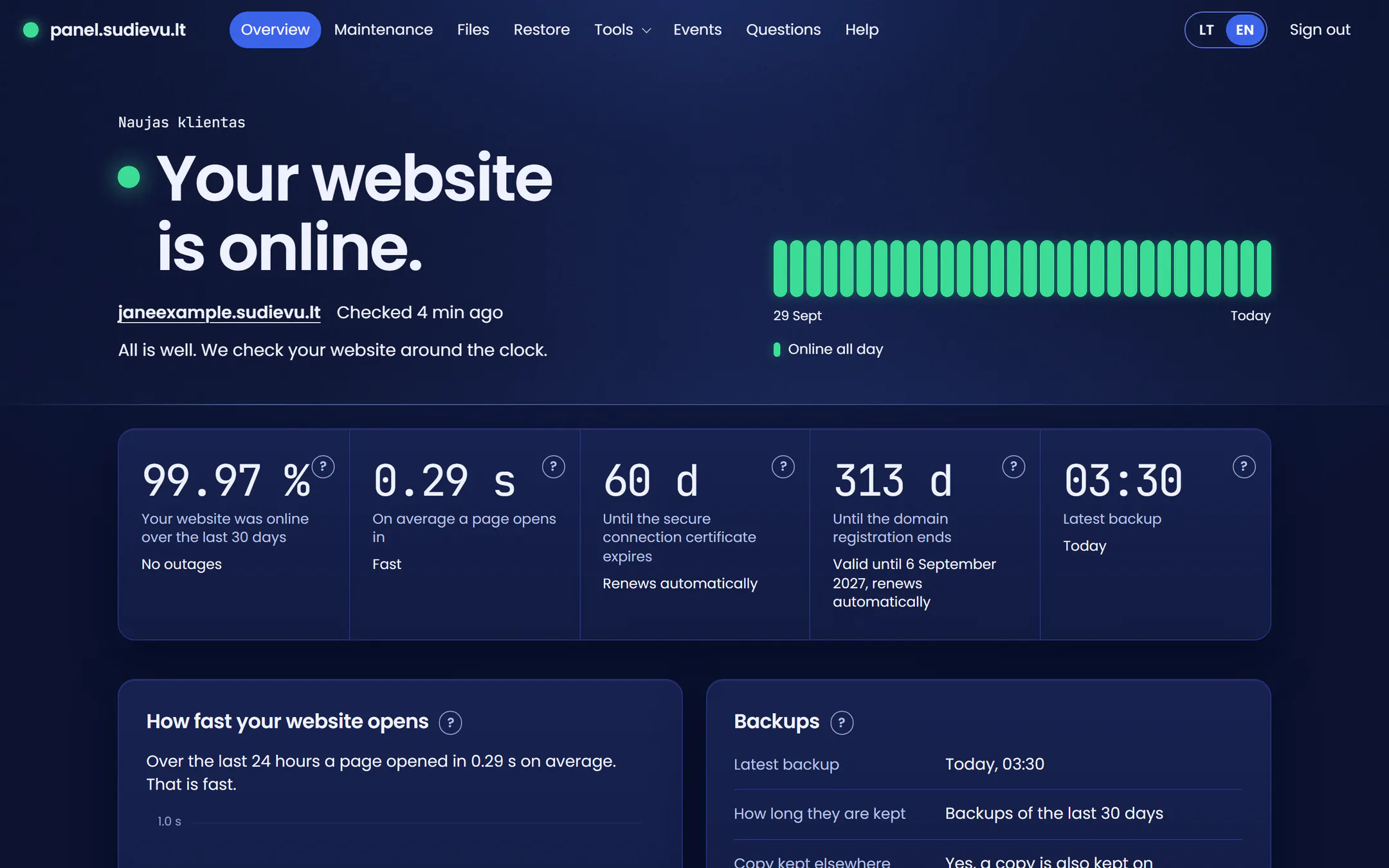
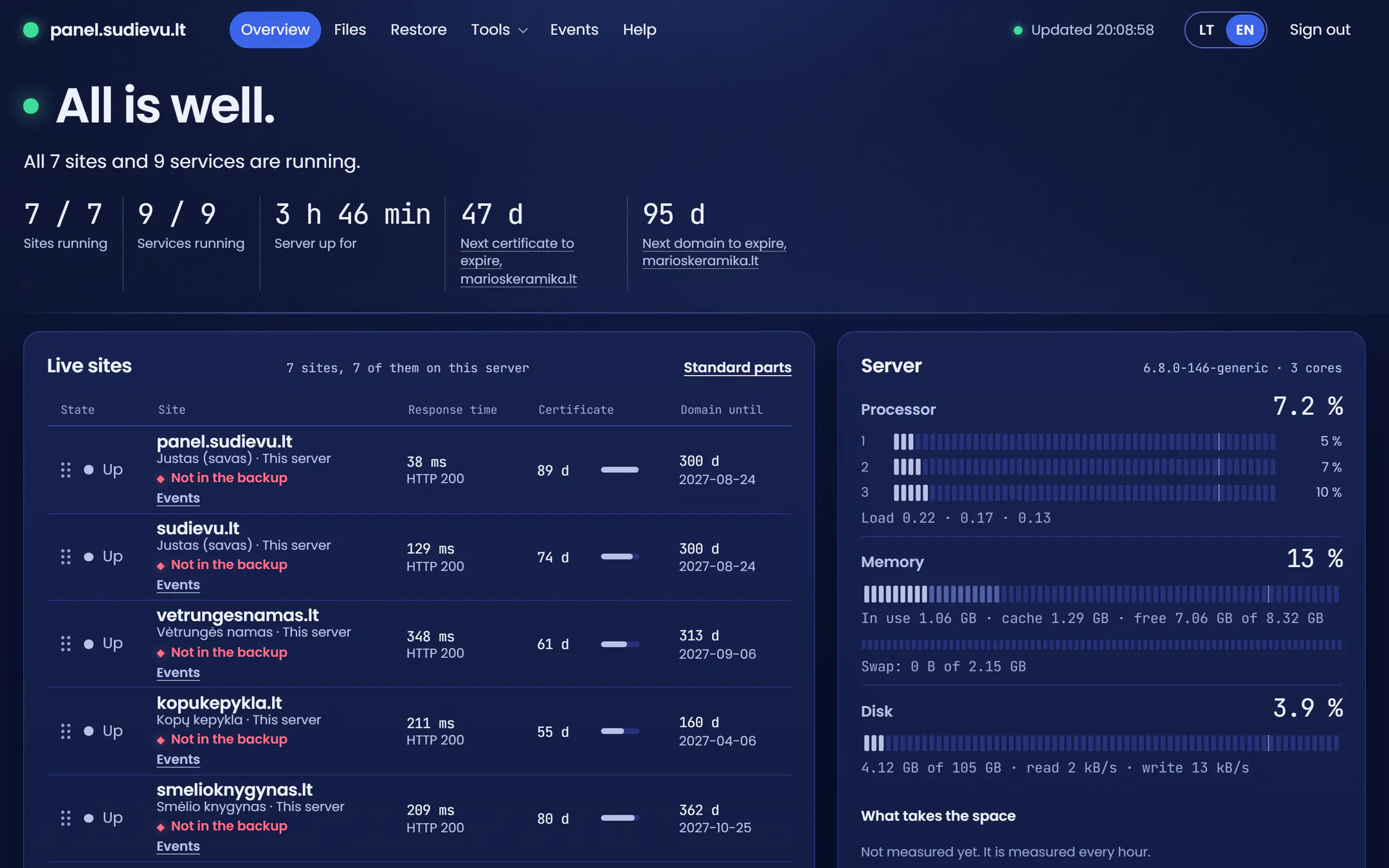
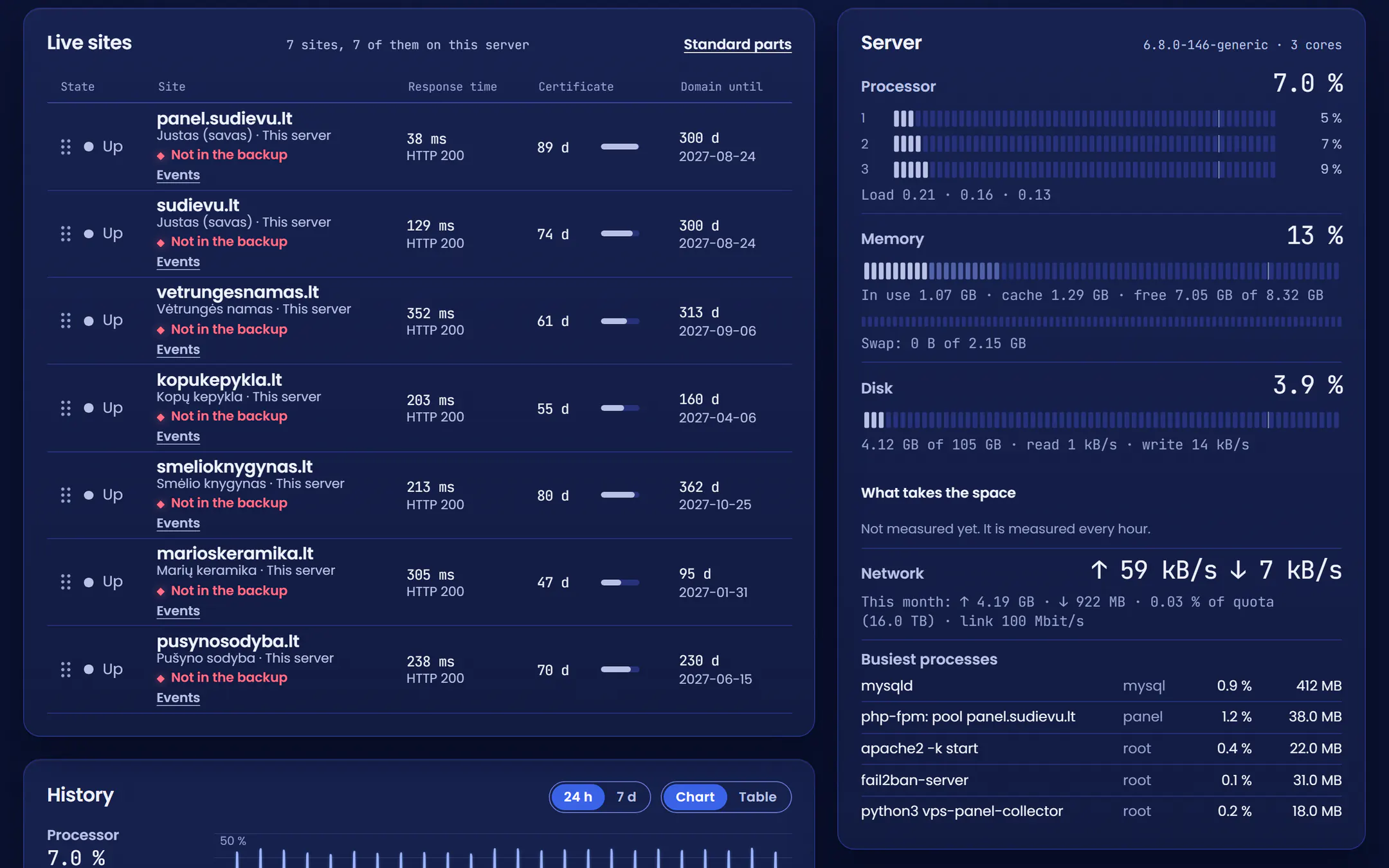
Your site on my server in Lithuania. The panel shows whether it is up, when the last backup was made and how much room is left. Whether or not I built the site.
Hosting costs from €10 a month for a site I built and from €15 for a site someone else built. Plans and prices are on the pricing page.
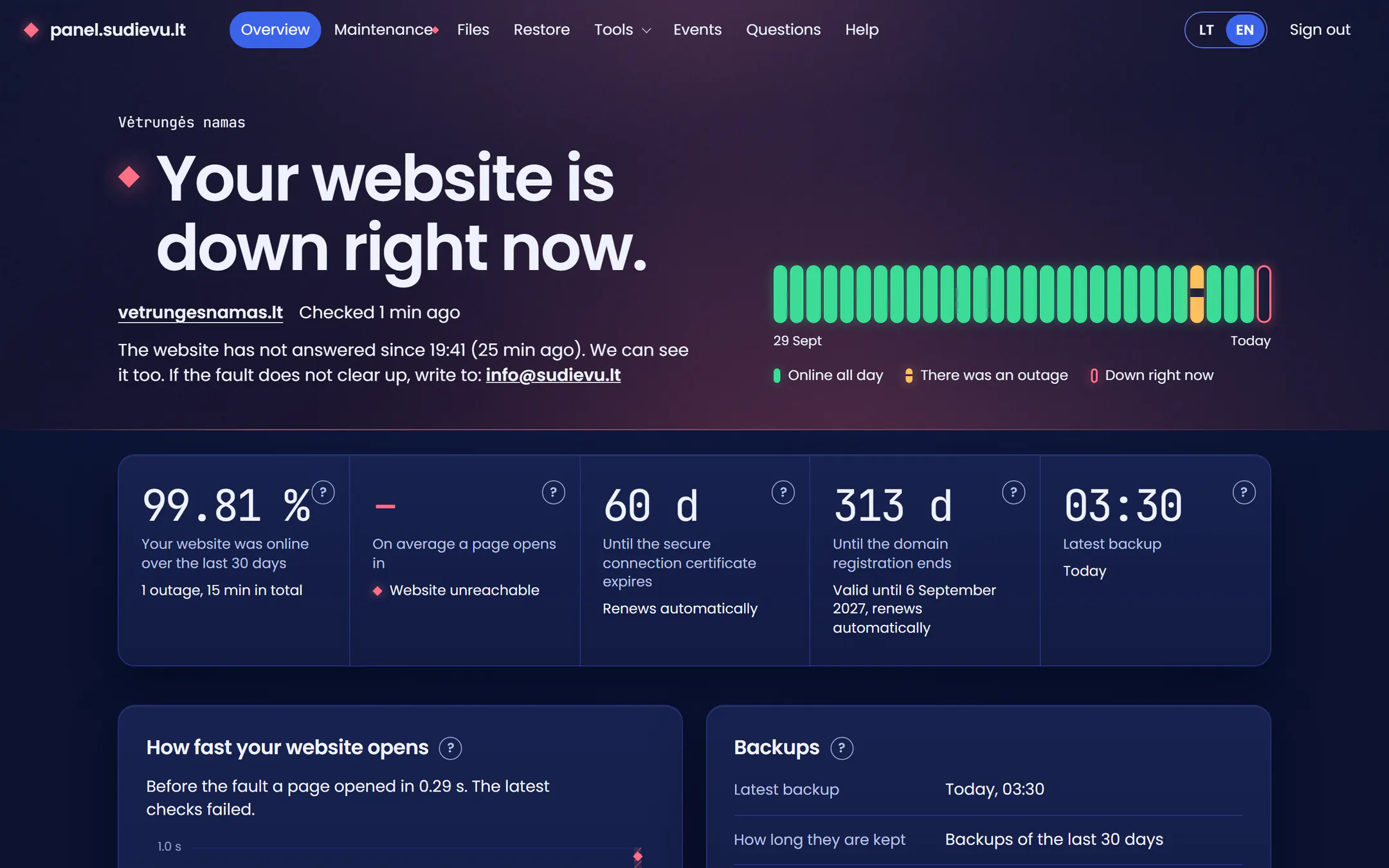
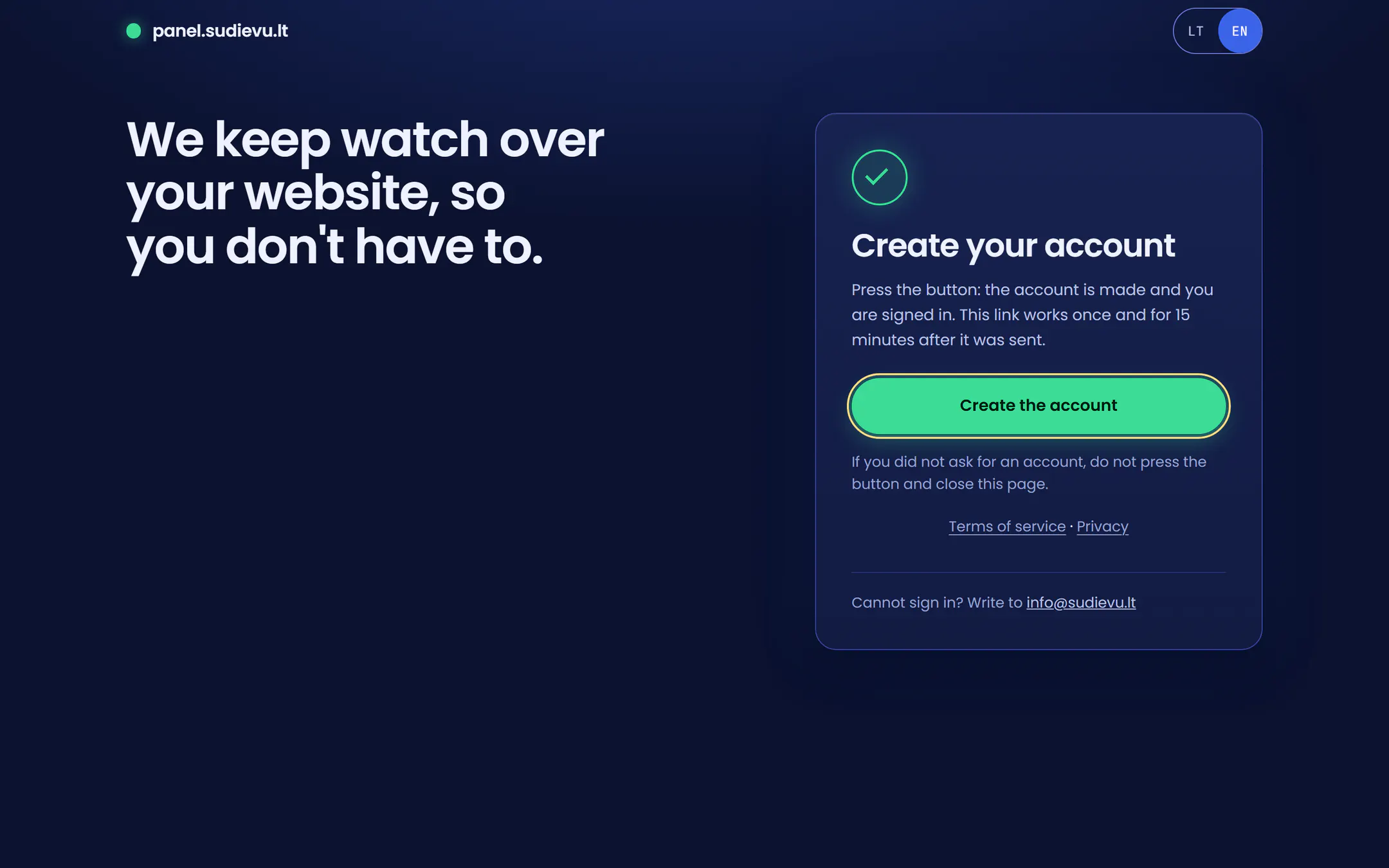
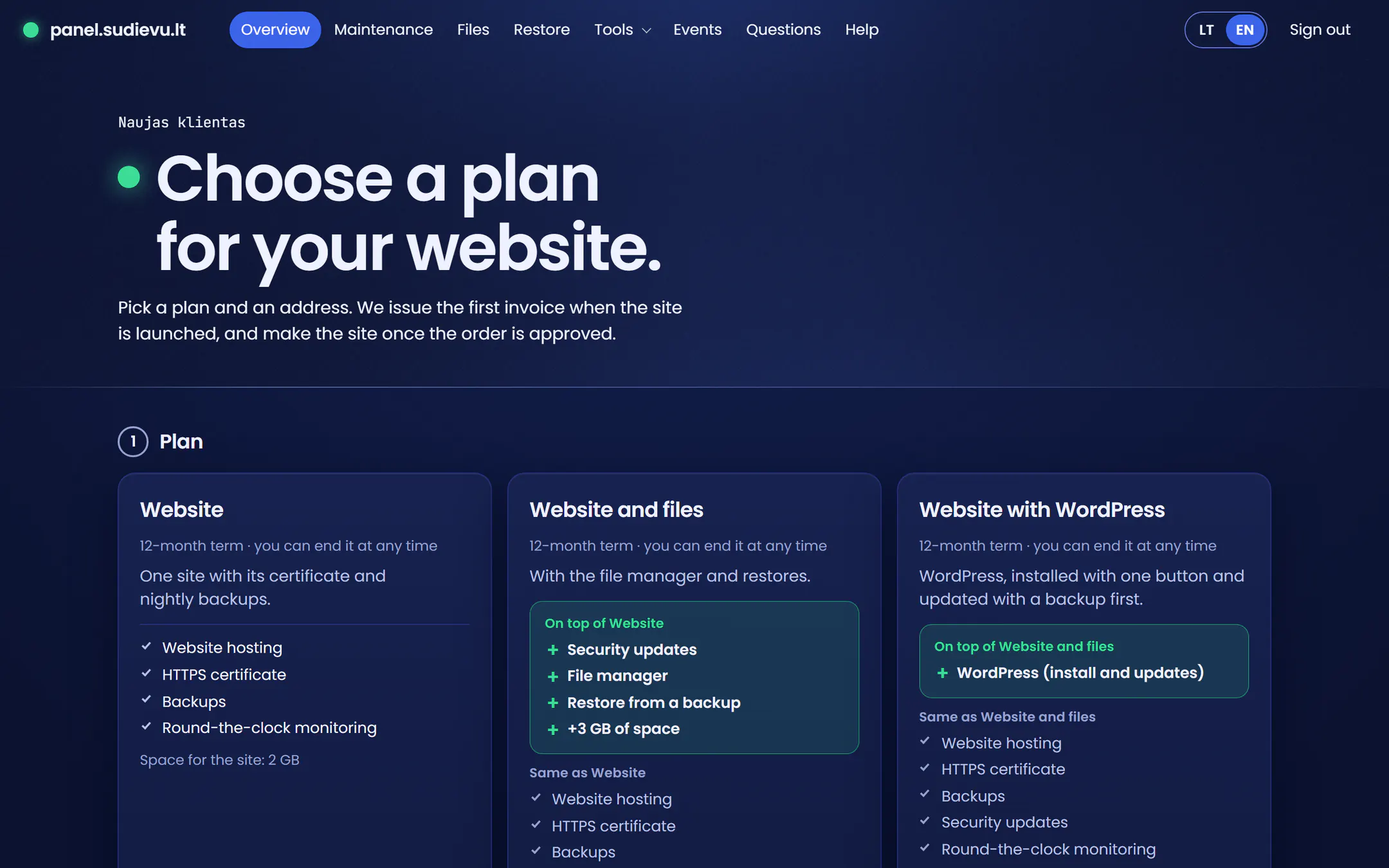
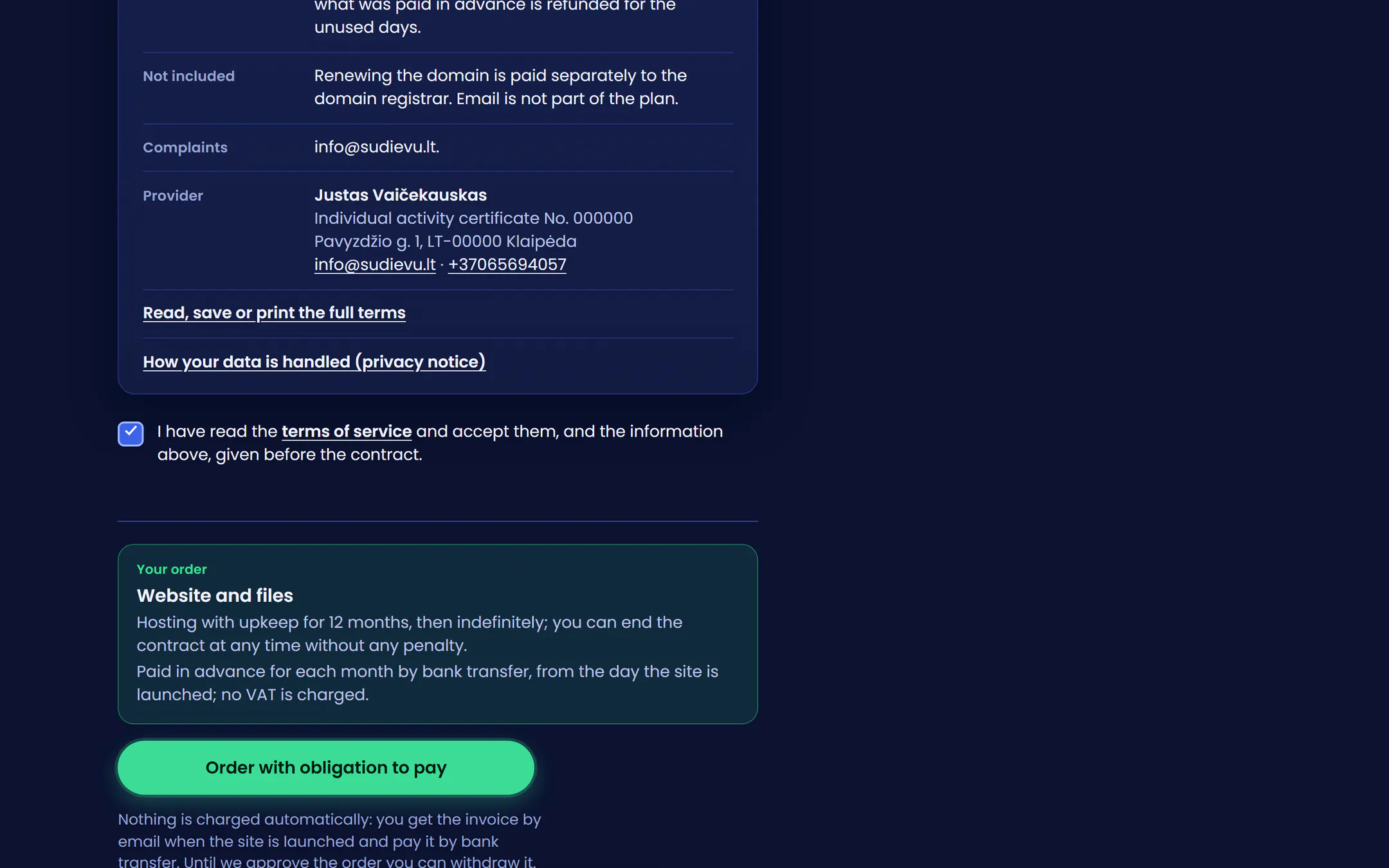
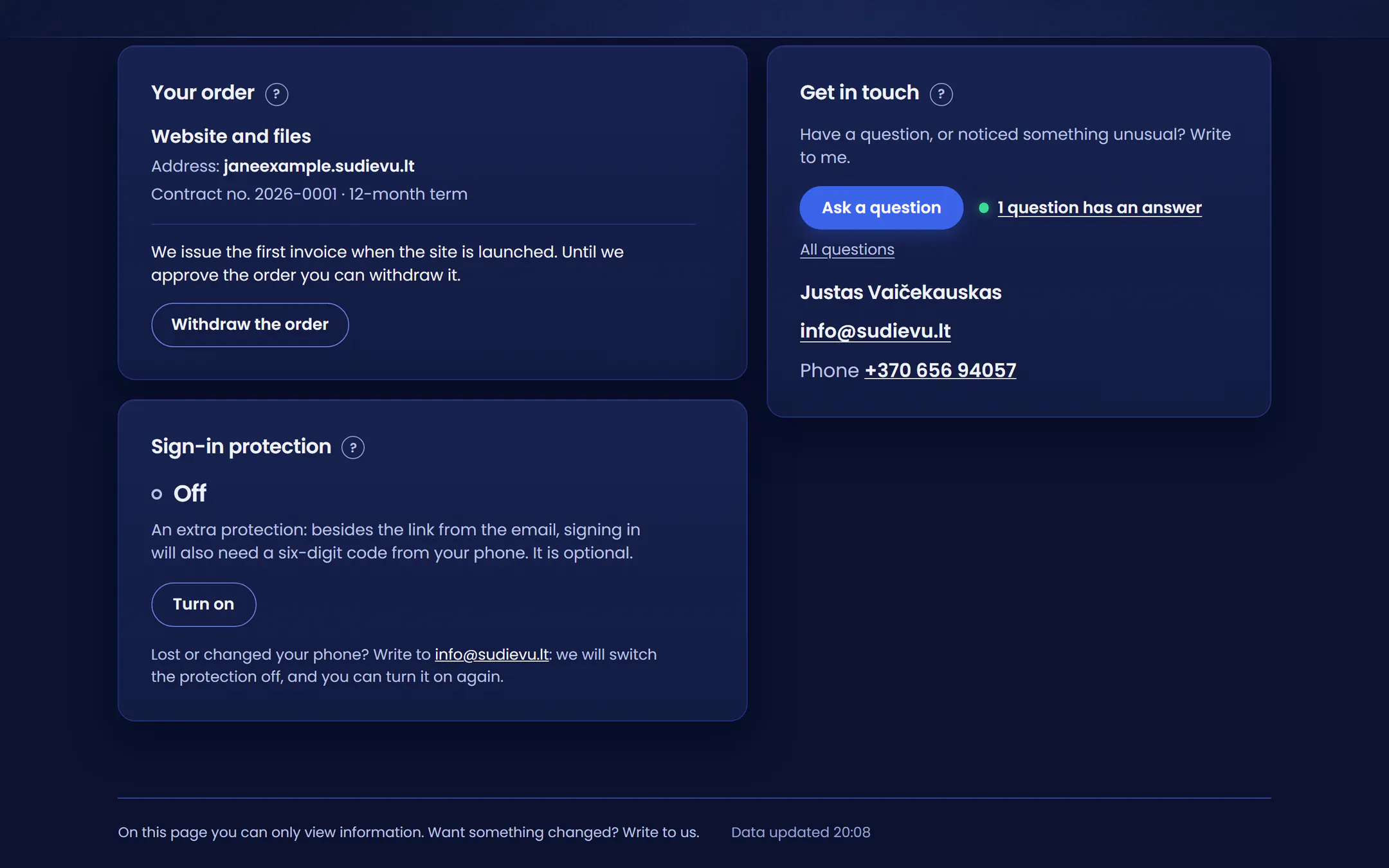

At the same moment I get an email: vetrungesnamas.lt is down.
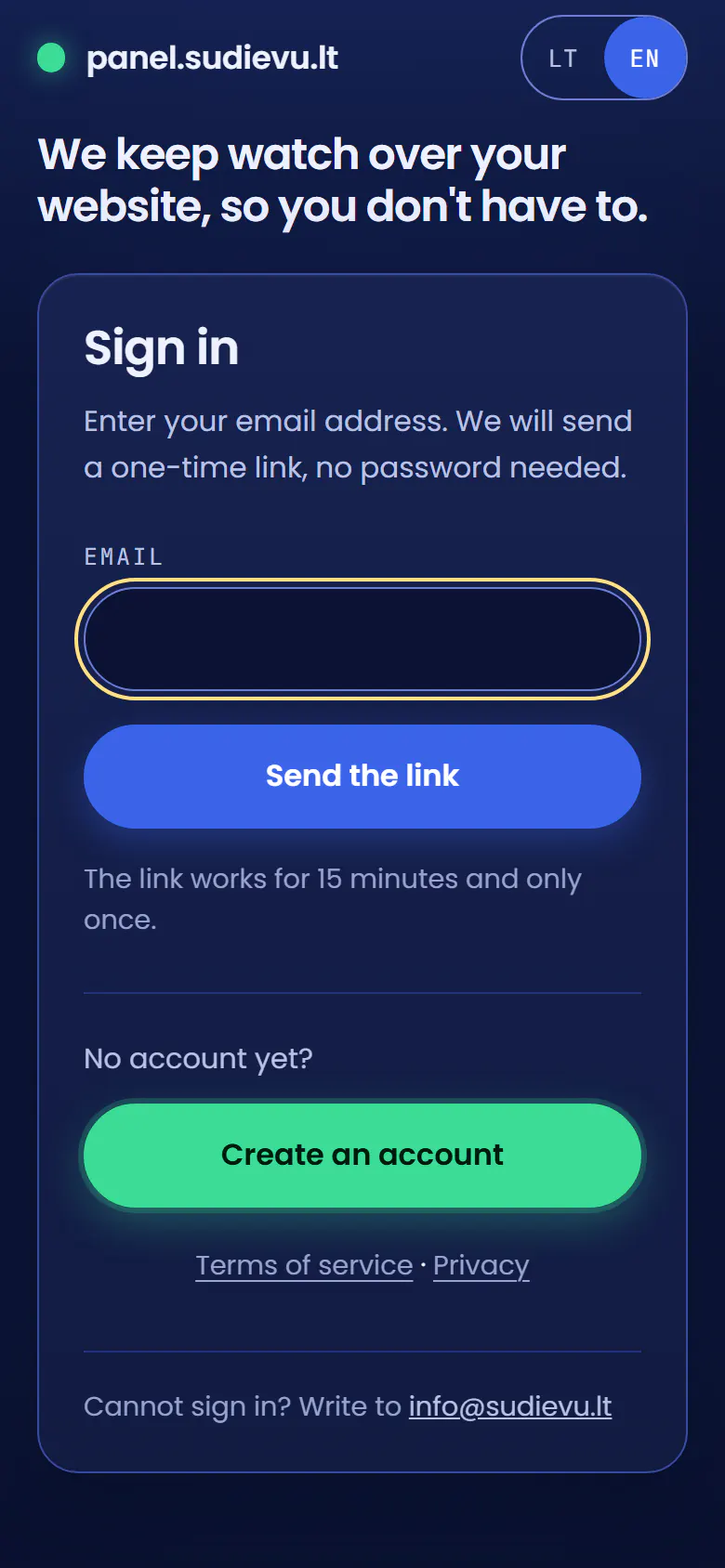
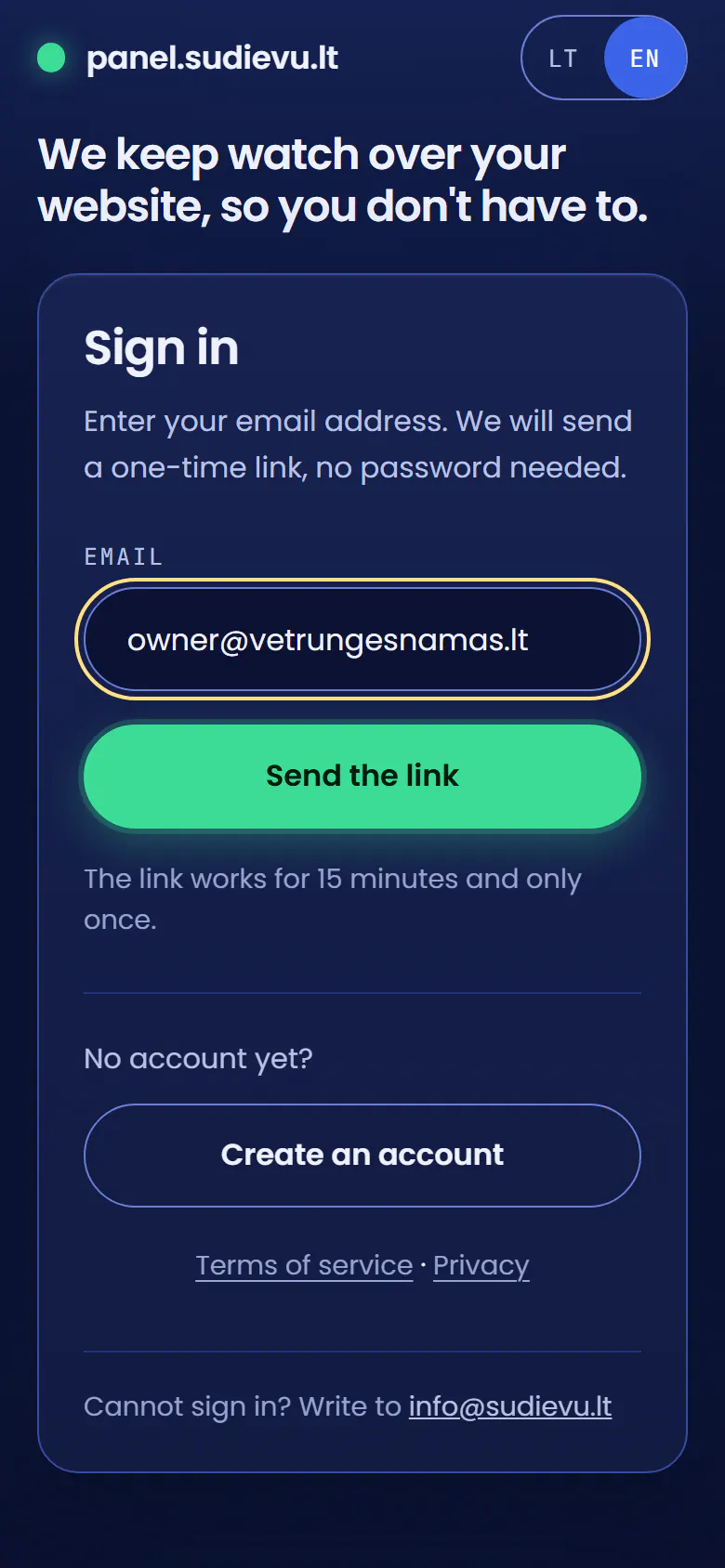
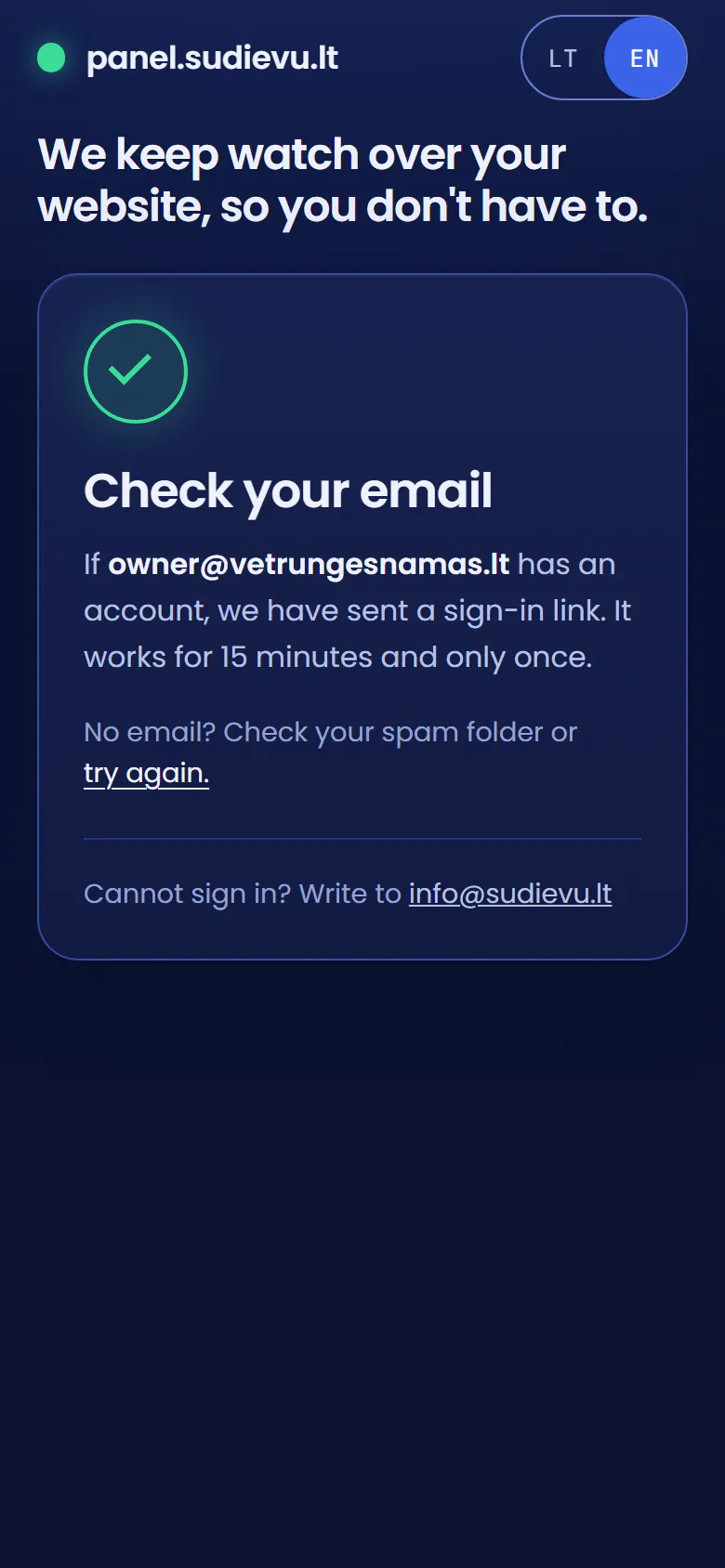
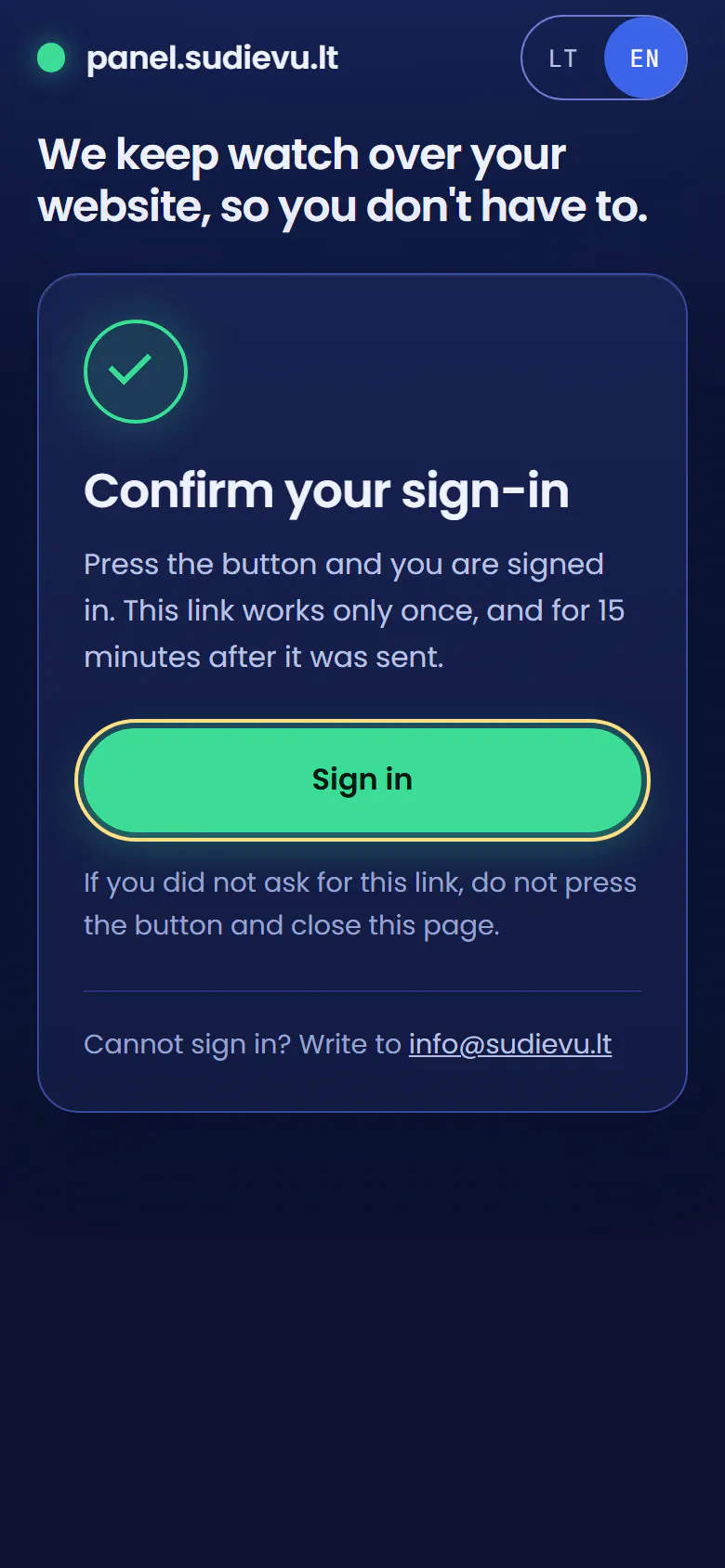
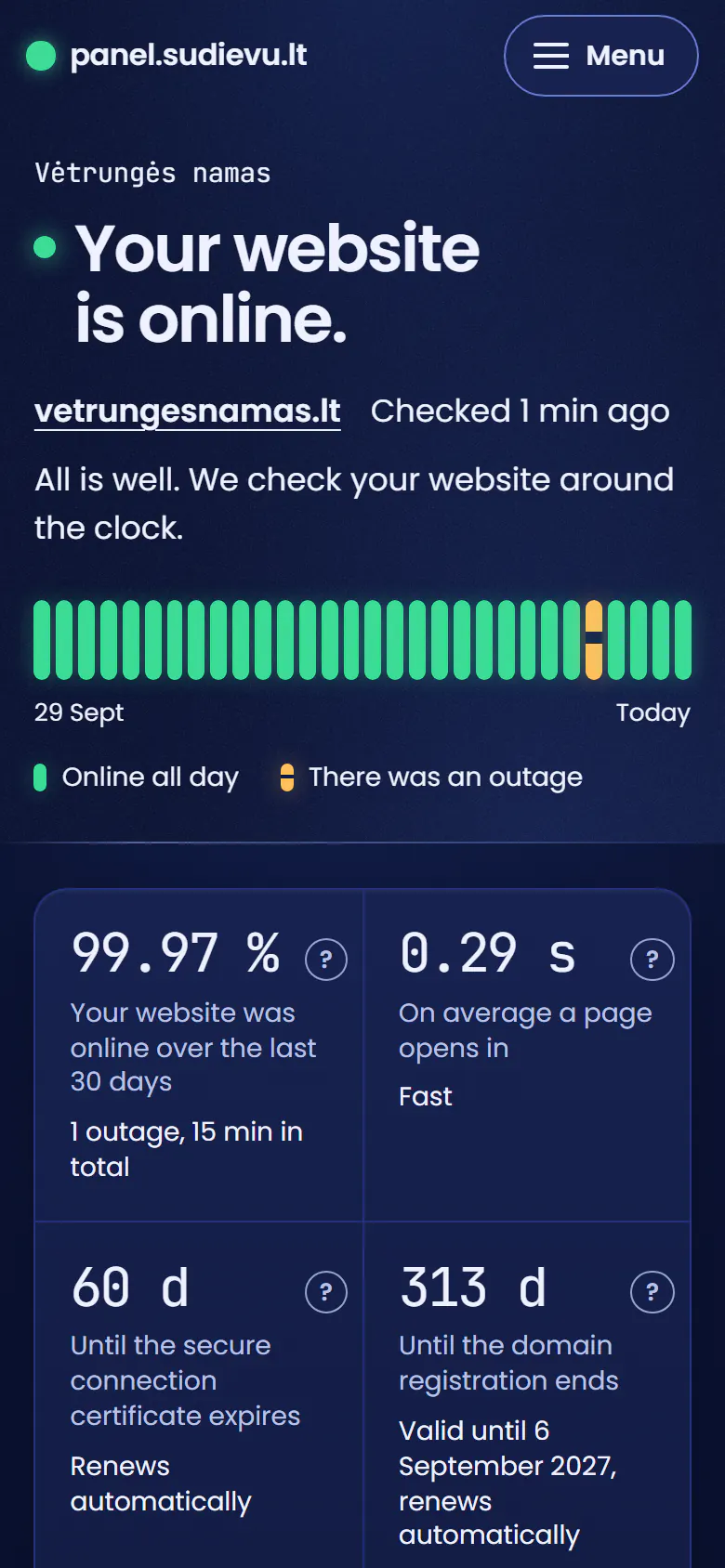
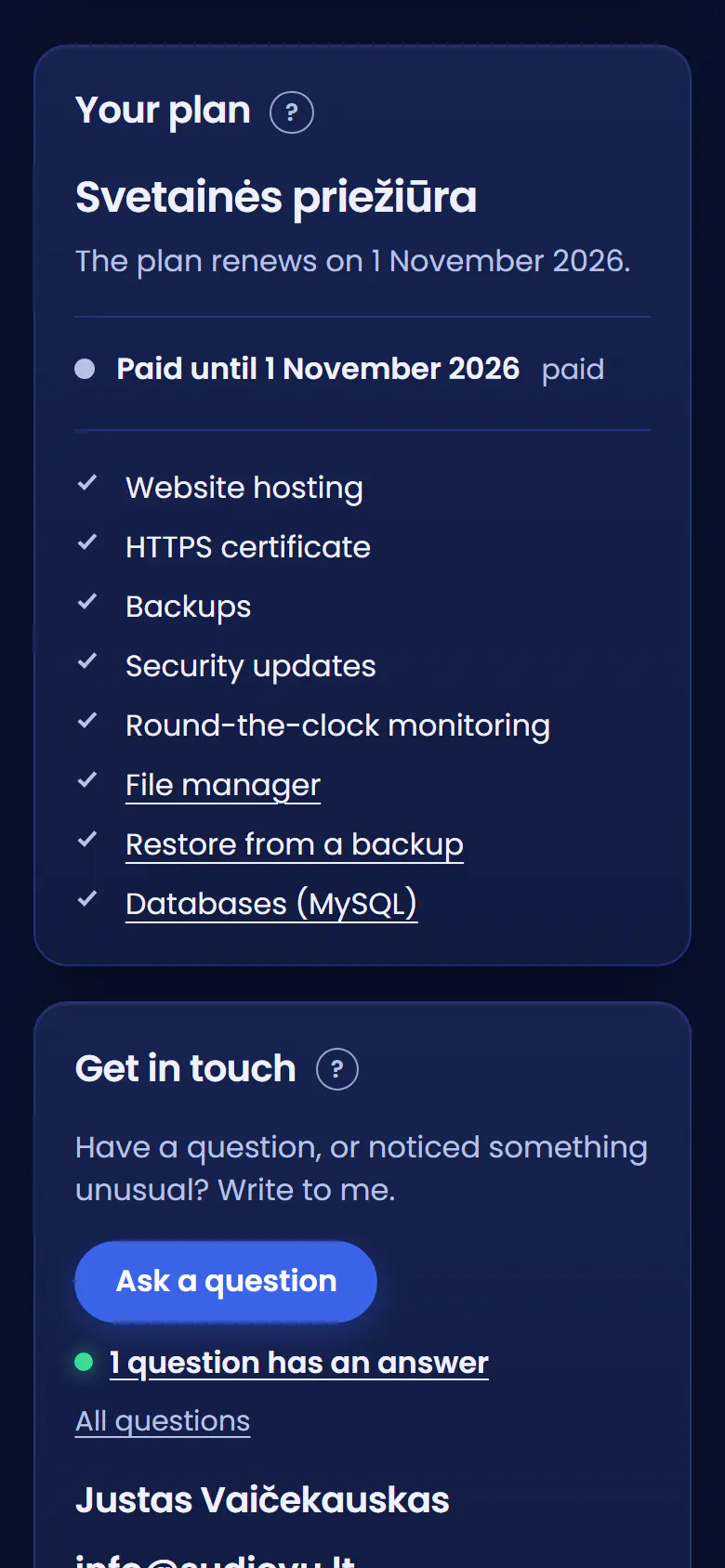
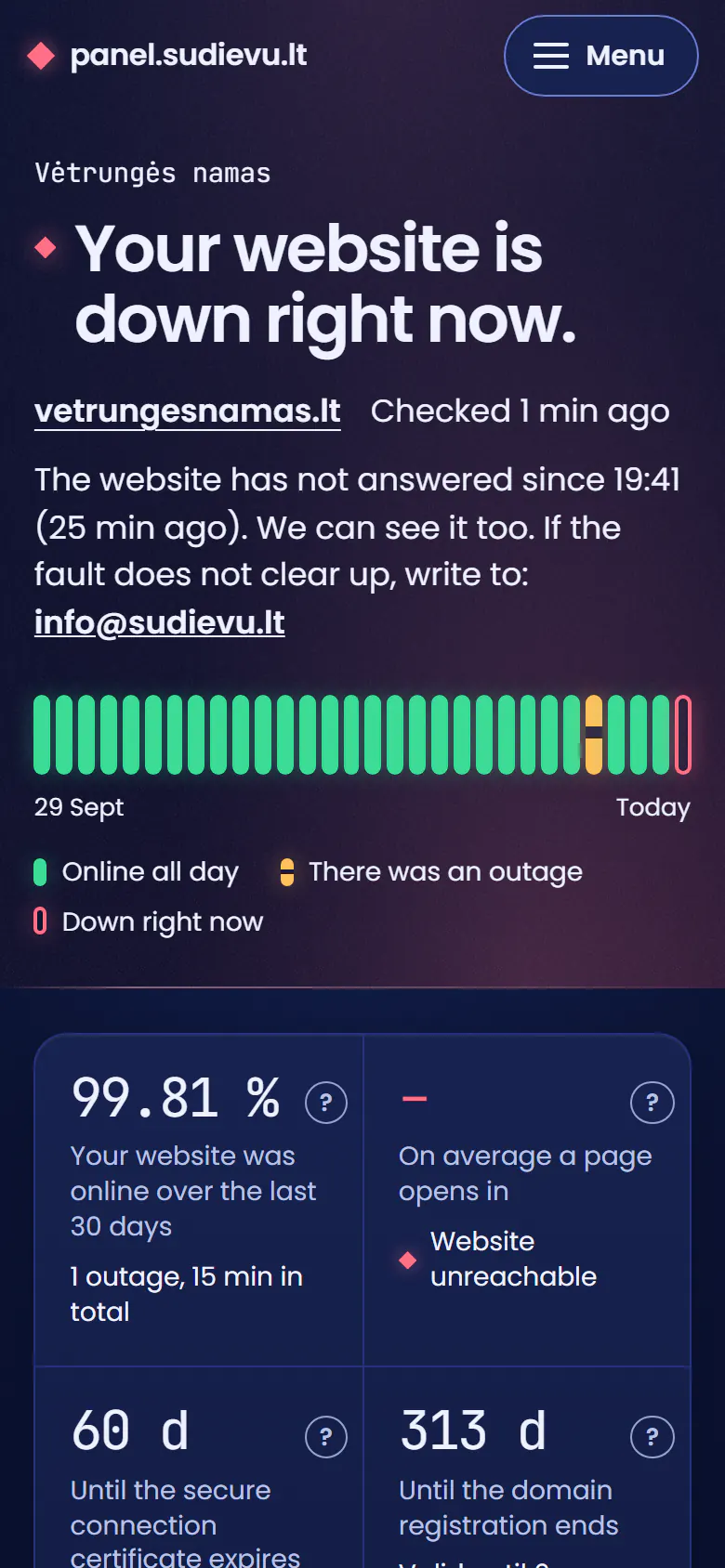
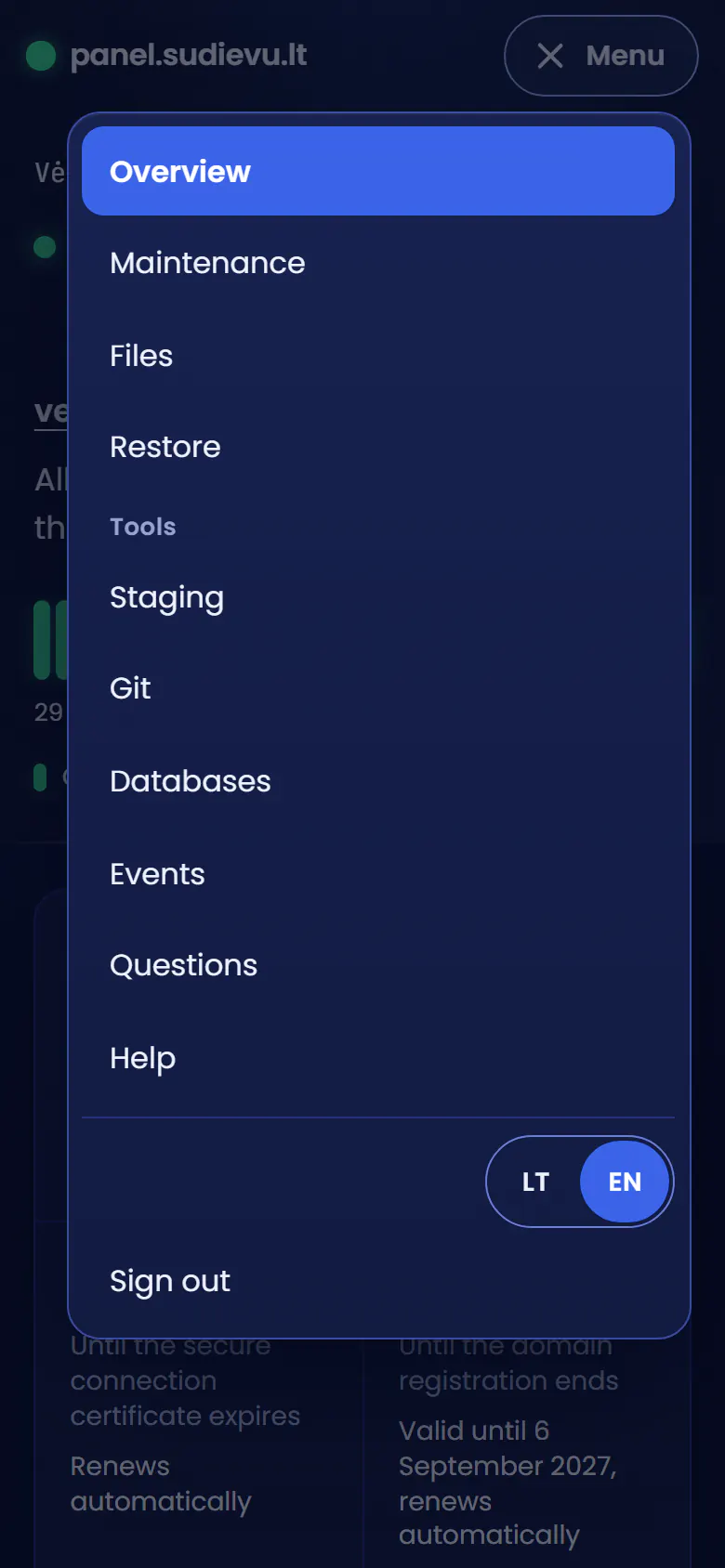
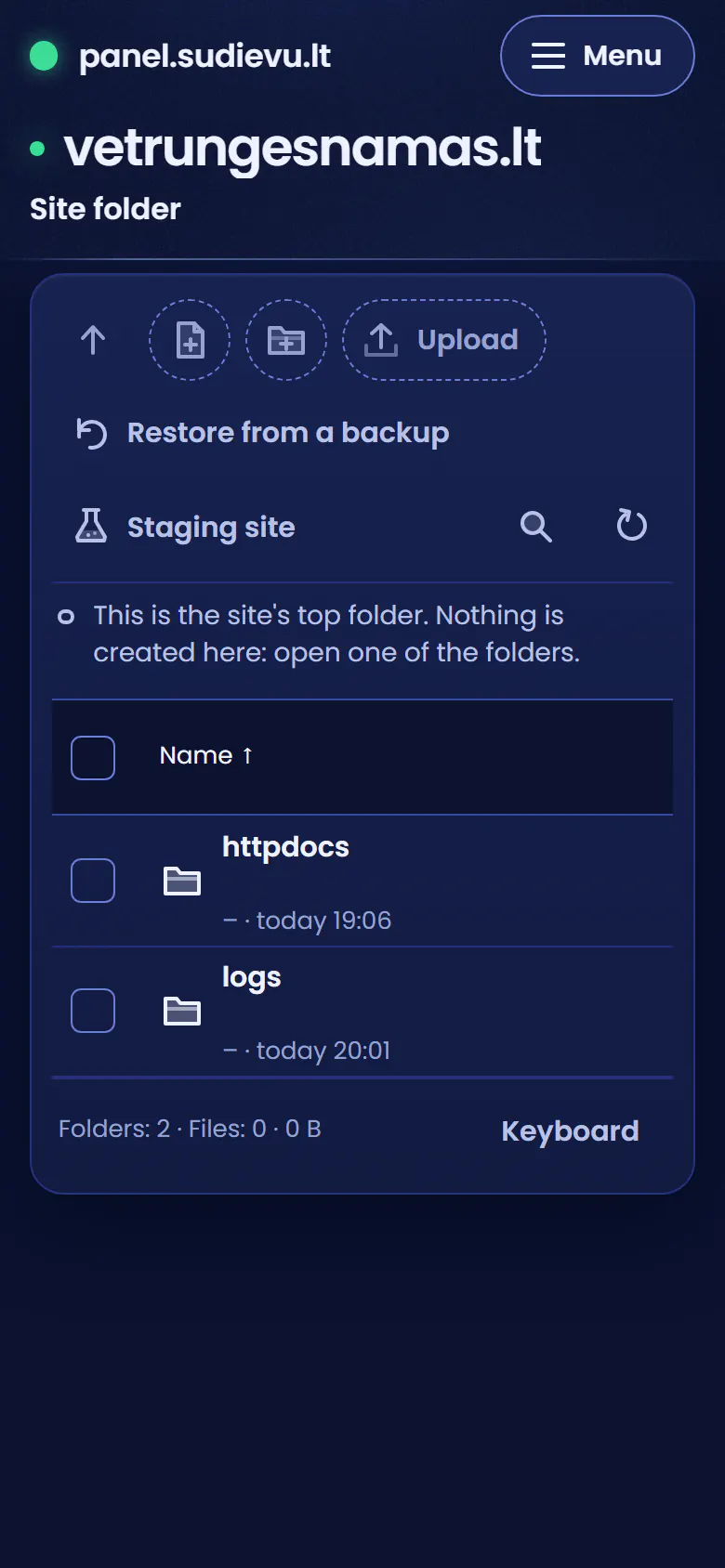
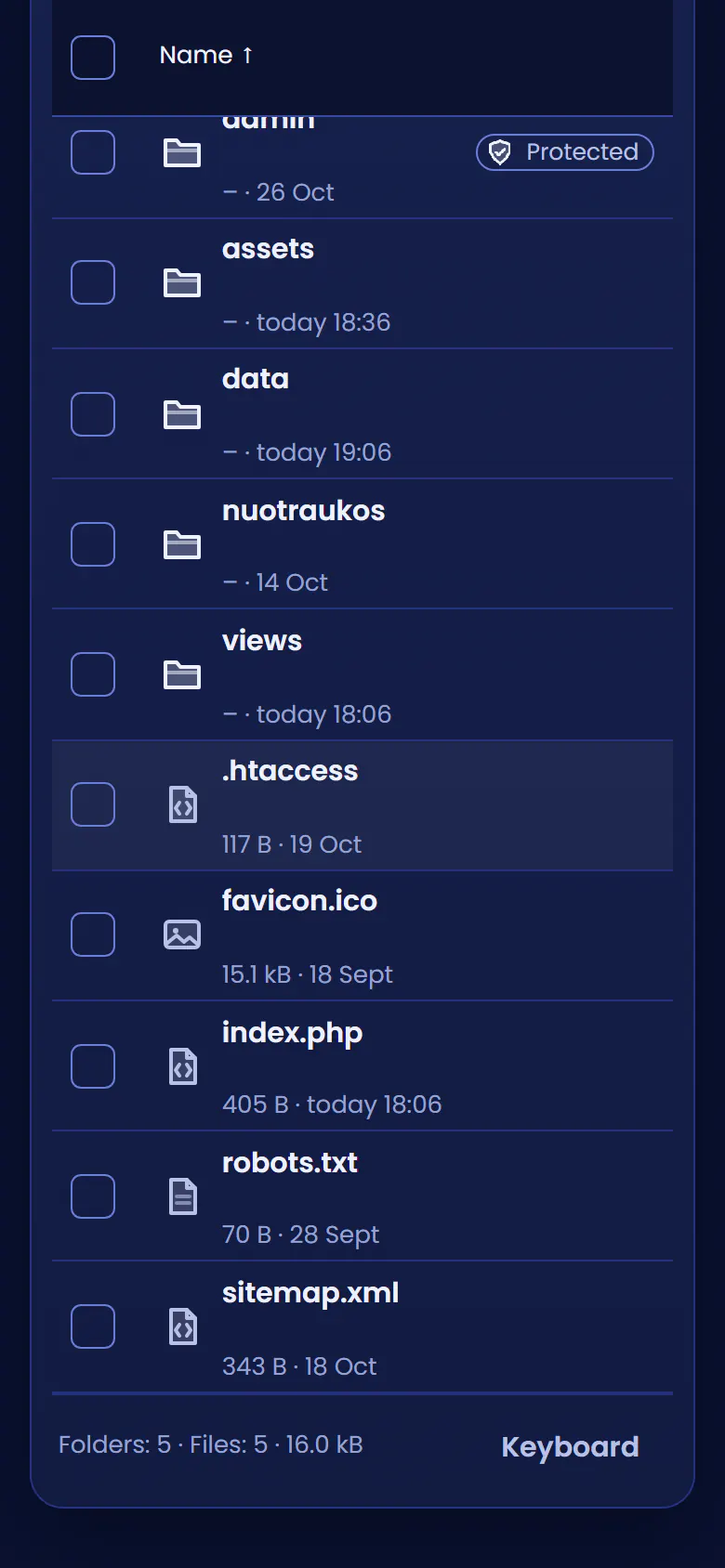
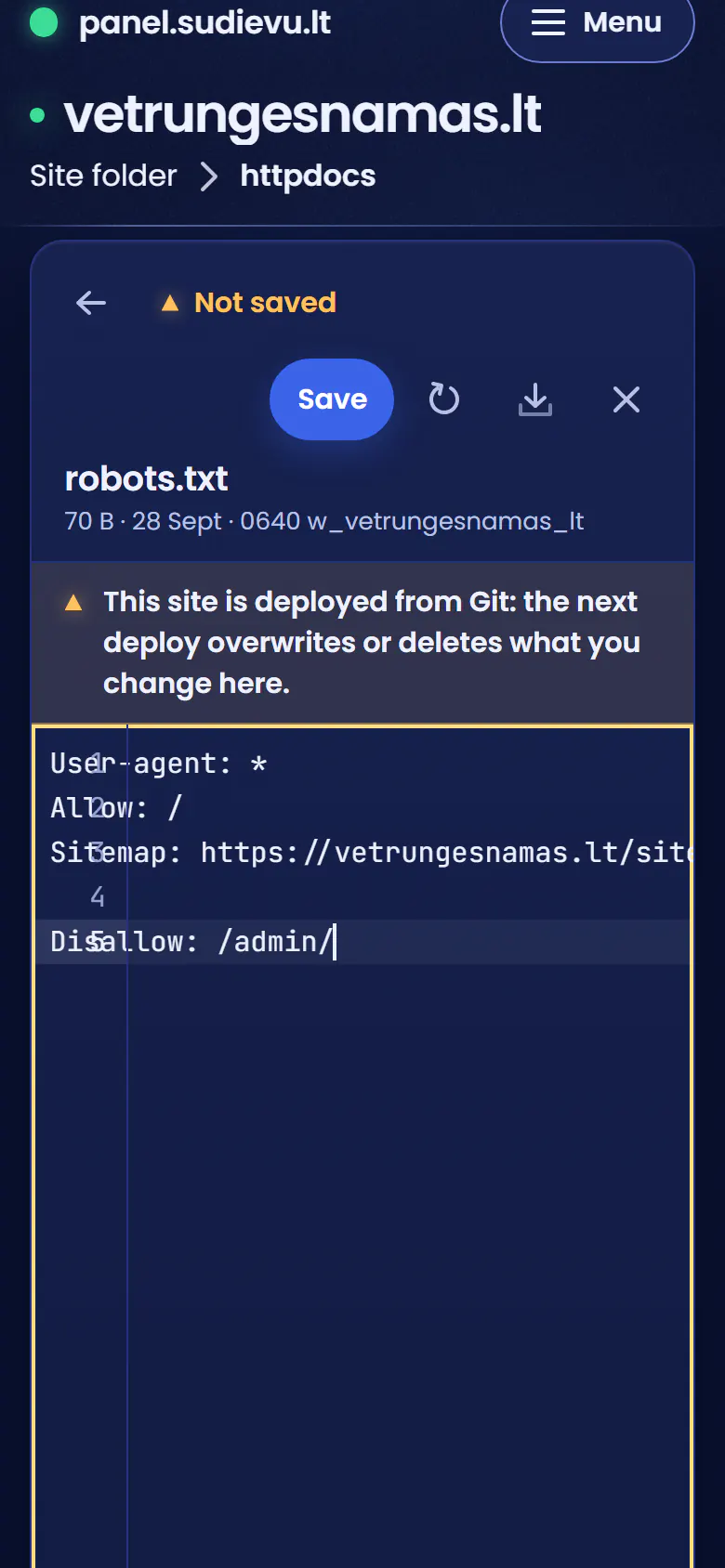
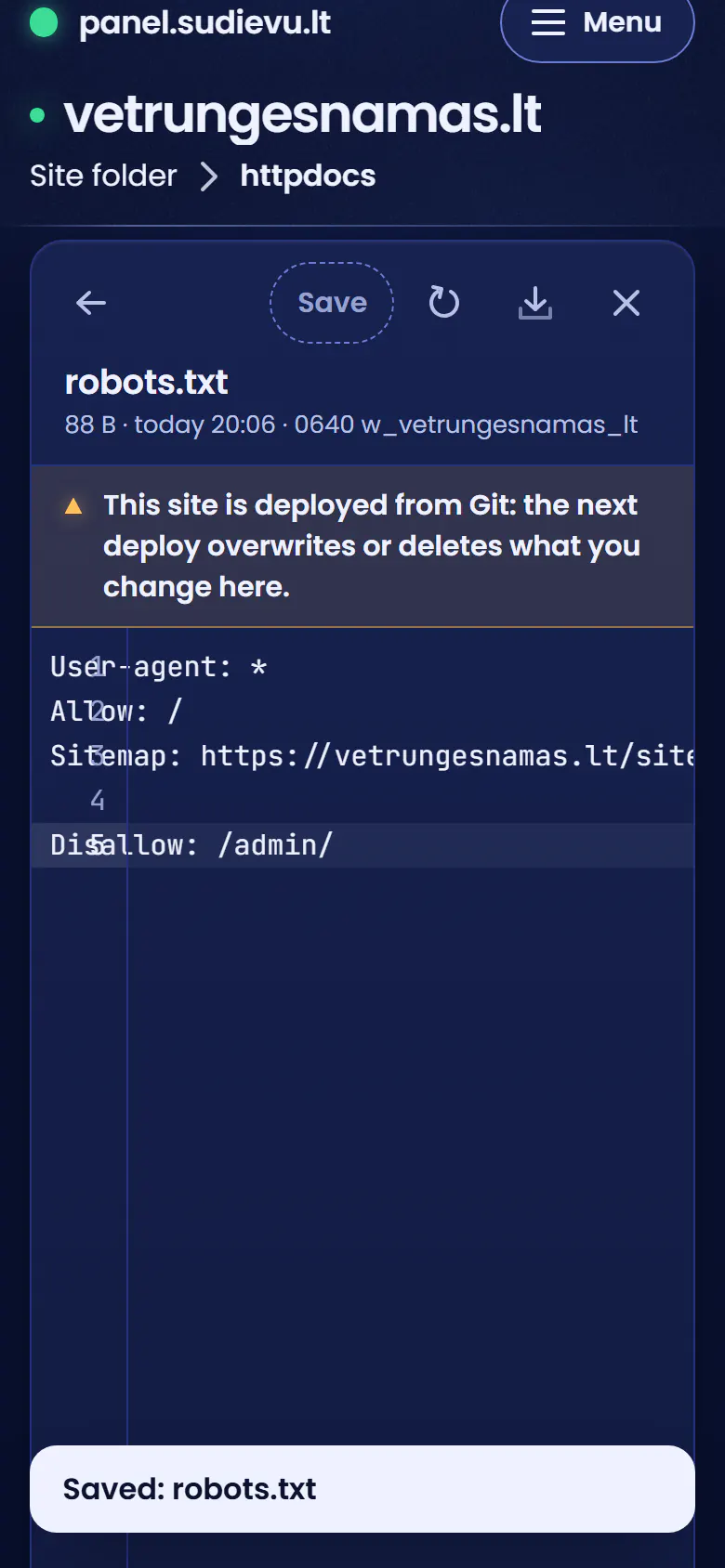
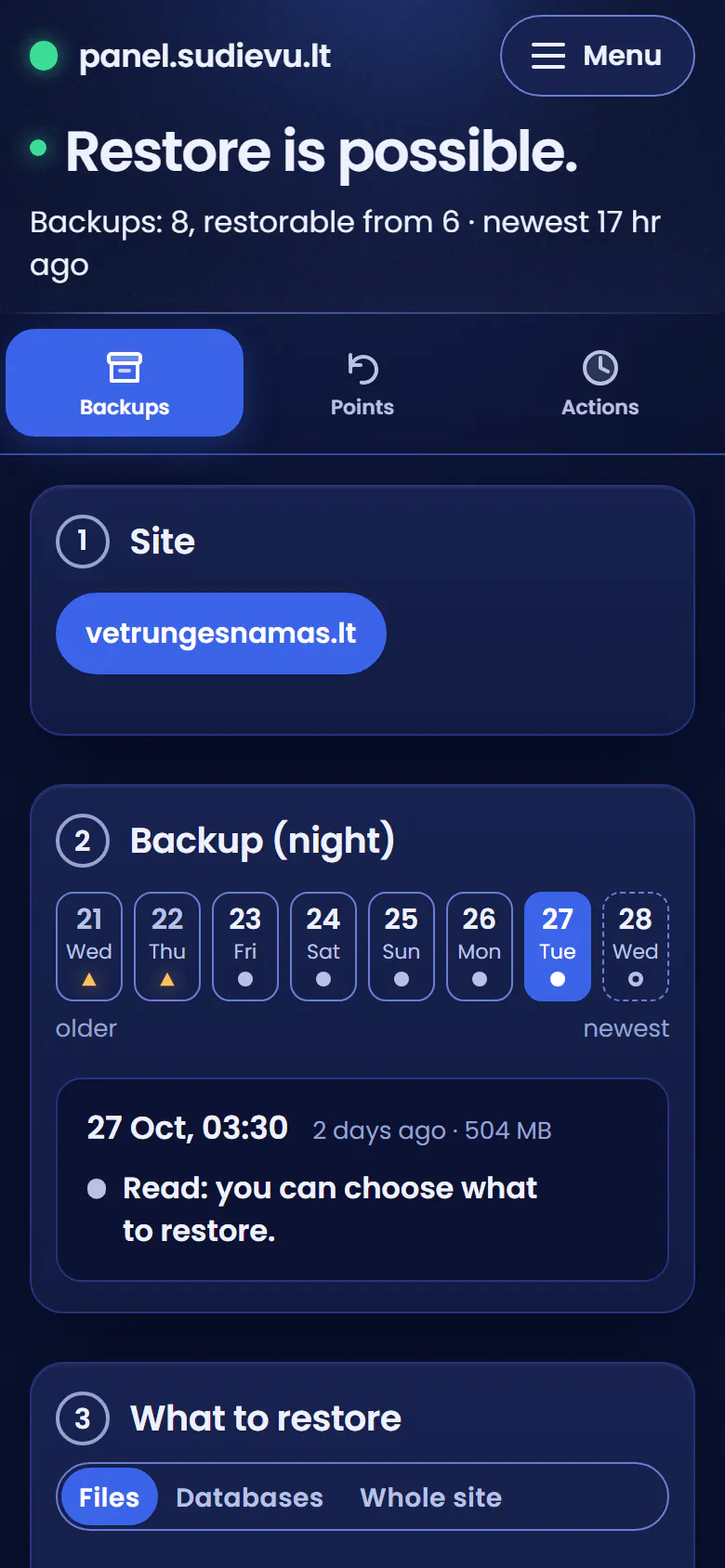
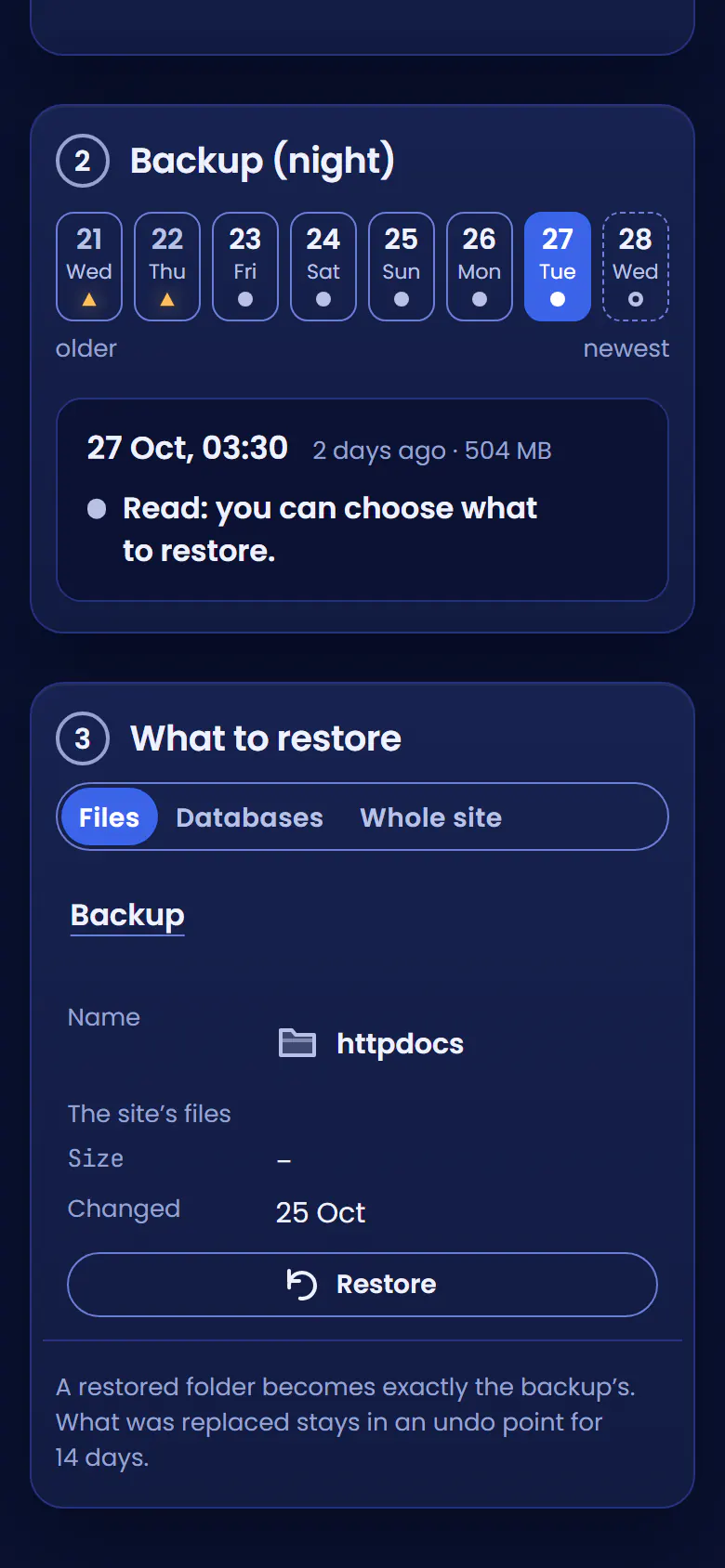
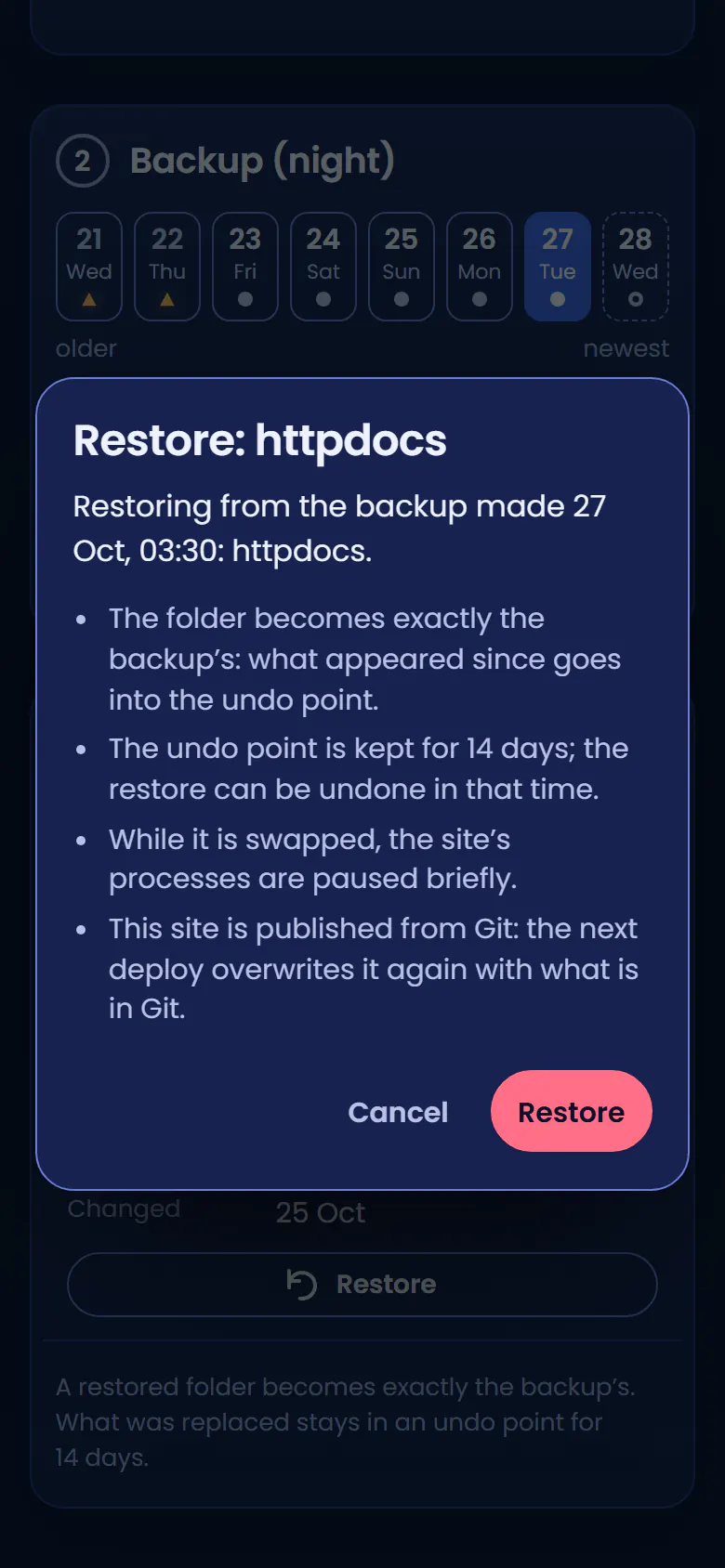
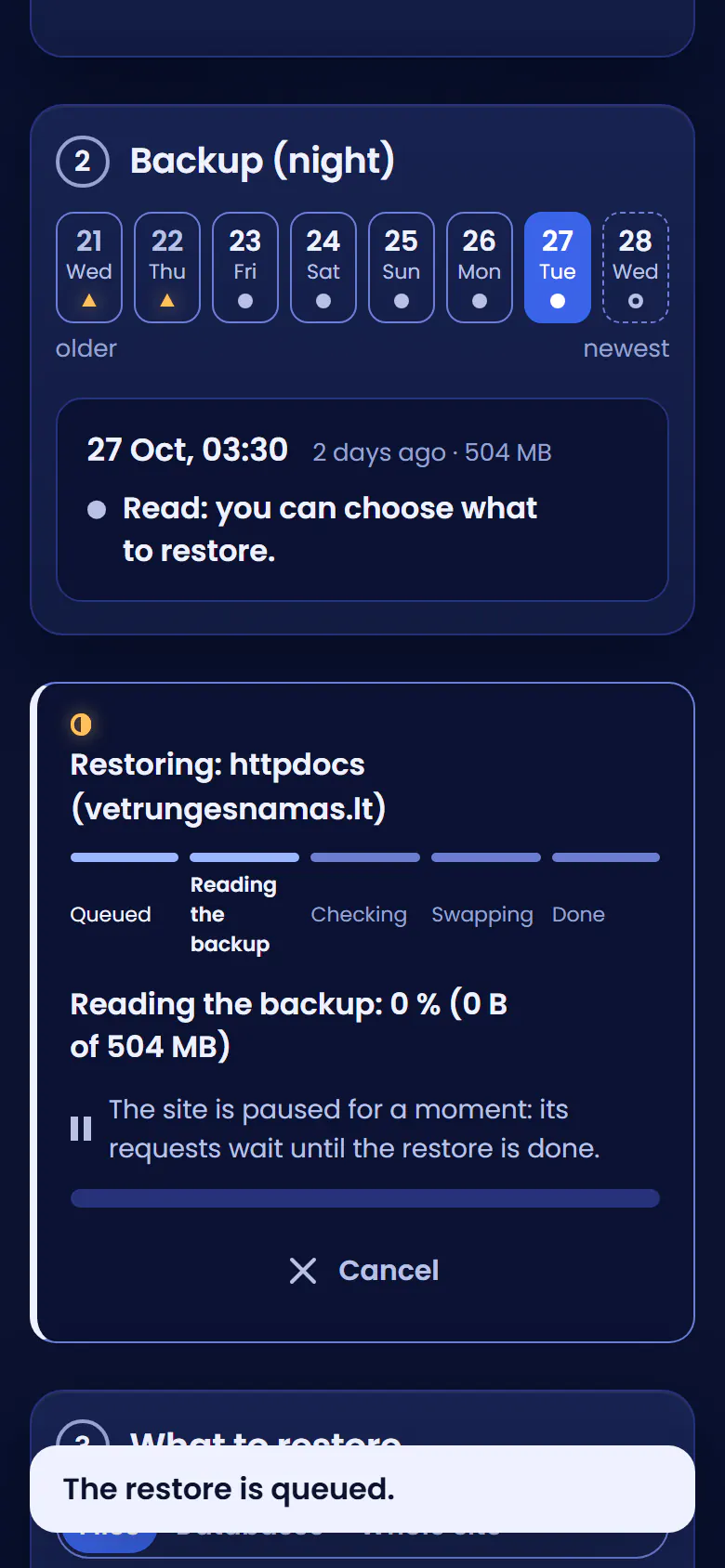
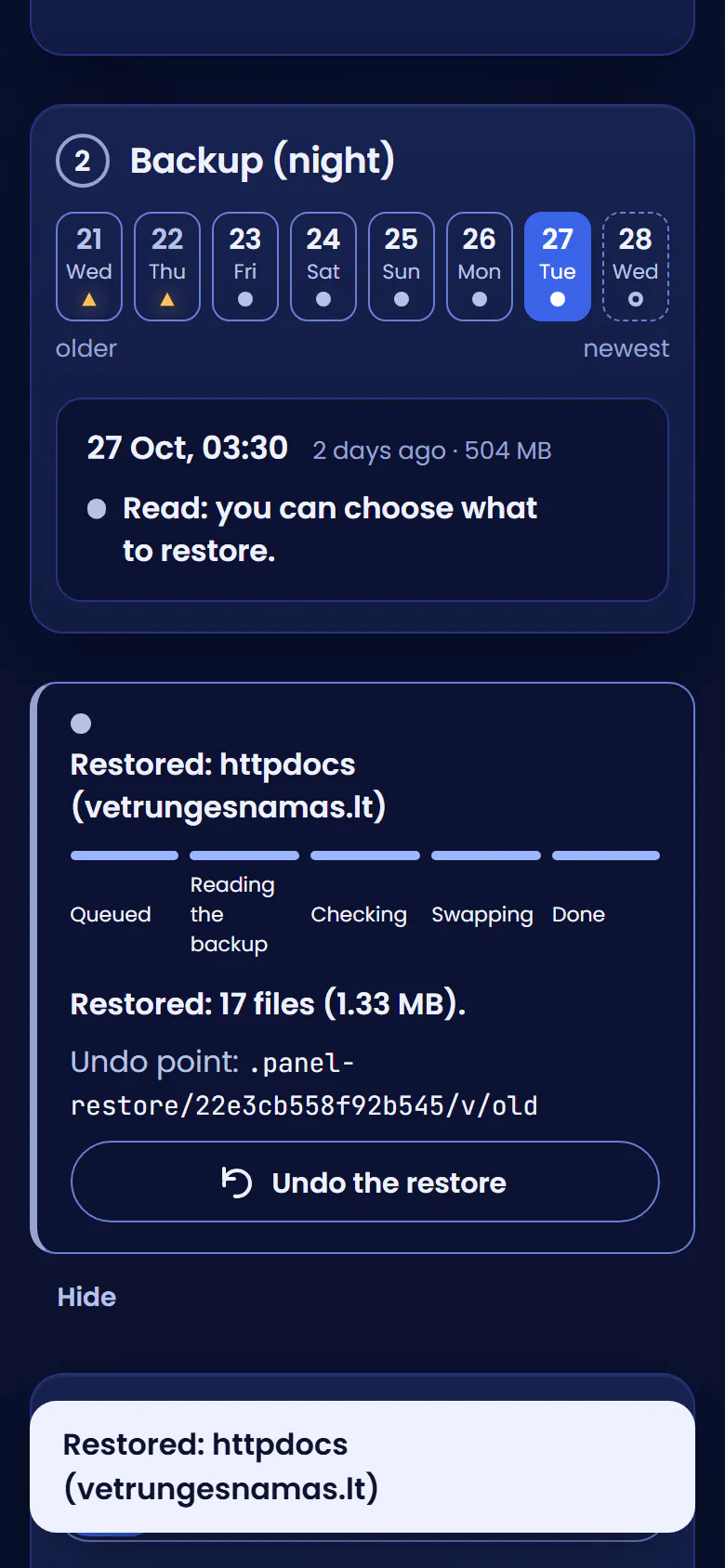
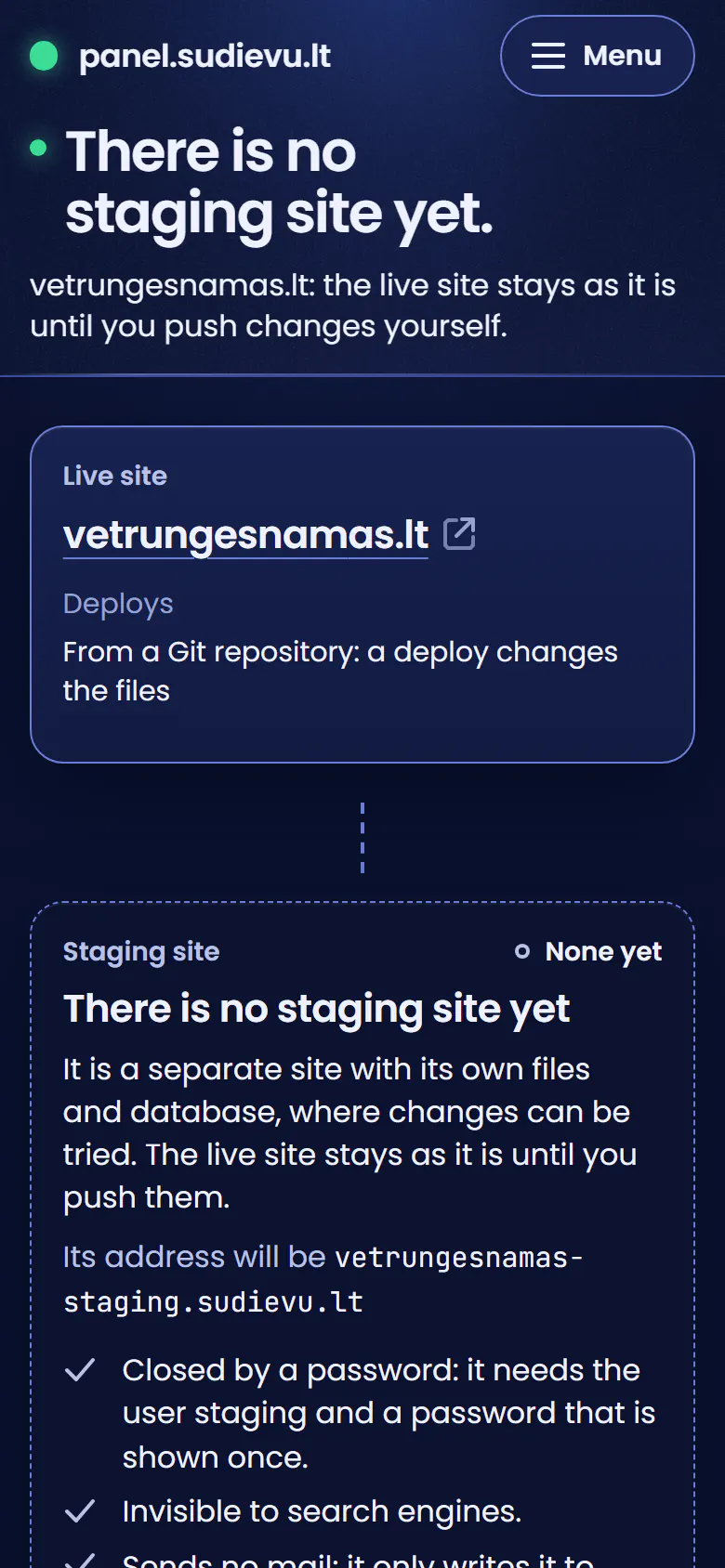
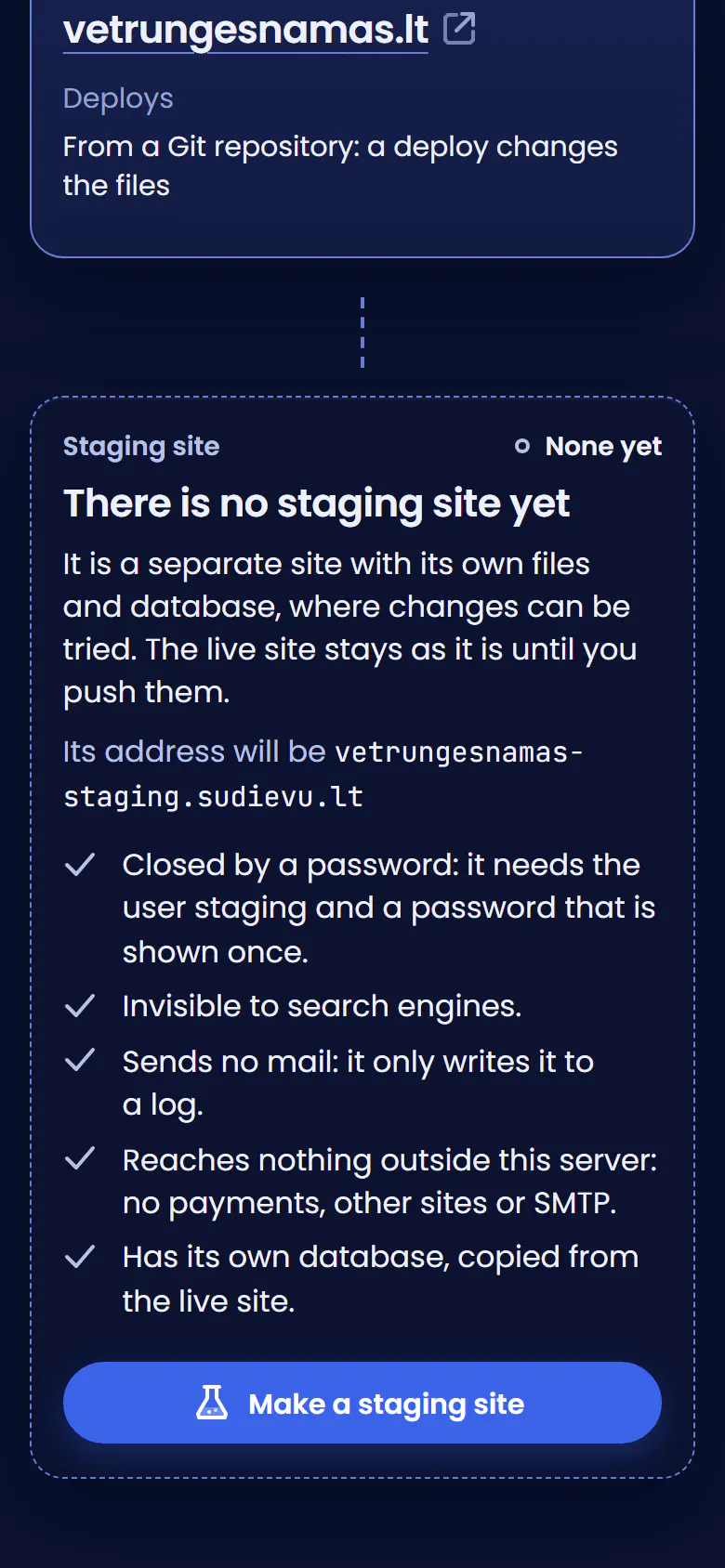
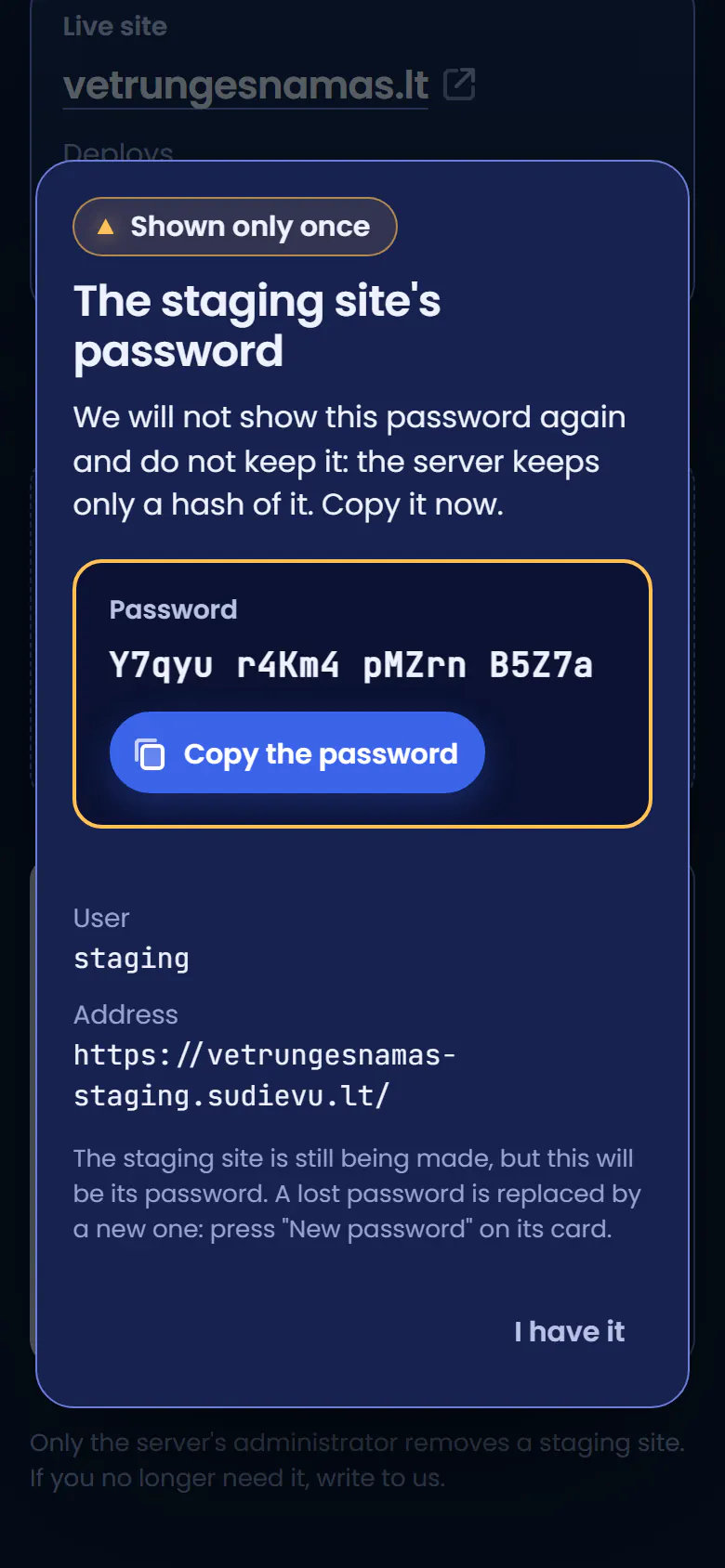
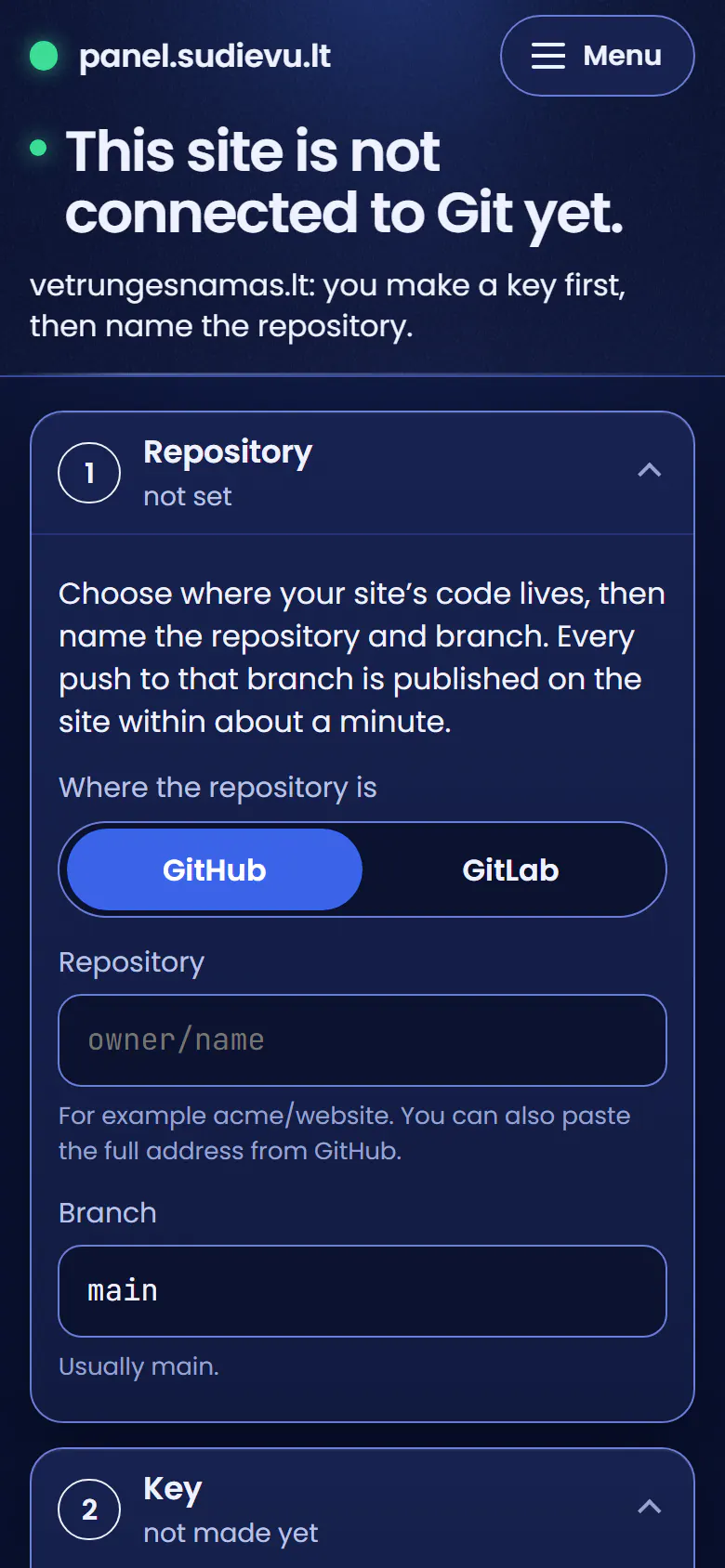
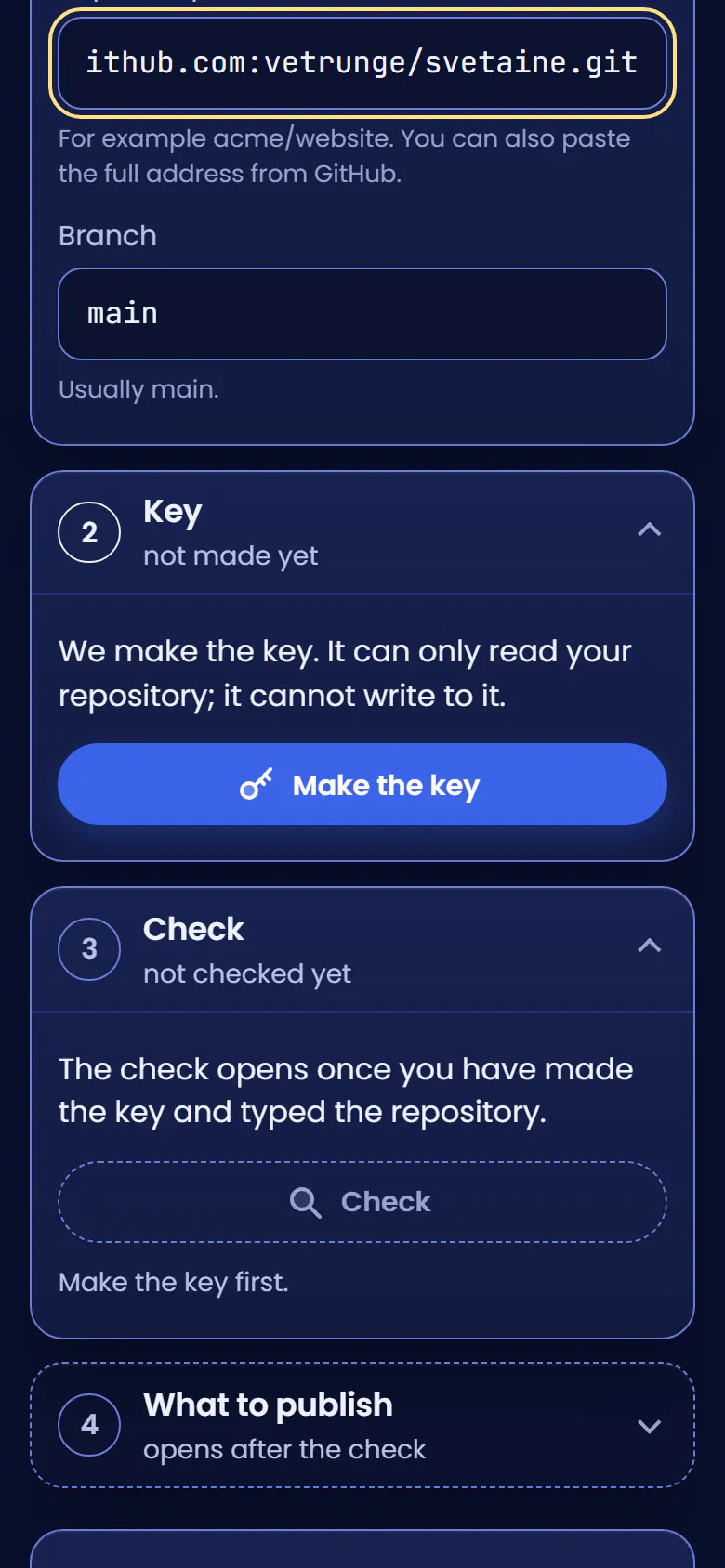
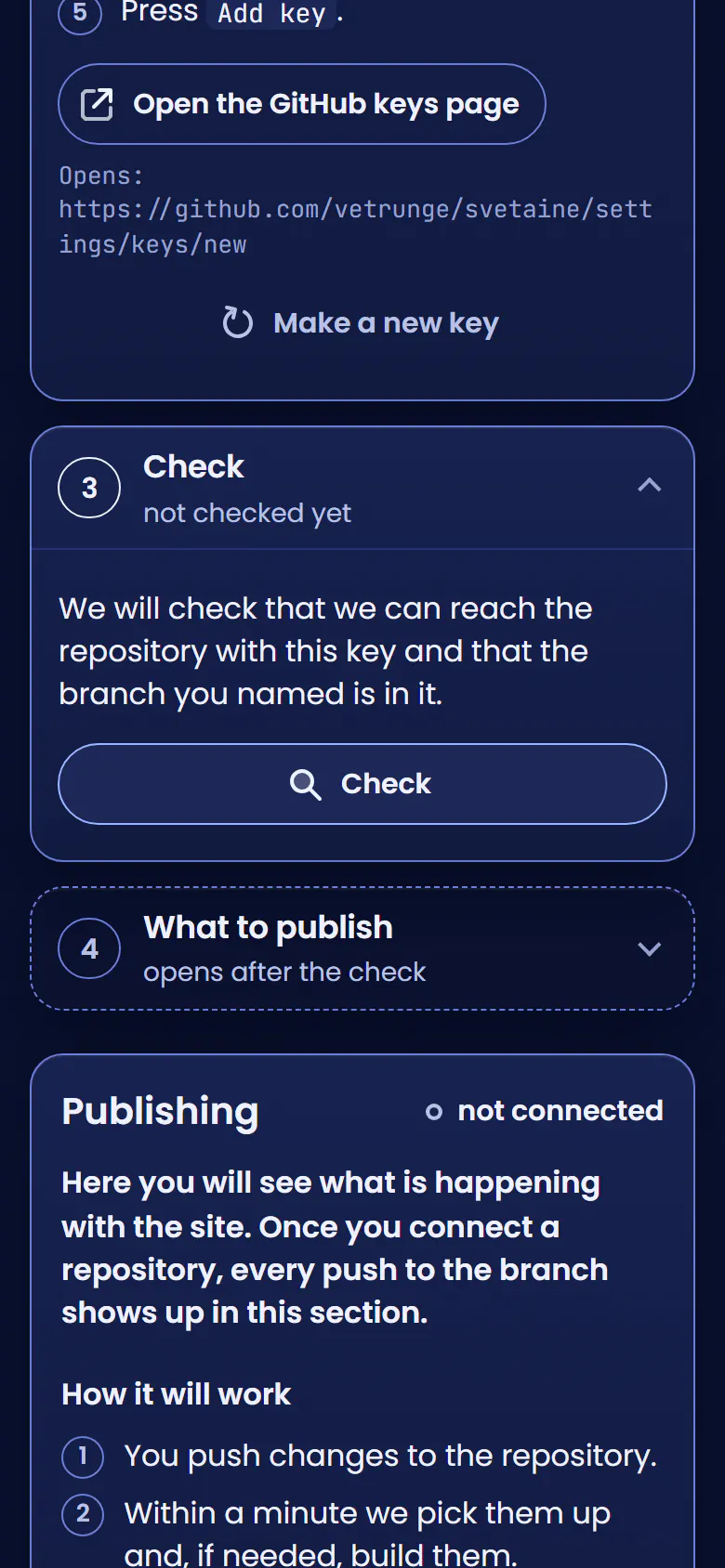
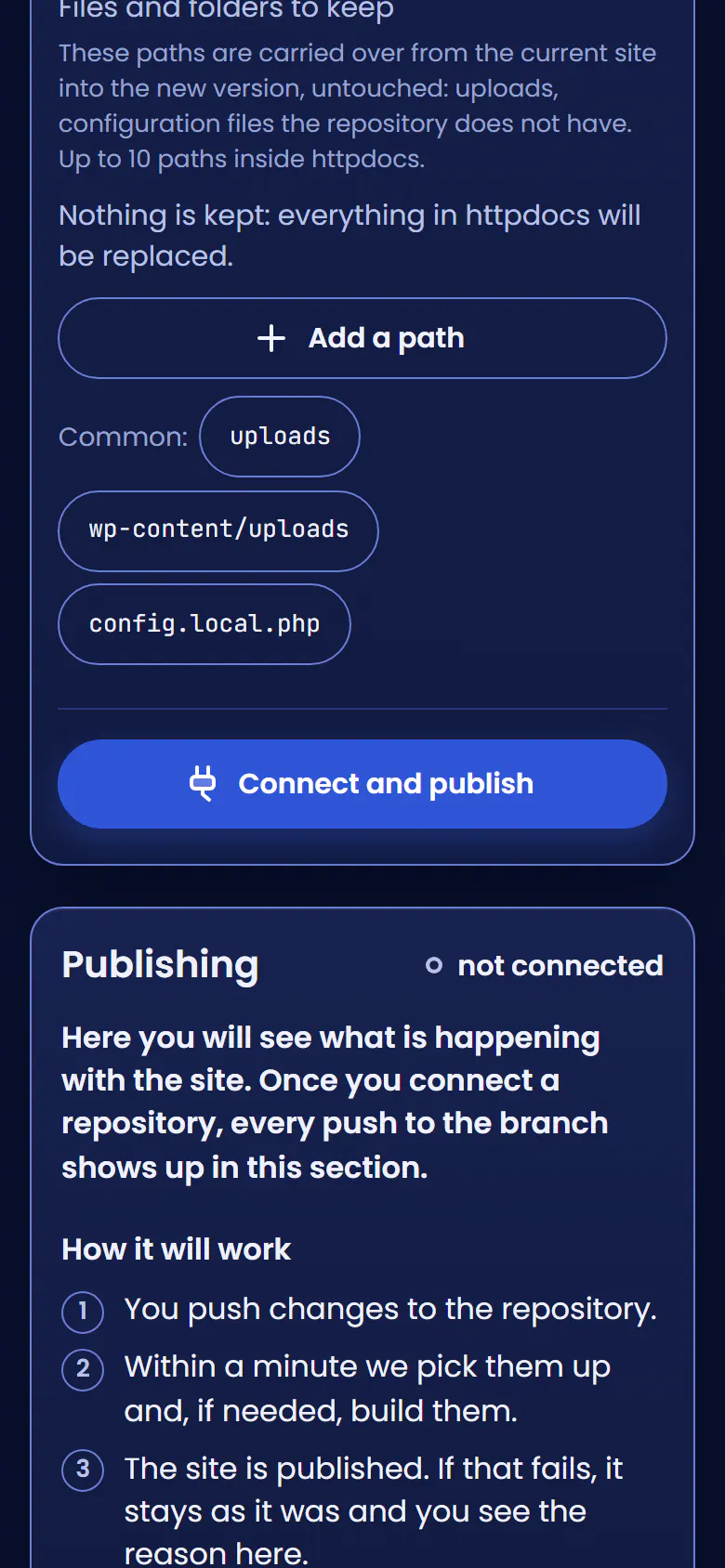
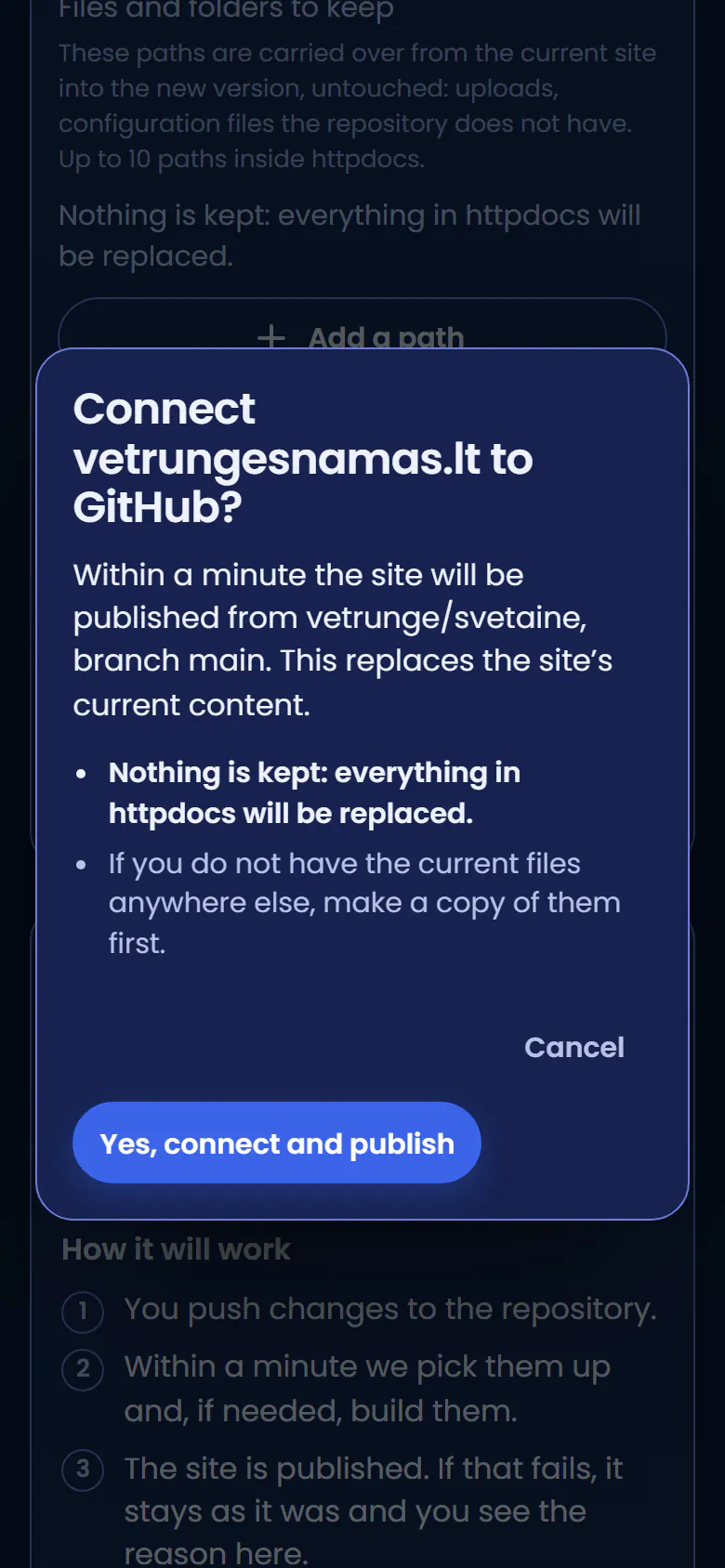
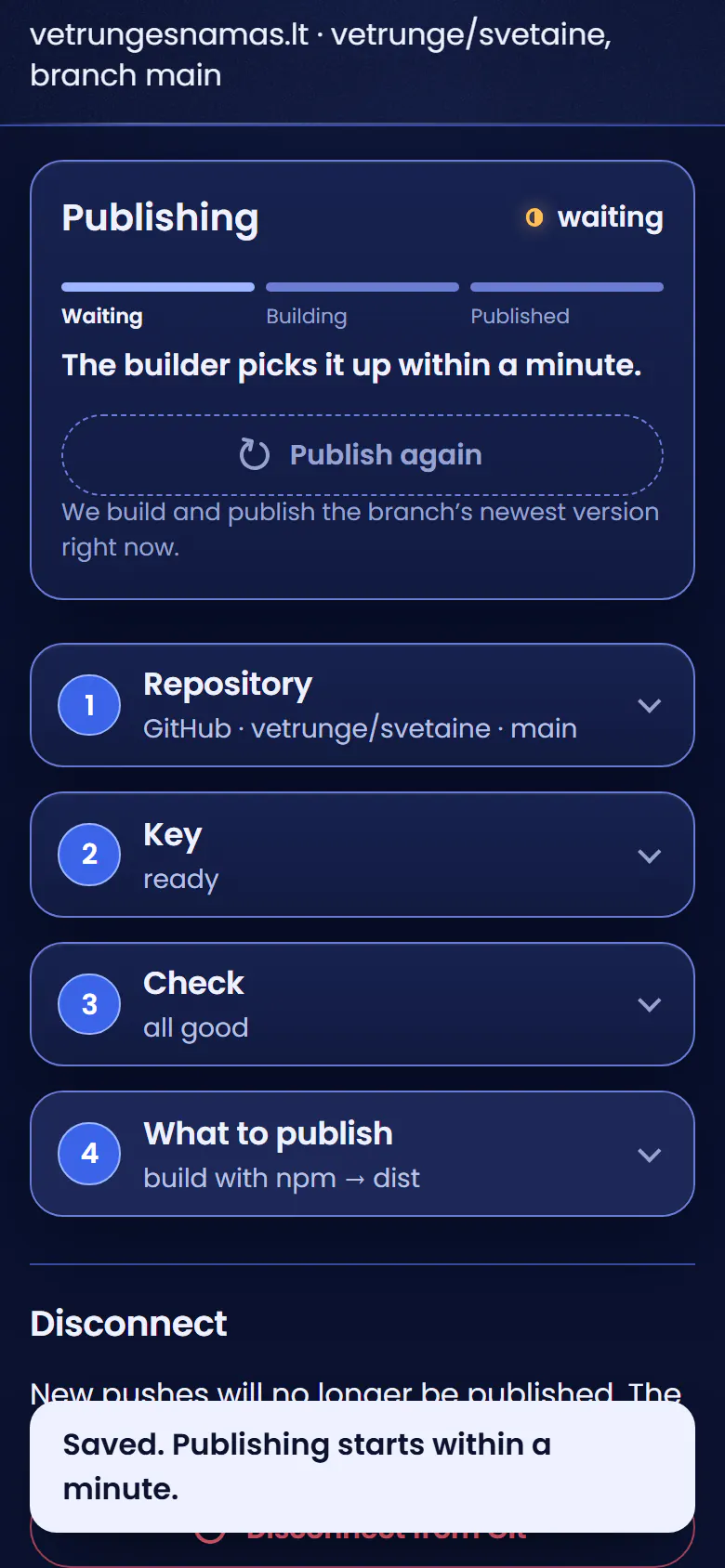
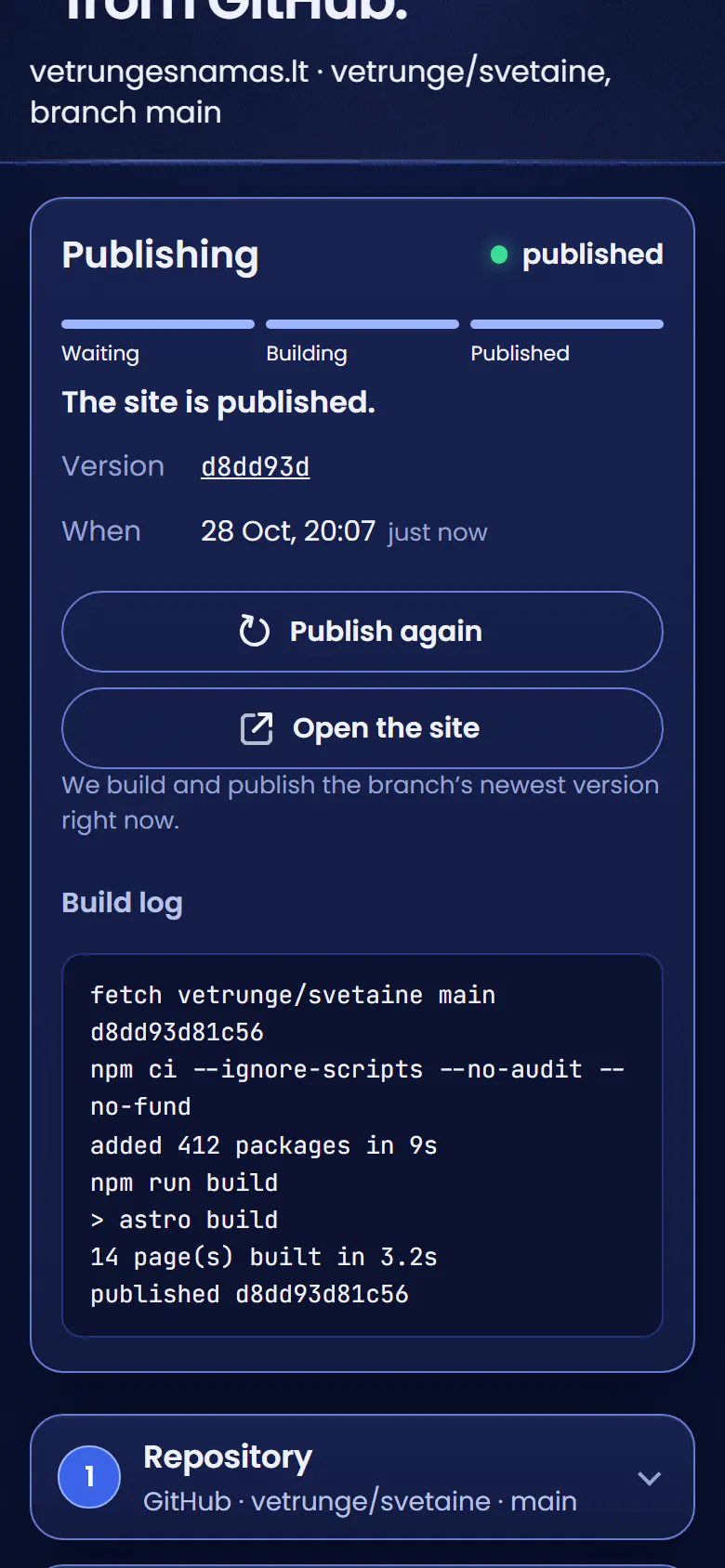
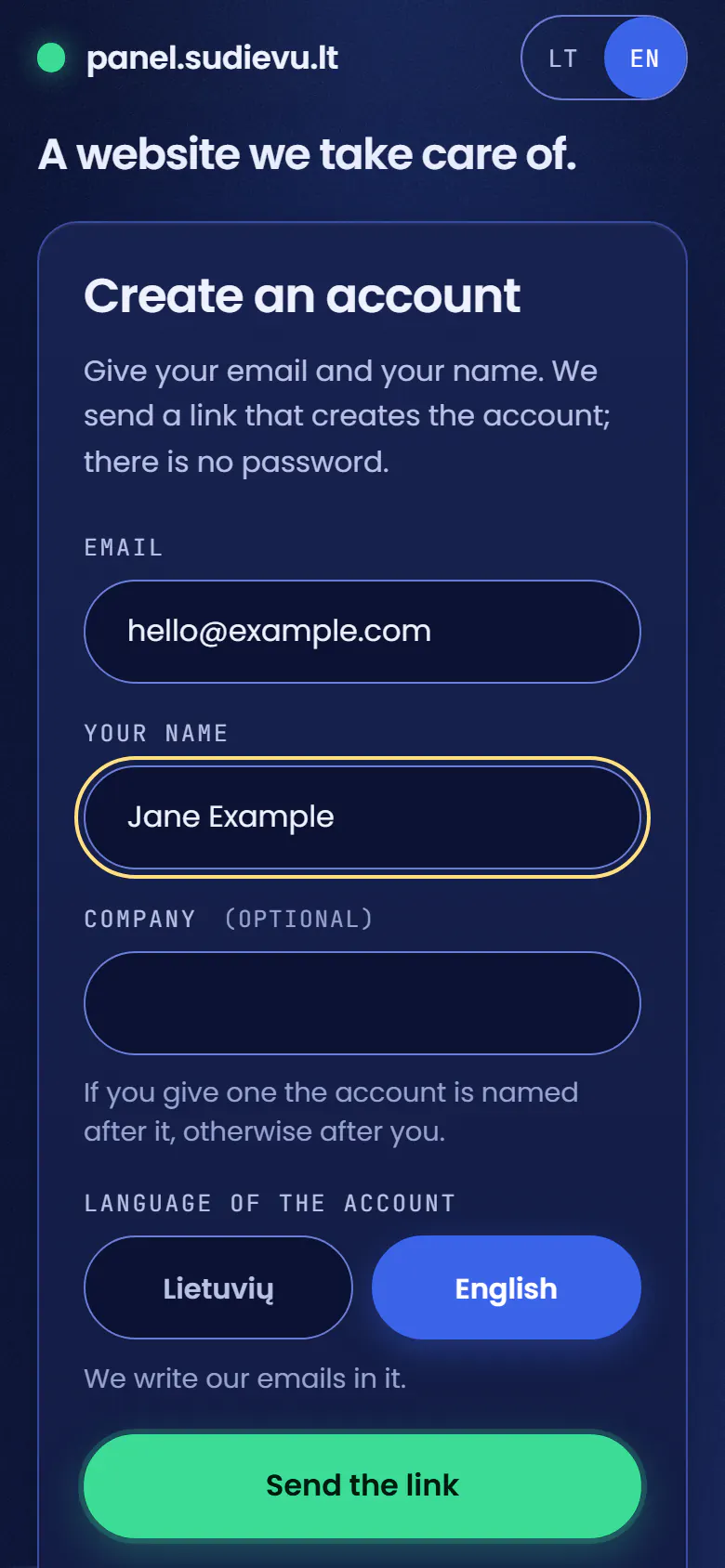
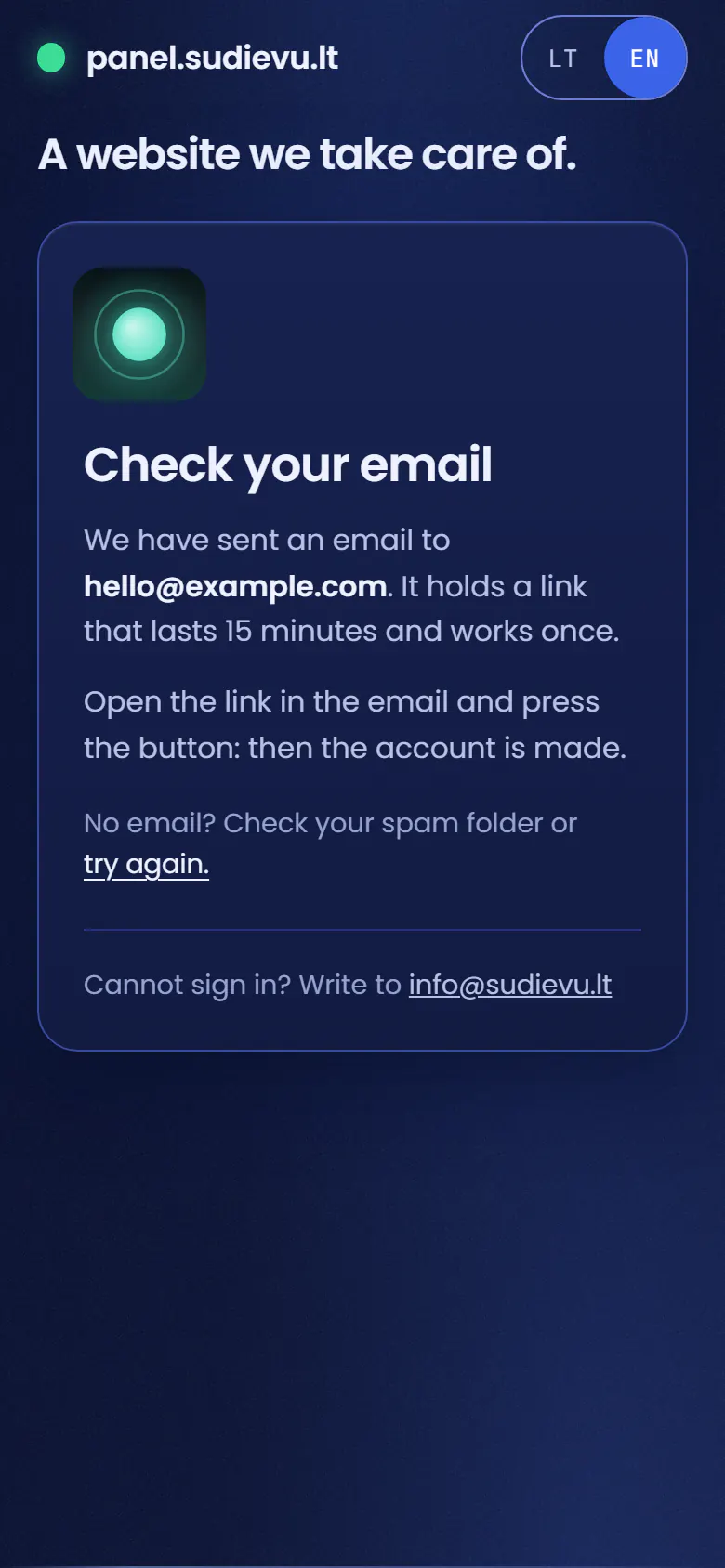
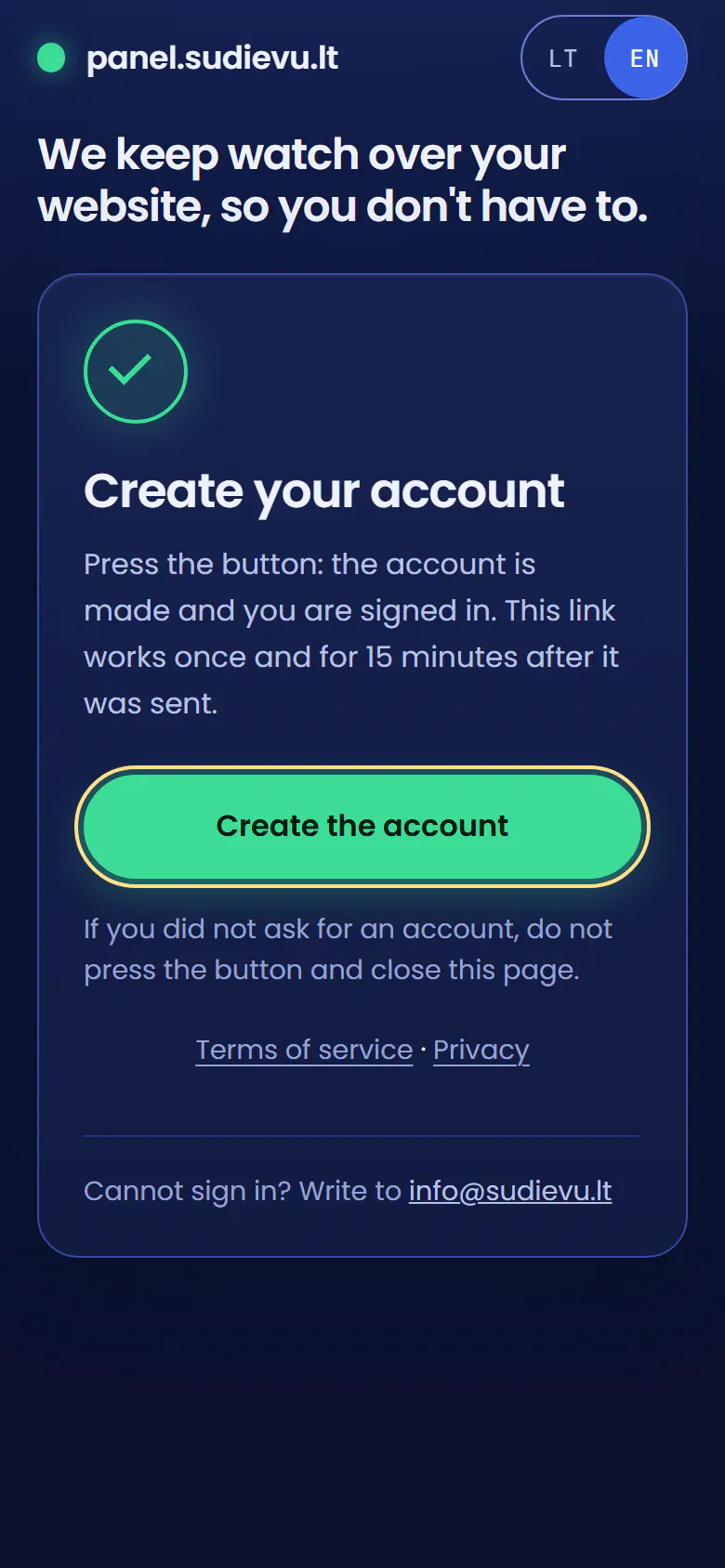
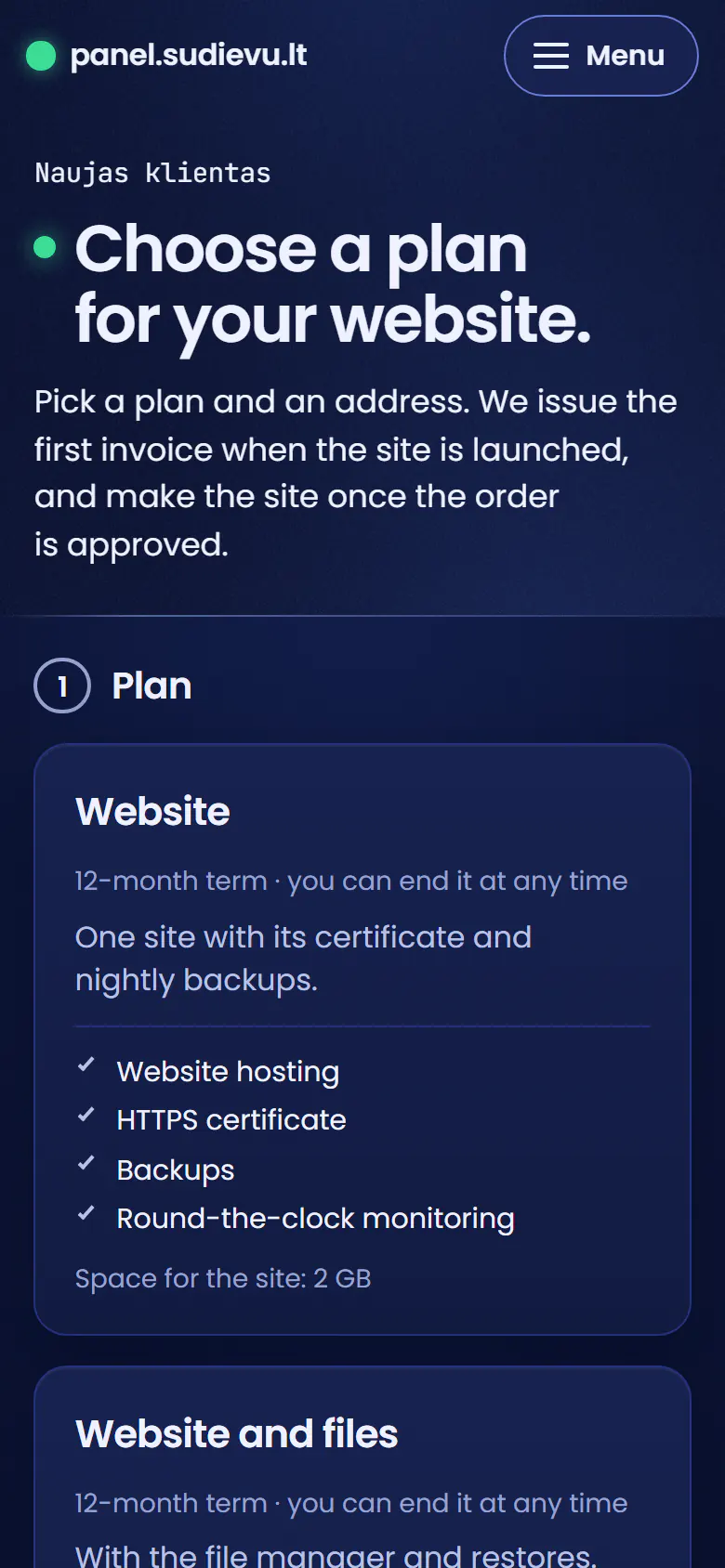
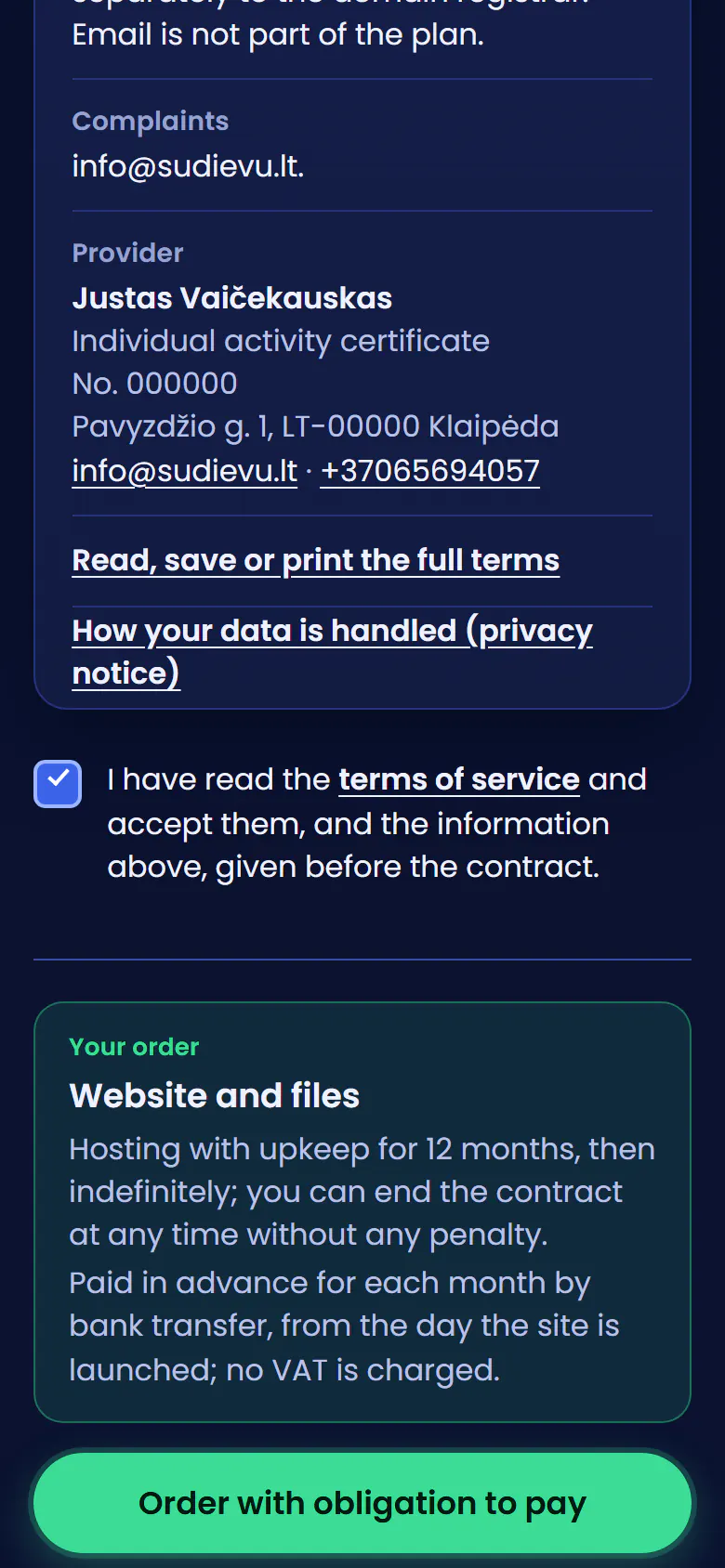
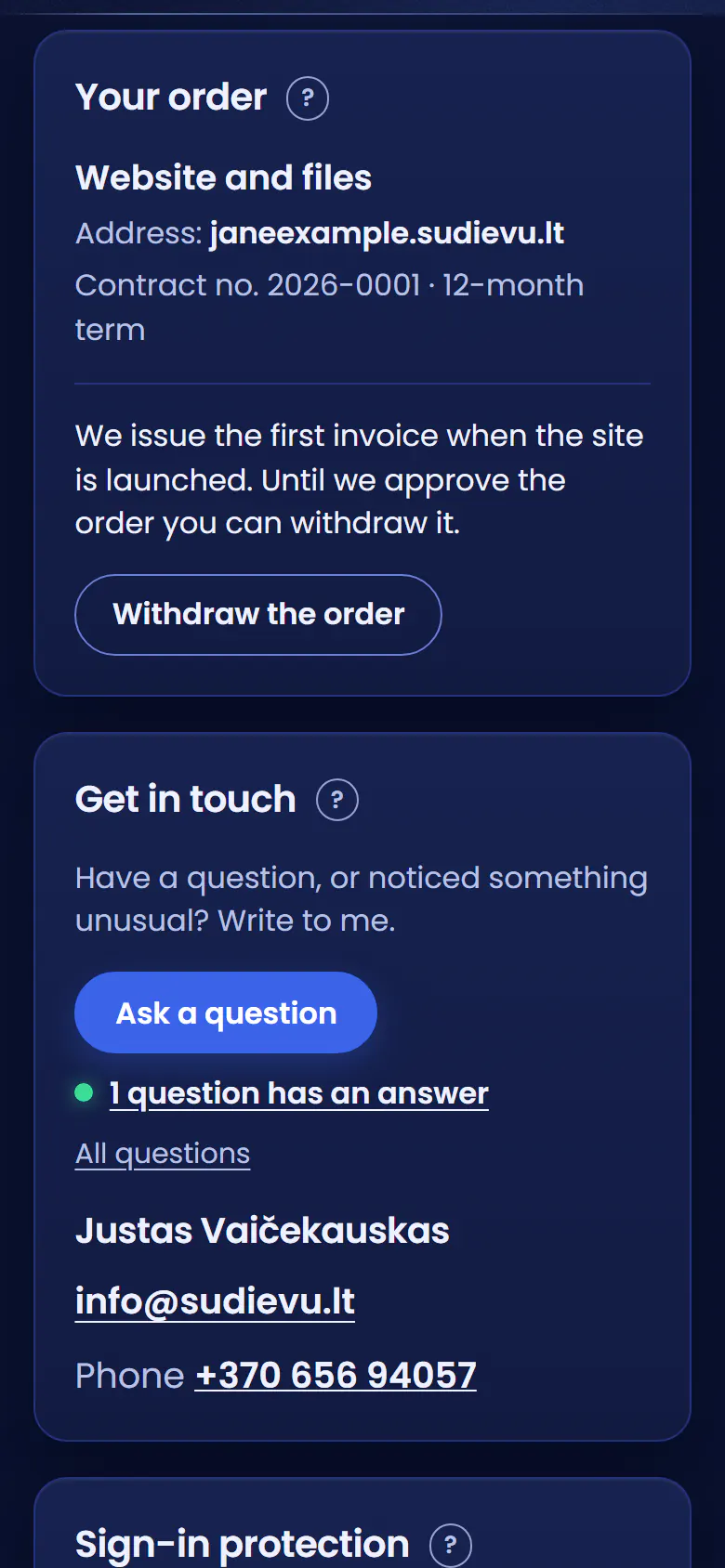
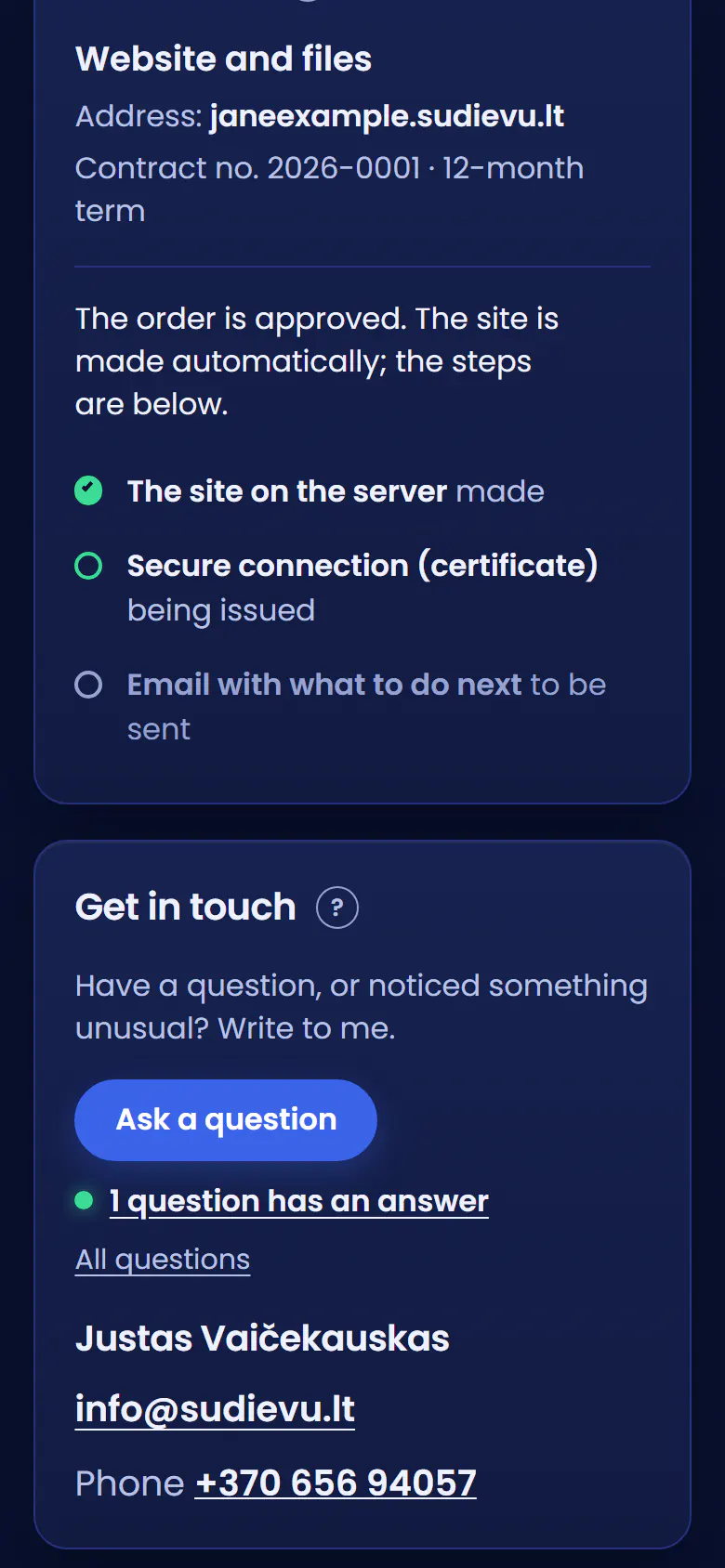
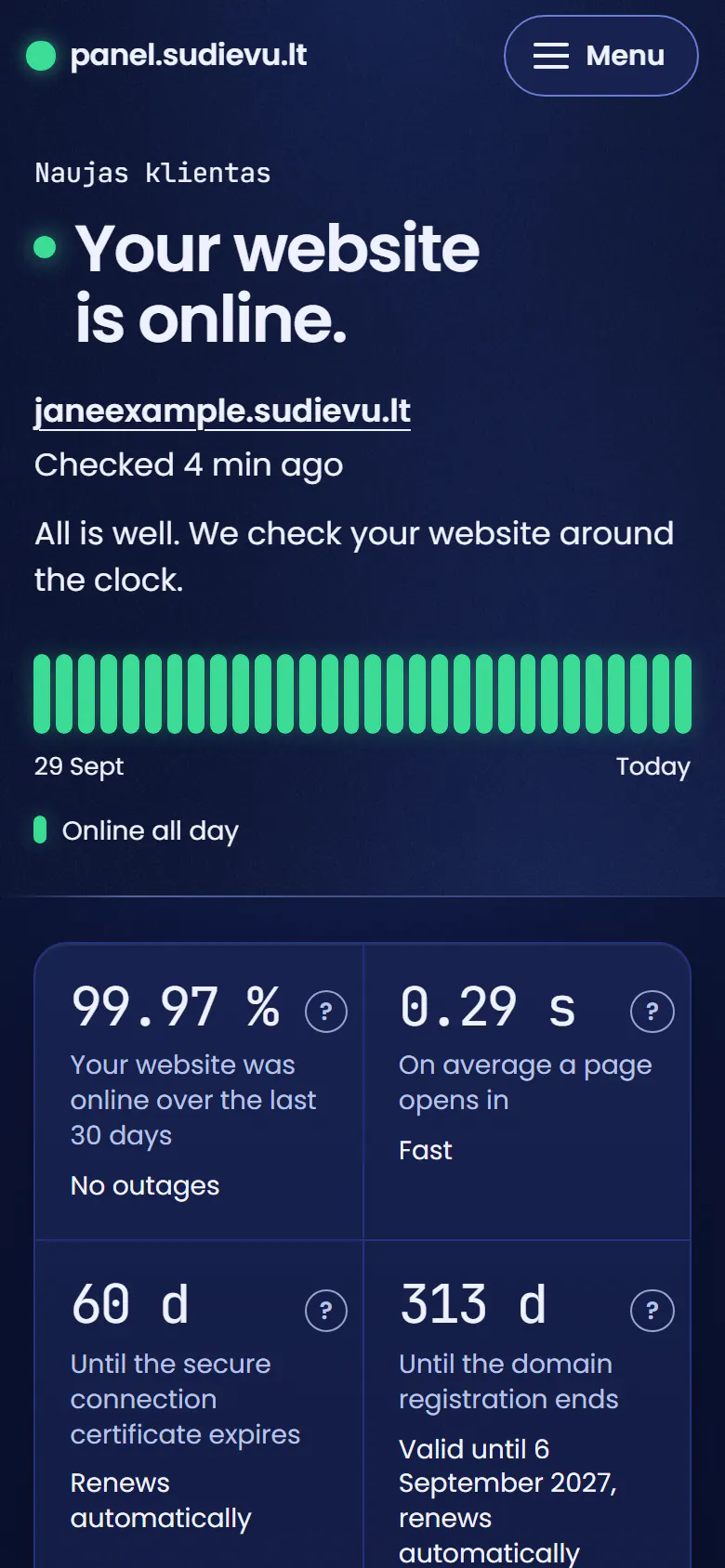
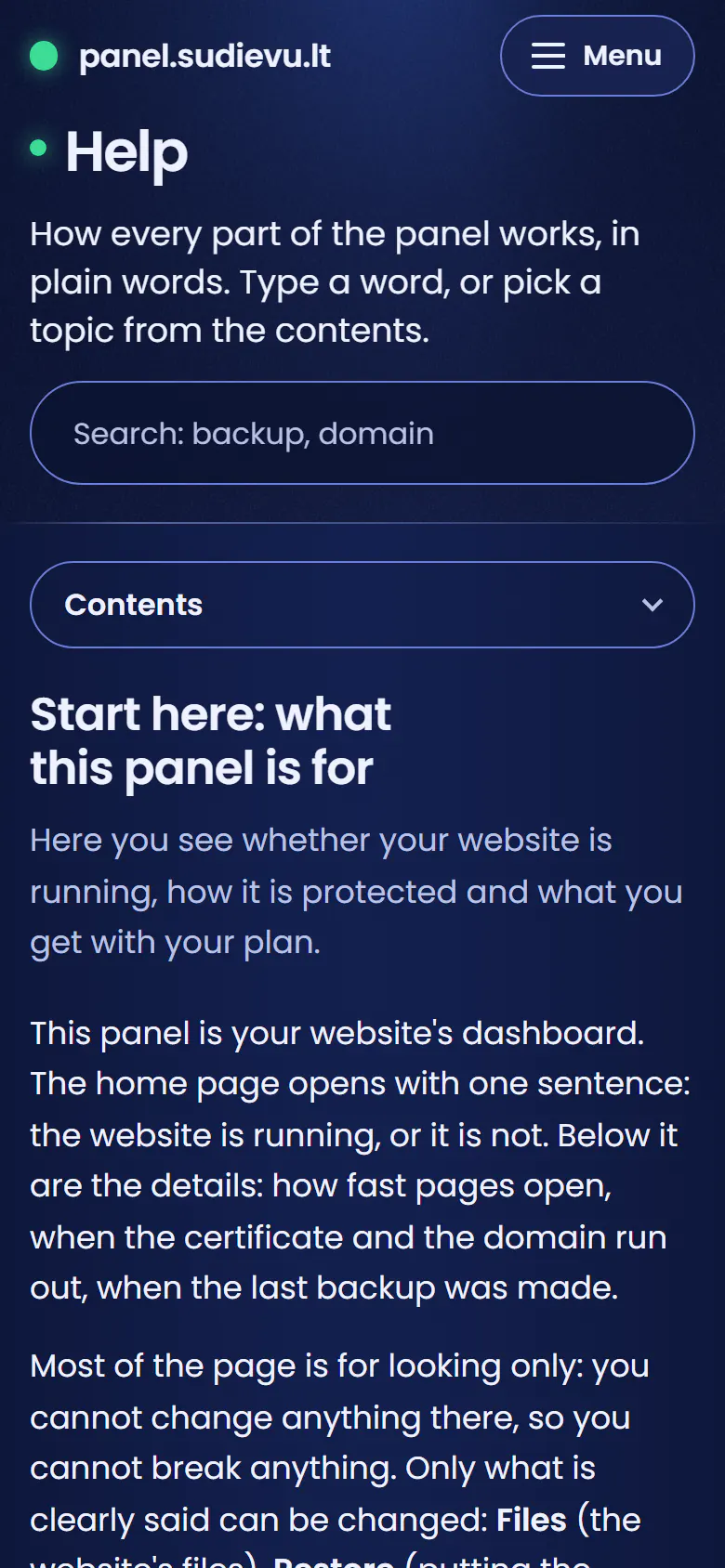
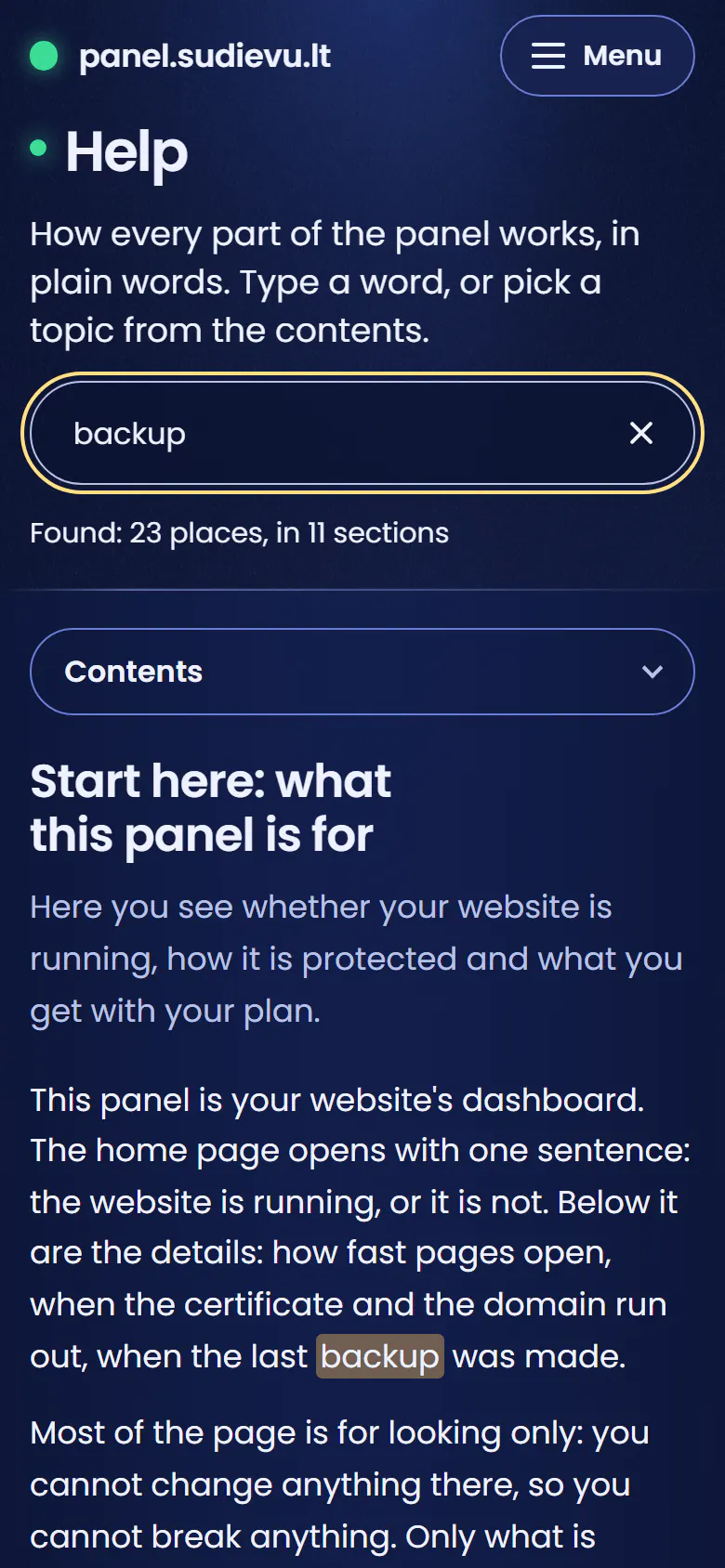
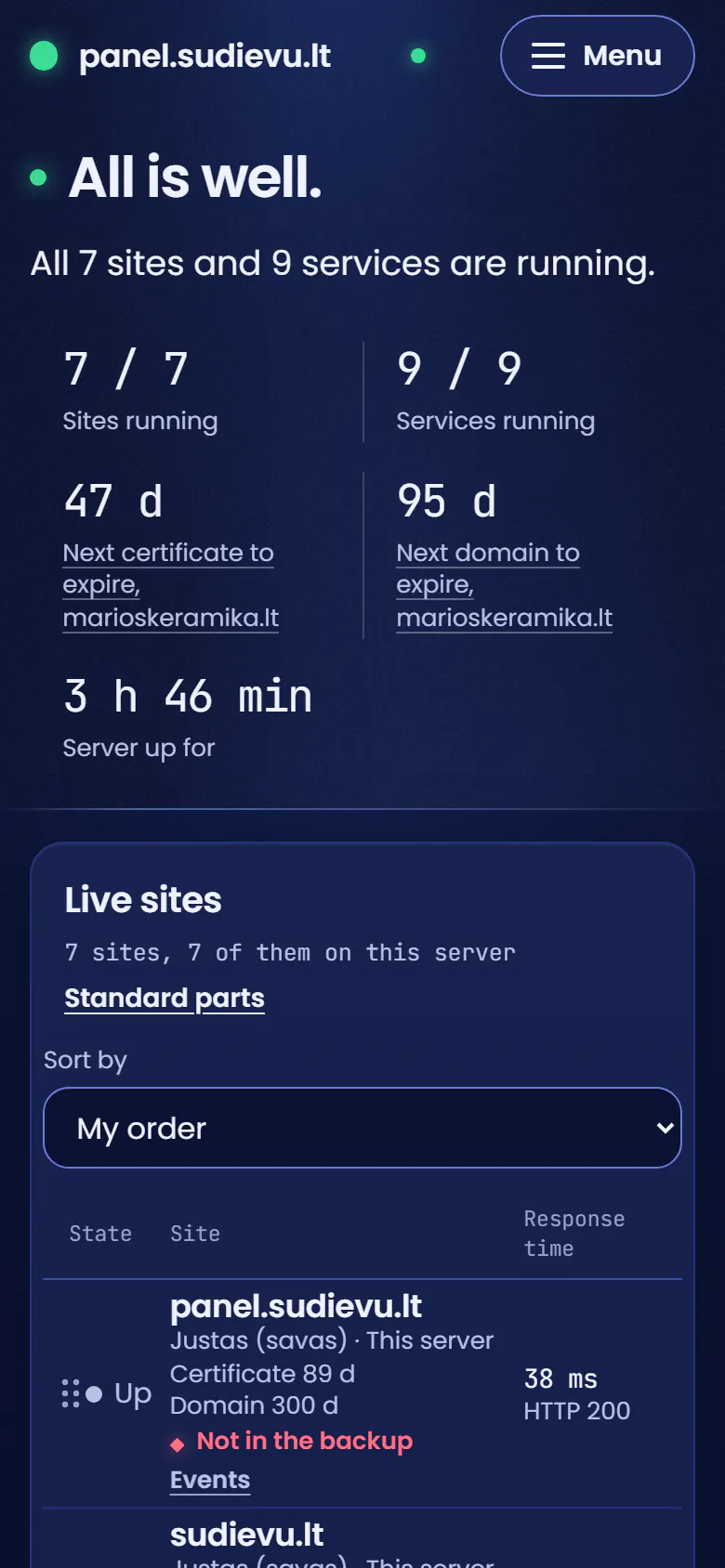
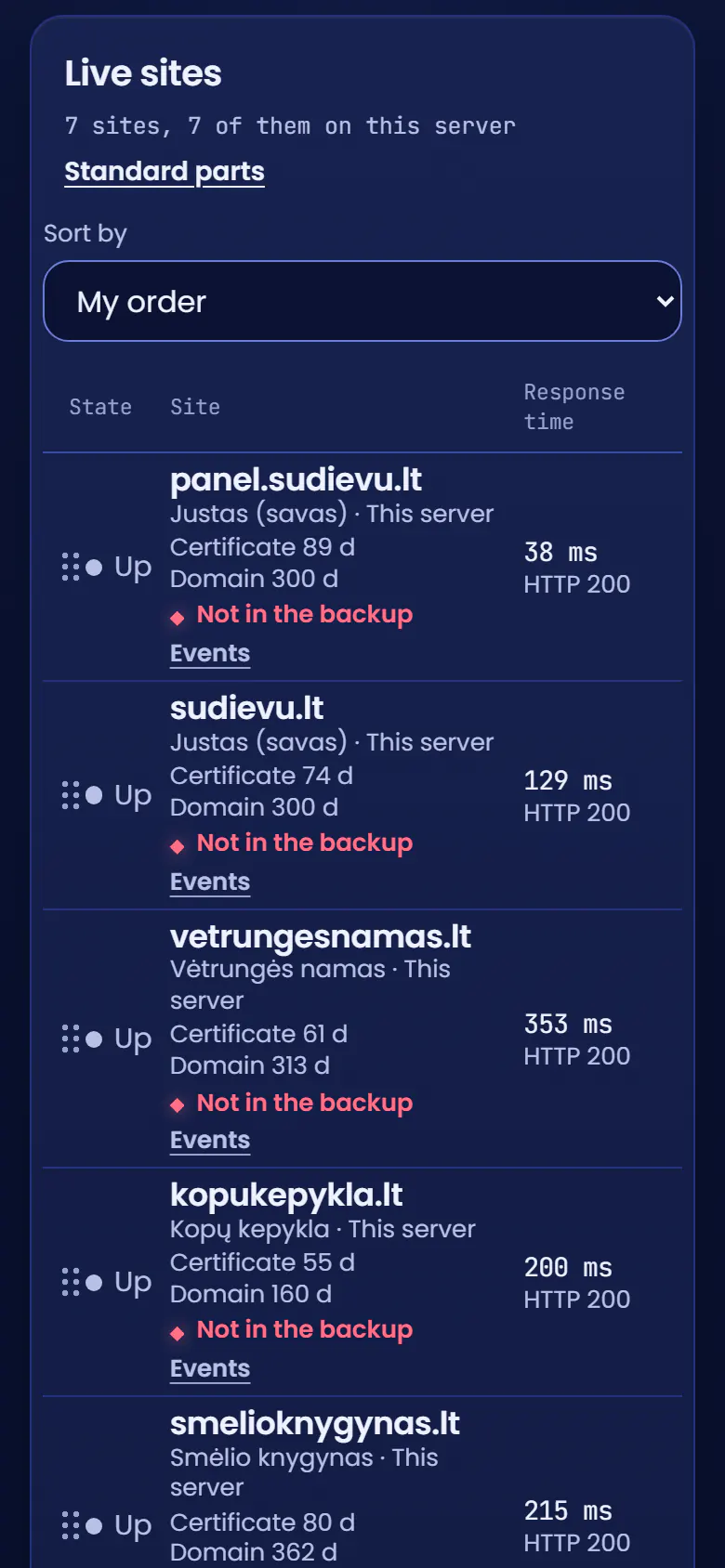
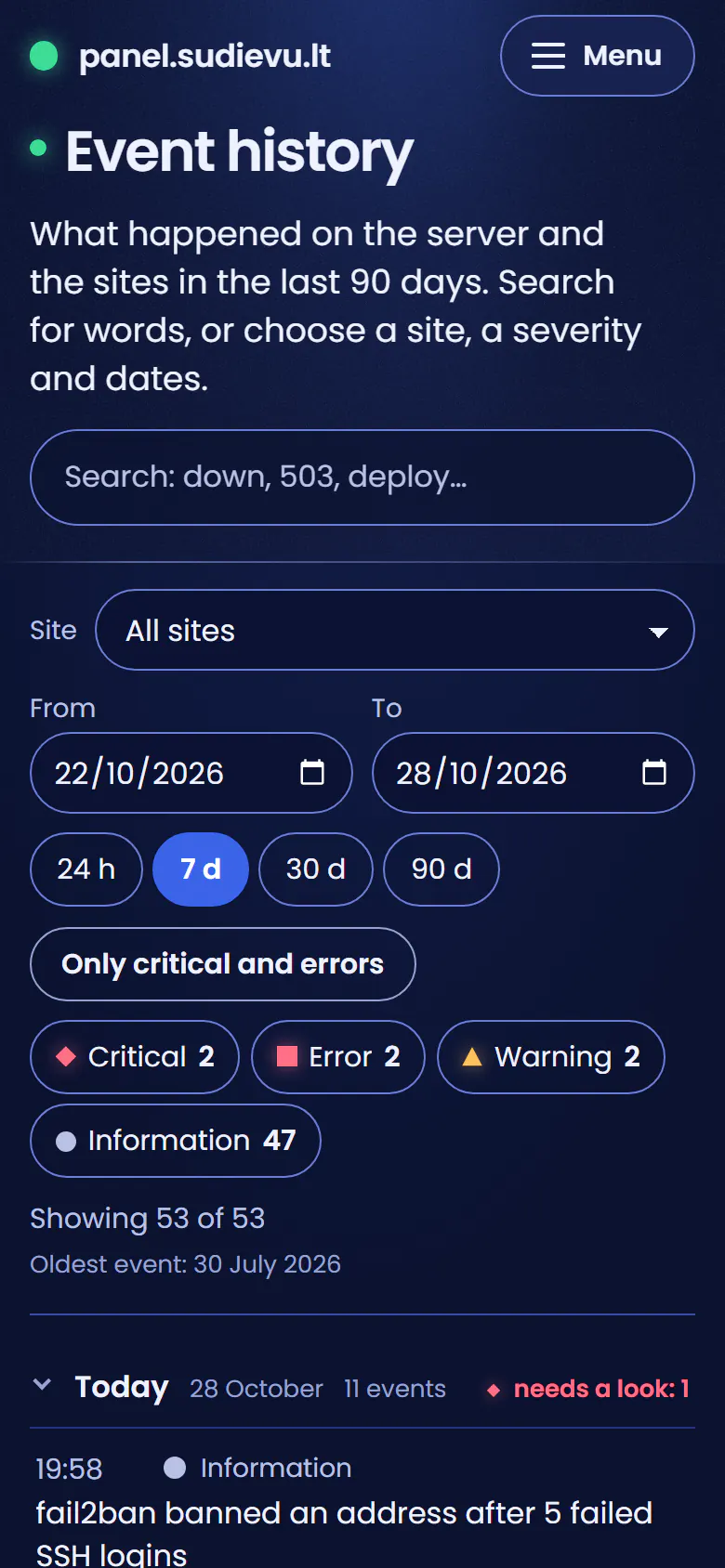
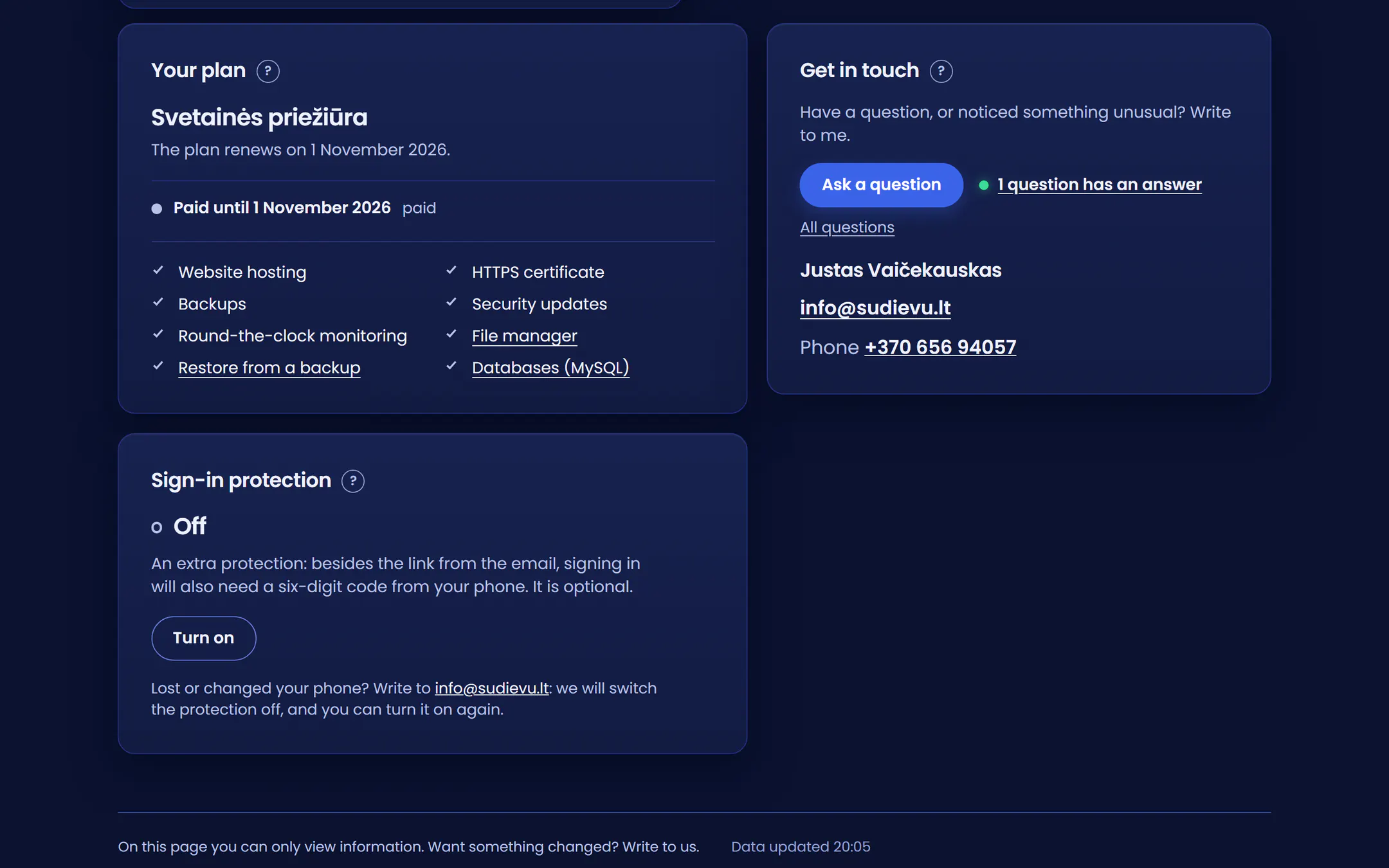
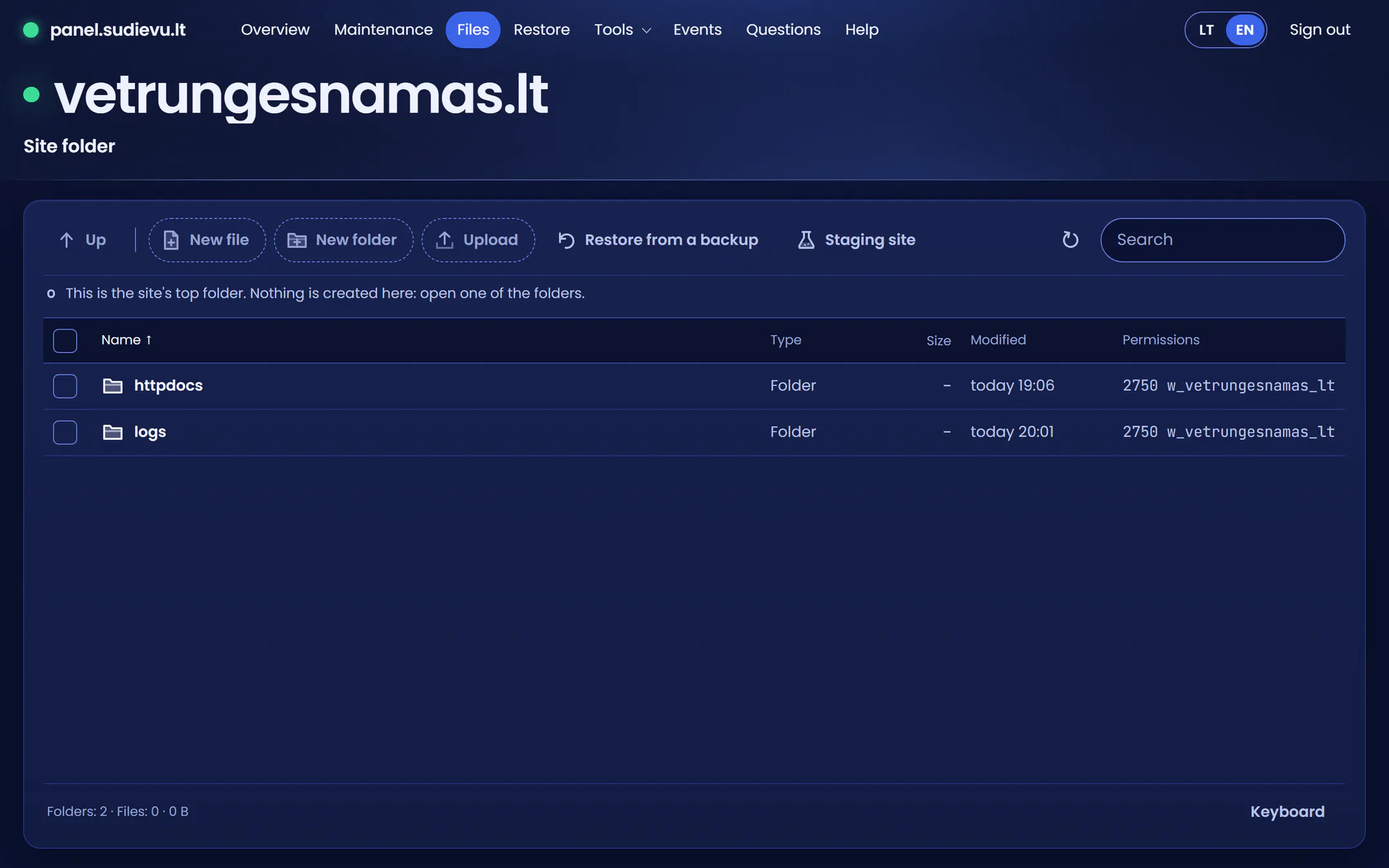
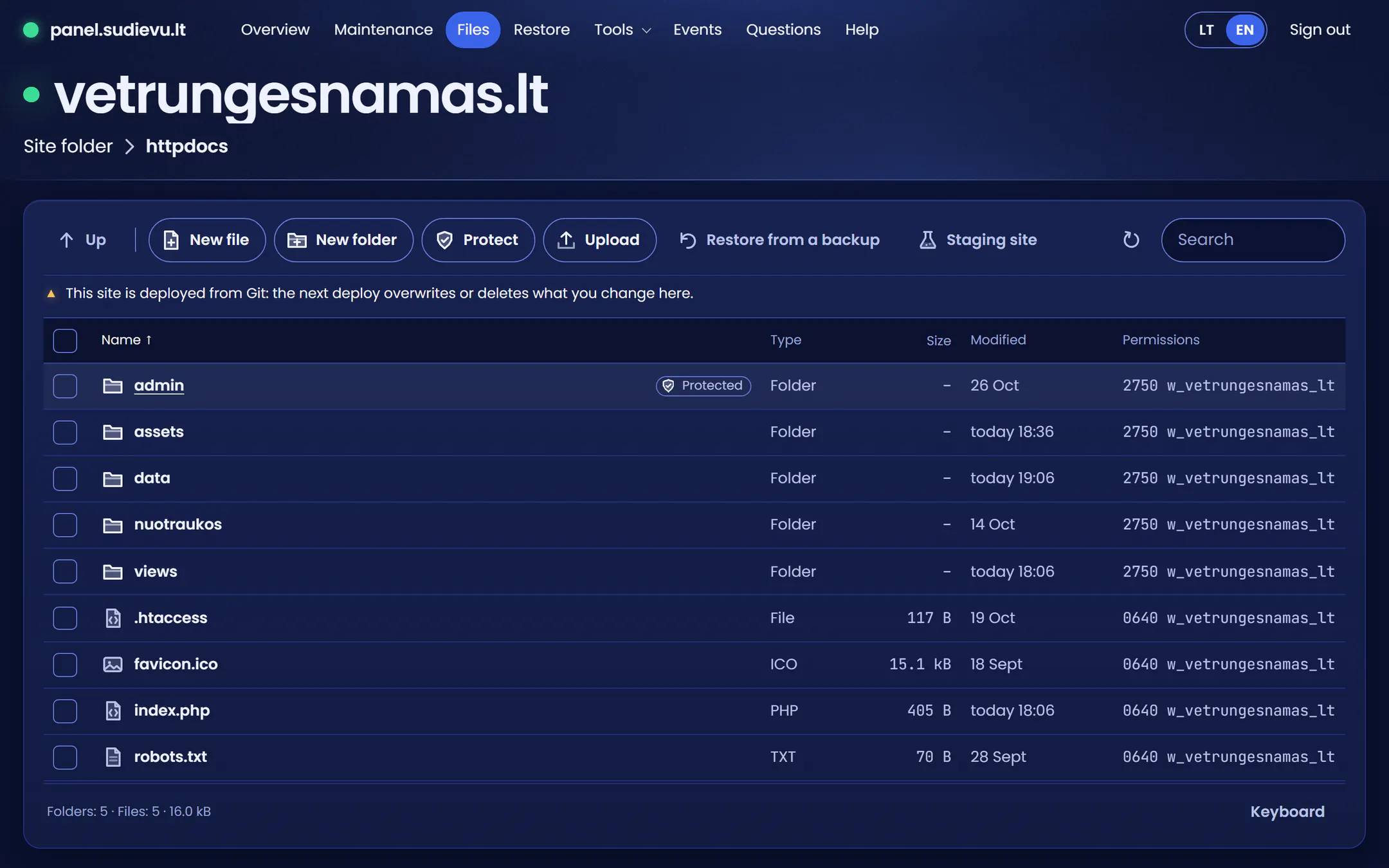
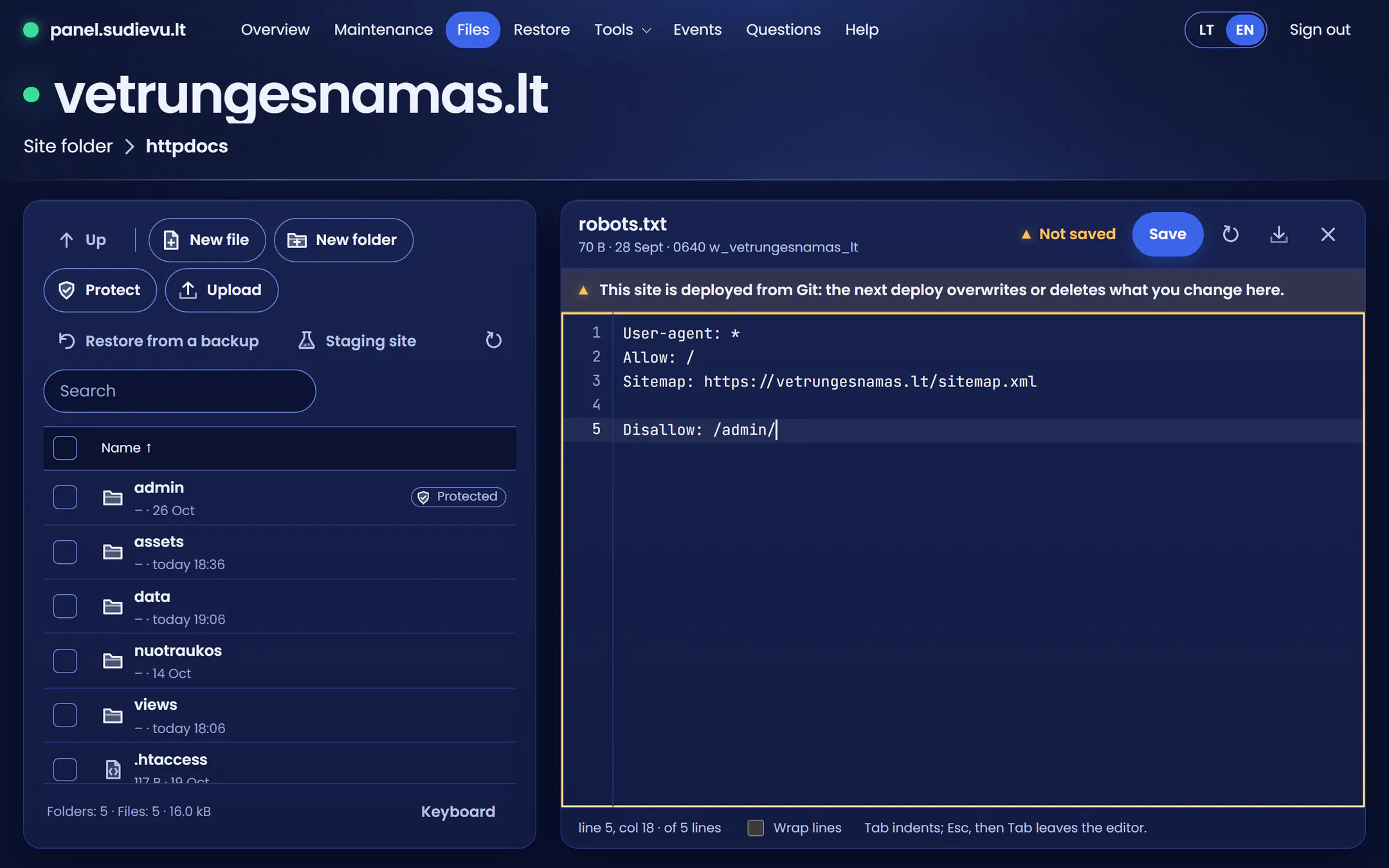
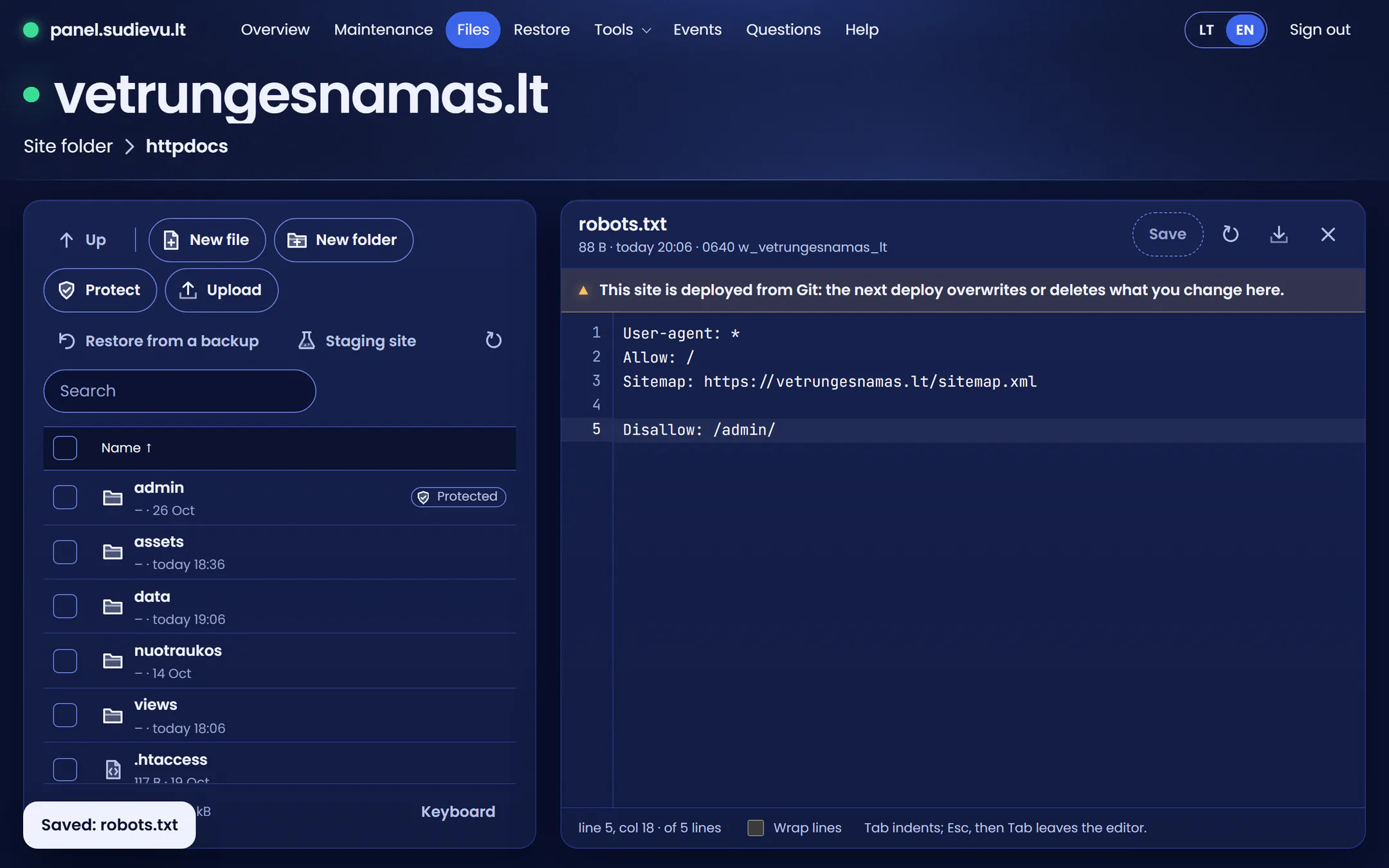
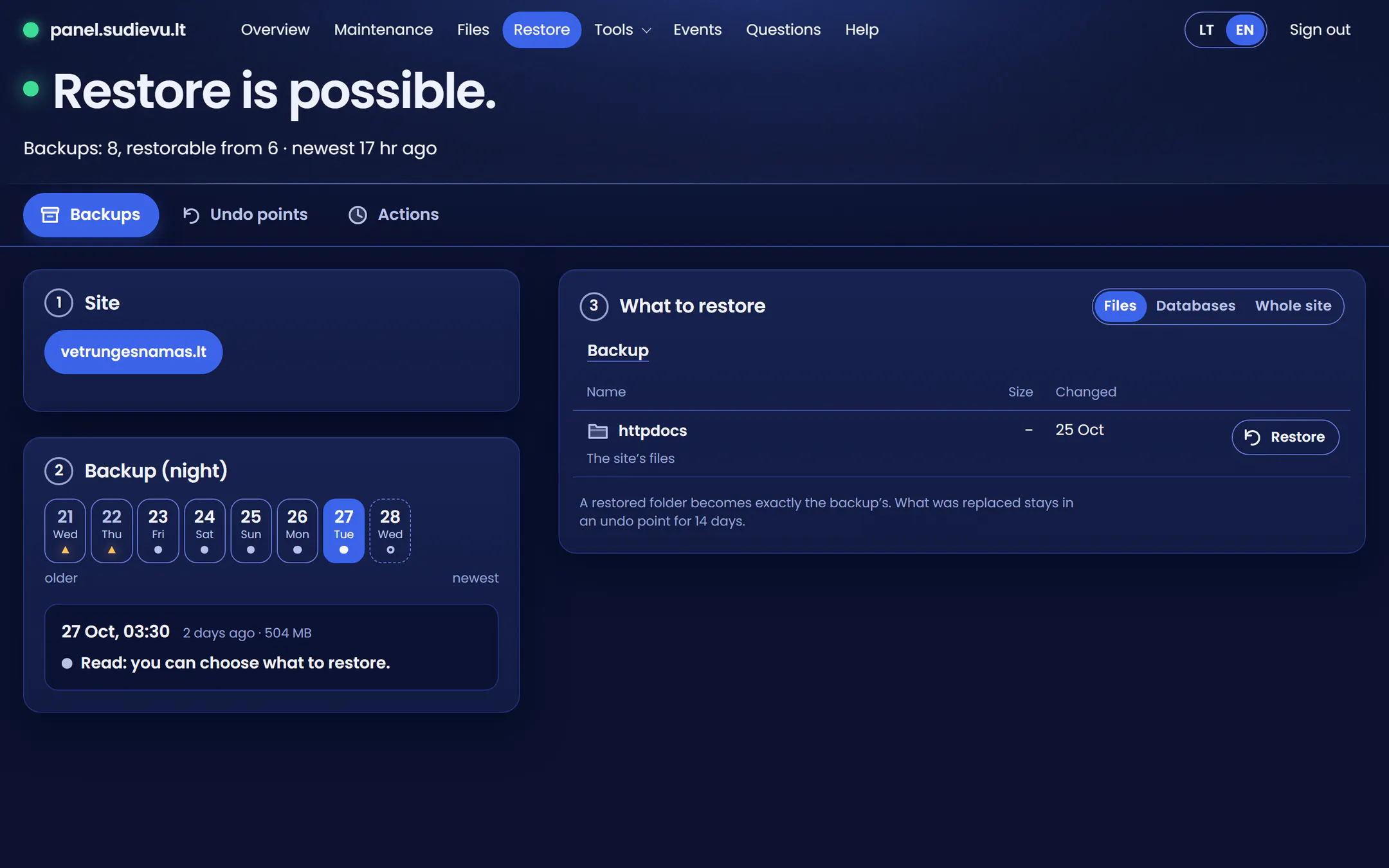
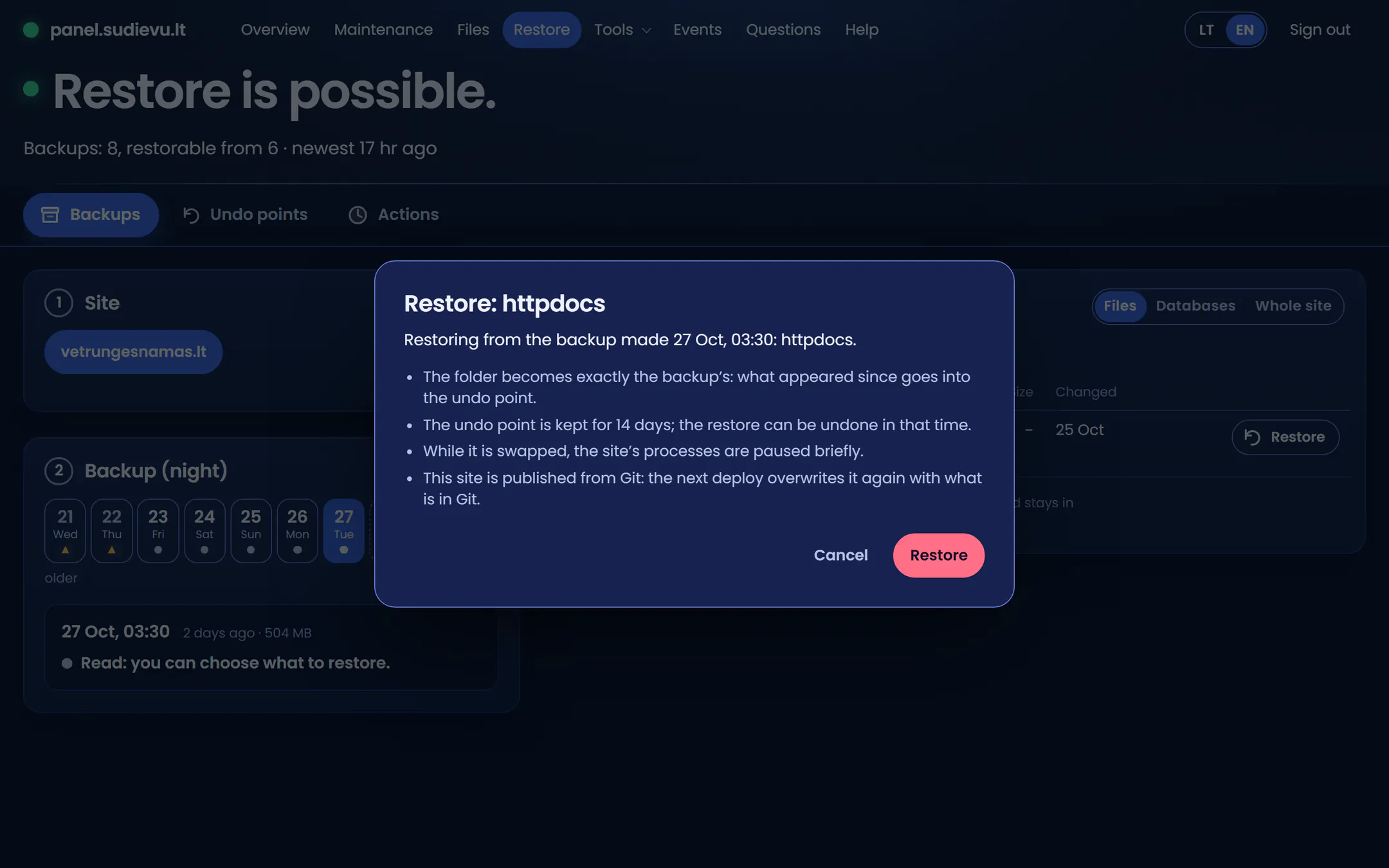
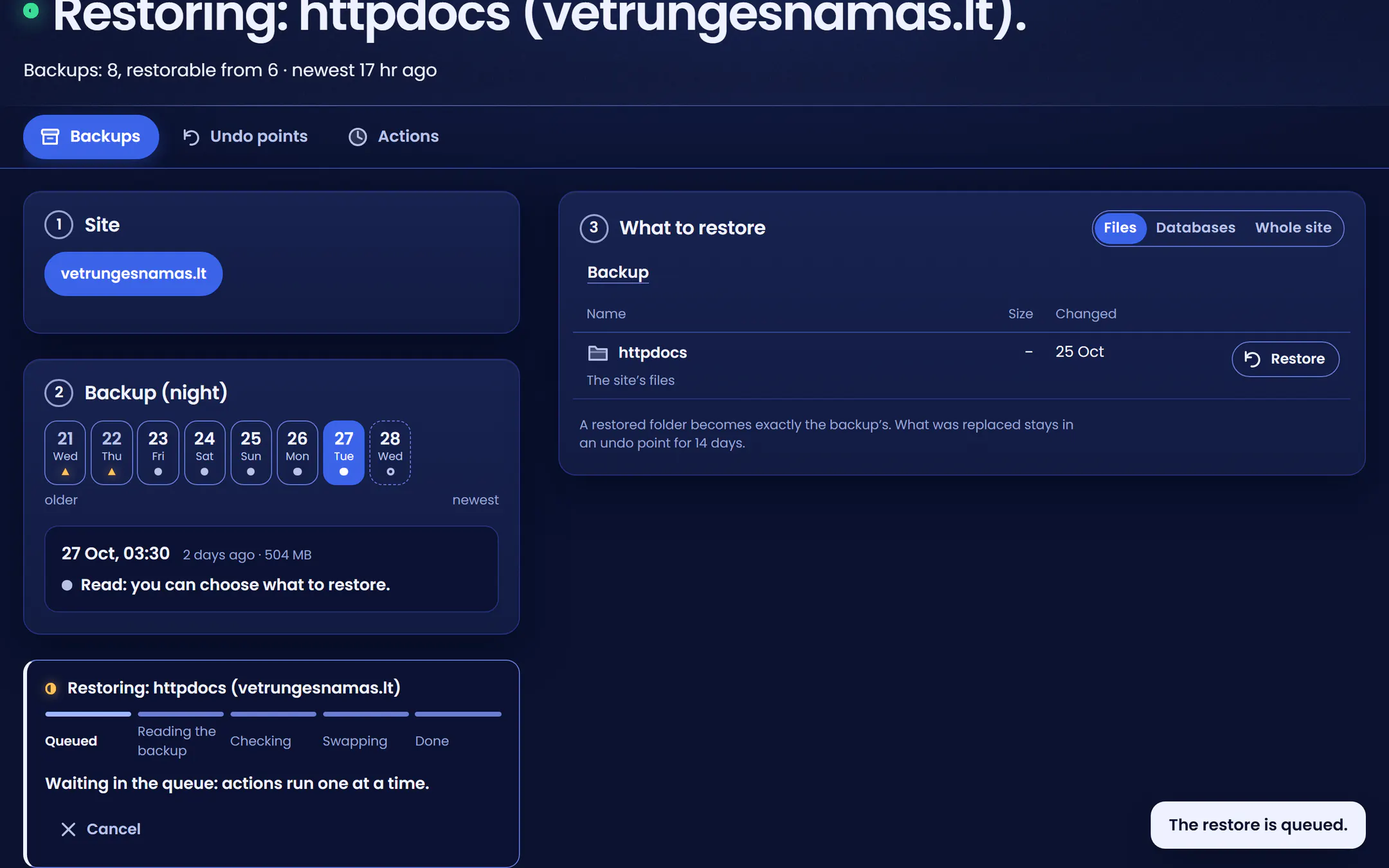
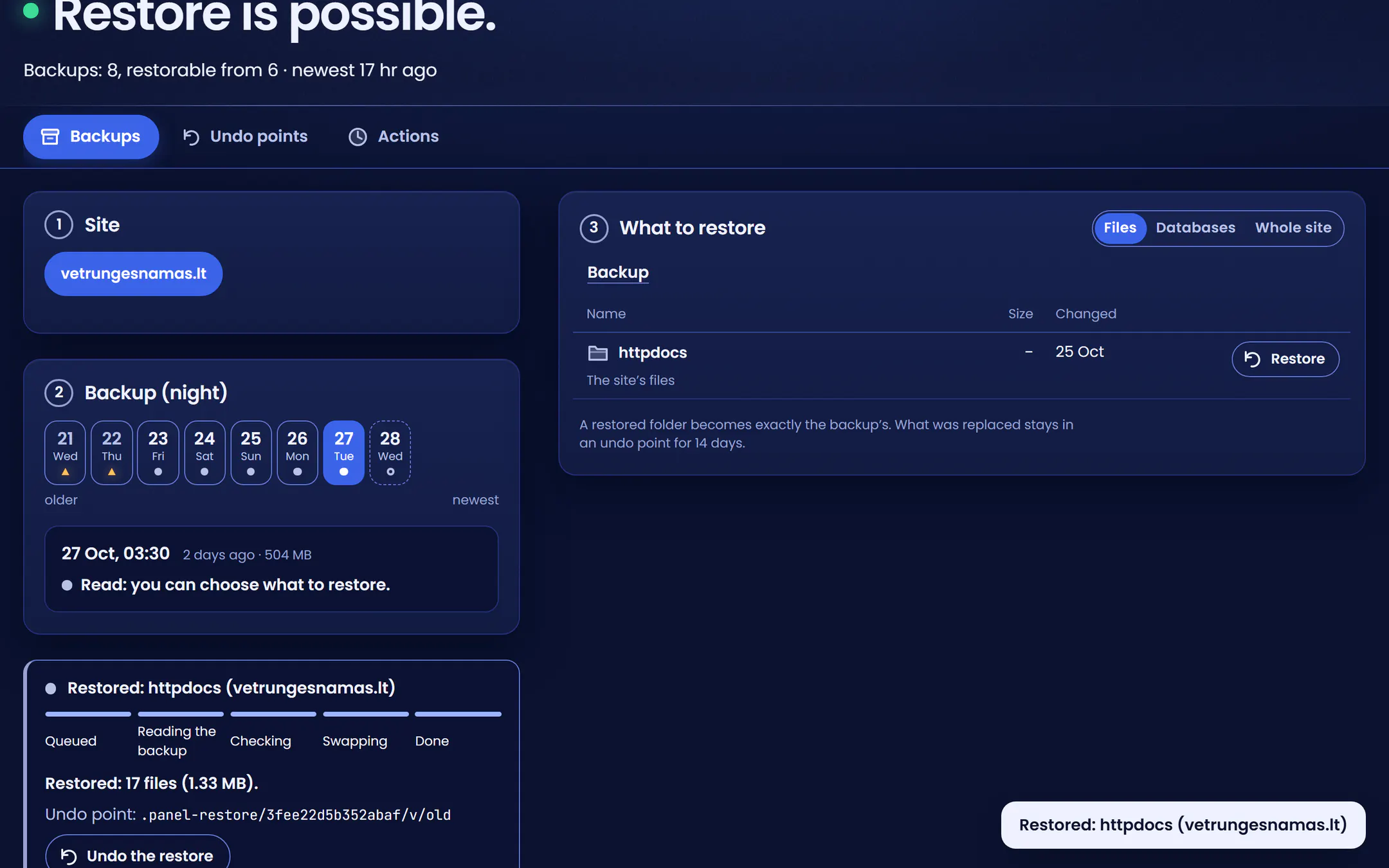
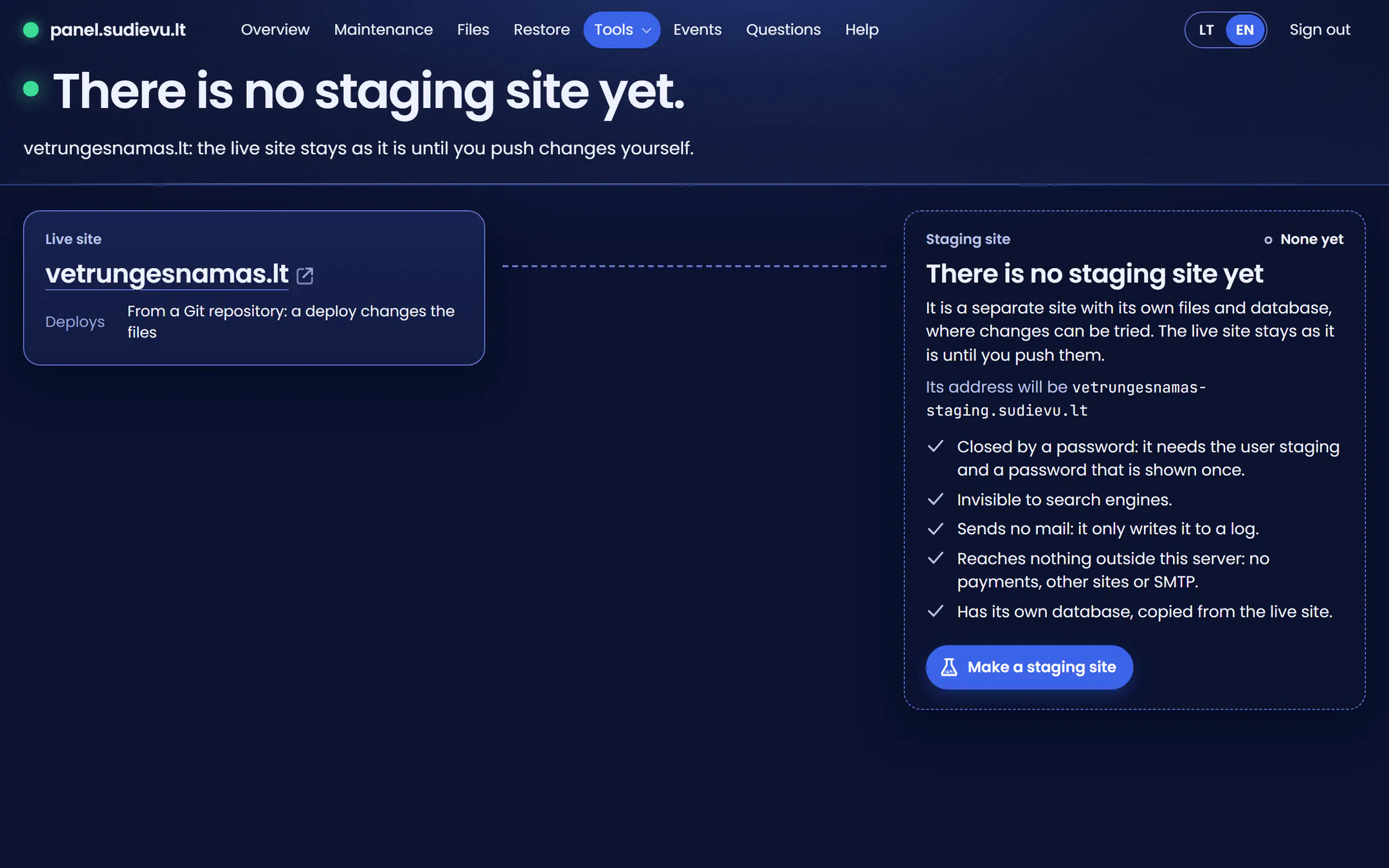
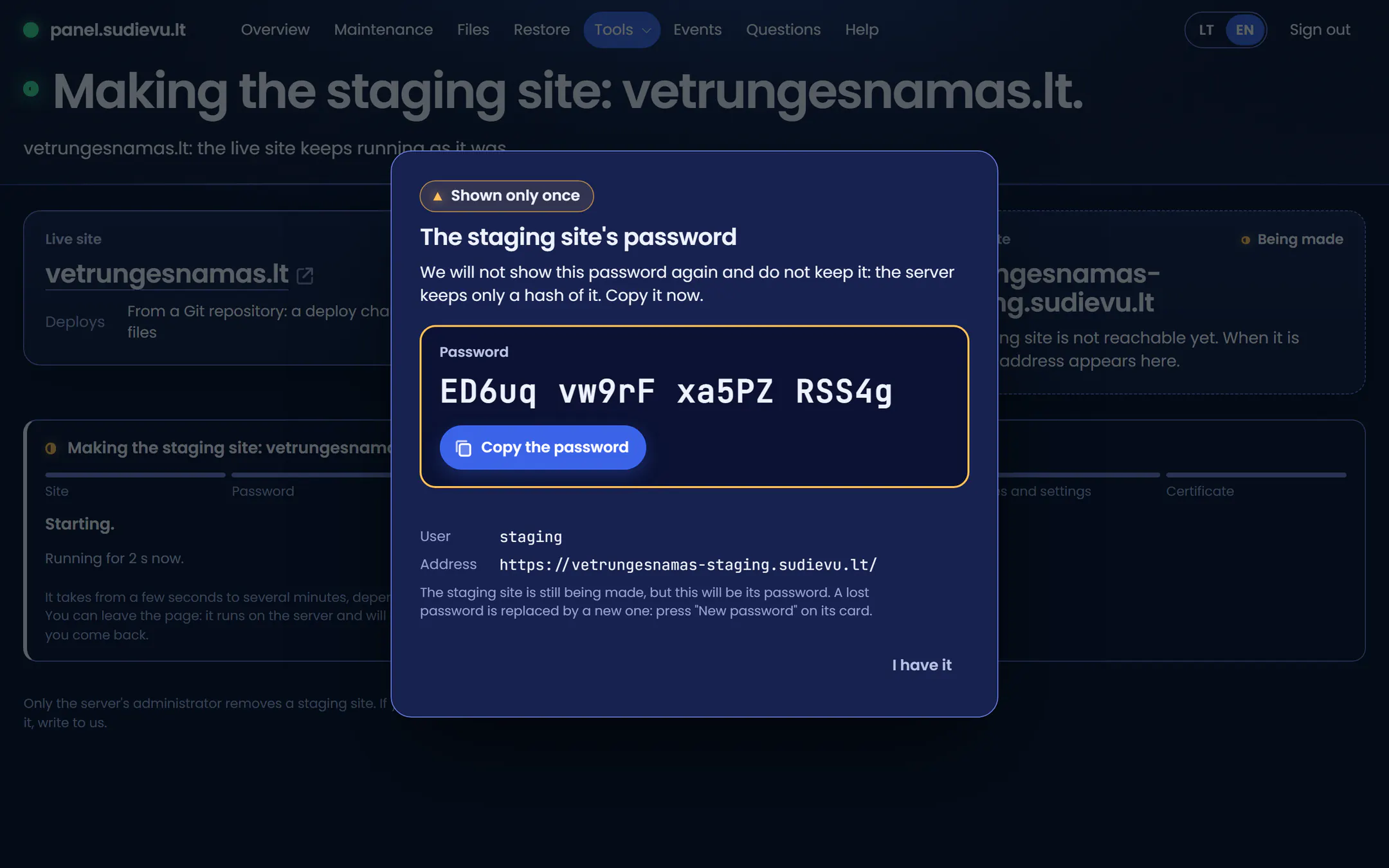
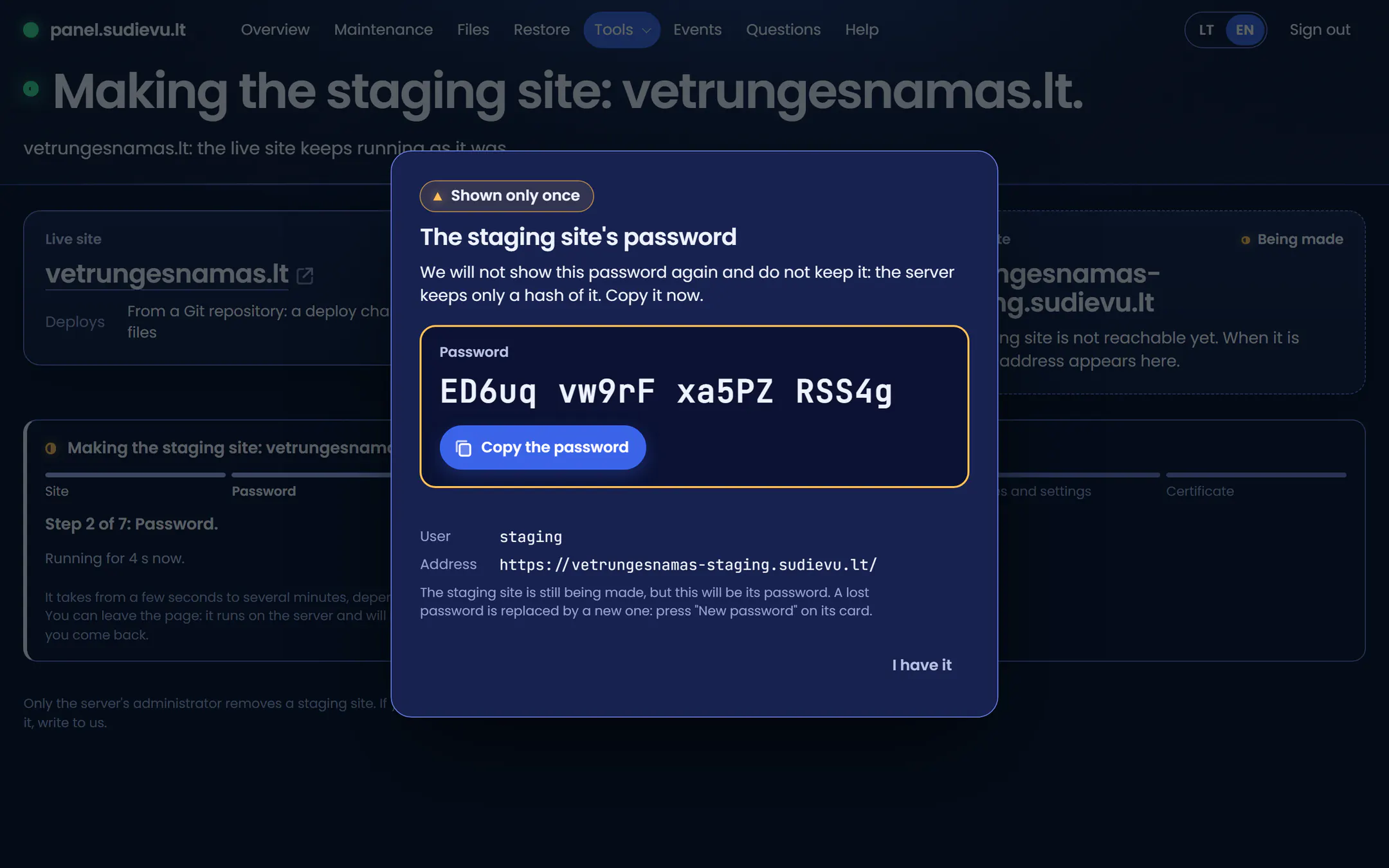
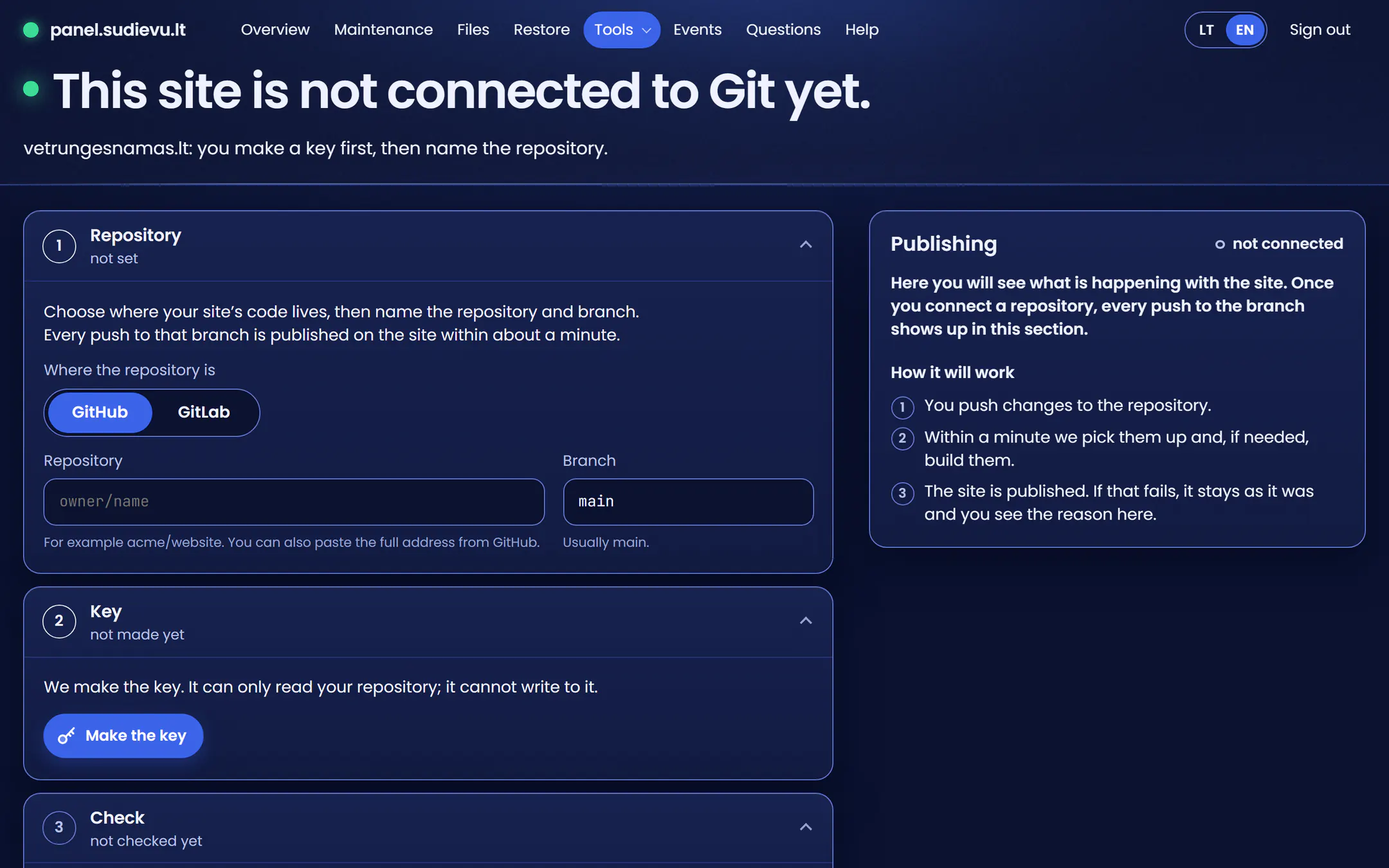
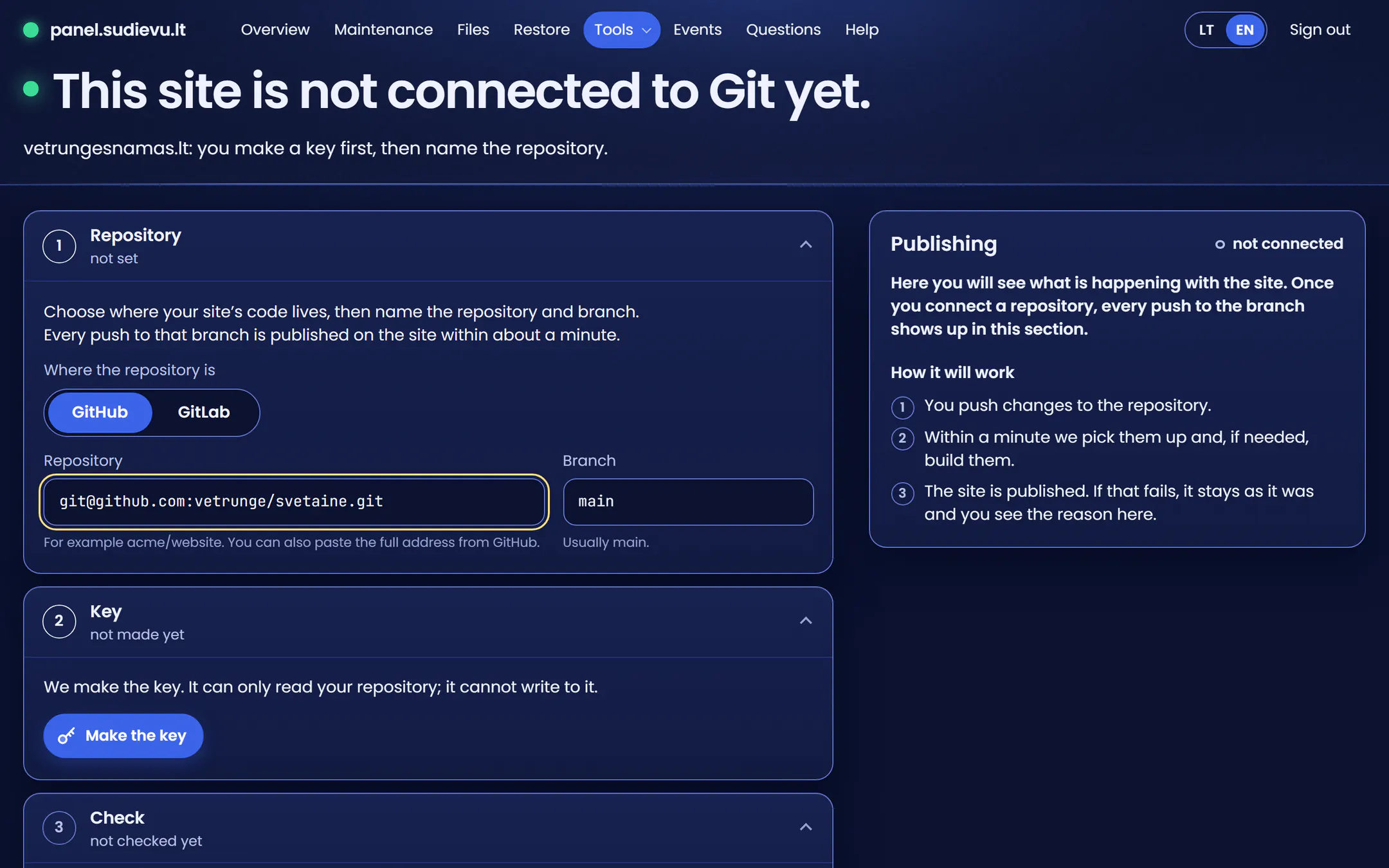
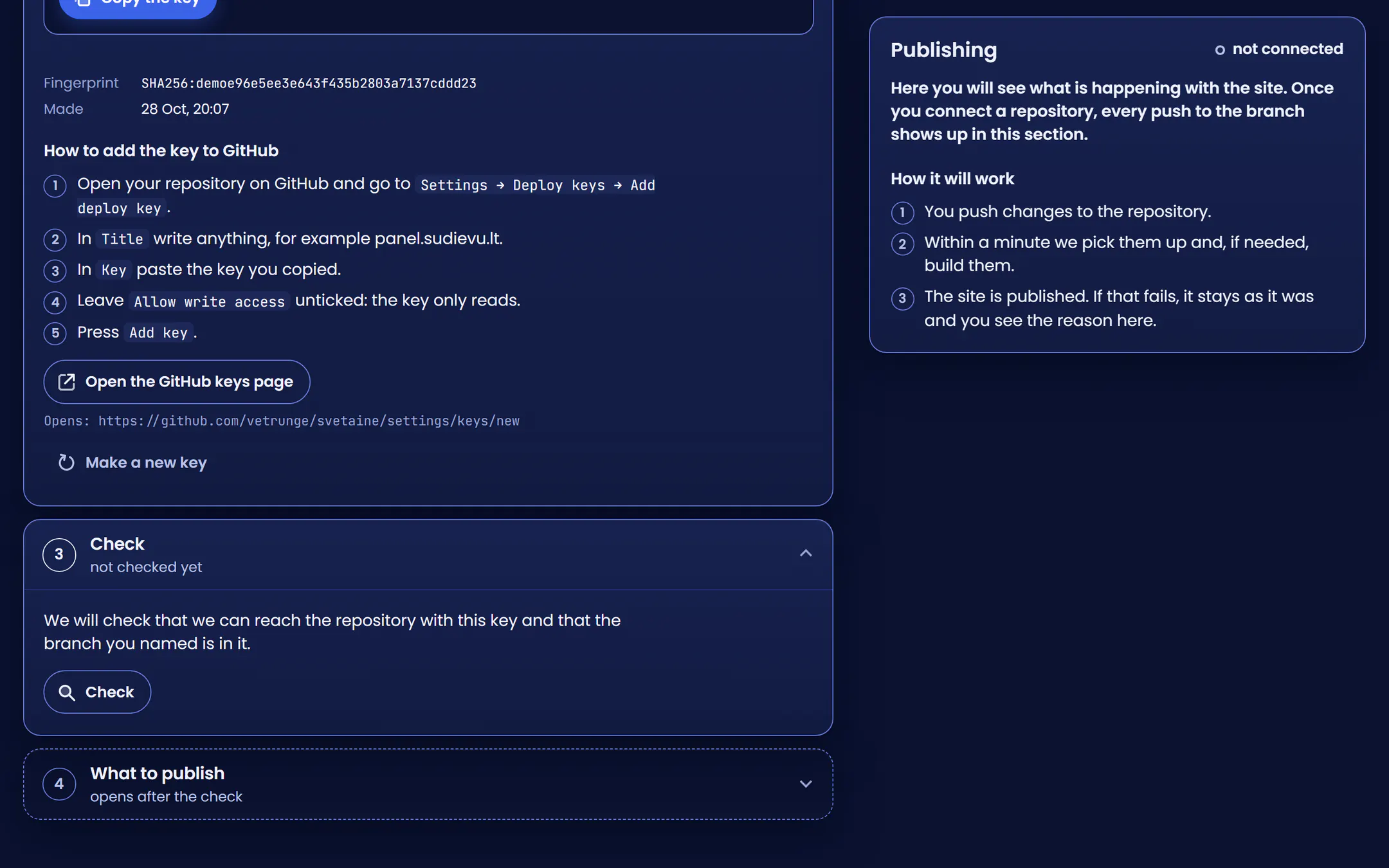
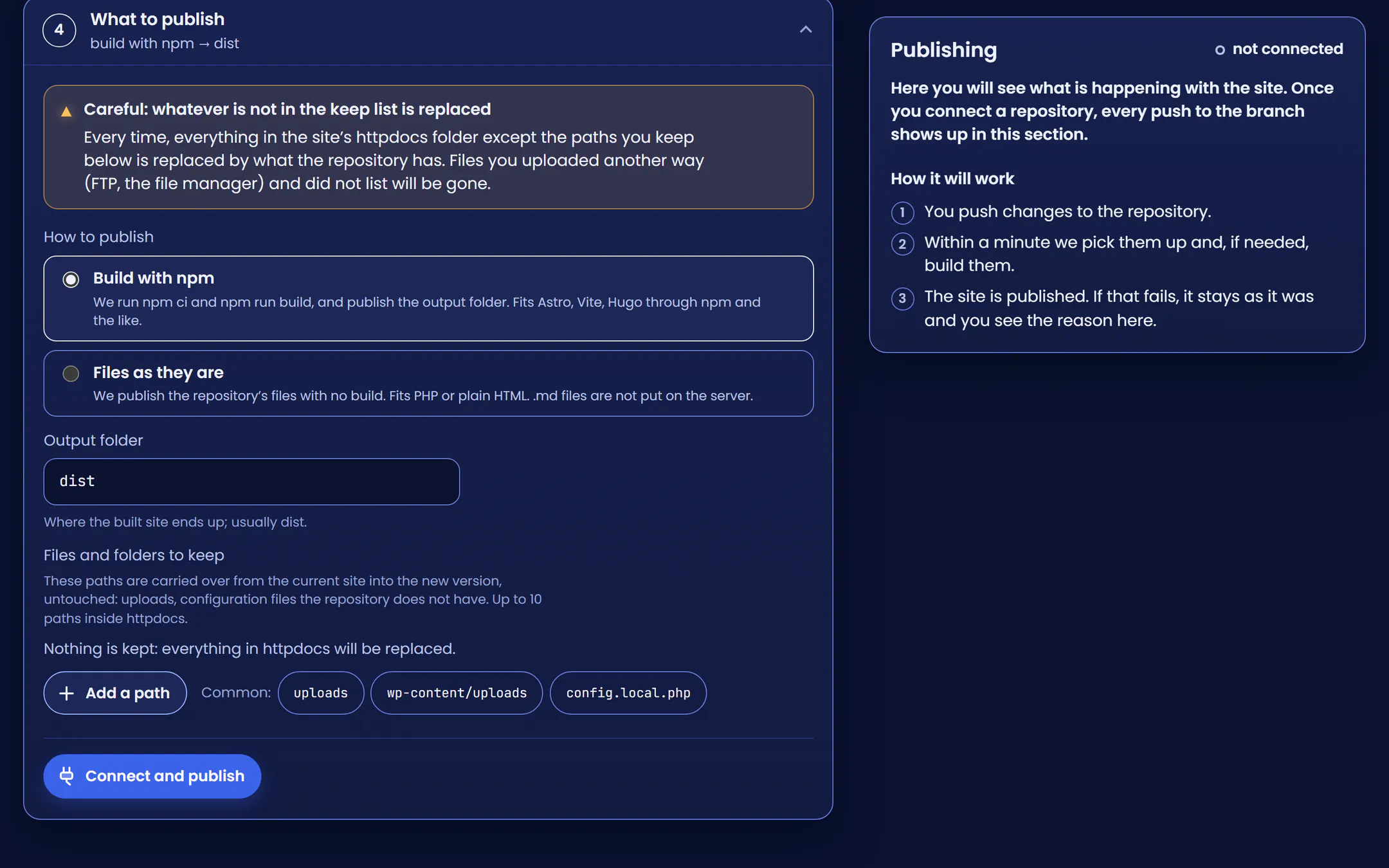
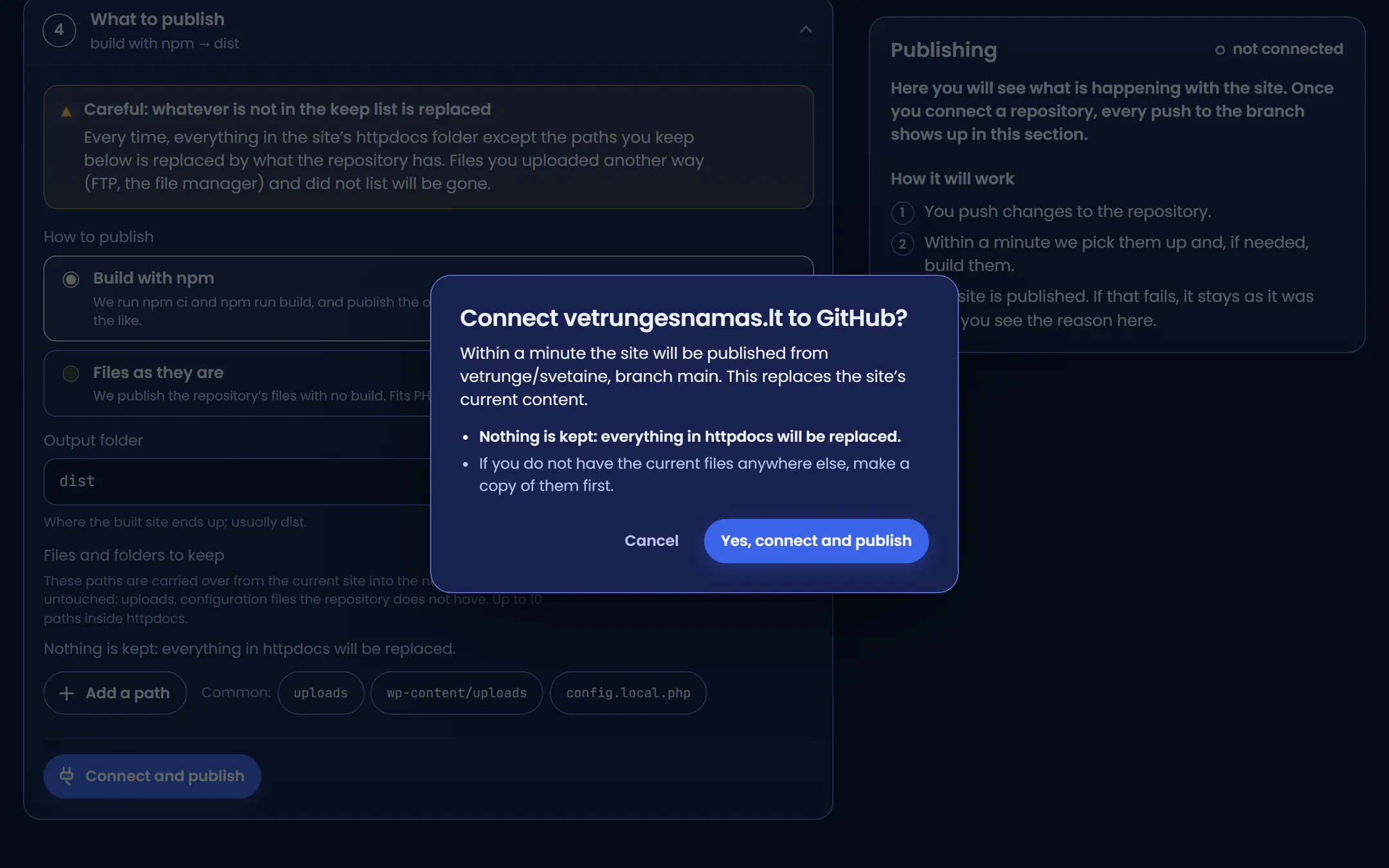
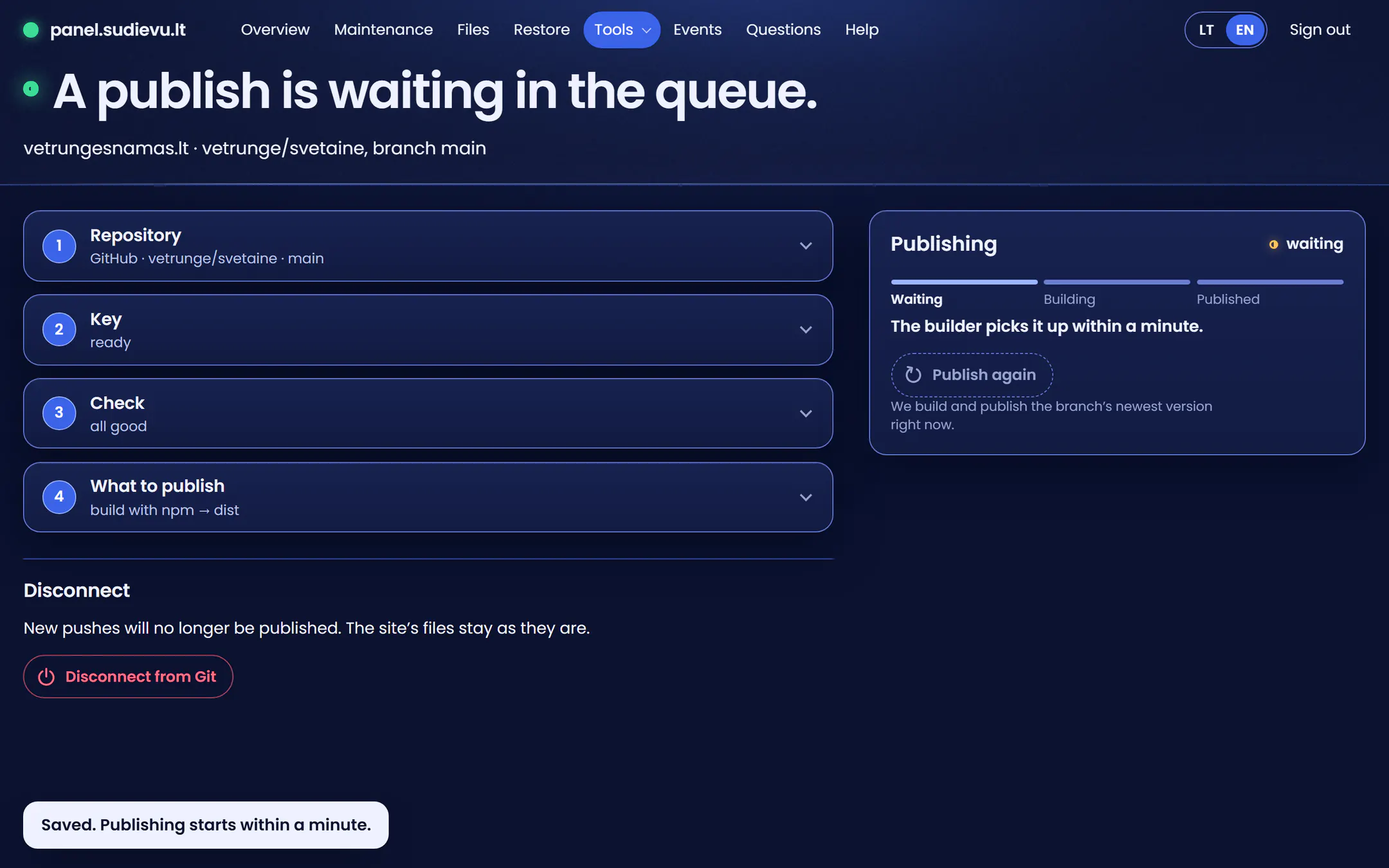
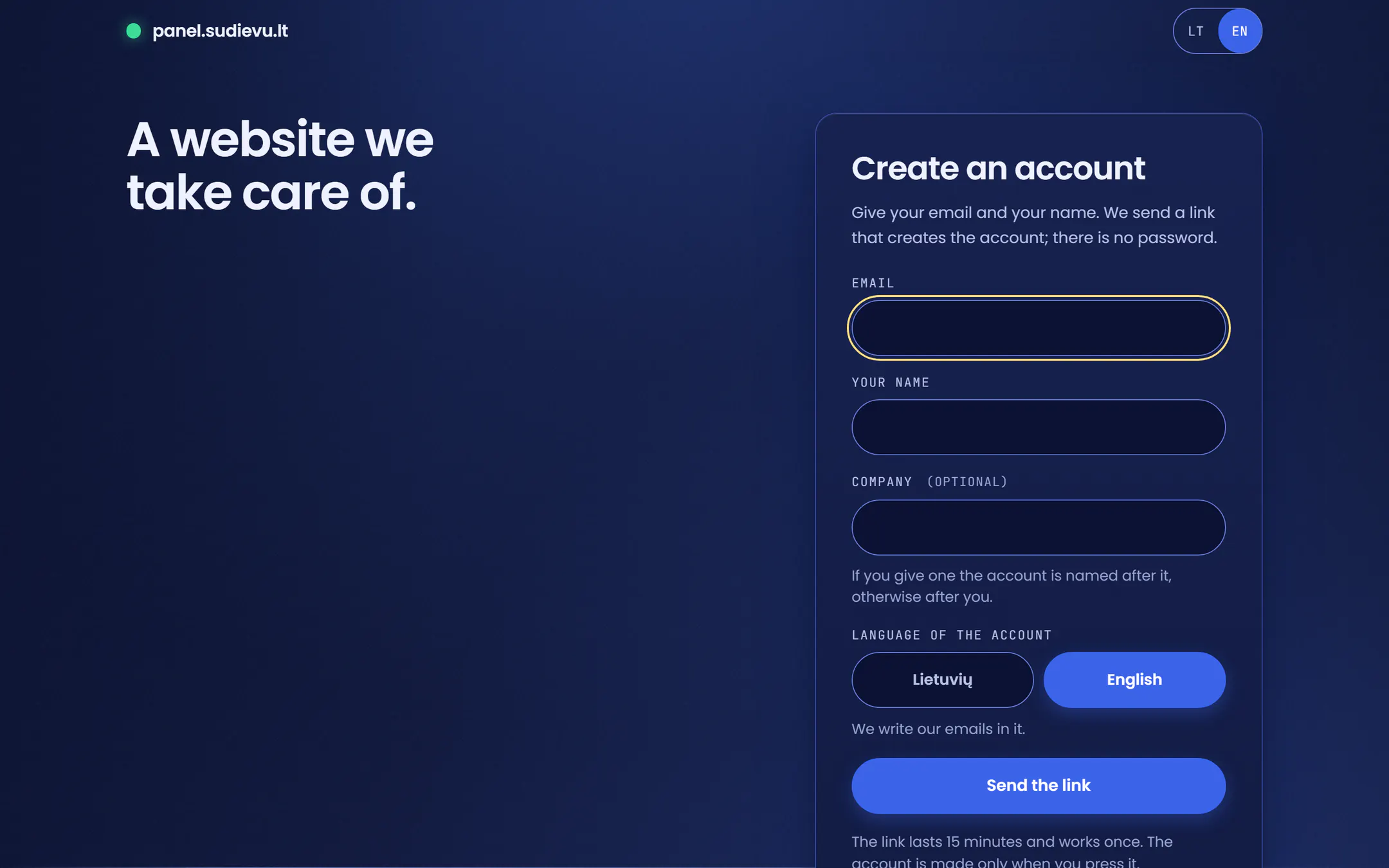
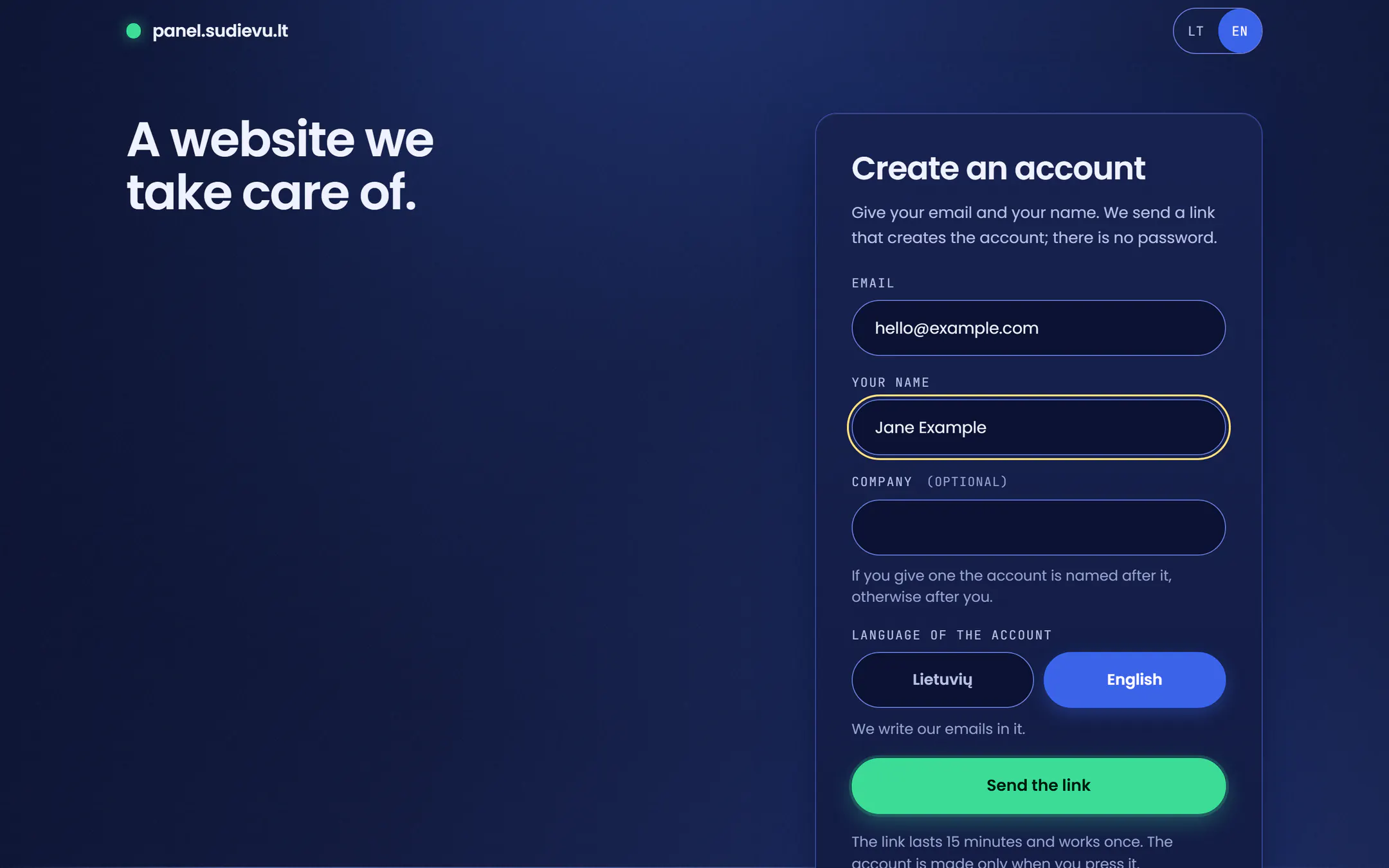
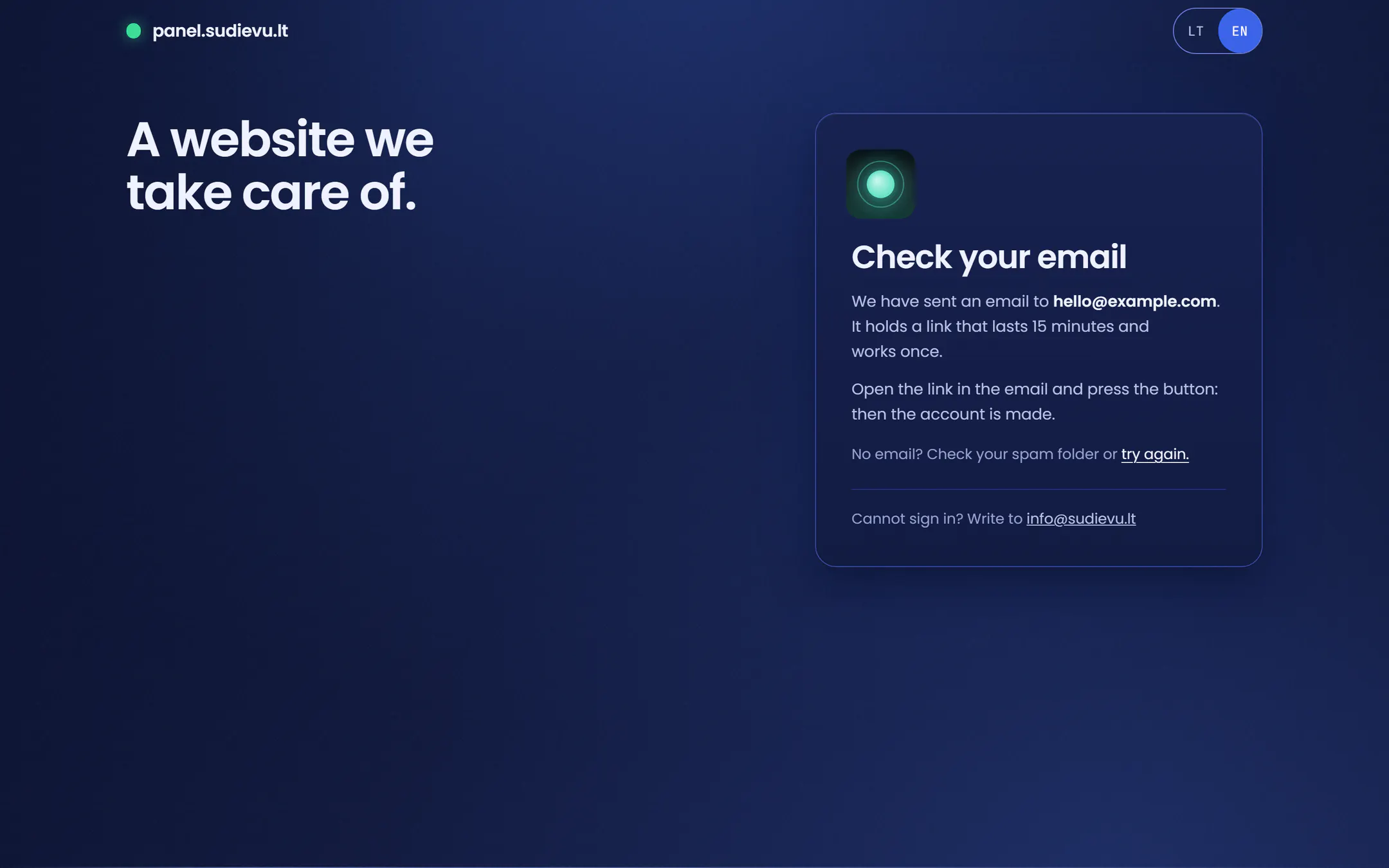
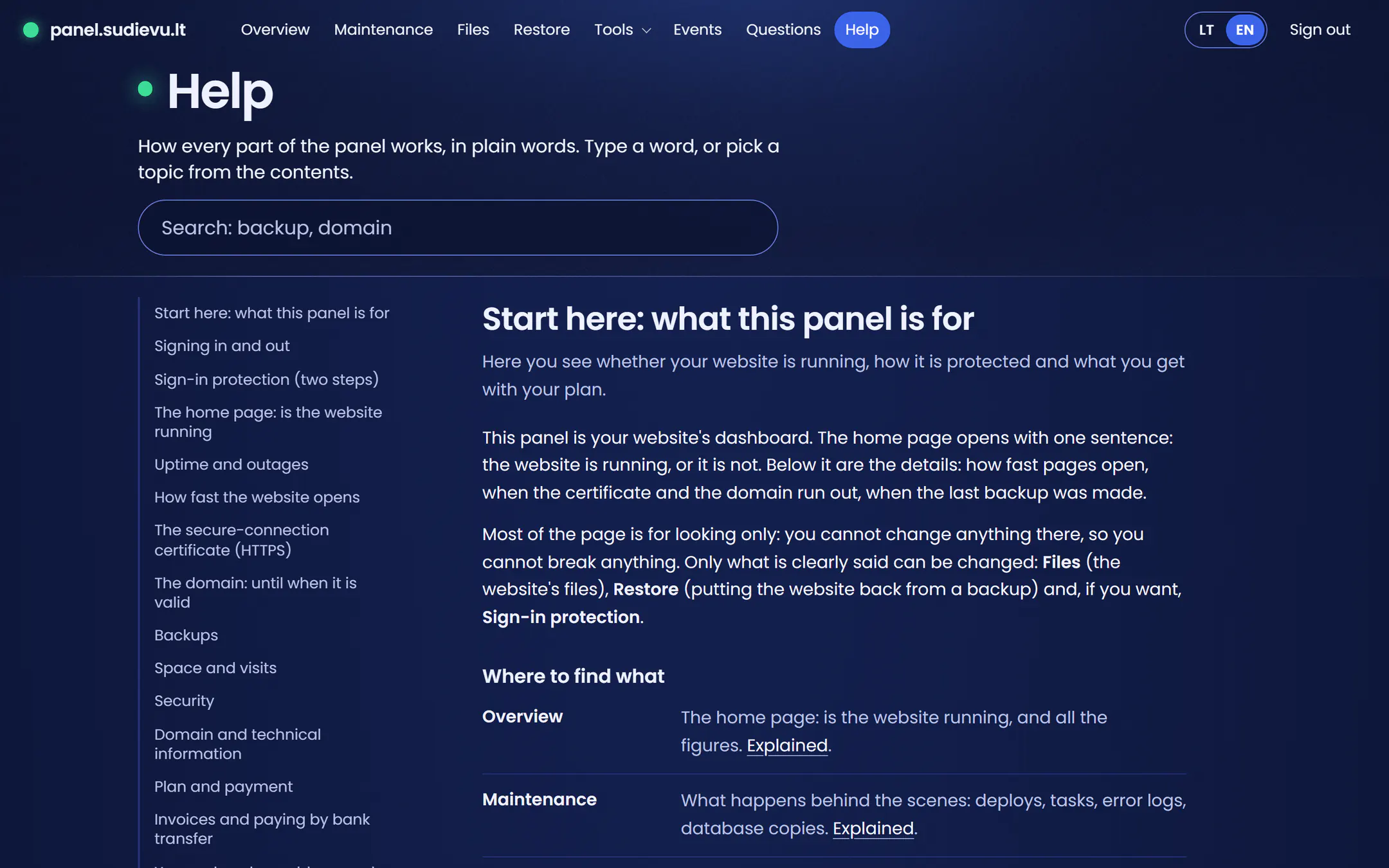
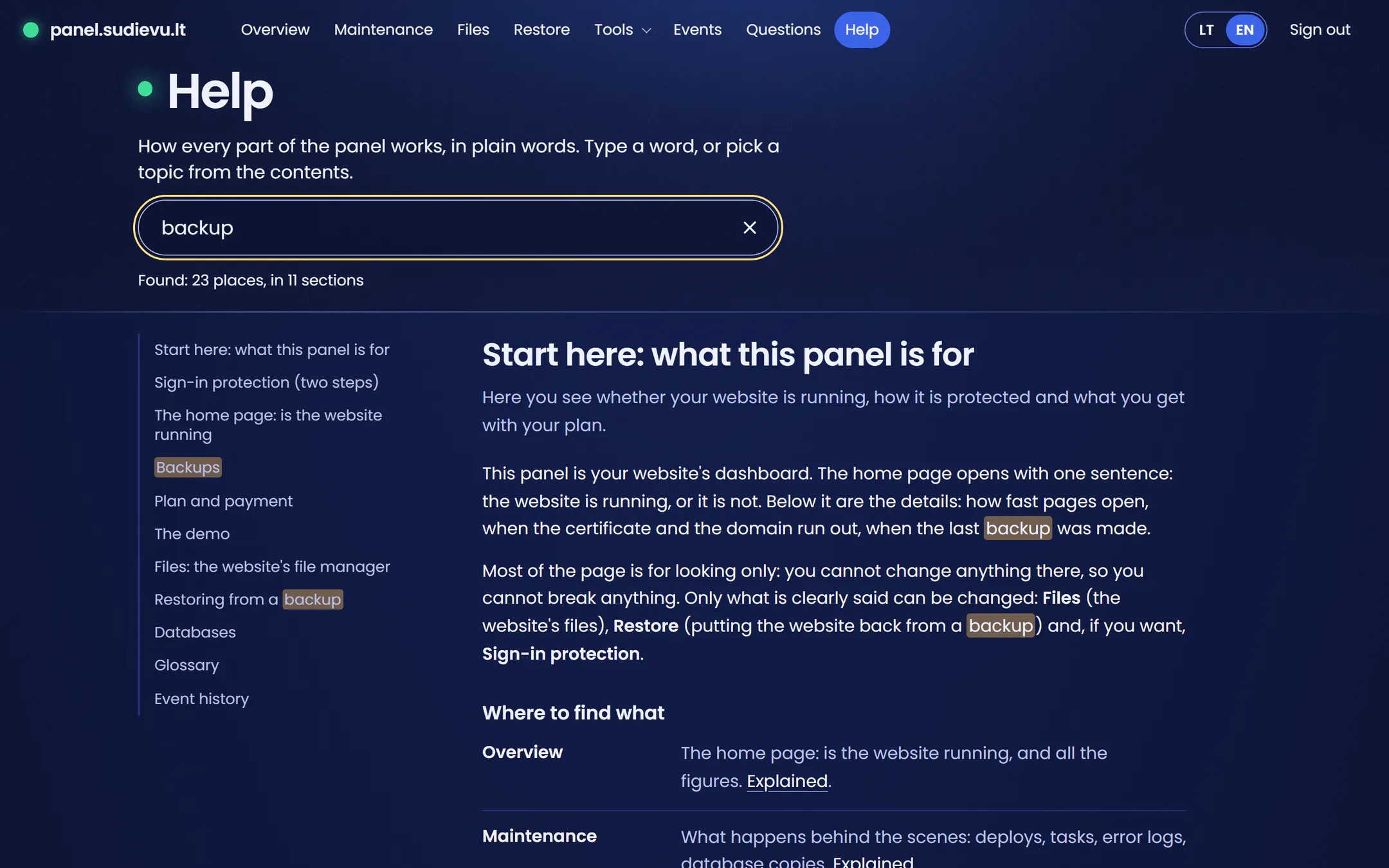
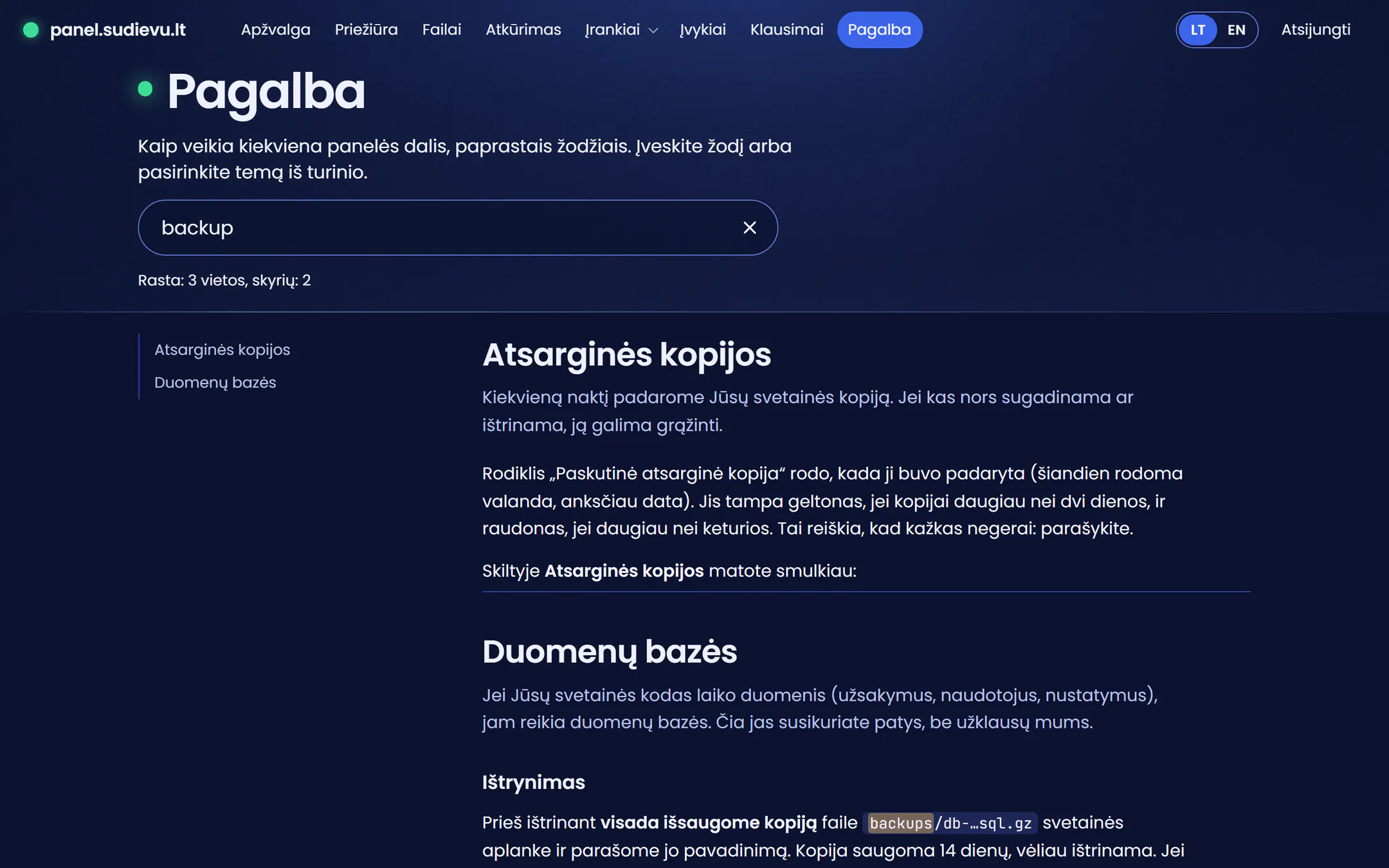
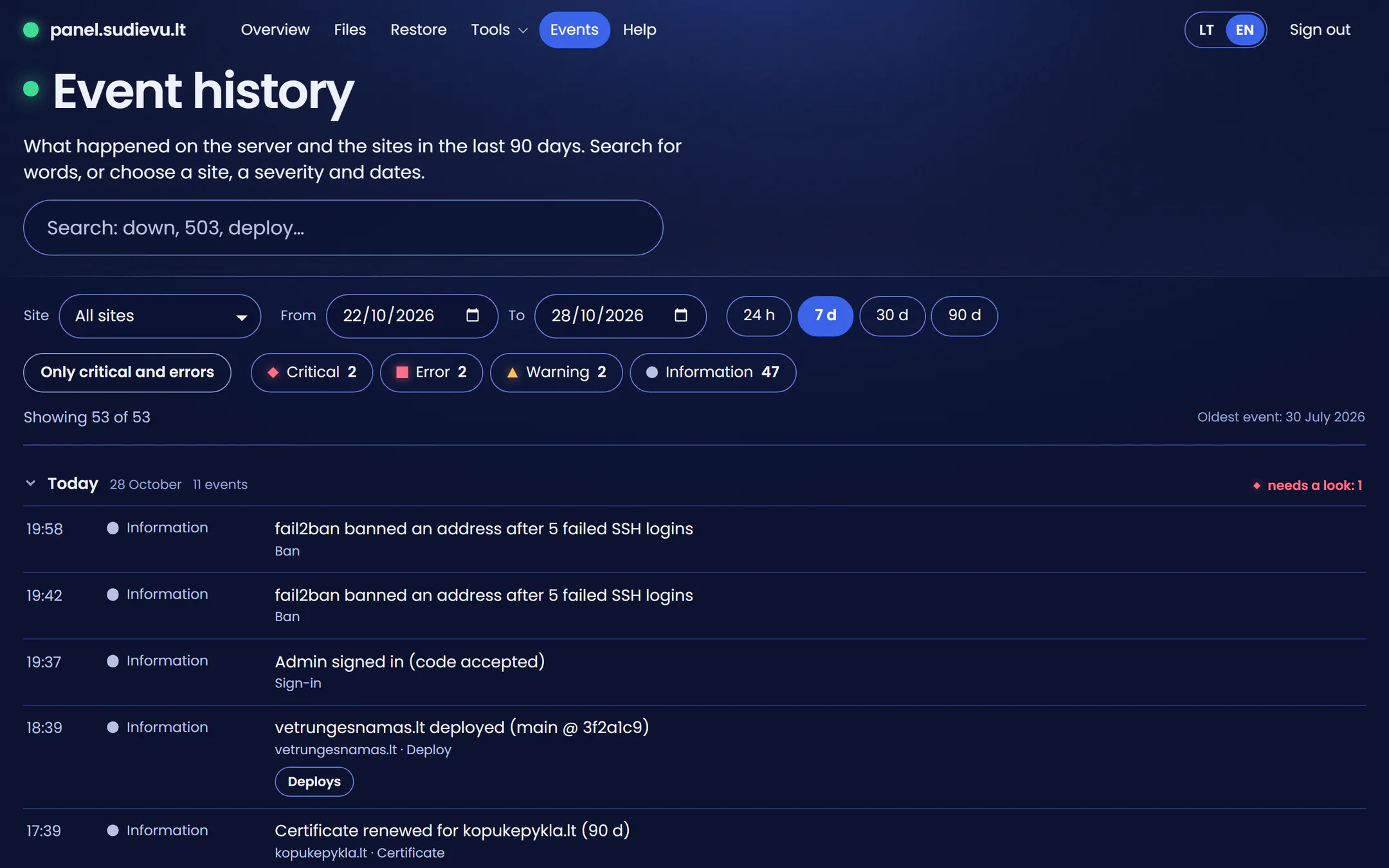
The real panel with invented data: the example site “Vėtrungės namas”.
How it all fits together
The start is the same, then you take one of two ways: you host it yourself, or I host it for you. Both end on the same server with the same care, and the panel shows you what is going on.
The start
Everyone begins the same way
- 1You
Sign up and order
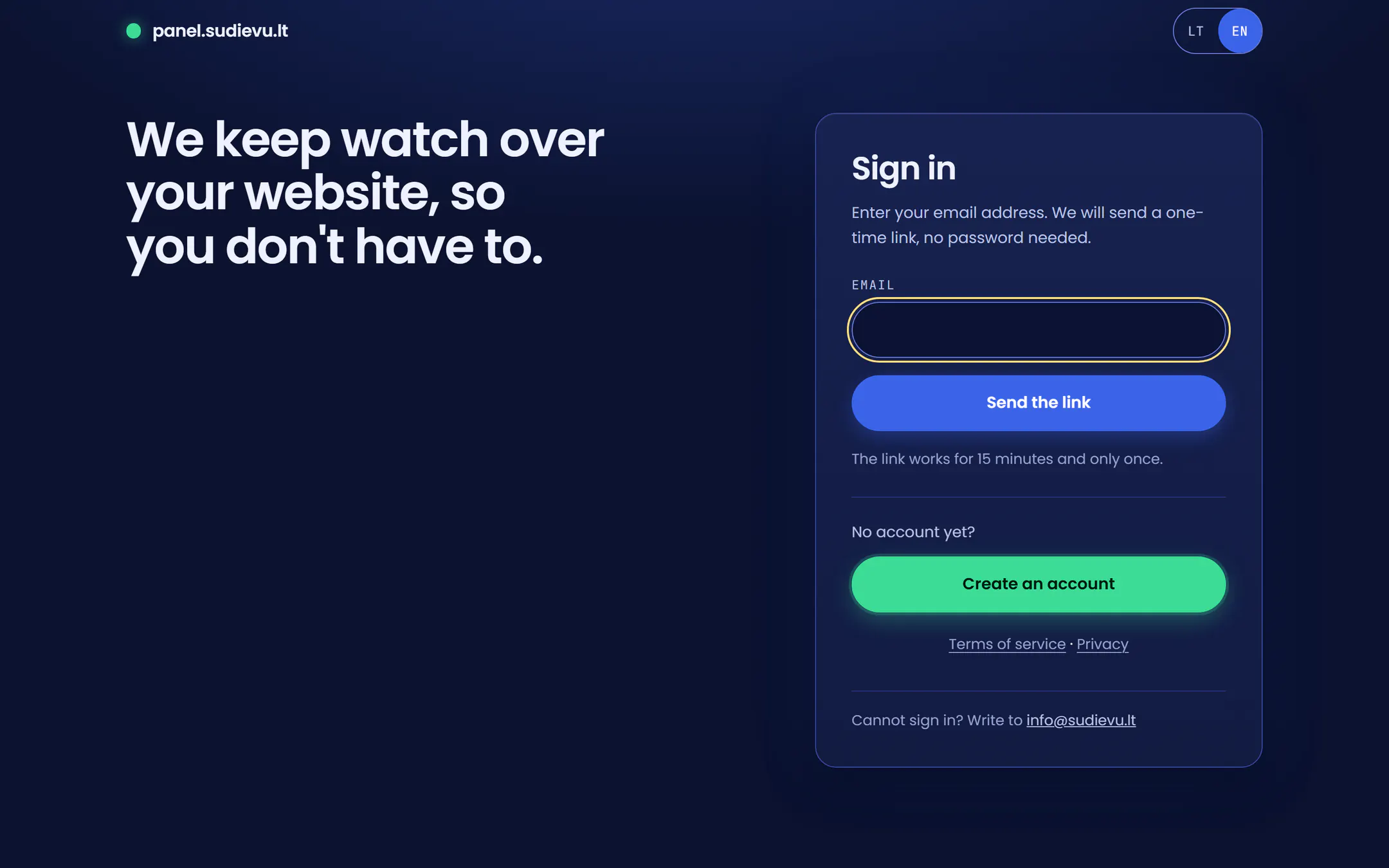
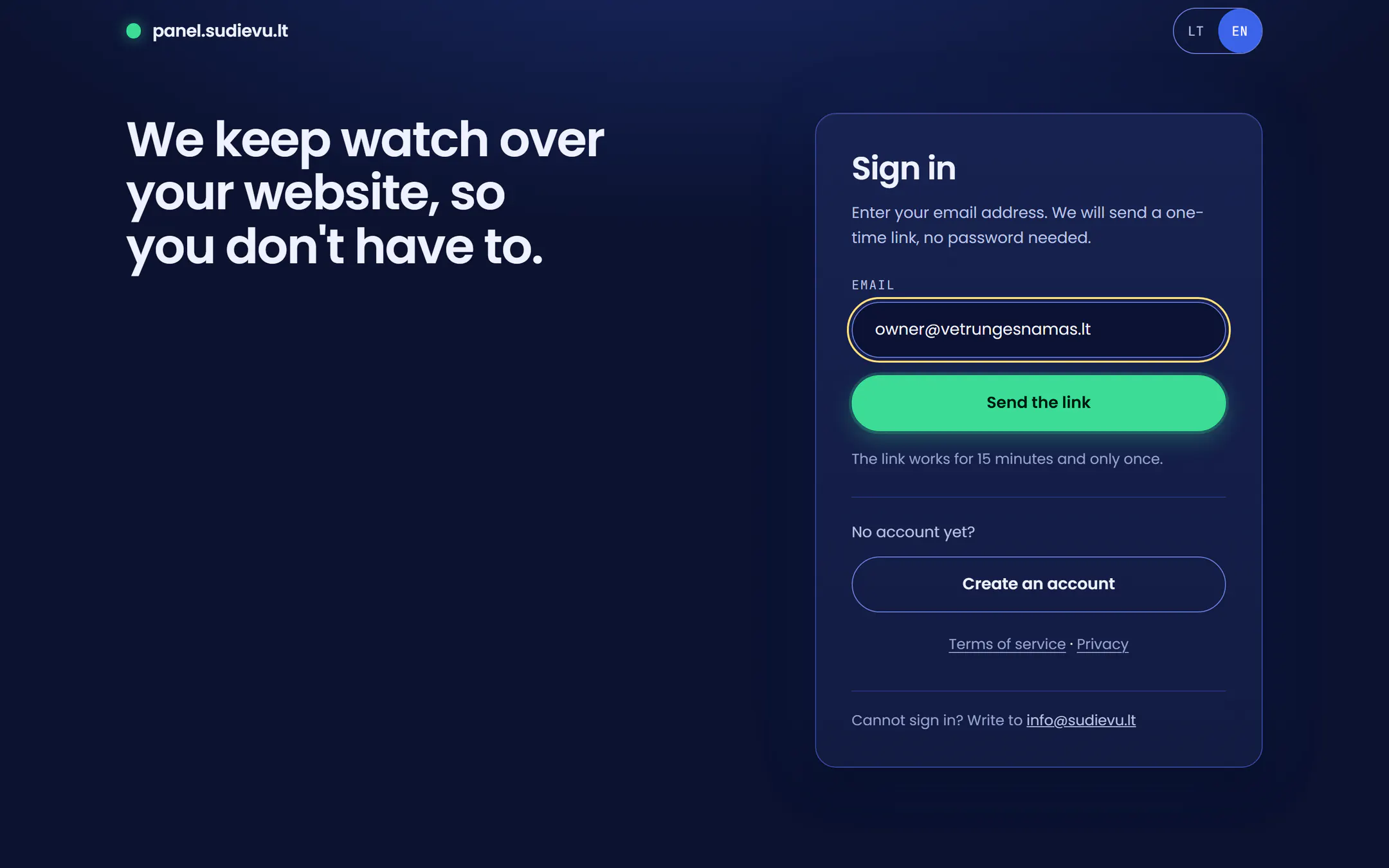
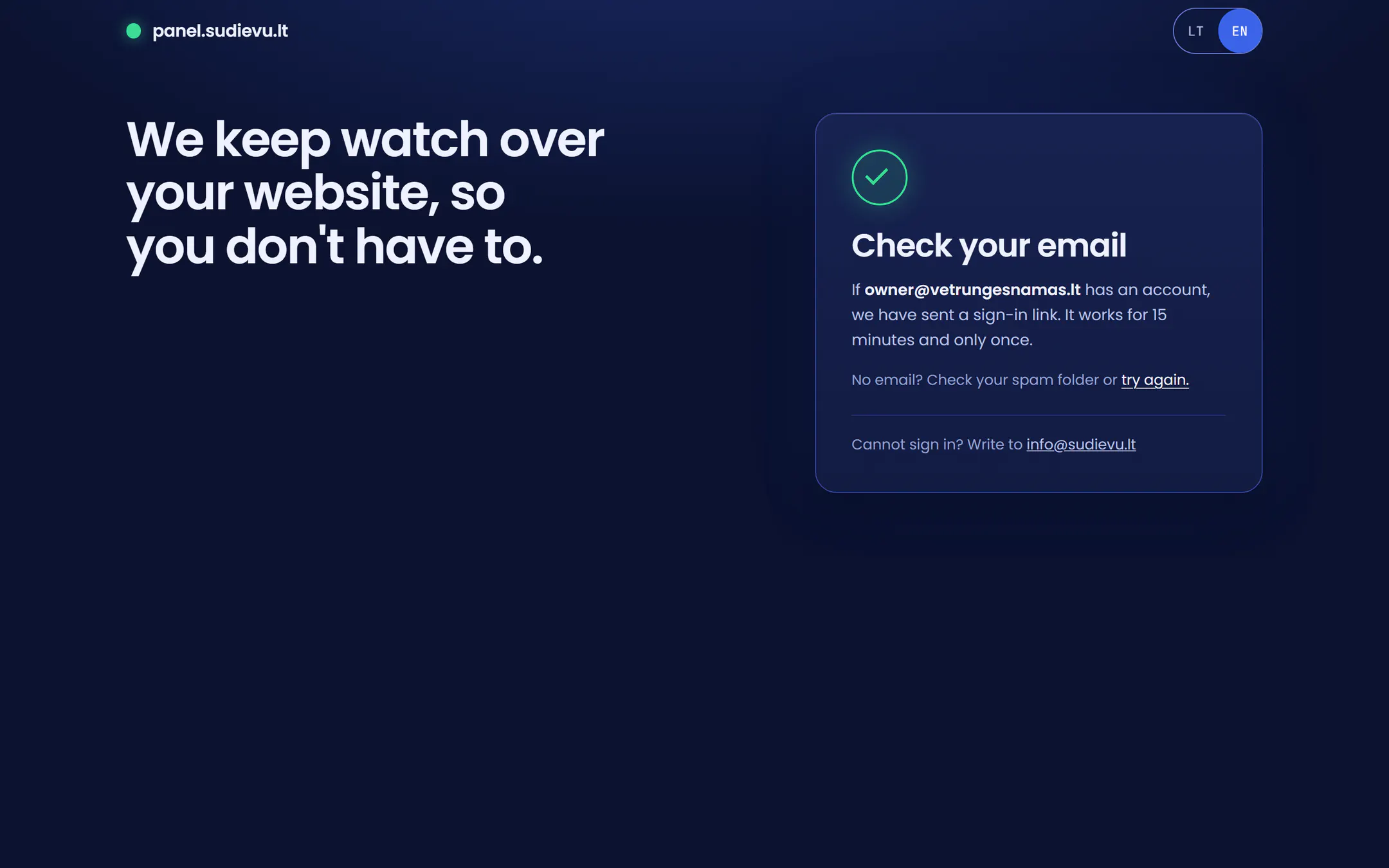
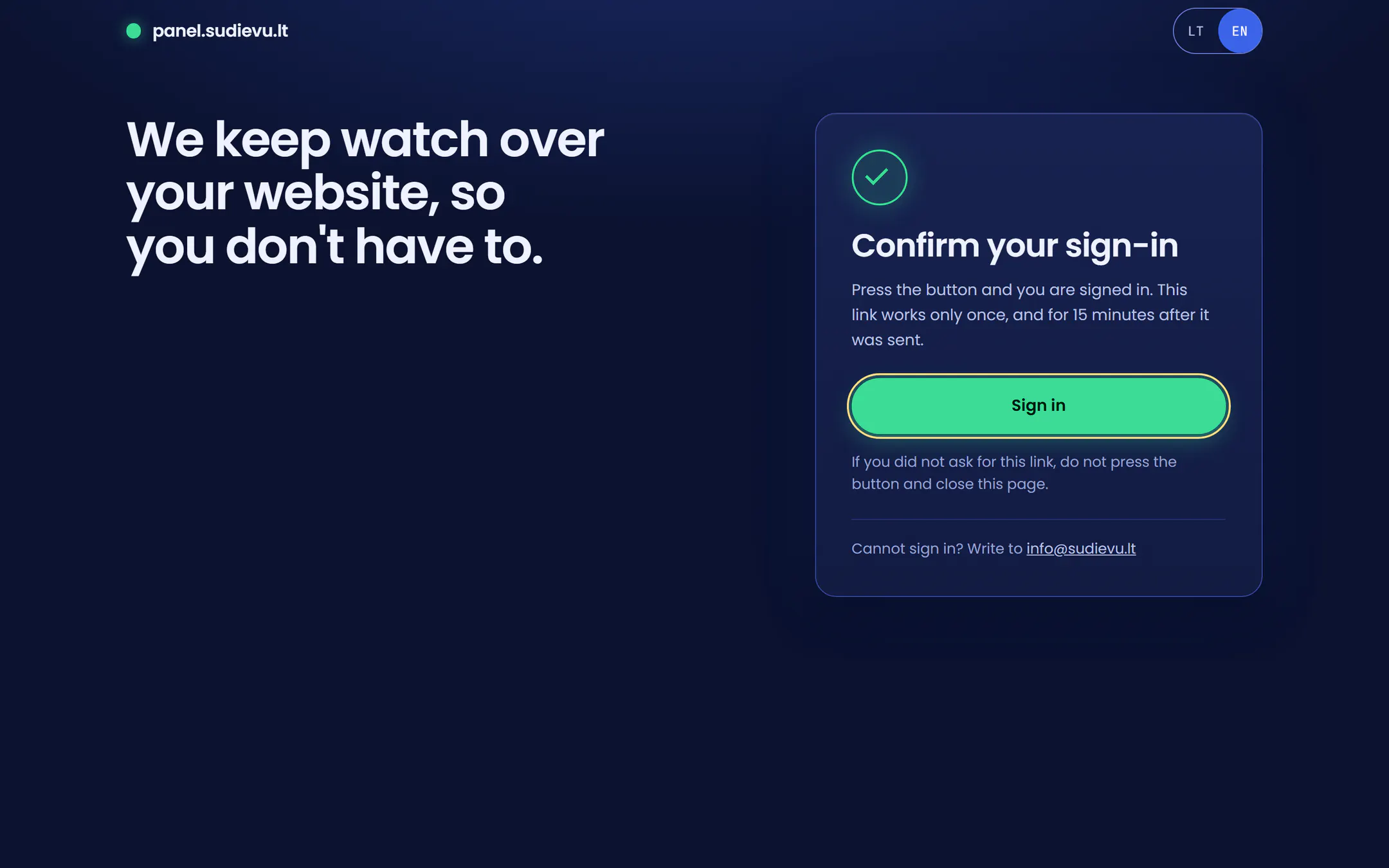
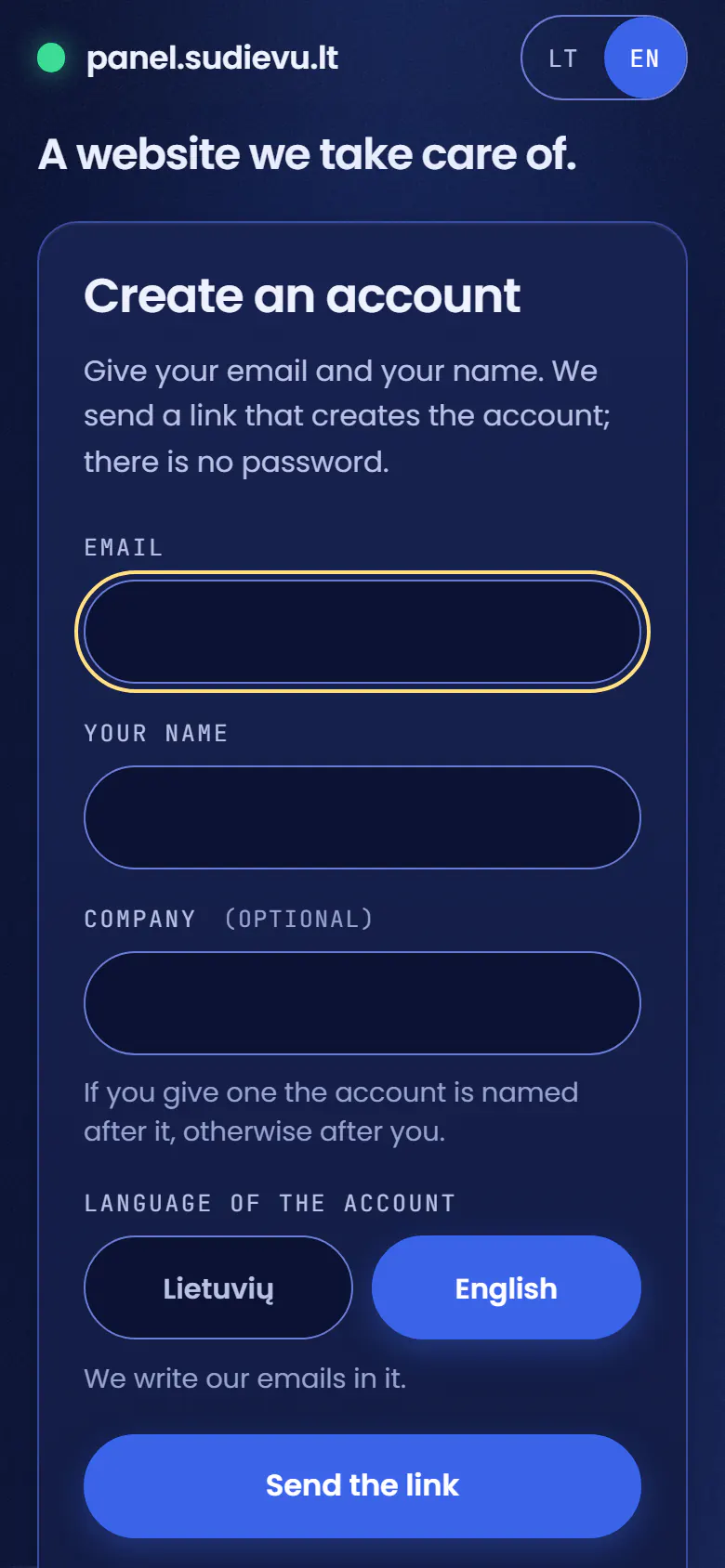
You sign in with an email link, no password, and order a plan: an address like
name.sudievu.lt, or your own domain. - 2Me
I approve the order
One click. Only then is the site made, automatically: its own place on the server, a secure address (https) and backups. The first invoice comes when the site is ready.
- 1You
Pick a way
First way
You host it yourself
Your site’s files stay in your own file storage (GitHub or GitLab), and you keep working as you do now. It needs a plan that includes publishing from the storage (Git).
- 3You
Connect your file storage
In the panel you connect it once, with a key that can only read.
- 4You
Upload your changes
You upload your changes to the storage. You can also upload files in the panel’s file manager or with a file-transfer program (SFTP).
- 5Automatic
The site is published
After every upload the site is published and is live in about a minute. If the site must first be prepared from its source files (Astro, Vite or Hugo), that happens automatically; a ready-made PHP or HTML site is published as it is.
How I update my own sites: checked first
- 3You
Second way
I host it for you
You need no technical tools. It does not matter whether I built the site.
- 3Me
I put the site up
One I built, or one moved from elsewhere. I set up the domain. Mailboxes are not part of hosting.
- 4Me
I keep it running
I make sure the site runs and stays up to date.
- 5You
You watch in the panel
You see what is going on in the panel, and ask questions through it.
- 3Me
The server in Lithuania
My own server. The sites from both ways run here.
Checked every 5 minutes
For each site: is it up, is the certificate valid, when does the domain expire, how much disk is left.
Alert by email
If something is wrong, I get an email at once. It is not sent to the client.
The panel
What the server checked, in the panel: whether the site is up, certificate and domain expiry, backups, disk space.
Nightly backup
Every night an encrypted copy of the sites leaves the server.
How the copy is madeA second place
The copy is kept elsewhere, not on the same server, so it is not lost together with it.
The three places the copies are keptRestore
From the panel you restore files, a whole site or a database from a copy. A restore can be undone.
Restores, and the restore drillStaging site
Try changes on a copy of the site at
name-staging, then publish them to the live site. A publish can be undone.
What is included
What you see
- Whether the site is up: checked every 5 minutes, a failure checked again a minute later.
- Uptime over 30 days, outages and how long they lasted.
- Days left on the secure-connection certificate and the domain.
- The last backup, how long backups are kept, a copy kept elsewhere.
- Space used, traffic per month, when the software was last updated.
- A history of events: 90 days.
- A file manager in the site’s folder, and password-protected folders.
- Restoring from the night you choose, with an undo kept for 14 days.
- Lithuanian and English.
What I do
- An encrypted backup every night: databases, files, settings. 7 days on the server, 30 on my computer and in one more place.
- Restore drills: sites rebuilt from the backup and checked.
- Certificates renewed automatically; security updates install themselves.
- The server is protected: a firewall, key-only sign-in, and addresses that attack are blocked automatically.
- Each site is kept apart from the others on the server.
- When a site is down or a backup is late, I get an email.
Signing in
- No passwords: a one-time link by email, valid for 15 minutes.
- If you like, a second step with a code from an app.
- You see only your own sites. No visitor addresses anywhere in the panel.
The server is my own, in Lithuania; a standby copy is kept in Interneto vizija’s data centre in Vilnius.
Technical detail
The server is reached through Cloudflare’s network. Ubuntu 24.04, PHP 8.3; each site runs as its own Linux user.
Try it yourself
The same panel you would get with your site, filled with invented data and running in your browser: sign in, change a file, restore a night, cause an incident. Nothing leaves your computer.
Want to host with me?
Tell me about your site and where it is now. I will answer with what I can offer and at what price.
You will hear back within one working day.