
The client area
You at your computer, me on my phone, and the same project in front of both of us
Every project I build comes with a client area: you see what is done, write to me, upload files, sign the contract and pay the invoice. Below is the real thing, step by step: Rūta (a made-up client) at her computer, me on my phone.
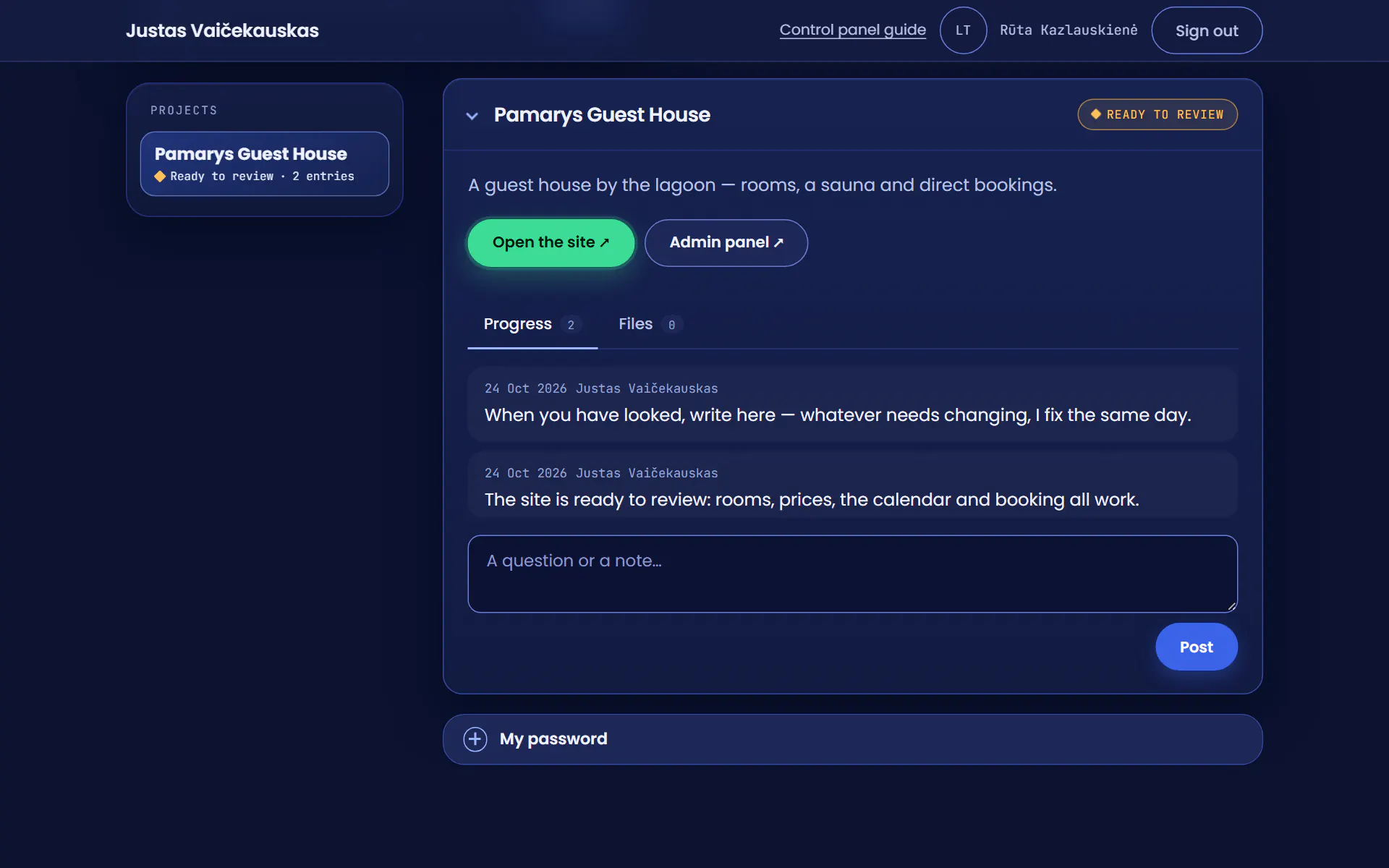
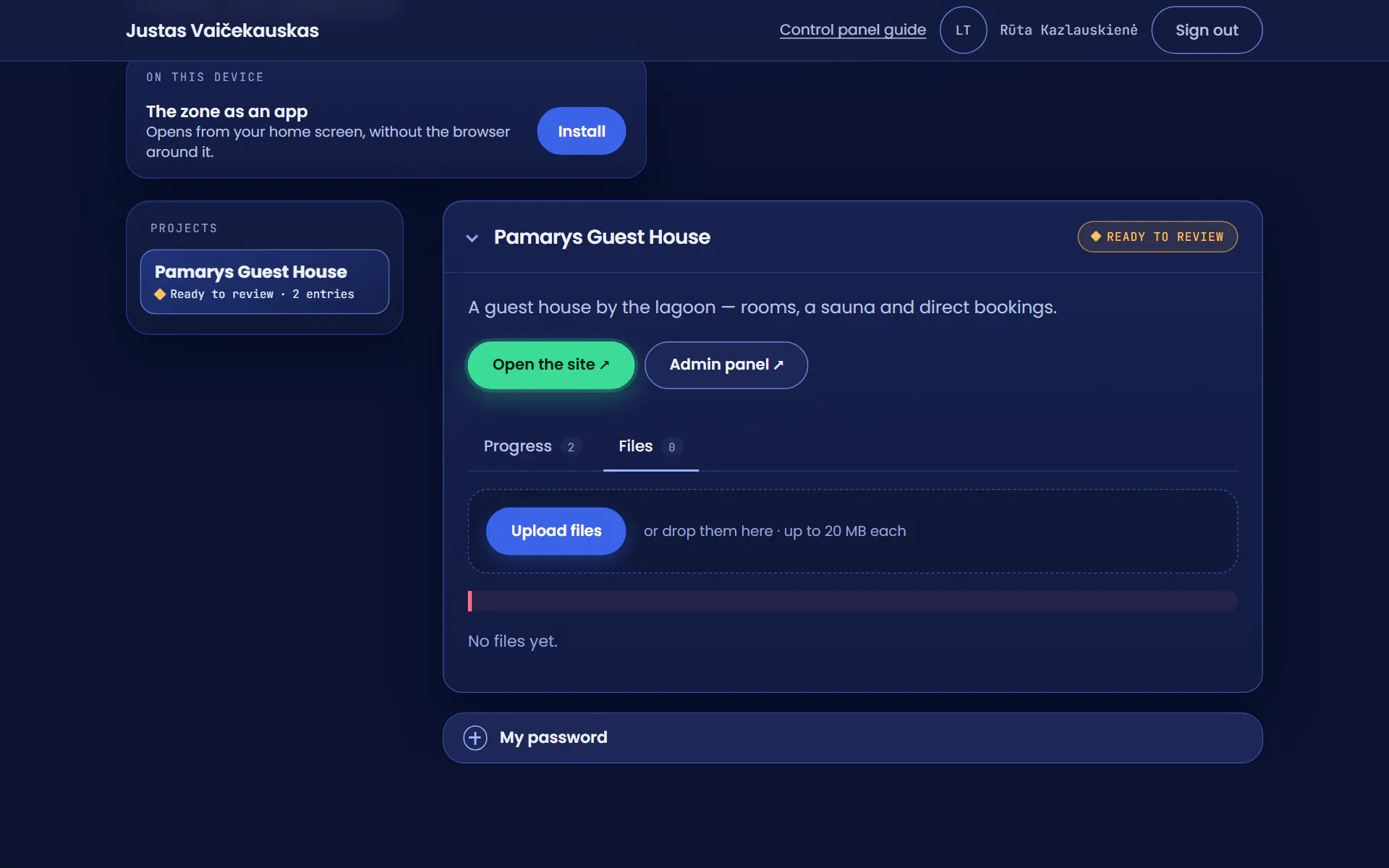
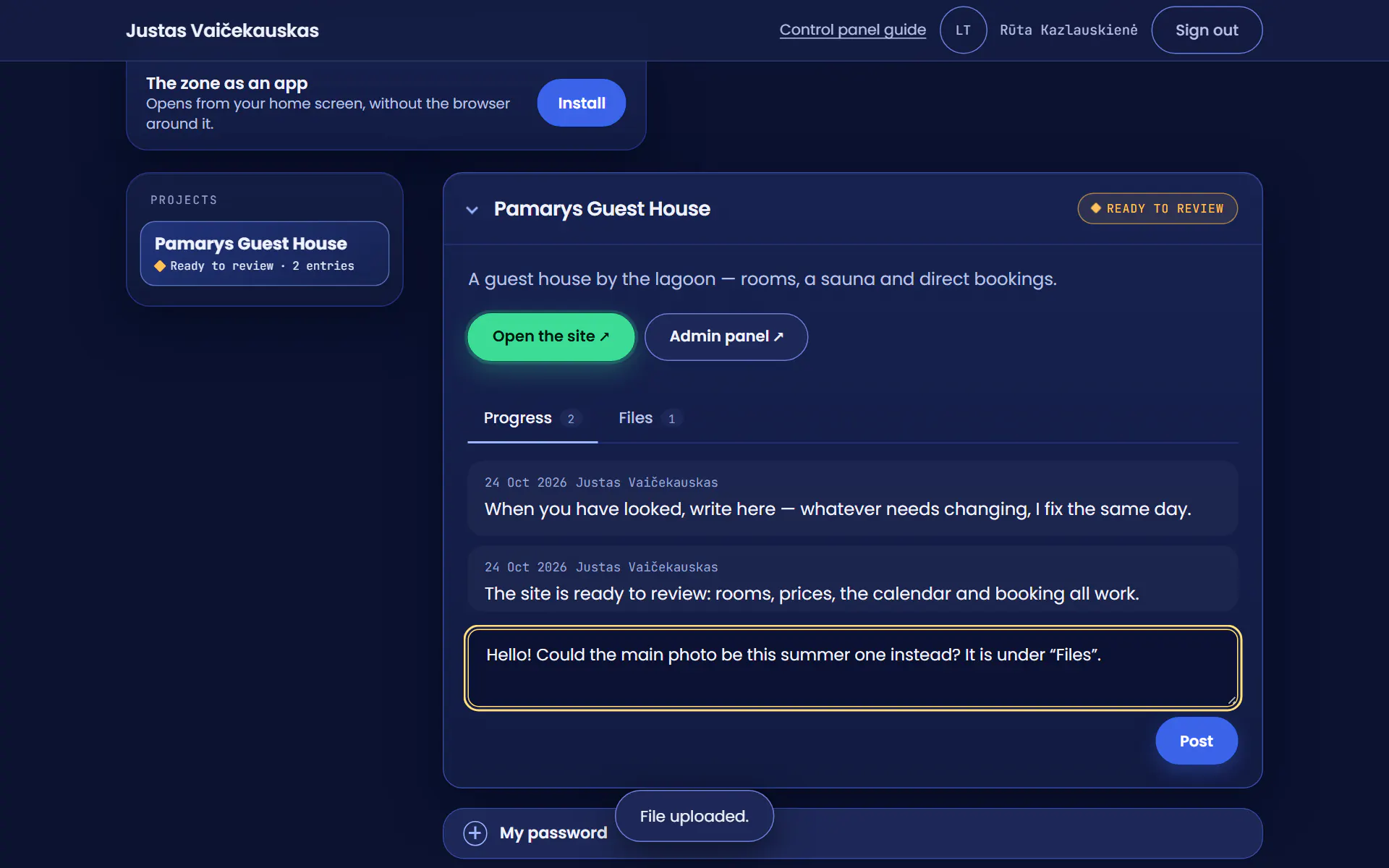
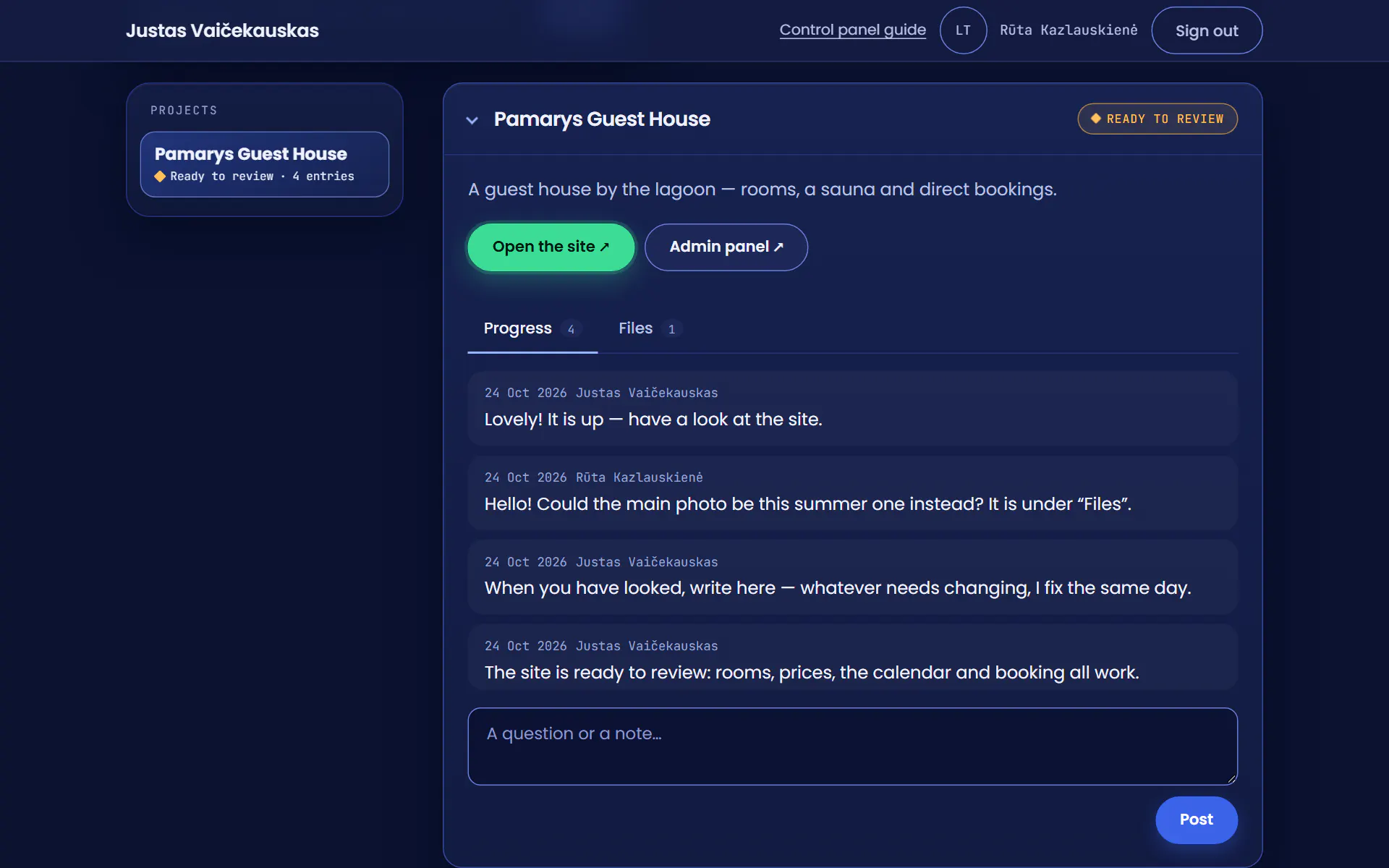

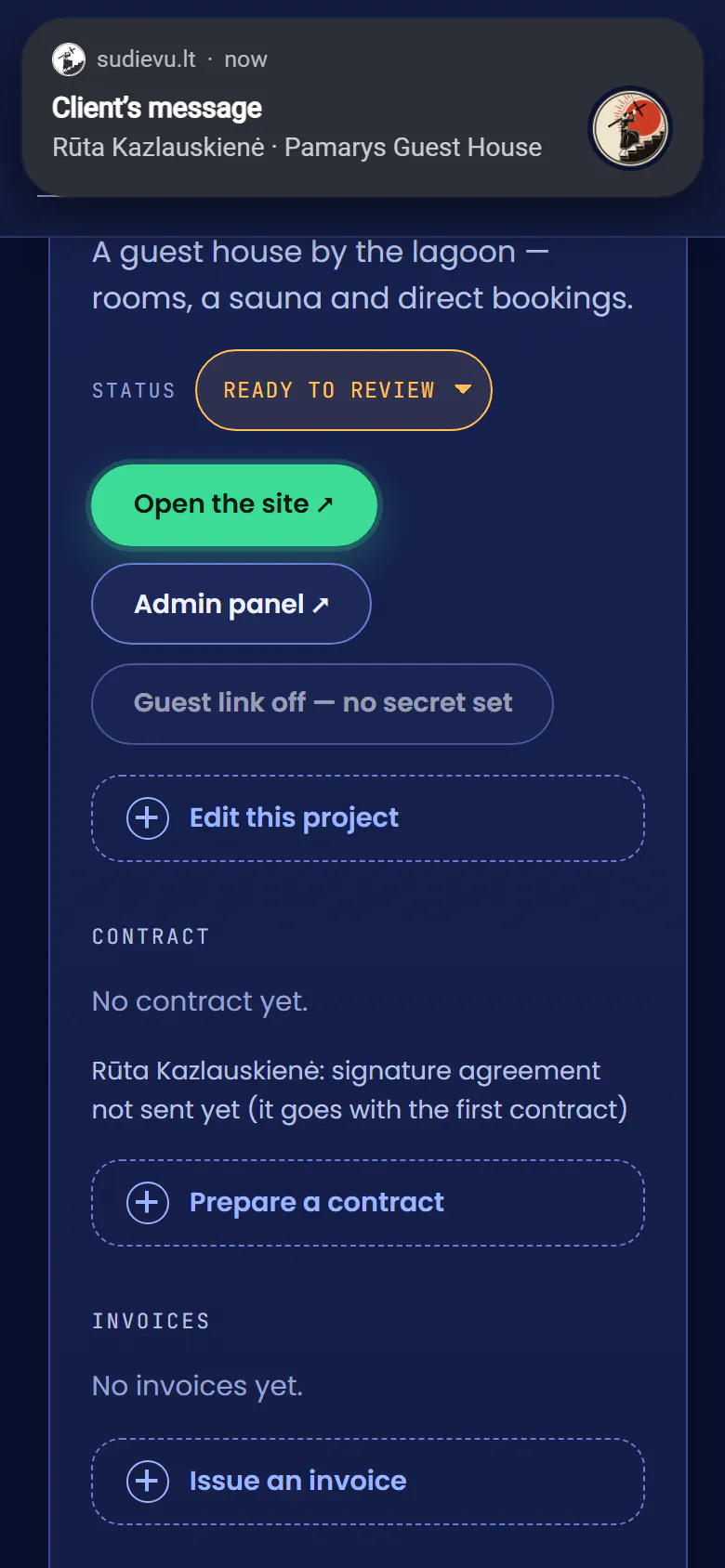
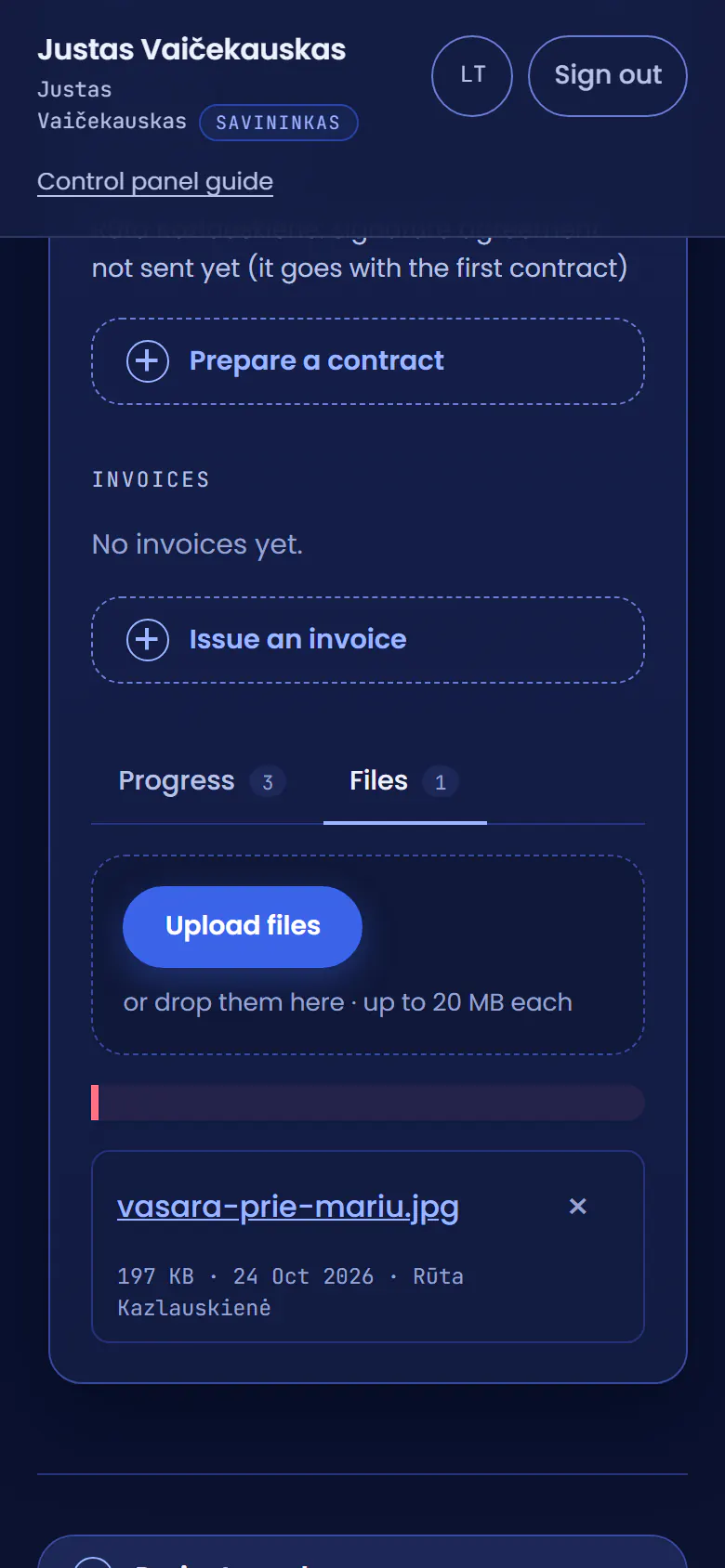
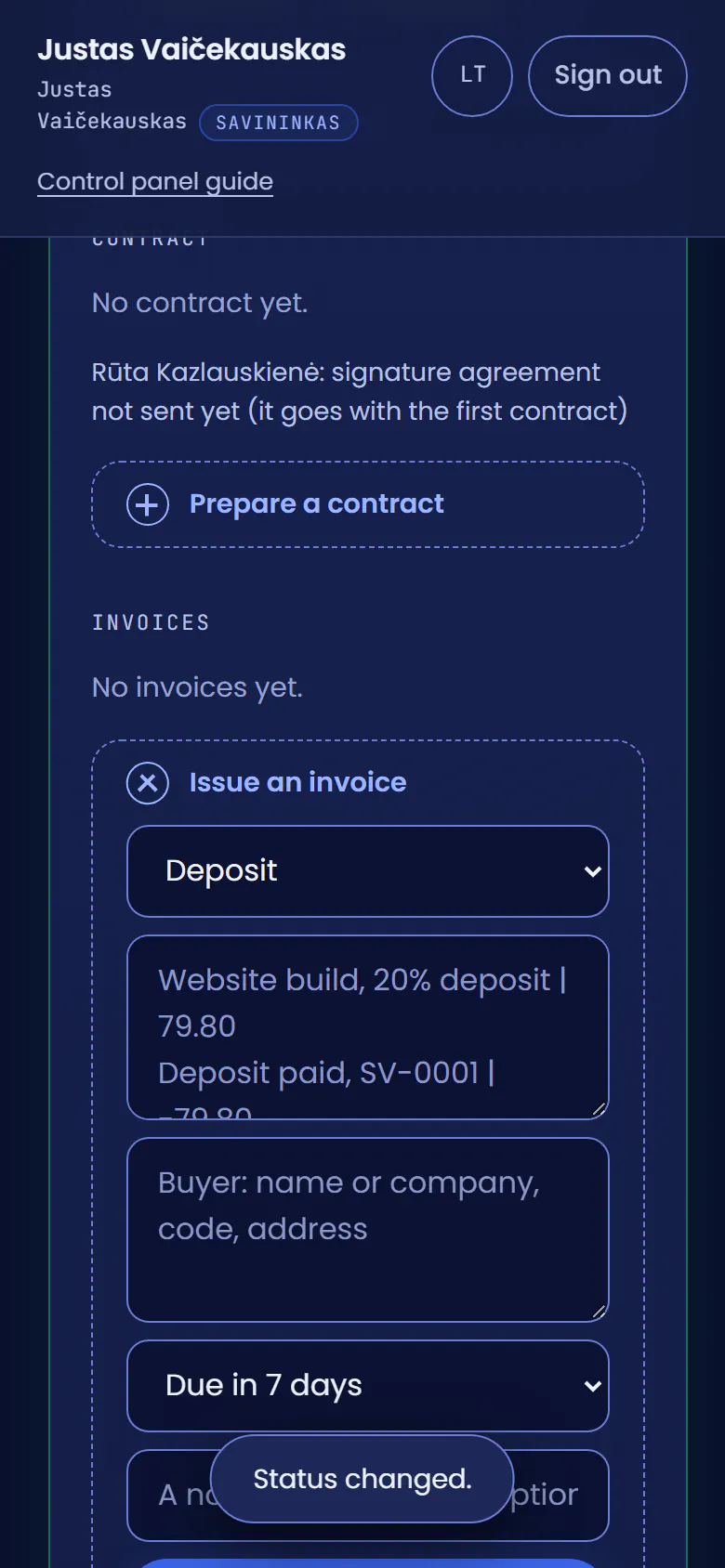
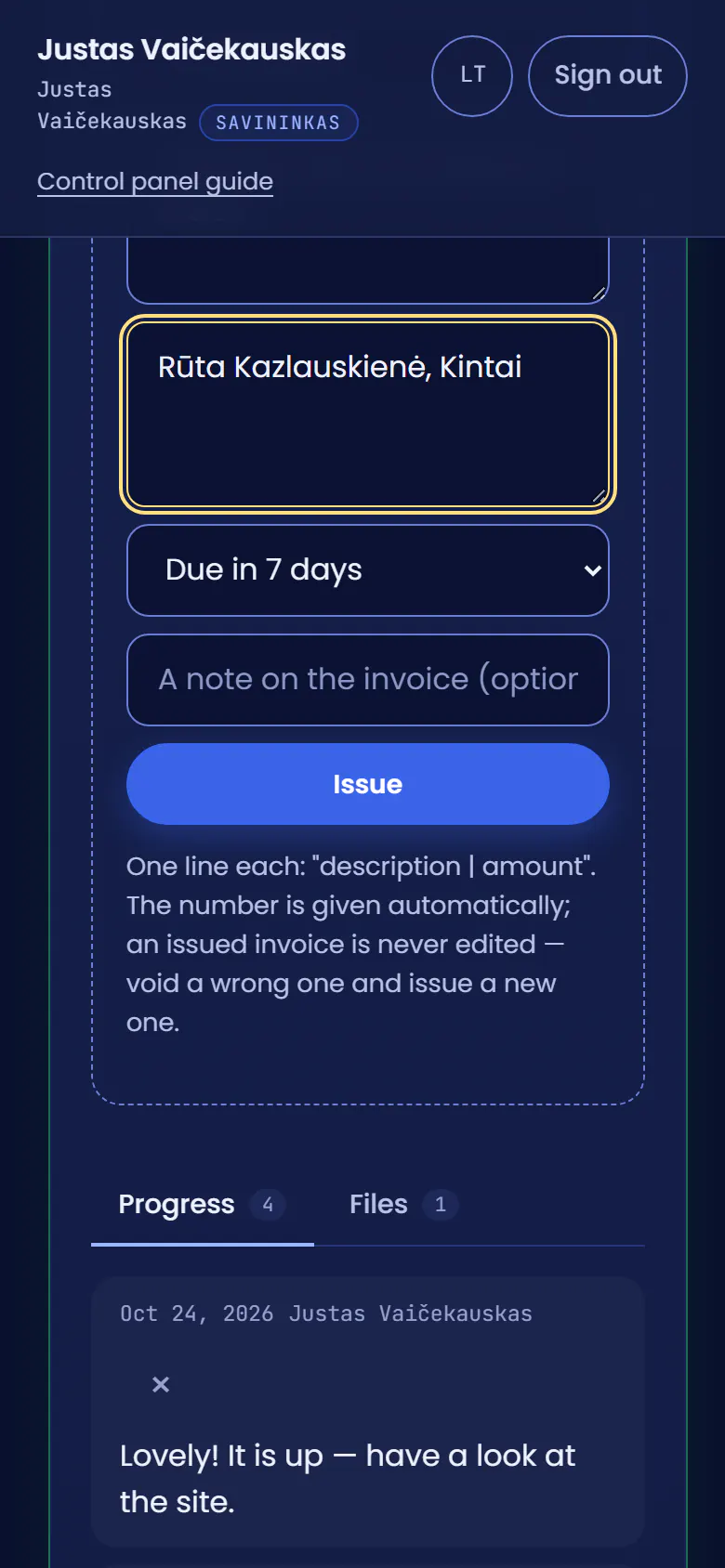
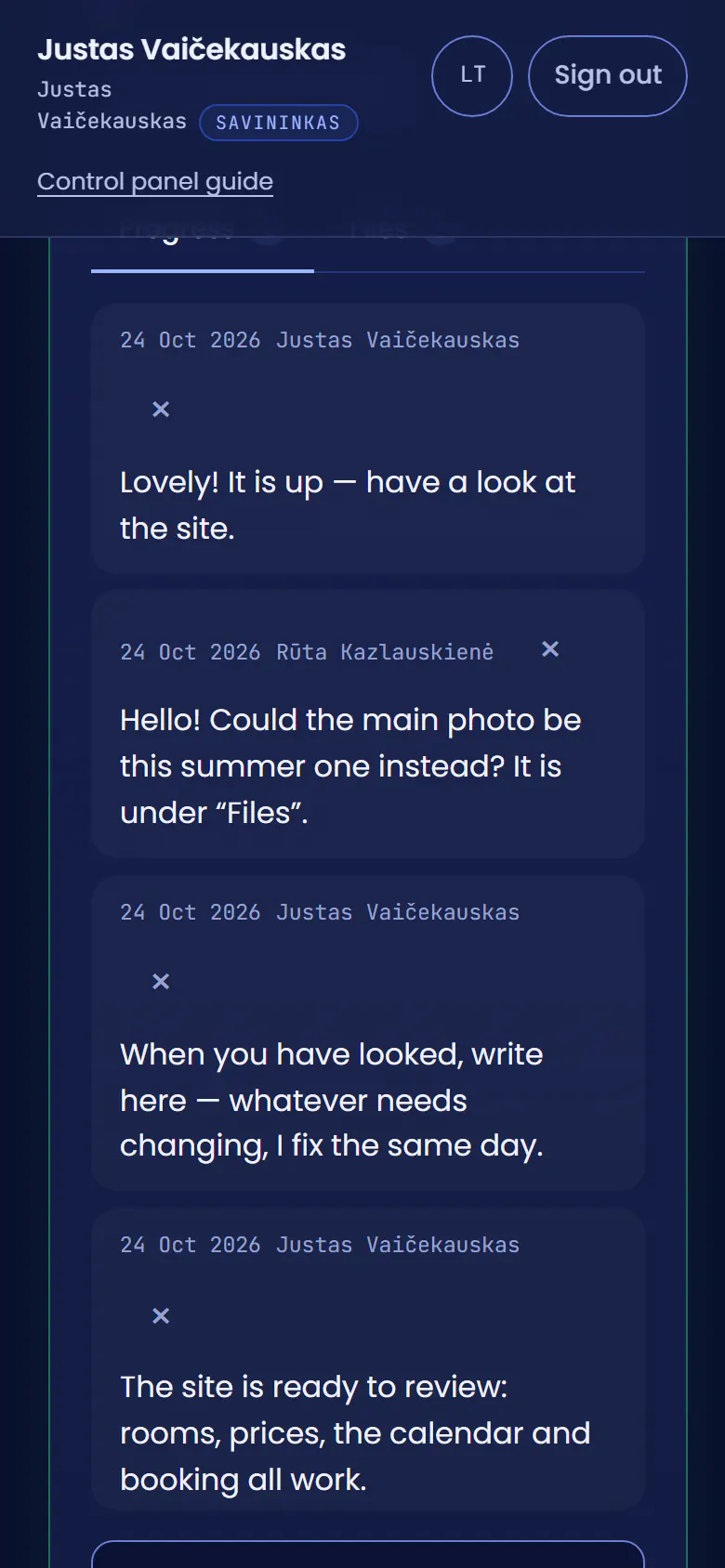
Rūta opens FilesThe guest house owner wants to share a summer photo in her client area.
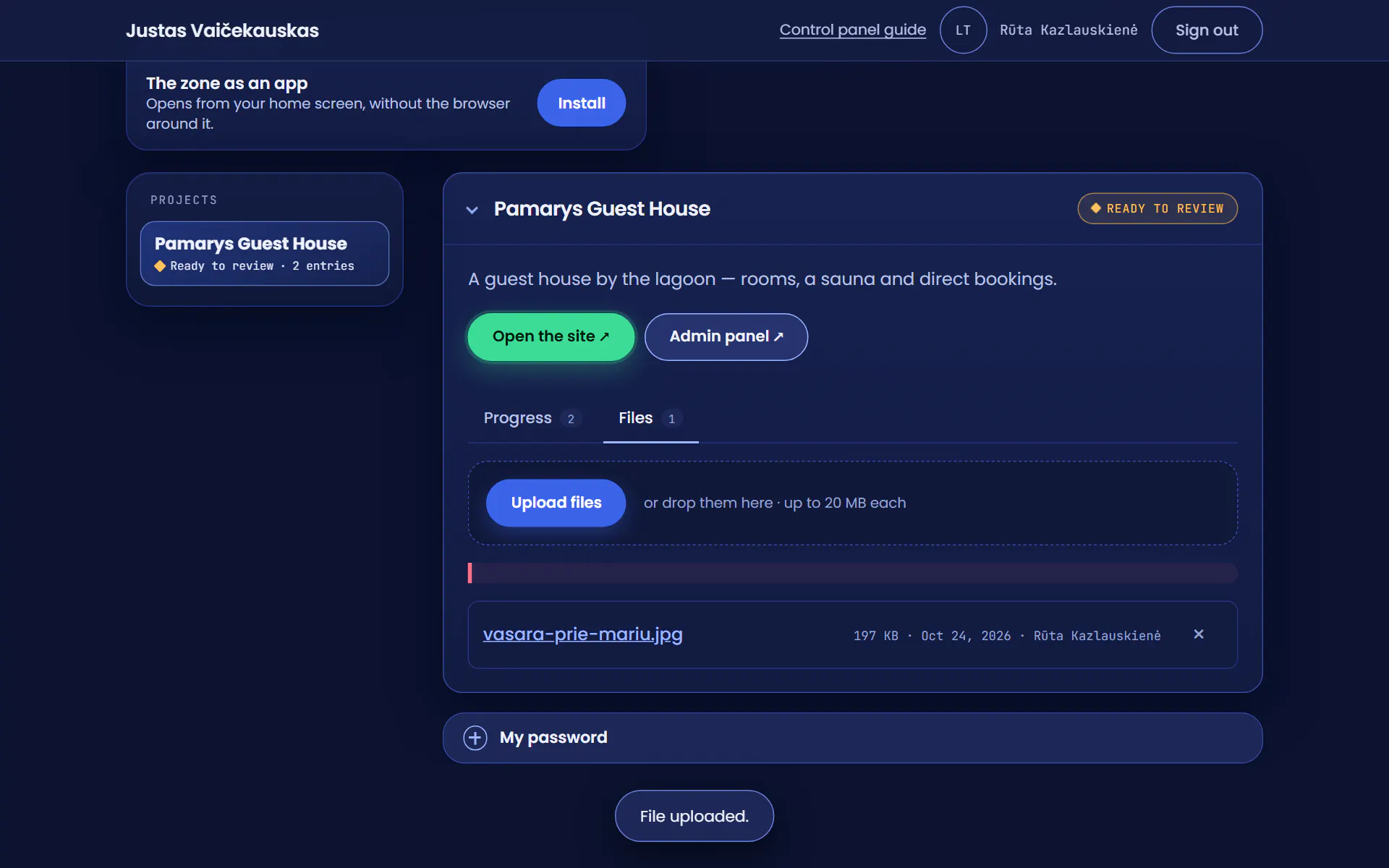
She uploads the photoShe picks the file and it uploads at once: it stays with the project instead of getting lost in an email thread.
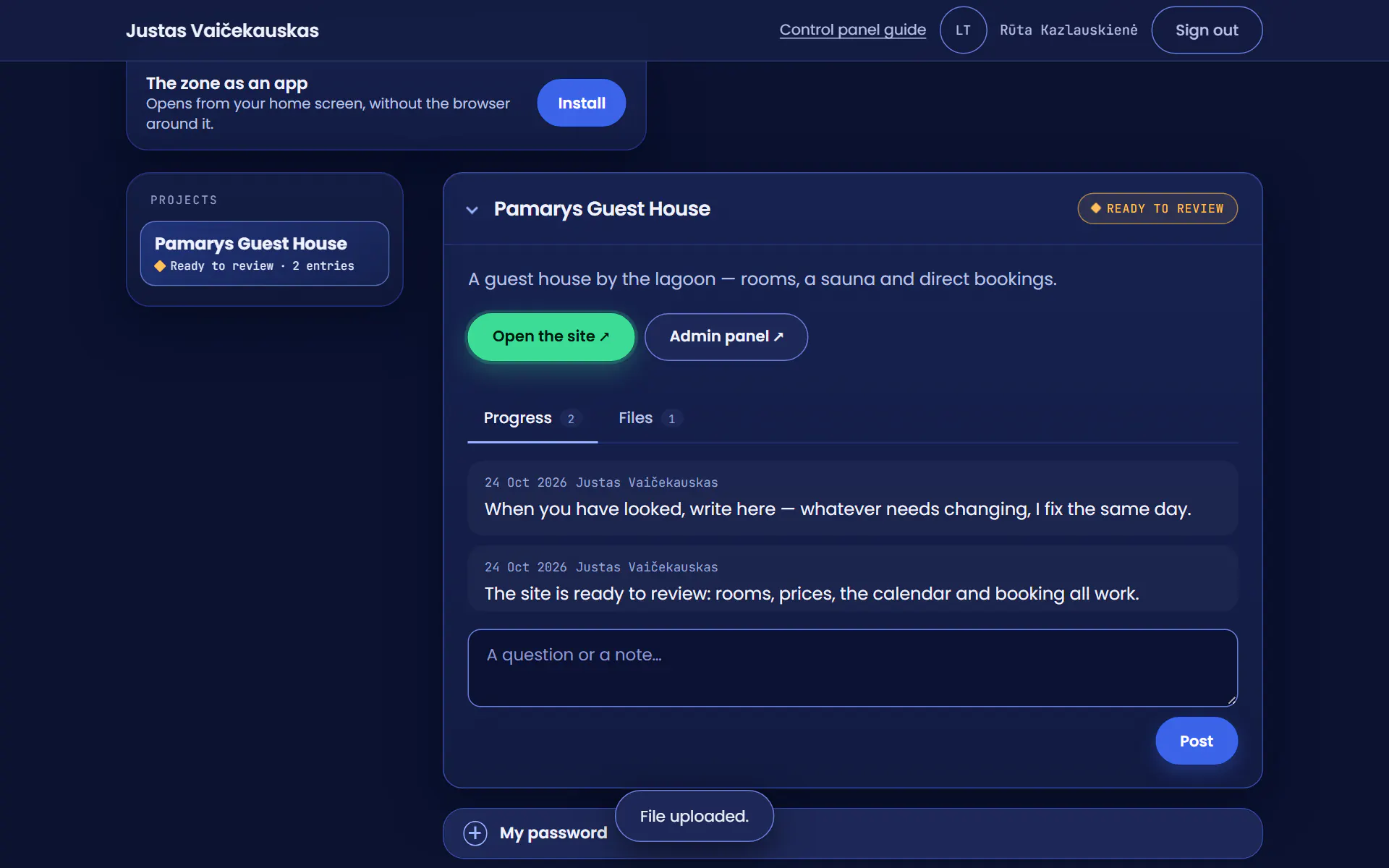
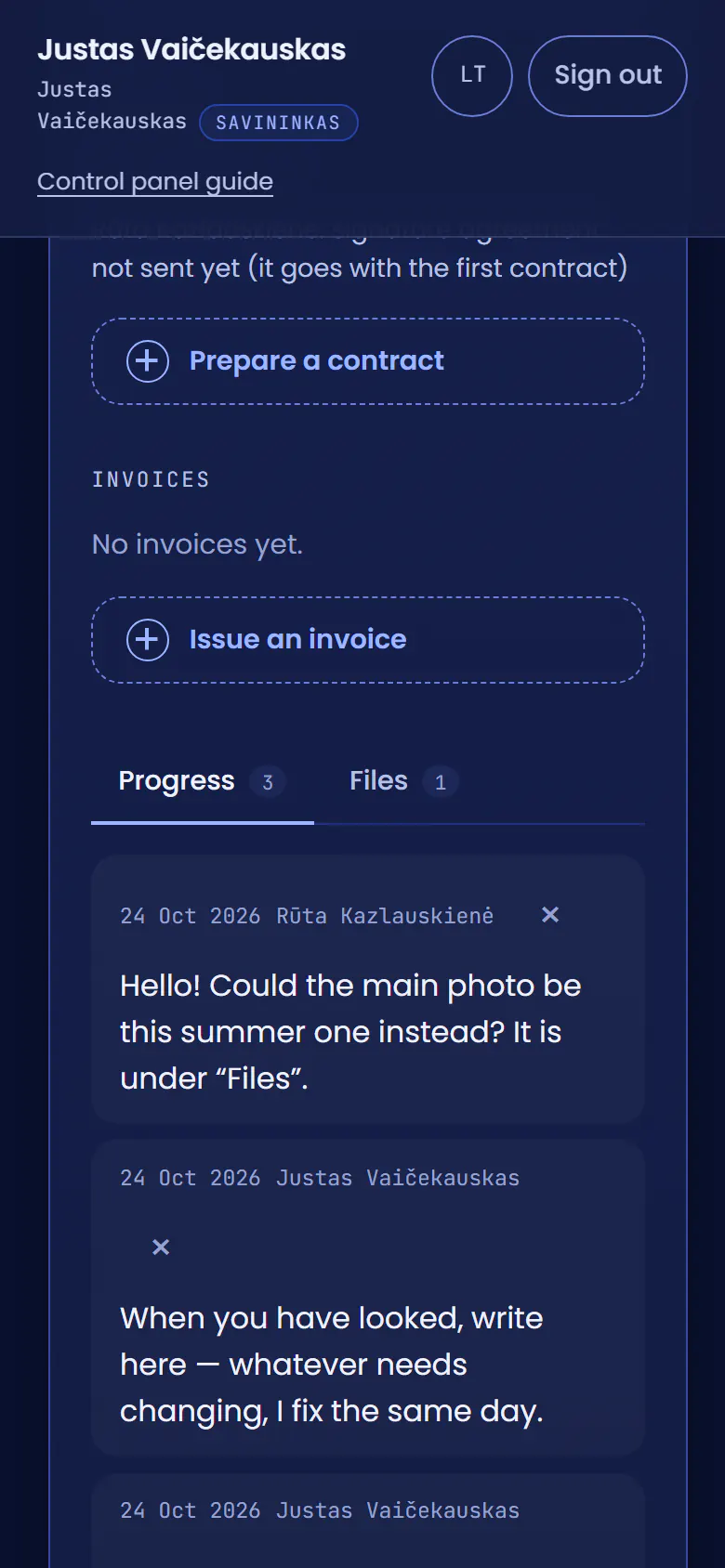
The photo is inNow to Progress, to say what she wants.
She writes a questionCan it be the main photo on the website?
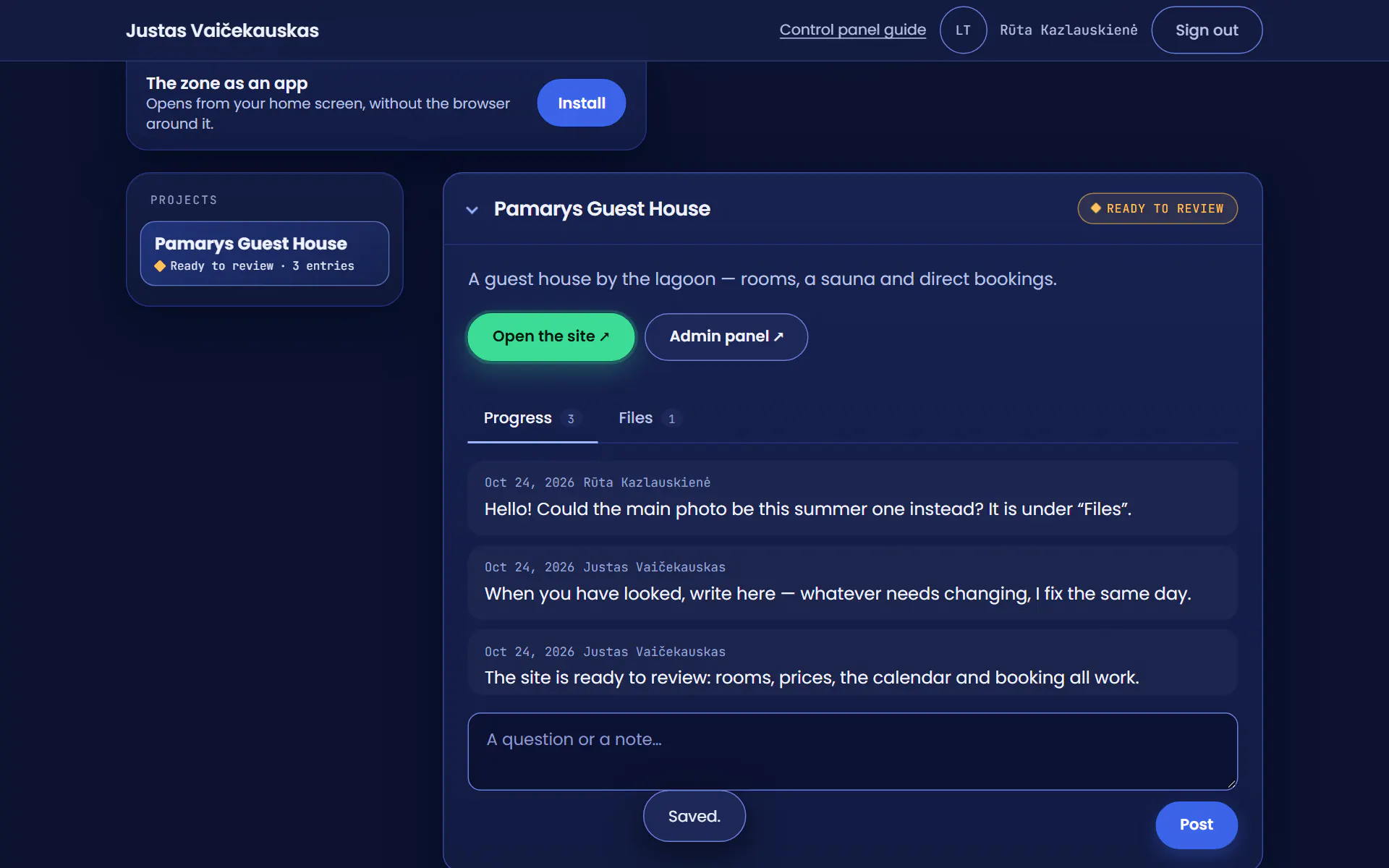
She sends itThe question goes into the project’s progress, which we both see.
An alert on my phoneA new message from a client. Nothing to dig for in an inbox: I tap the alert.
Her project opensFirst I look at the photo under Files.
I see the photoBack to Progress to answer.
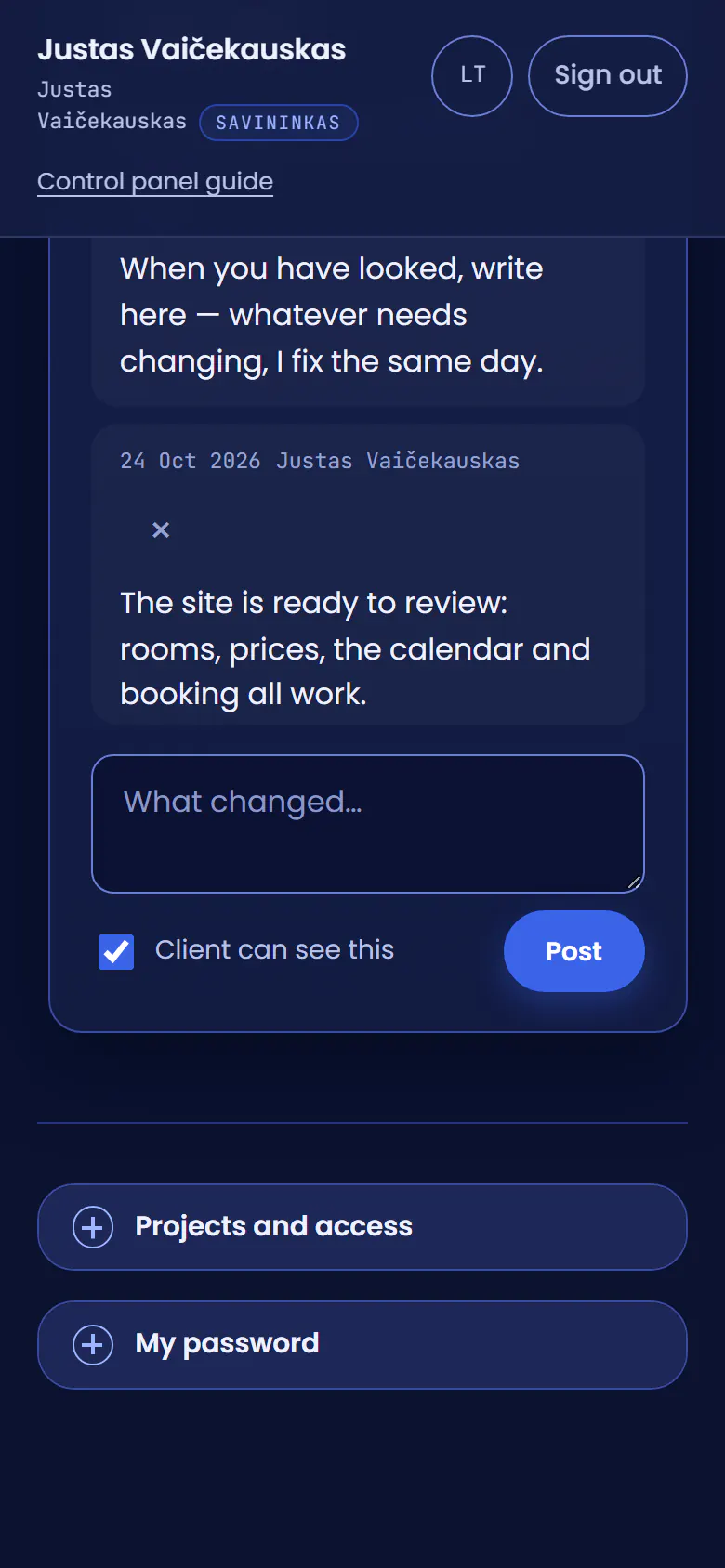
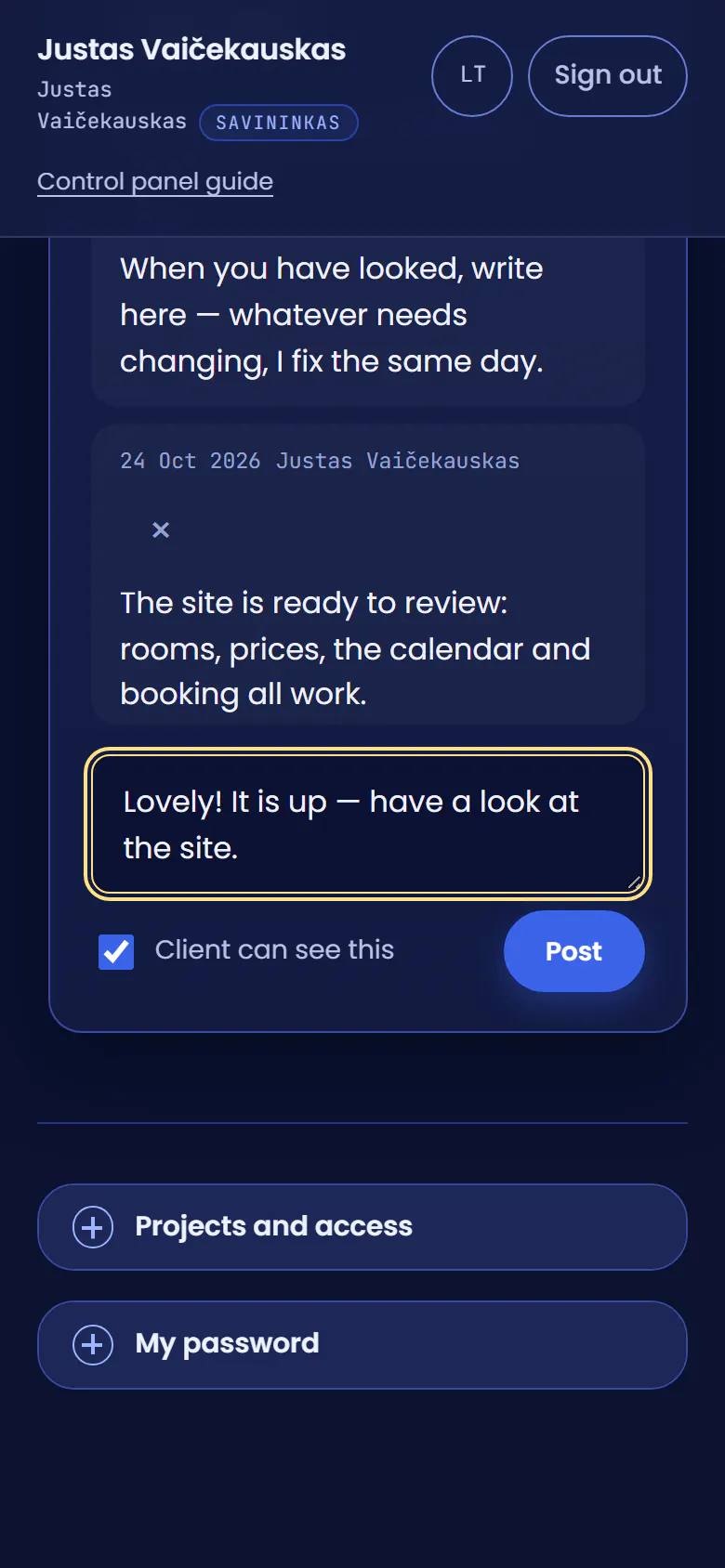
I answer on the phoneRūta sees only what is marked “Client can see this”; notes to myself stay private.
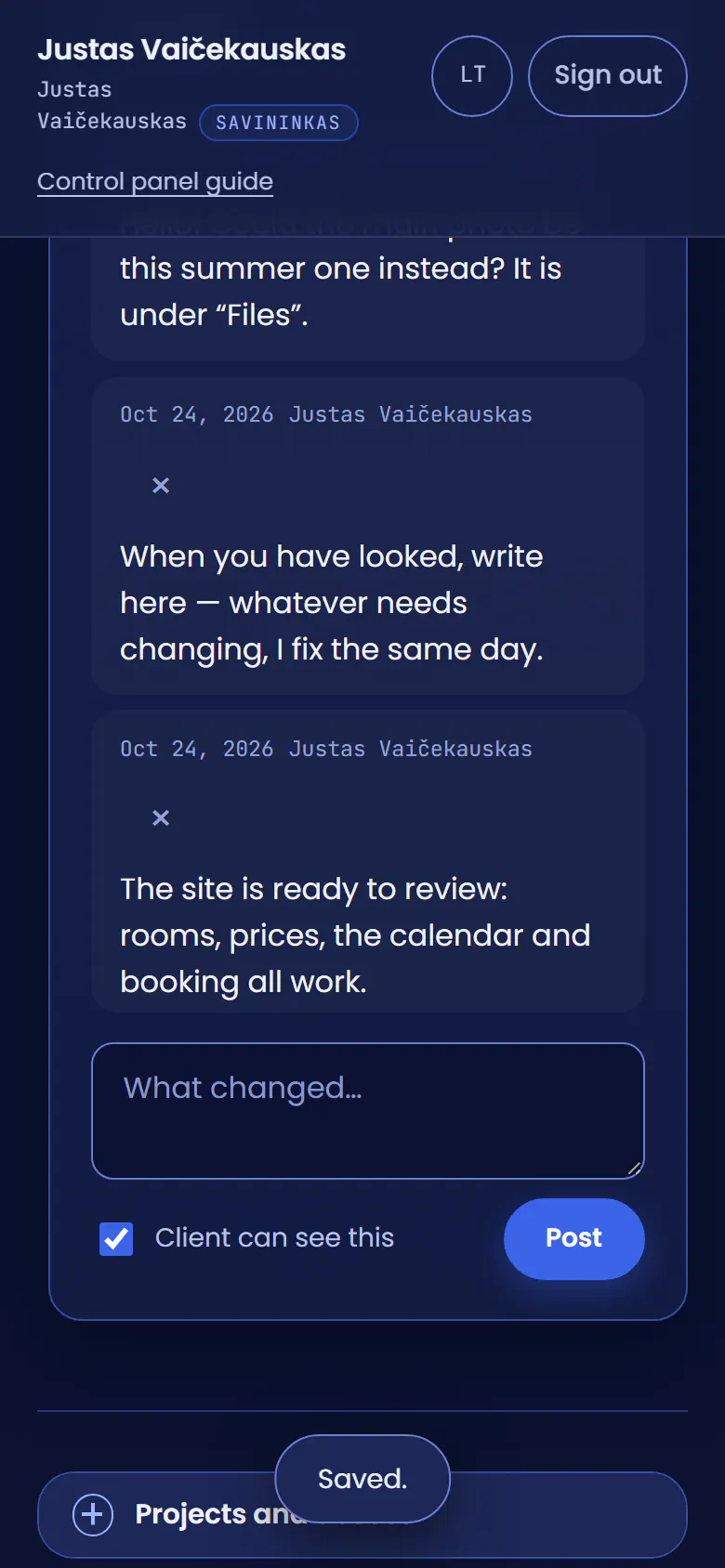
I post itThe answer goes into the same project.
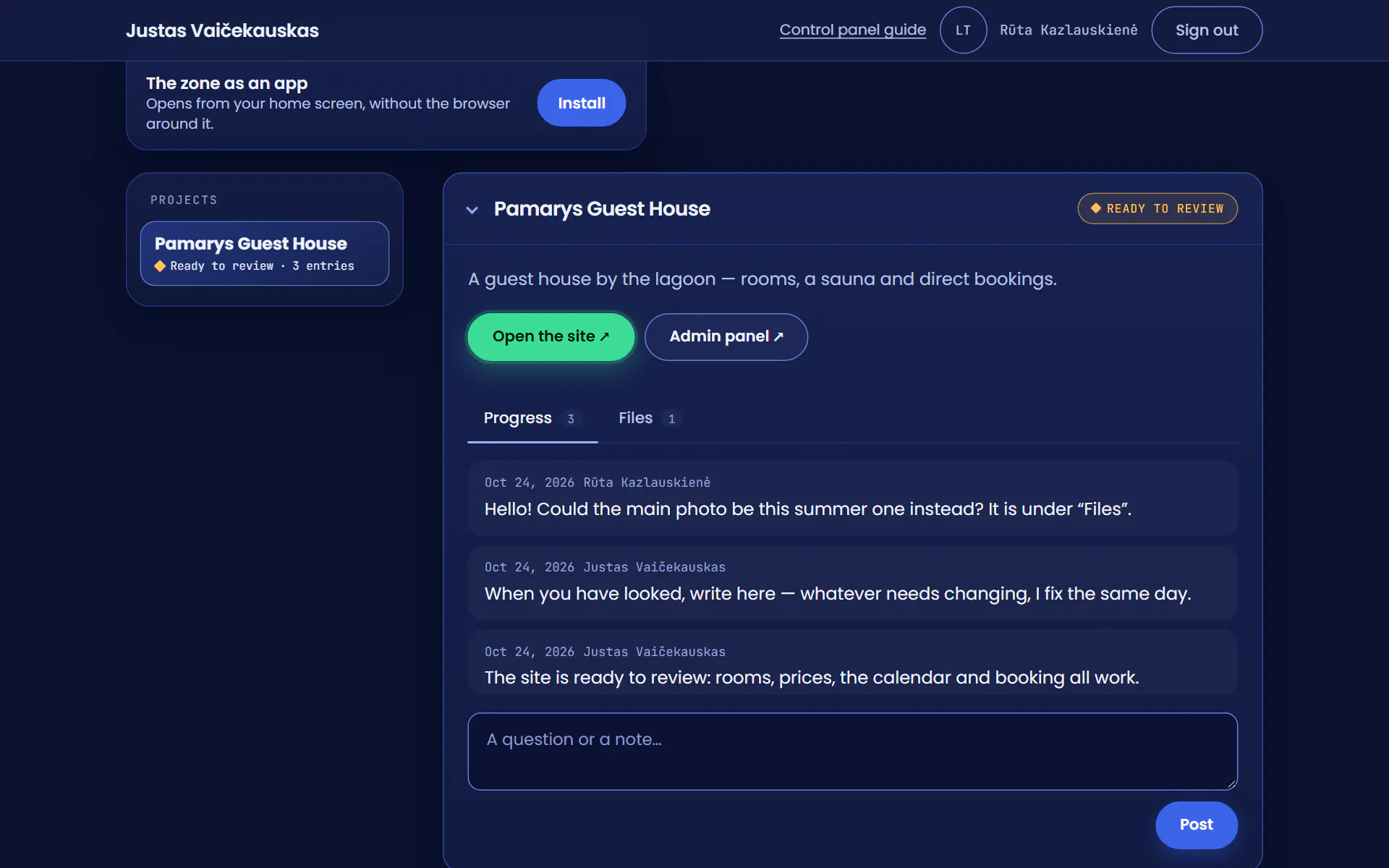
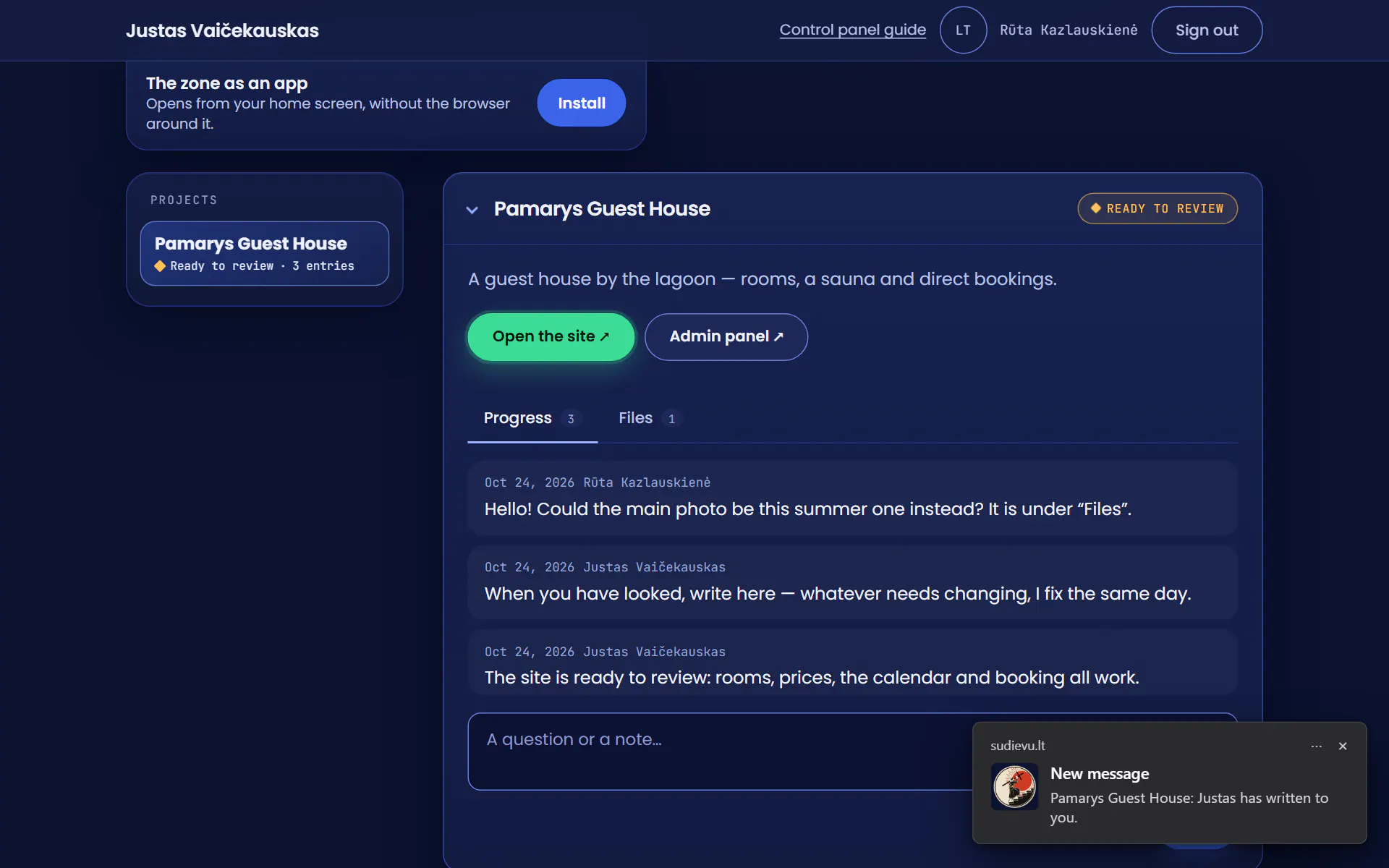
An alert on Rūta’s computerA new message. She clicks it.
She reads the answerIt is already in her client area, in the same project, not in yet another email.
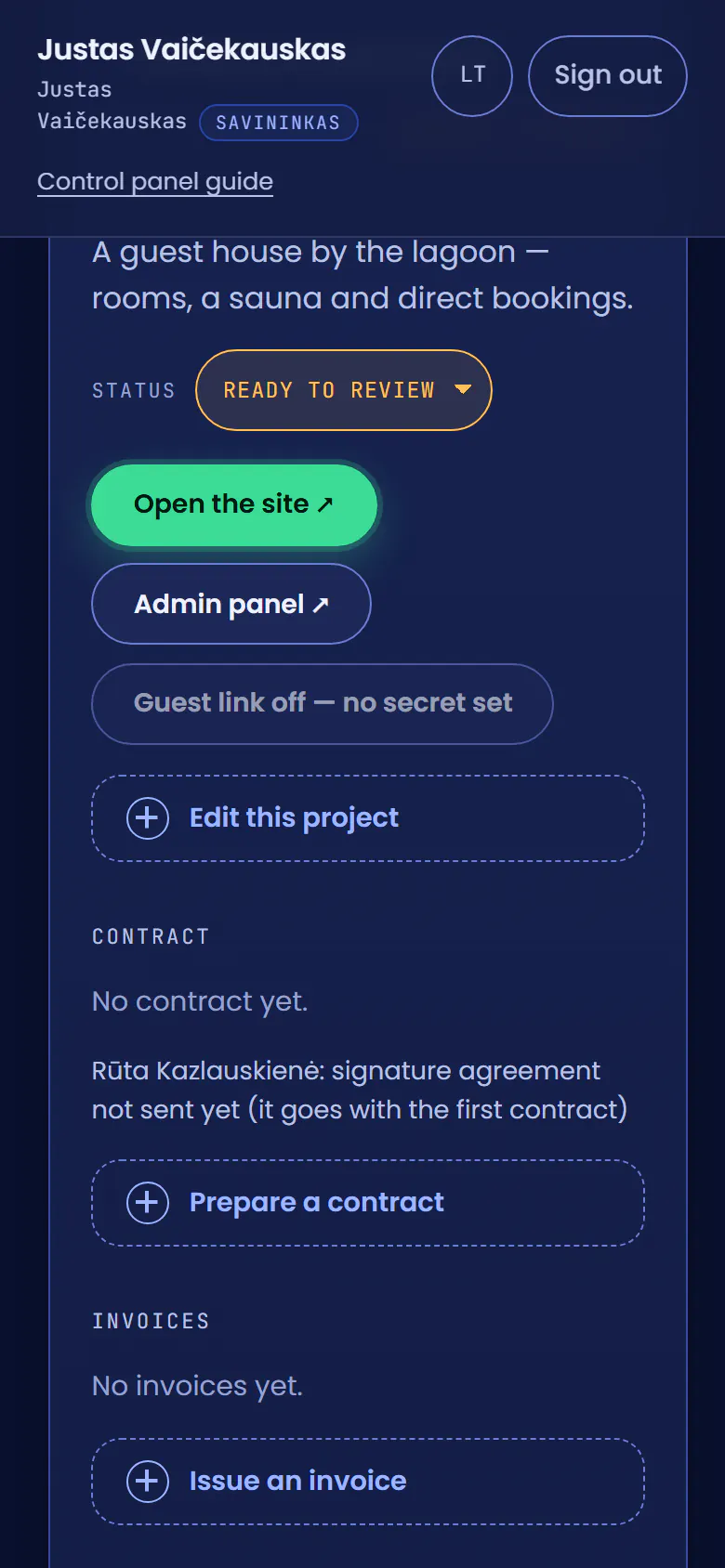
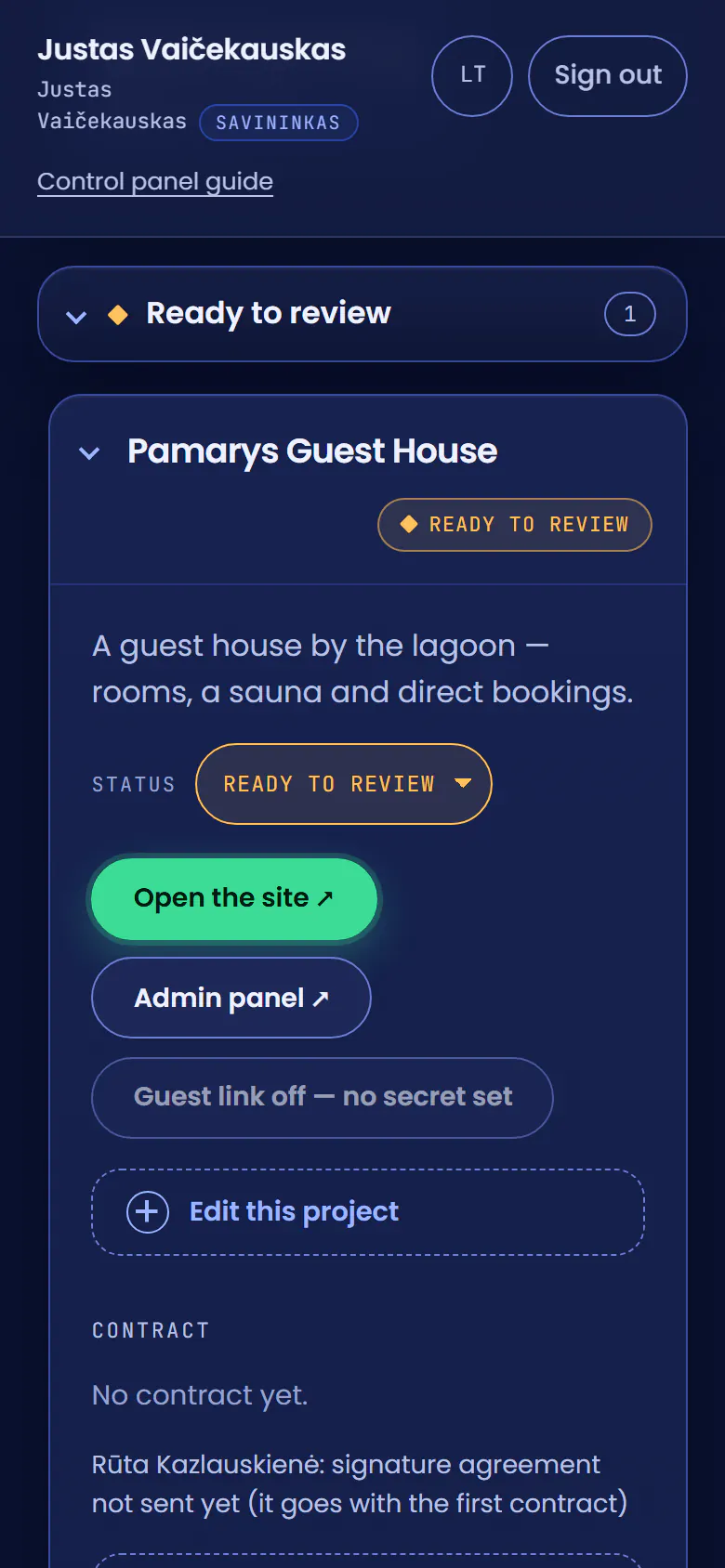
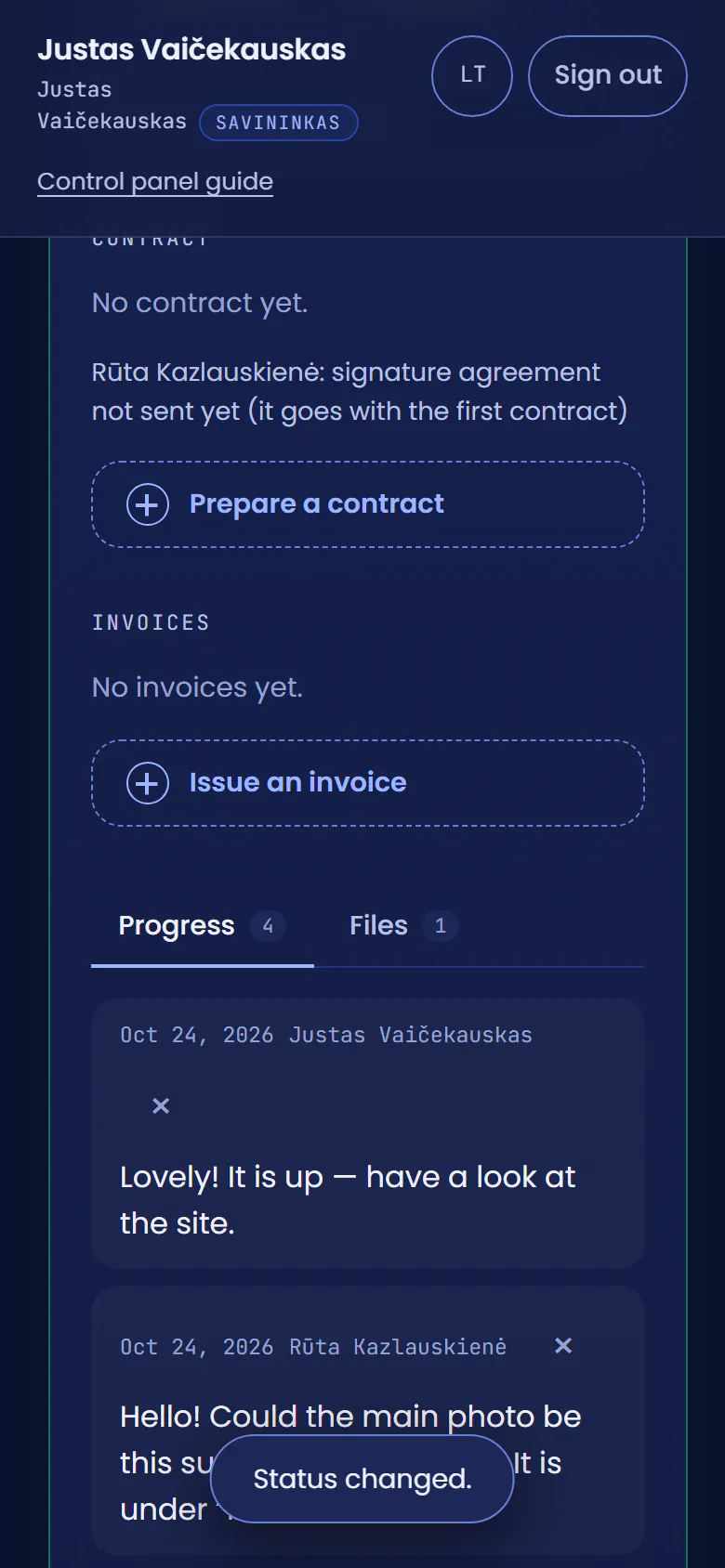
The site is readyOn the phone I set the project’s status to Live.
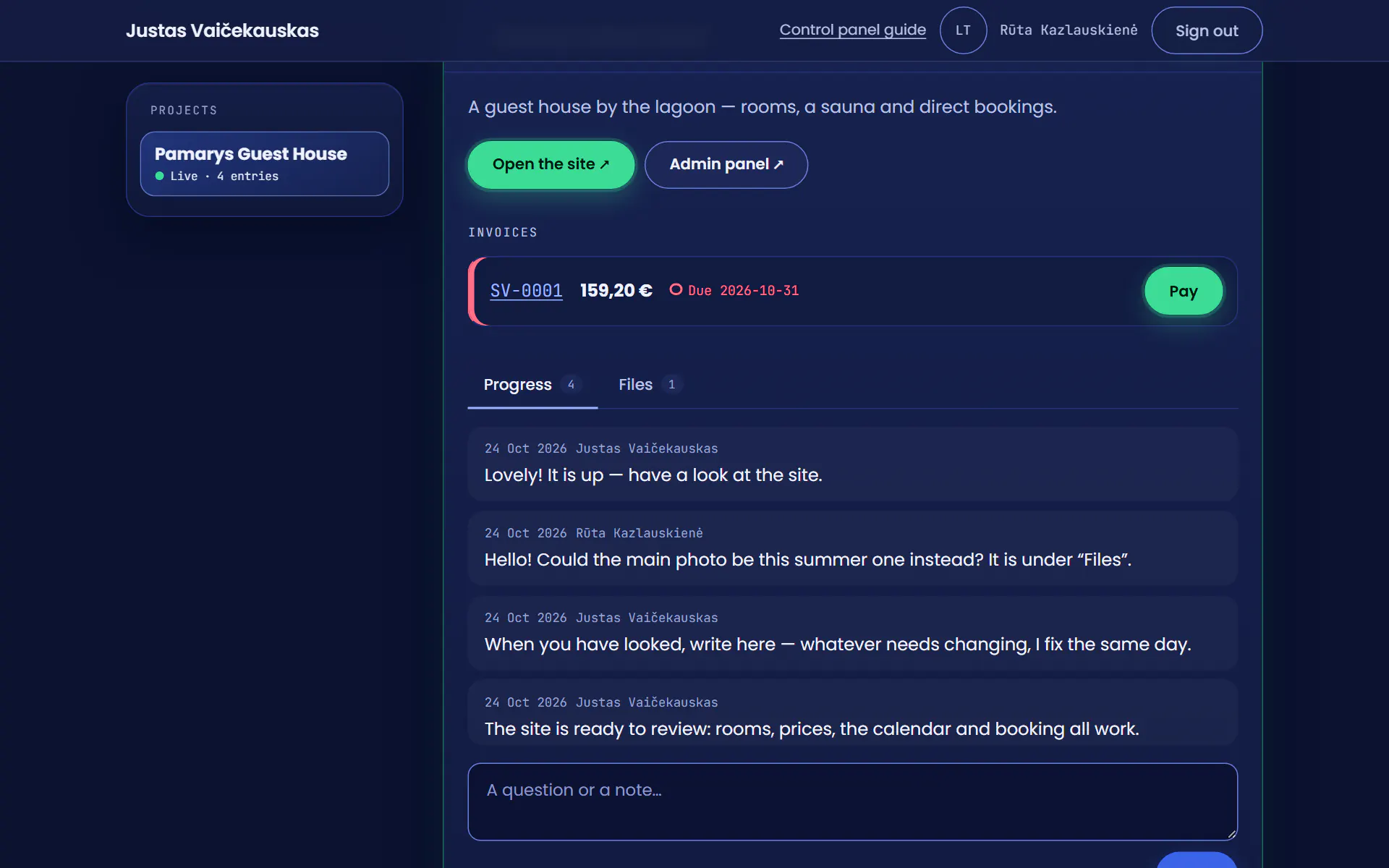
The project is liveAll that is left is the final invoice.
I fill in the invoiceThe final invoice: one line for the balance, €159.20, and the buyer.
I issue itIt is numbered by itself and lands in Rūta’s client area at once.
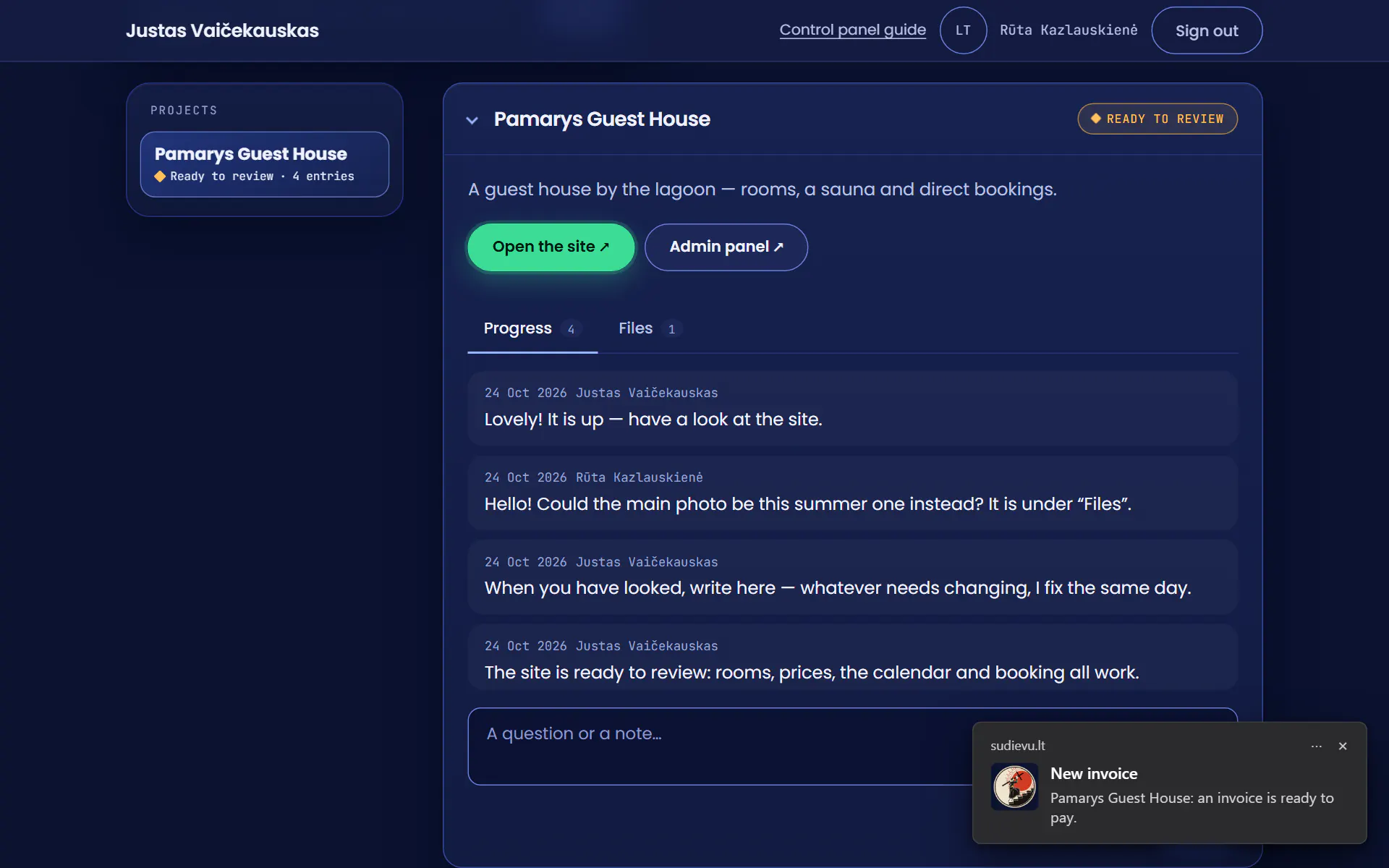
An alert for RūtaA new invoice, ready to pay.
All that is left is to payThe invoice is in her client area with a green Pay button, and the project shows Live.
The real client area with made-up data. I added the alerts myself: a browser cannot photograph them.
The client area as an app, on your phone and your computer
You can install the client area straight from the area itself: on a phone it goes onto your home screen, on a computer it becomes an app. It opens without the browser’s bars and, once you turn on Alerts, tells you by itself when something new arrives. Tap an alert and the client area opens on exactly that.
How to install it
- On a phoneIn the client area press Install: it goes onto your home screen, among your other apps. On an iPhone, Share → Add to Home Screen; alerts work there only once it is installed.
- On a computerIn the client area press Install and confirm: it opens in a window of its own.
What a client gets
 sudievu.lt·now
New message
Pamarys Guest House: Justas has written to you.

- sudievu.lt·now
New invoice
Pamarys Guest House: an invoice is ready to pay.
- sudievu.lt·now
Contract to sign
Pamarys Guest House: your contract is ready to sign.
- sudievu.lt·now
New file
Pamarys Guest House: a file is waiting for you.
- sudievu.lt·now
Project status changed
Pamarys Guest House: now Live.
What I get
- sudievu.lt·now
Client’s message
Rūta Kazlauskienė · Pamarys Guest House
- sudievu.lt·now
Contract signed
Rūta Kazlauskienė · Pamarys Guest House
- sudievu.lt·now
Invoice paid
SV-0001, €159.20 · Pamarys Guest House
Your project gets a client area of its own
Write what you would like built. You follow the rest of it there.
You will hear back within one working day.