







Hortus
1 The new look
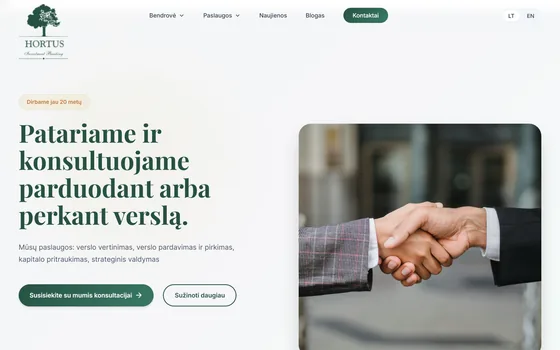
FoundA photograph in a rounded card, gradient buttons; copper text on white at 3.47:1.
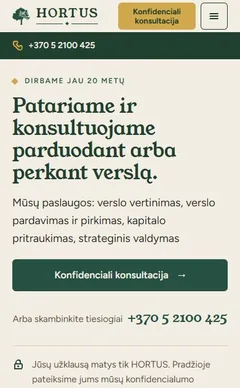
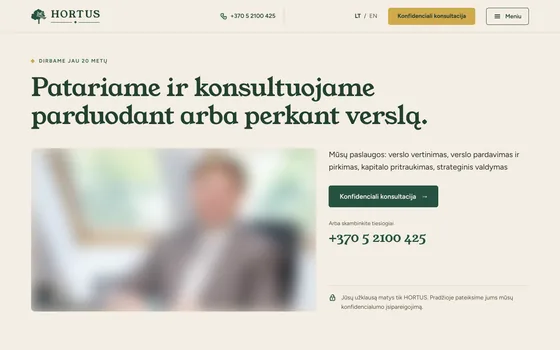
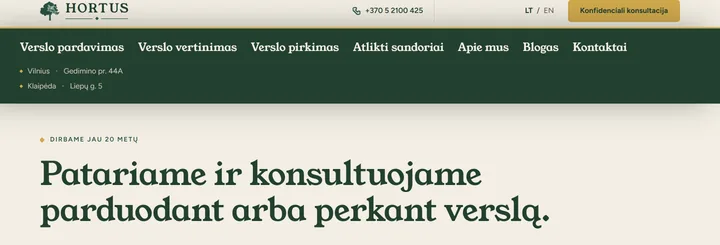
NowA sticky header with the number and “Meniu”, the firm’s own photographs; of 4,463 text elements, none is below the WCAG AA line.
 sudievu
© 2026 Justas Vaičekauskas
info@sudievu.lt +370 656 94057
Hortus and In Favorem were rebuilt off WordPress: slow and faulty before, fast and fixed now.
In Favorem live since 13 October; Hortus built, checked, waiting for the switch The switch is one server setting, undone in about a minute. And the other way: WordPress with me
The old WordPress siteThe new one
Business-sale advisershortus.lt
Home page on a slow phone
Old12.7sNew2.0s
Home page download, on a phone
Old2,135KBNew197KB−91%
On a phone: scrolling to the first tappable number
Old5,708pxNewin the header
Business centre, offices to letinfavorem.lt
Home page on a slow phone
Old6.3sNew2.3s
Home page download, on a phone
Old608KBNew276KB−55%
Pages where the phone number can be tapped
Old0of 23New23of 23
Measured on one machine, the same conditions for both. Not every page gains: Hortus’s services page on a computer weighs the same, and In Favorem’s home on a computer is only 7% lighter (bigger photographs).
Short answers to what owners ask first.
For every old address that has a clear counterpart on the new site, I write a redirect and test it. An address with no clear counterpart is not sent just anywhere. I cannot promise a place in Google’s results.
Mailboxes are not part of hosting, so moving the site and the email are two separate things. Whether your current email stays untouched, I see in the audit, once I have read the domain records. If you want new email, I offer Zoho Mail: €2 a month per mailbox, paid a year ahead.
For Hortus, a site matching the old one was running 7 hours 13 minutes after the decision; In Favorem’s move took one evening. The new designs took 3 and 4 days. I put the deadline in the order.
Up to 10 pages €75, up to 50 pages €150, a blog with more than 100 posts €250. For a site of any other size I give the price before I start. With hosting or a site I build, the move is free. All prices are on the pricing page.
I can do the audit from public information: the pages, the domain records and the Internet Archive. What is not public (files, unpublished content) I cannot move without access. You give only the access the work needs. Send me the site’s address through the form on this page: from the audit I will tell you what can be moved without access and exactly which files or logins you would need to ask for.
From €10 a month for a site I built and from €15 for a site someone else built. Which applies to your moved site, I tell you with the price of the move, before I start.
Yes. The live site stays as it is; the new version is built on a separate address, closed to search.
Real films, the same held-back phone: 1.6 Mbit/s, a 150 ms round trip, a processor four times slower.
The old sites are photographed from their own archives; the new ones are build copies.
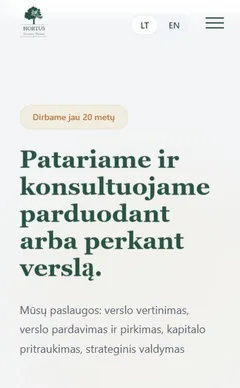
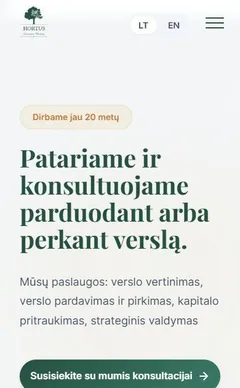
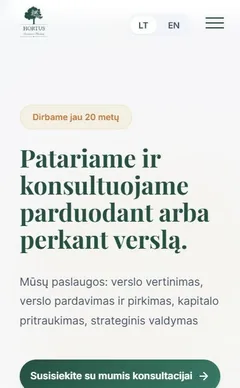
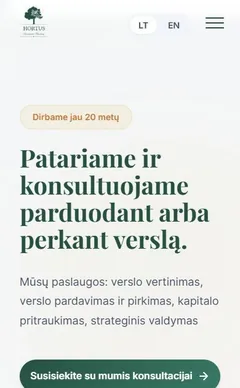
Hortus
FoundA photograph in a rounded card, gradient buttons; copper text on white at 3.47:1.
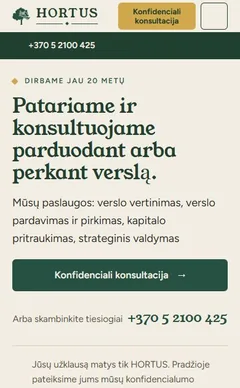
NowA sticky header with the number and “Meniu”, the firm’s own photographs; of 4,463 text elements, none is below the WCAG AA line.
Hortus
FoundWith scripts off, the home page was blank: heading and buttons invisible (15 fade-in blocks).
NowHeading, buttons and figures show without scripts.
Hortus
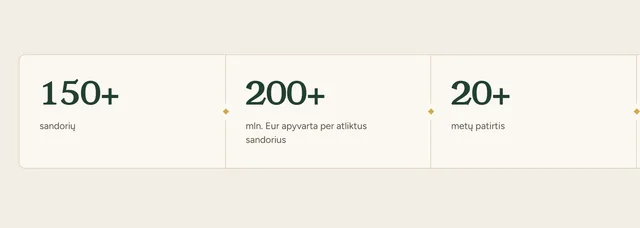
FoundThe page arrived with its counters at “0 sandorių”, “0 mln. Eur”, “0 metų”: only the scripts showed the figures.
NowThe real figures – 150+, 200+, 20+ – are in the page itself.
Hortus
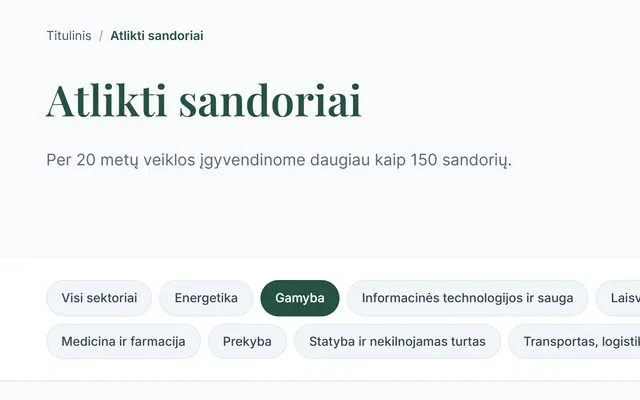
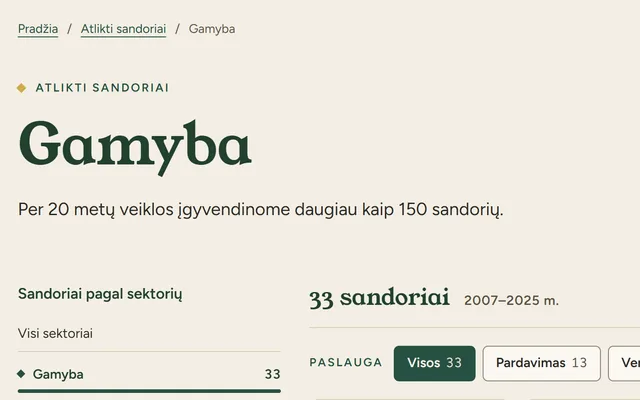
FoundAll 11 sector pages had the same heading: “Atlikti sandoriai”.
NowEach page’s heading is its own sector.
Hortus
Found2,175 real old addresses people still came in by returned “page not found”.
Now413 redirect rules, each replayed, send old addresses to the right page; one rule covers all 326 from before WordPress.
Hortus
FoundThe home page’s title was “Titulinis - Investment Banking Boutique”; 43 of 173 pages had no description.
NowA real title; 156 of 156 pages have a description of their own.
Hortus
FoundOn a phone the first tappable number was 5,708 px down; the deals page ran 67 screens.
NowA Call / Write bar on the first screen; the deals page is 26 screens.
In Favorem
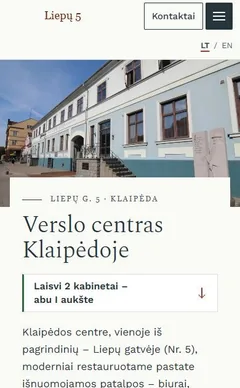
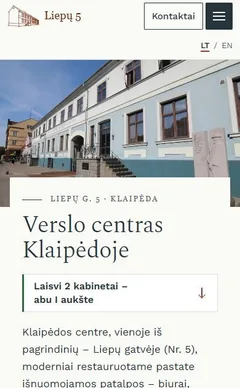
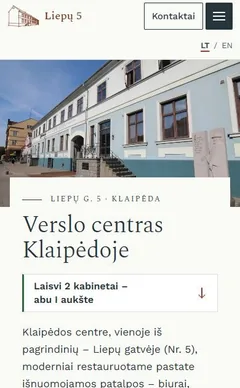
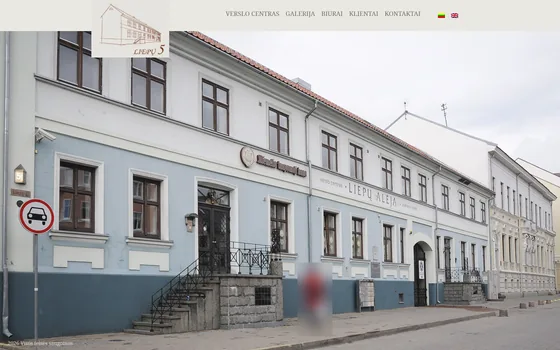
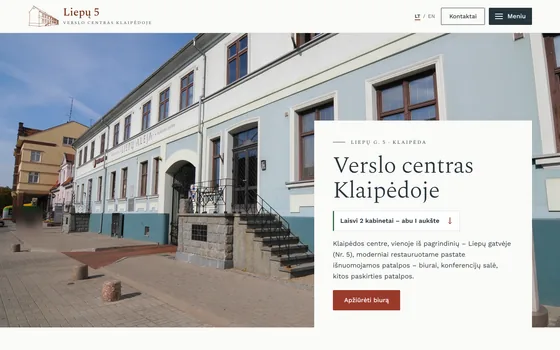
FoundA swirl-textured bar and one full-screen photograph: 1 word, no button; nothing said 2 of 27 offices were free.
NowThe heading and the free-office line are on the first screen; the main action is a button, “Apžiūrėti biurą”.
In Favorem
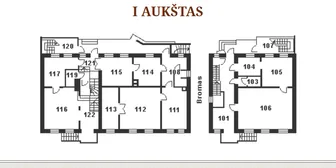
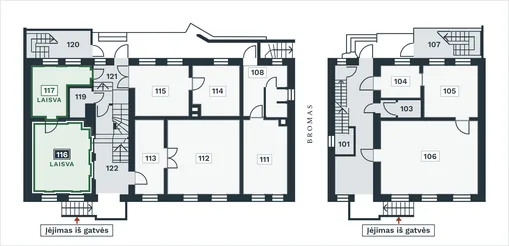
FoundA flat 469 × 226 px picture: no office could be pressed, and the 2 free ones were green words among 53 table rows.
NowEvery office can be pressed, with an “only free” filter; free offices are named on the home page’s first screen.
In Favorem
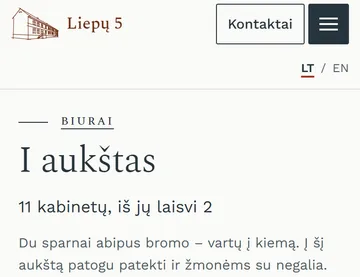
FoundNo menu button on a phone, and the phone number was plain text – not tappable.
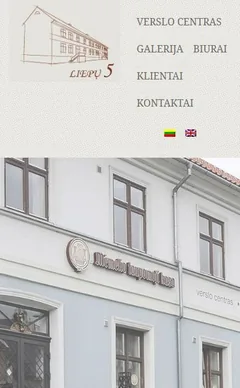
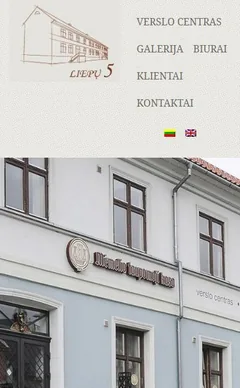
NowA “Meniu” button on 13 of 13 pages; the number is tappable on 23 of 23.
In Favorem
FoundA slideshow of 2,315 KB; the gallery opened raw camera files (14, 26.7 MB).
NowThe first view on a phone is 346 KB; the gallery has 22 sized photographs with a viewer.
In Favorem
FoundSpam through the contact form: 14 sends from 9 addresses in one day. A blind visitor could not use the captcha.
NowNo captcha; every enquiry is stored before it is mailed. Tested, but not yet faced with real traffic.
In Favorem
FoundThe server took 0.79–0.84 s to build a page.
NowOn the build copy: 0.04–0.07 s, about ten times faster.

One eveningto move it off WordPress
3 daysfrom three design directions to a working site
One eveningto move it off WordPress
4 daysfrom three design directions to a working site
And the other way
Sometimes WordPress is the right choice. I install it and look after it on my own server, and I can move a site I built into WordPress, so you edit it there.
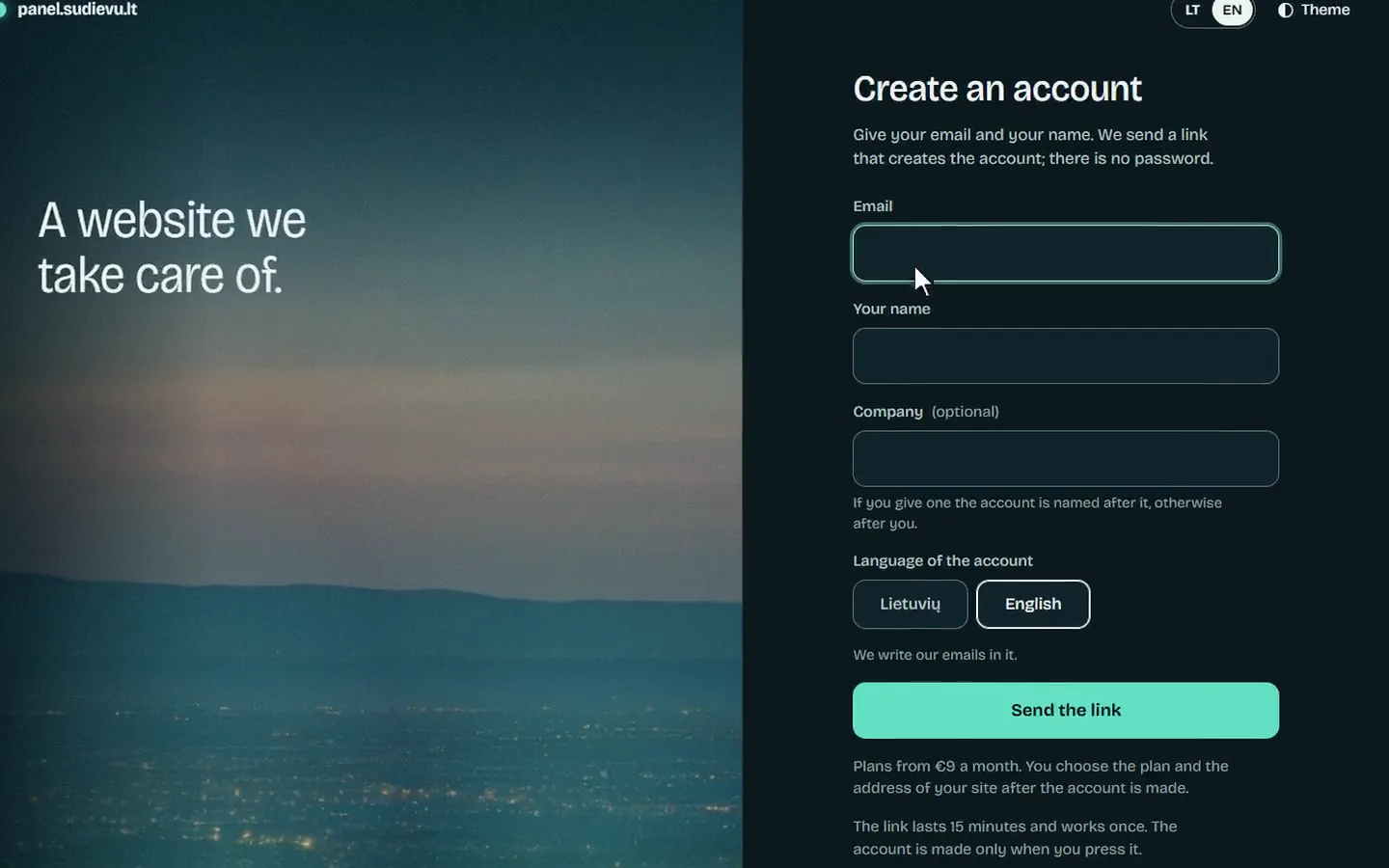
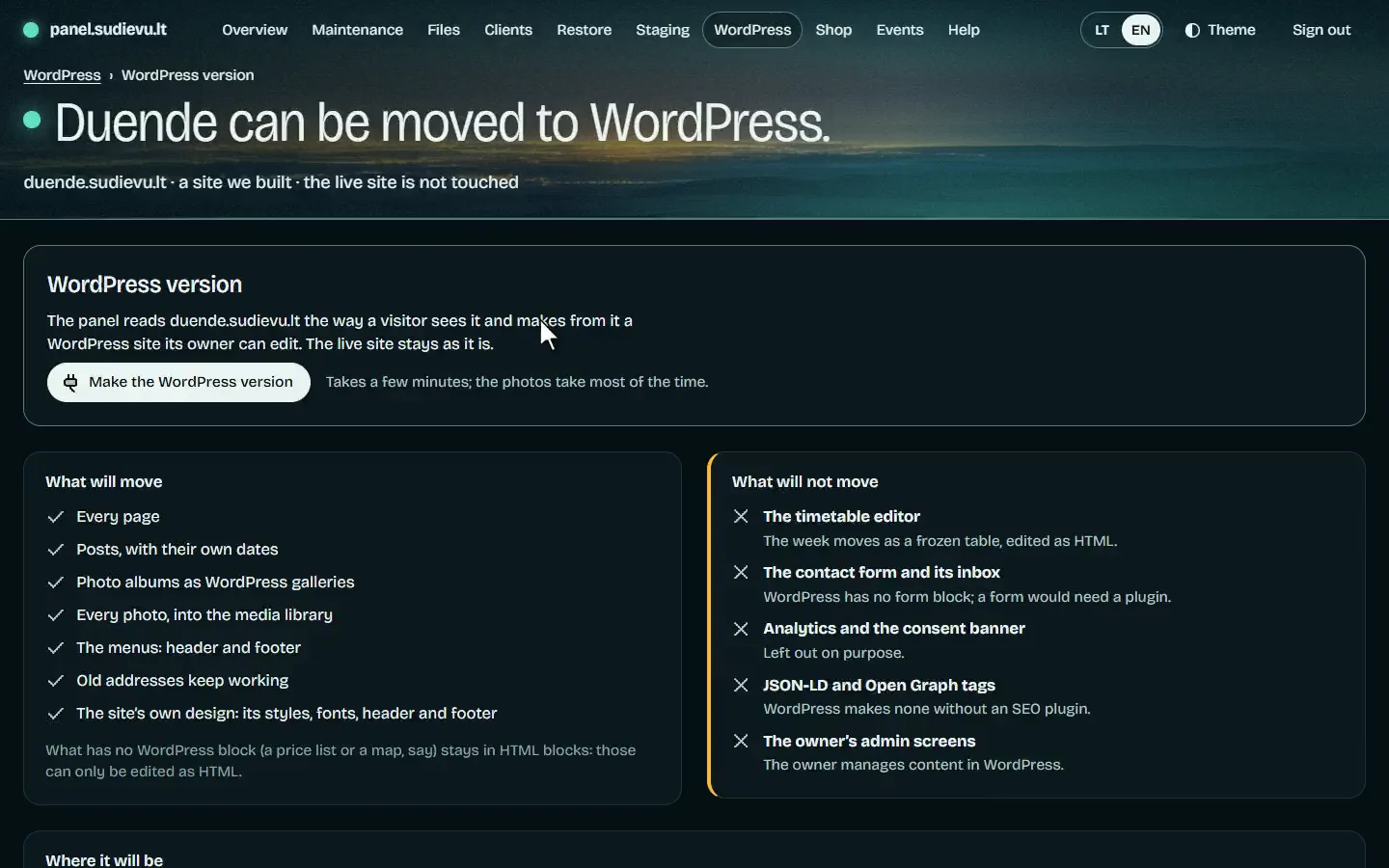
I built the Duende dance studio’s site. Its WordPress version looks the same, and you edit its content in WordPress.
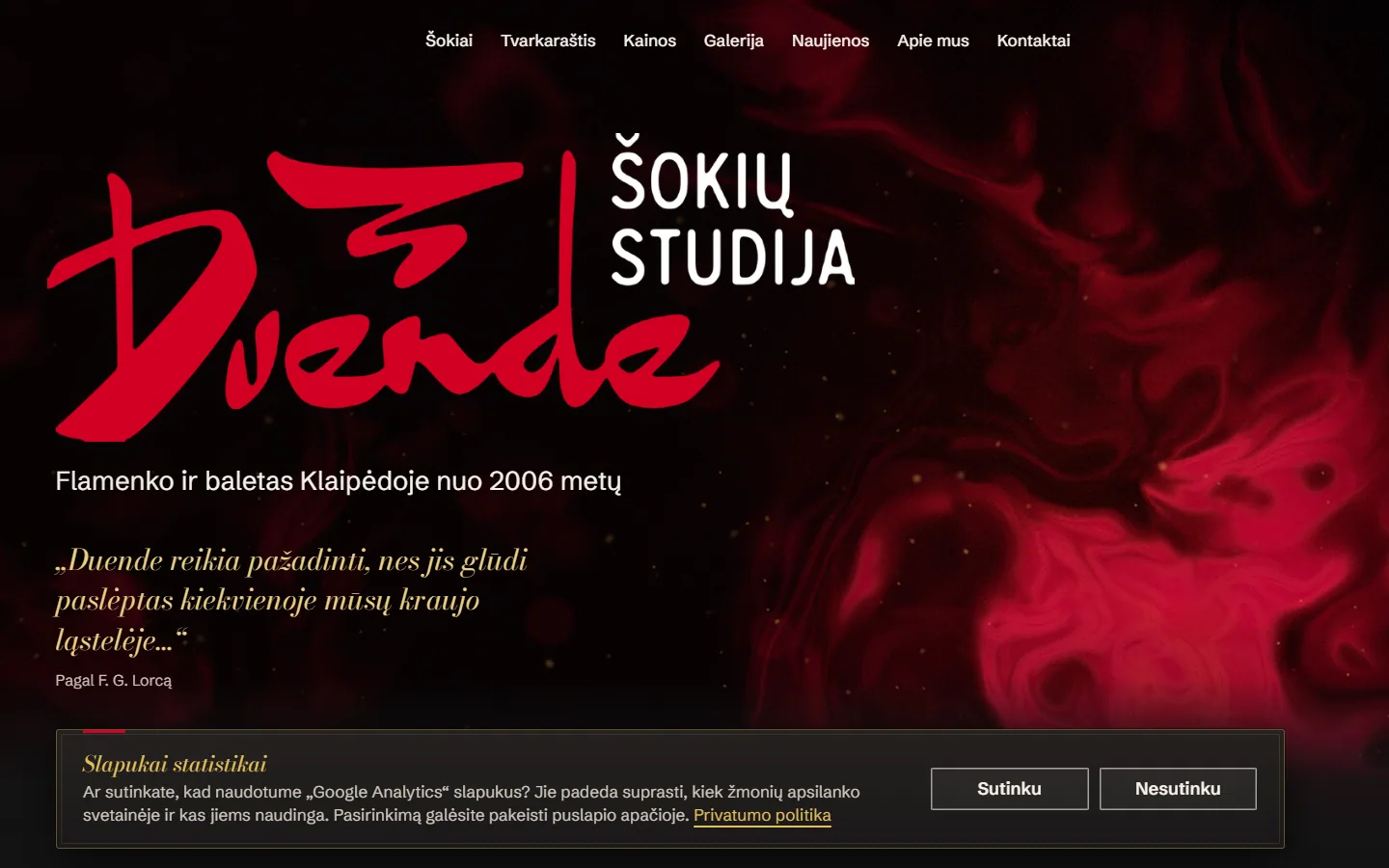

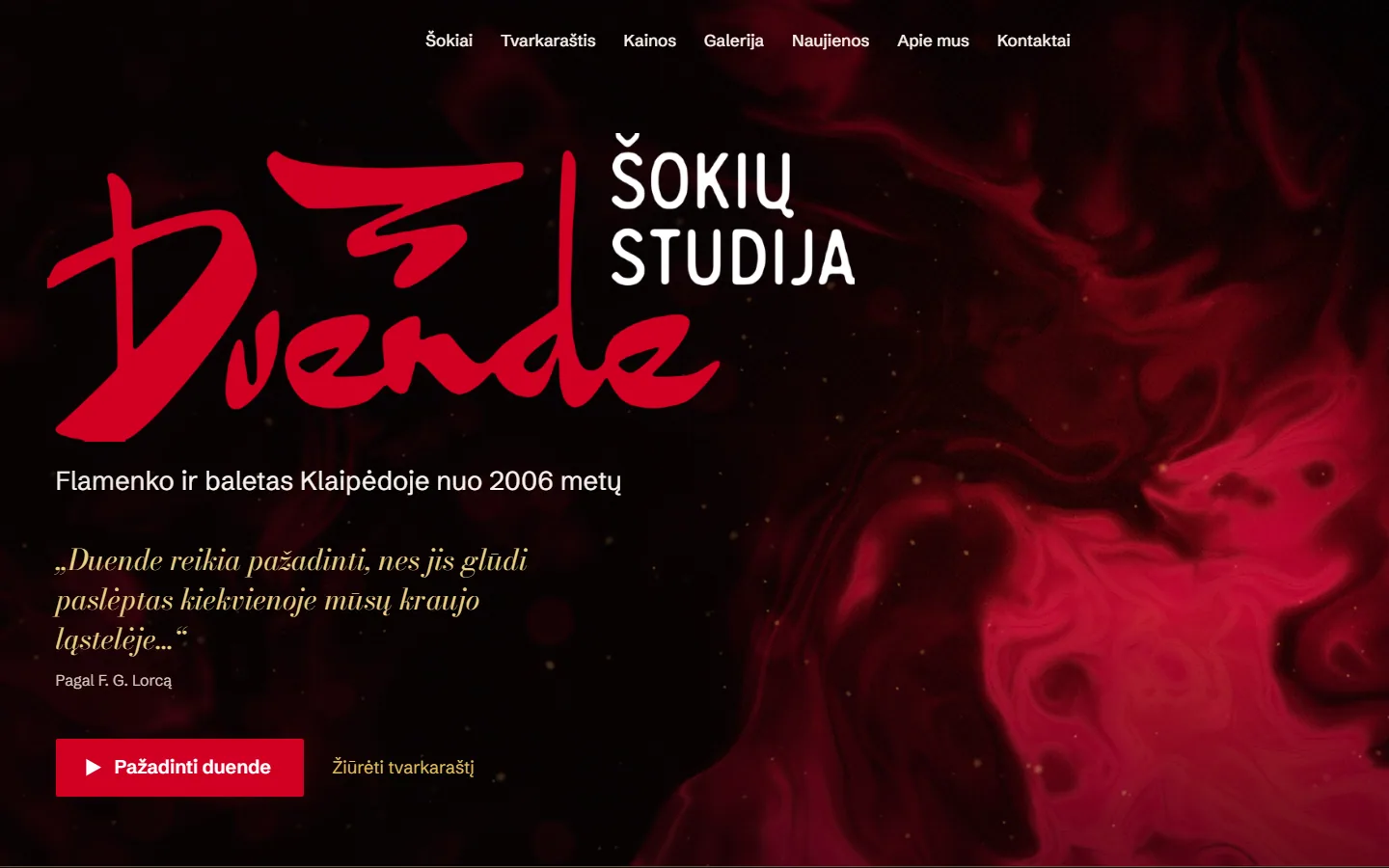
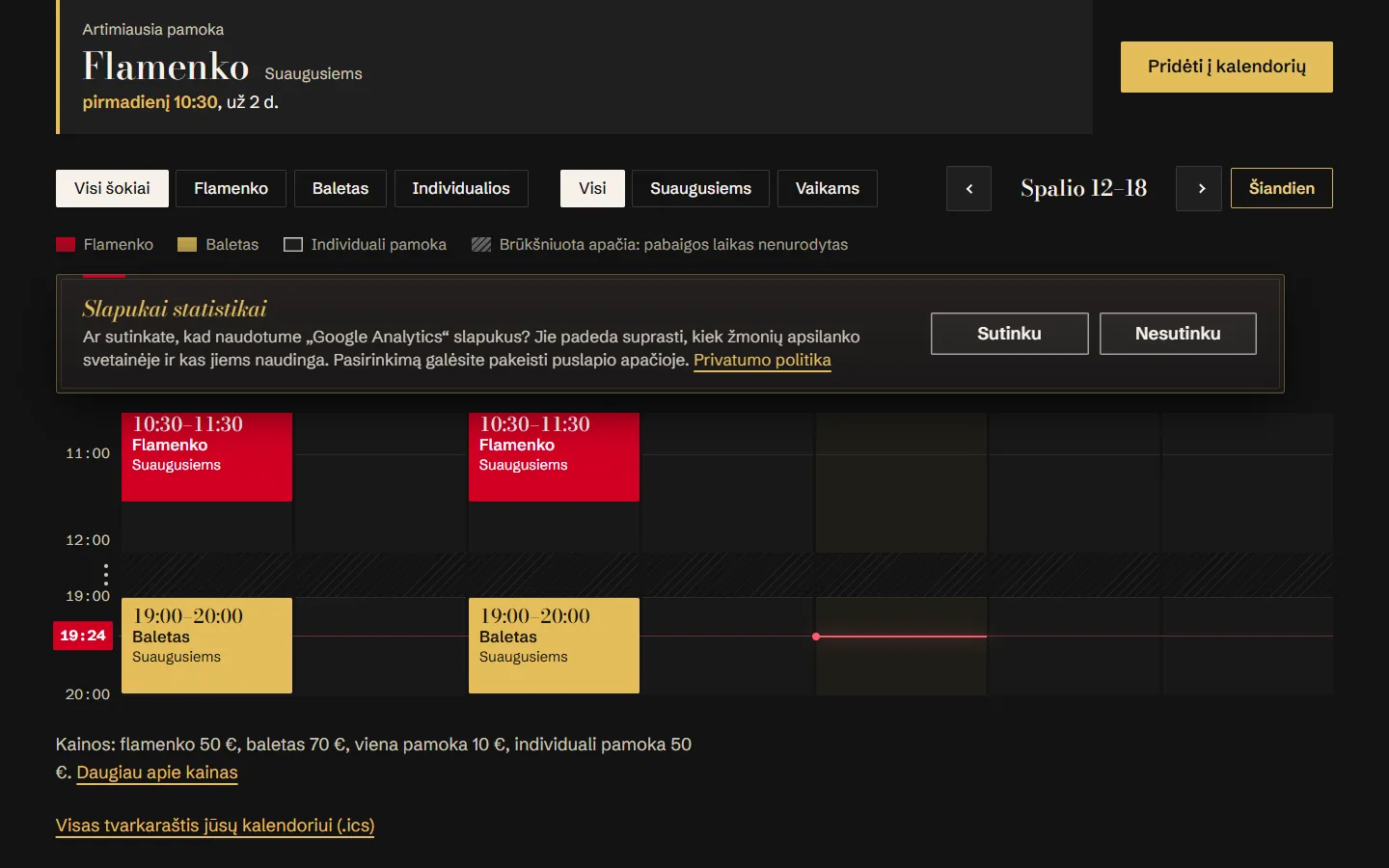
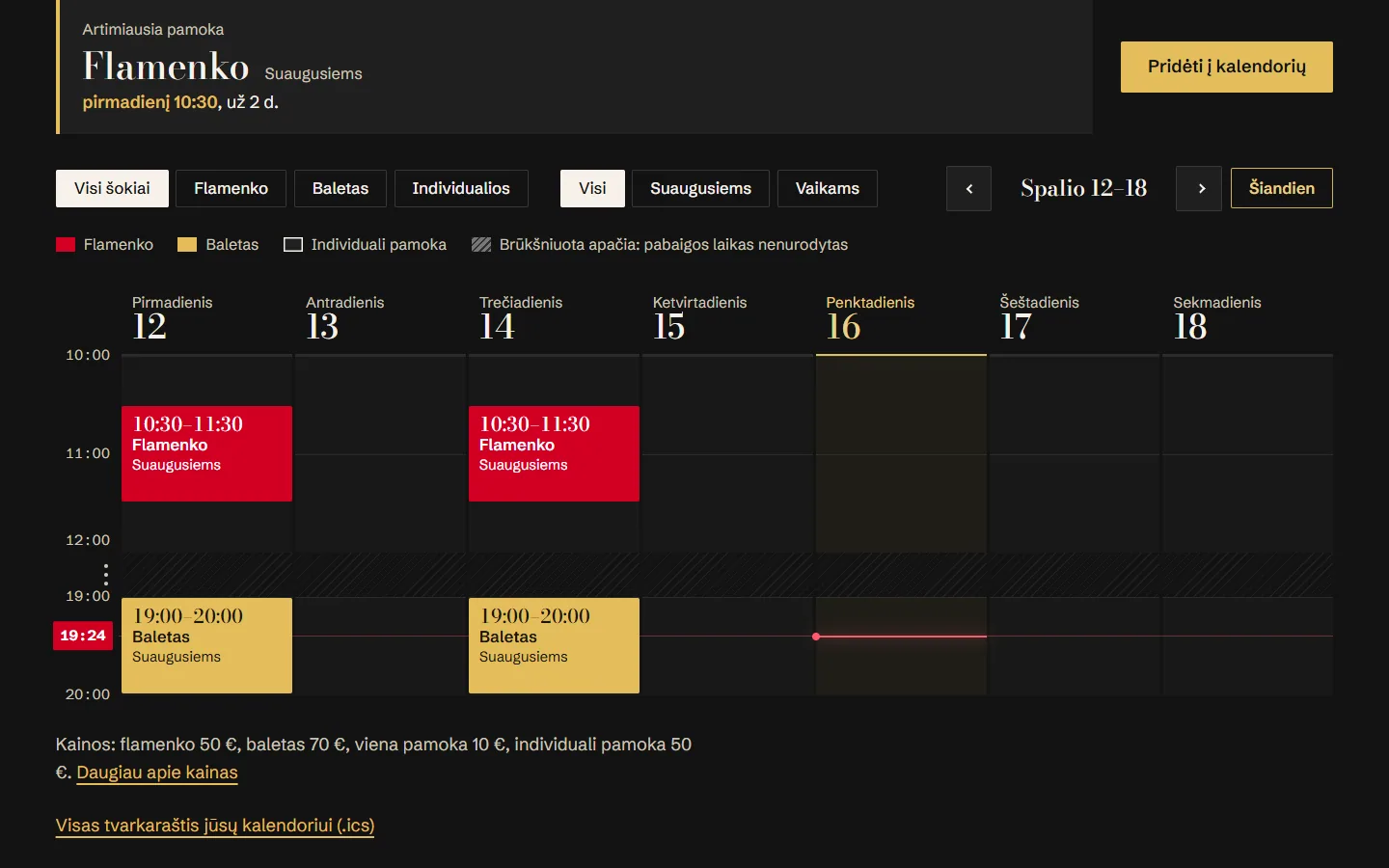
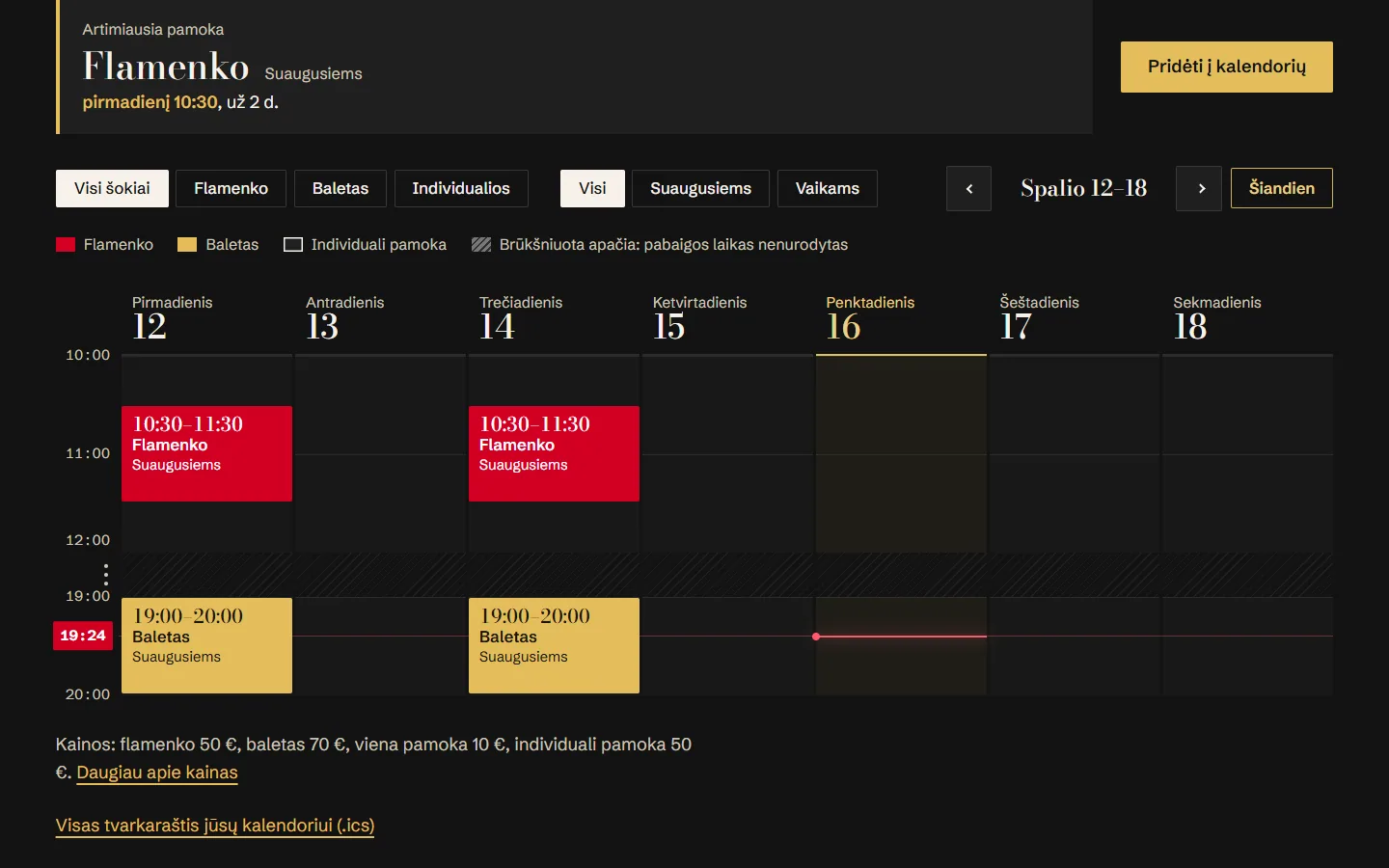



The live site stays as it is; the version is at an address of its own, closed to search engines. Not carried over: analytics (so no cookie bar), the timetable’s editor and the contact form.
Tell me its address and I start with an audit.
You will hear back within one working day.