
Contract and deposit
You sign the contract in the client area, and pay the deposit from it
Nothing to print, scan or post. You read and sign the contract on a computer or a phone, pay the deposit invoice in the same place, and all of it stays with your project.
How it goes
- I prepare the contractThe Order sets out what we build, the prices, the deadlines and the deposit. I sign first.
- You confirm the agreement on the signatureOnly the first time, so that a signature given in the client area counts as a handwritten one: with a qualified signature, by hand, or, if you cannot, by replying to the email with "Patvirtinu".
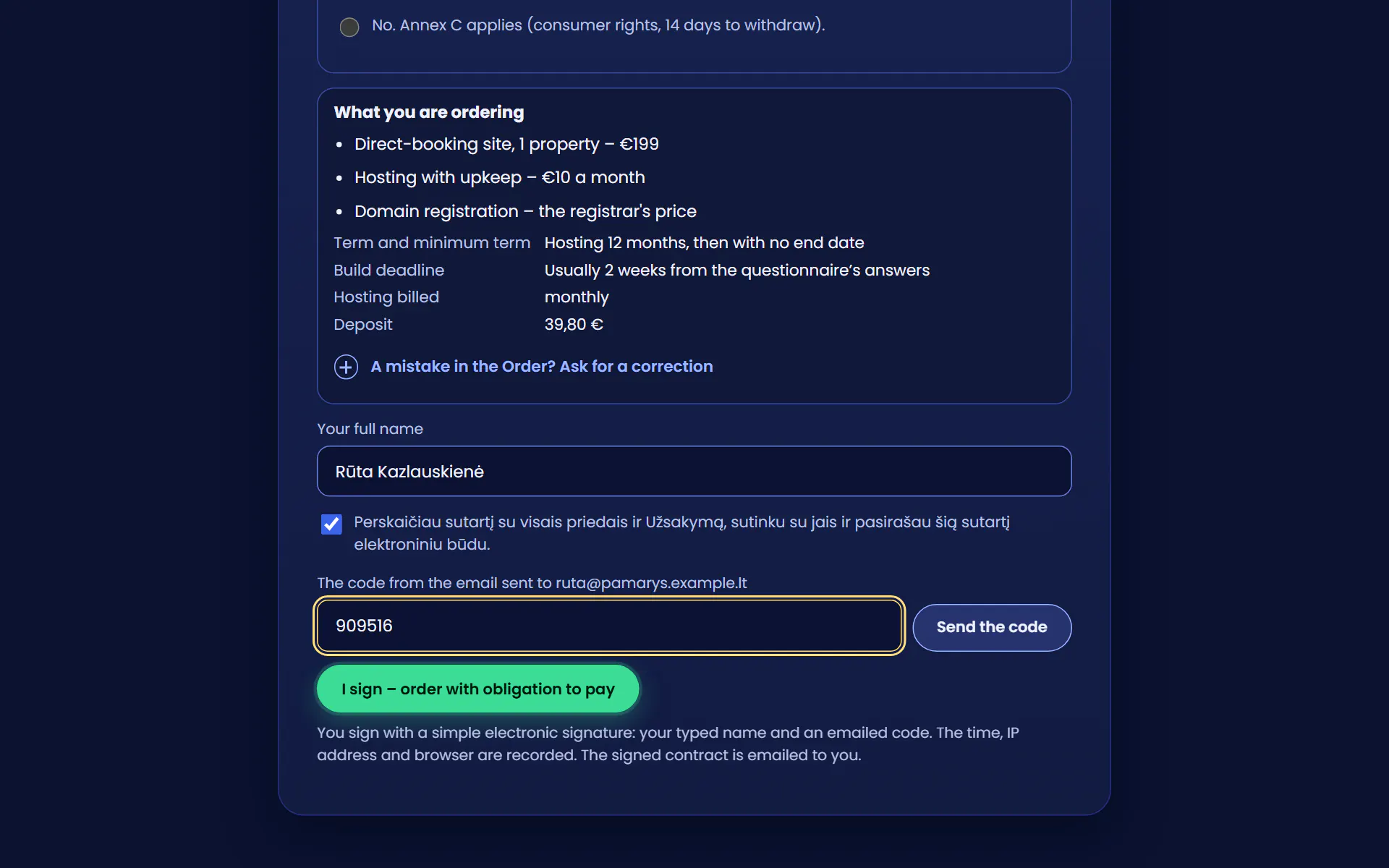
- You read it and signRight before you sign, you see again what you are ordering, for how much and for how long. If you spot a mistake, you can go back and ask for the Order to be corrected. You type your name, tick your consent and enter the code from the email.
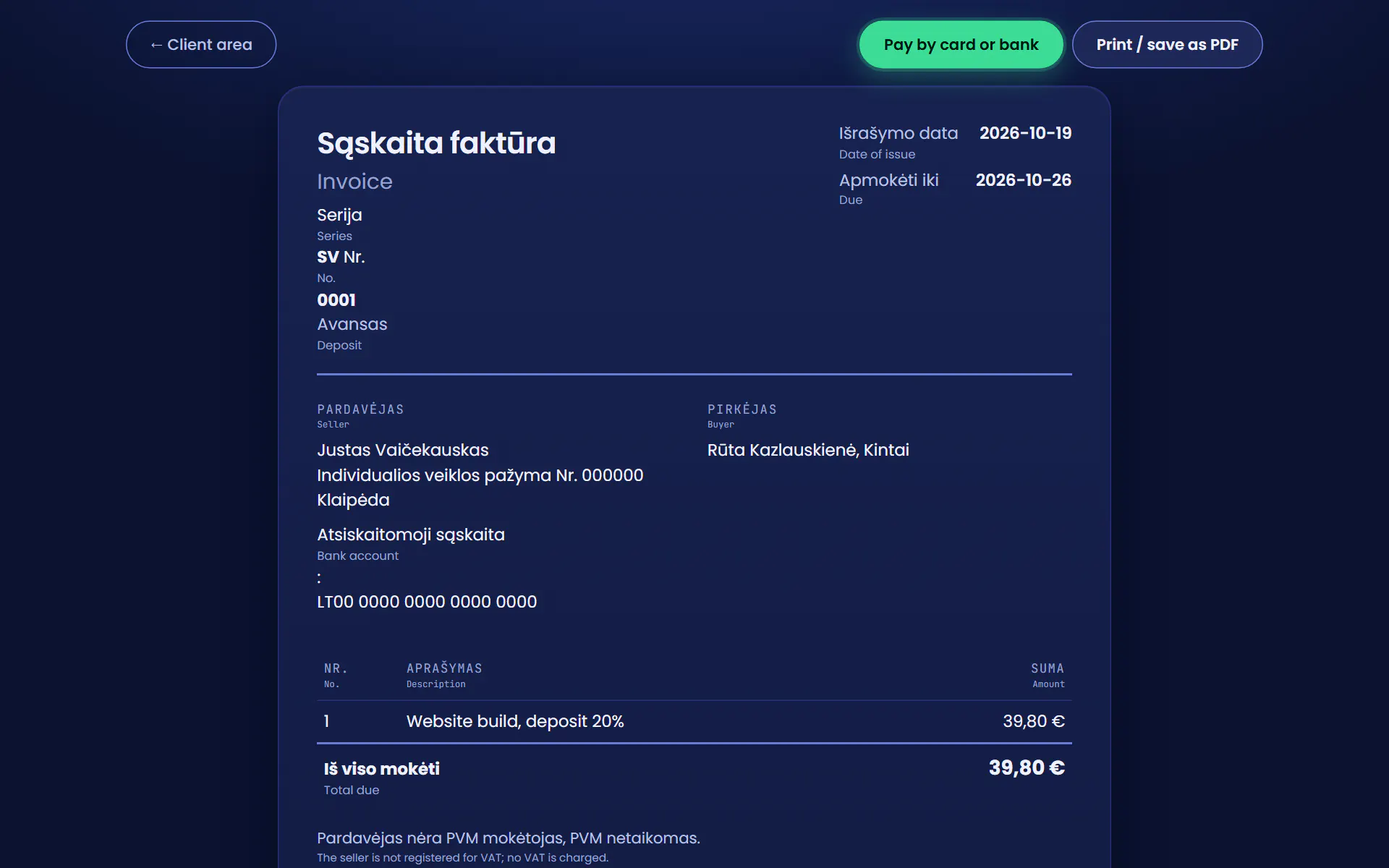
- You get the deposit invoiceThe deposit is 20% of the build price and counts towards it. The invoice appears in the client area and you get an alert.
- You pay, and I startBy bank or card through Paysera straight from the client area, or by transfer, within 14 days. Once the deposit is in, I start.
Worth knowing
- What the deposit pays forI register the domain in your name and set up the initial hosting from it. The domain is yours: it is registered in your own registrar account, and if you already have one, I register none.
- If you change your mindWrite to info@sudievu.lt within 14 days of paying and I return the whole deposit within 14 days, the same way. The domain fee is not kept back, the domain stays yours, and the contract ends unless you ask in writing to keep the hosting.
- For a business, or for yourselfIf the contract is not for your business, you also have a consumer’s 14 days to withdraw. I then start the work and register the domain only once those 14 days are over, unless you ask me to start sooner. You can also withdraw right in the client area.
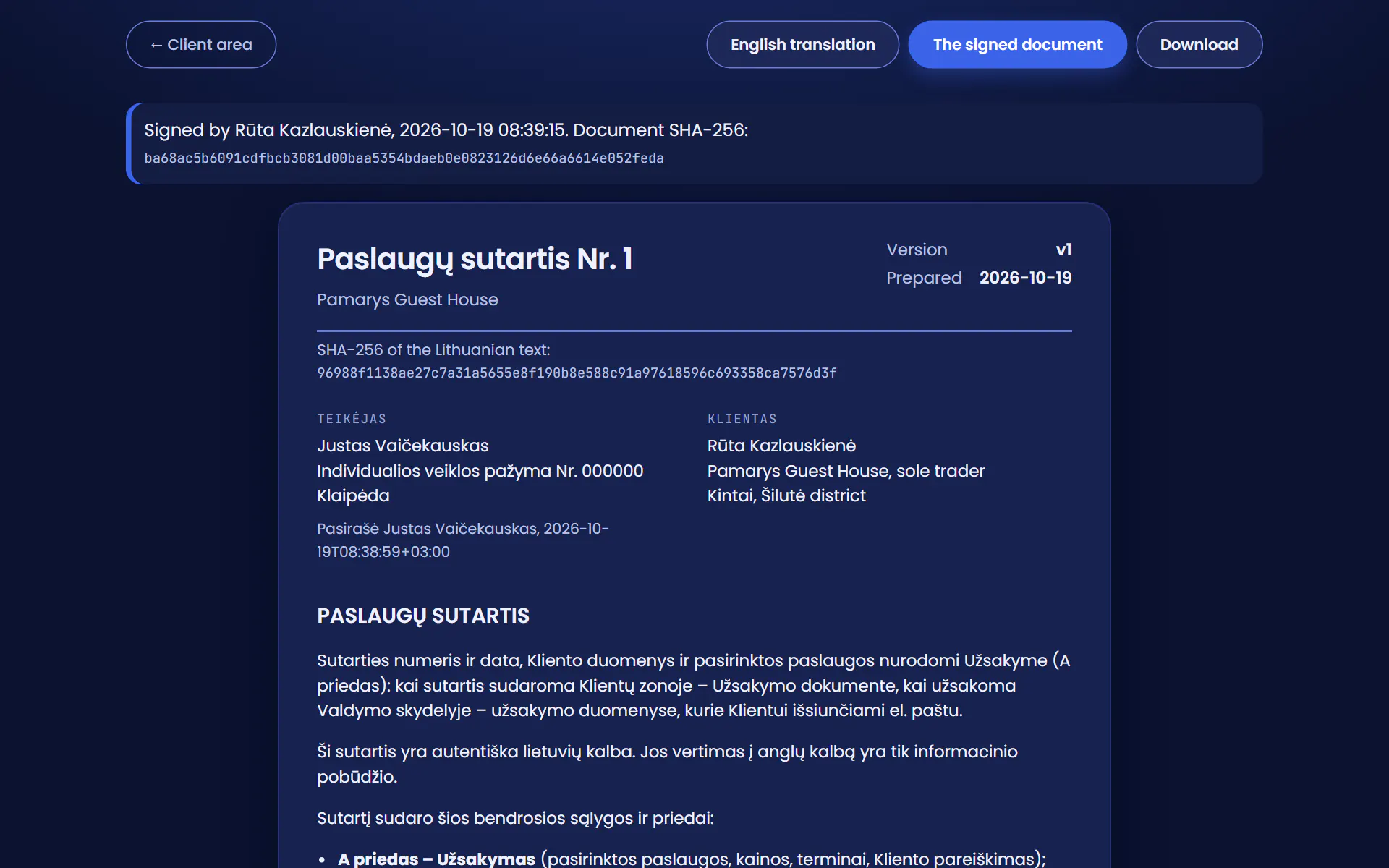
- What you keepThe signed contract with its annexes is emailed to you, and the client area keeps it for as long as it runs and 10 years after. The signed text can no longer be changed in the client area, and its SHA-256 checksum lets anyone check that it is unchanged.
- LanguageThe contract is made in Lithuanian. The English translation in the client area is for information only.
This is how it looks in the real client area
I prepare and sign the contract on my phone; Rūta (a made-up client) signs it at her computer and pays the deposit invoice. Every step is a screenshot of the real client area.

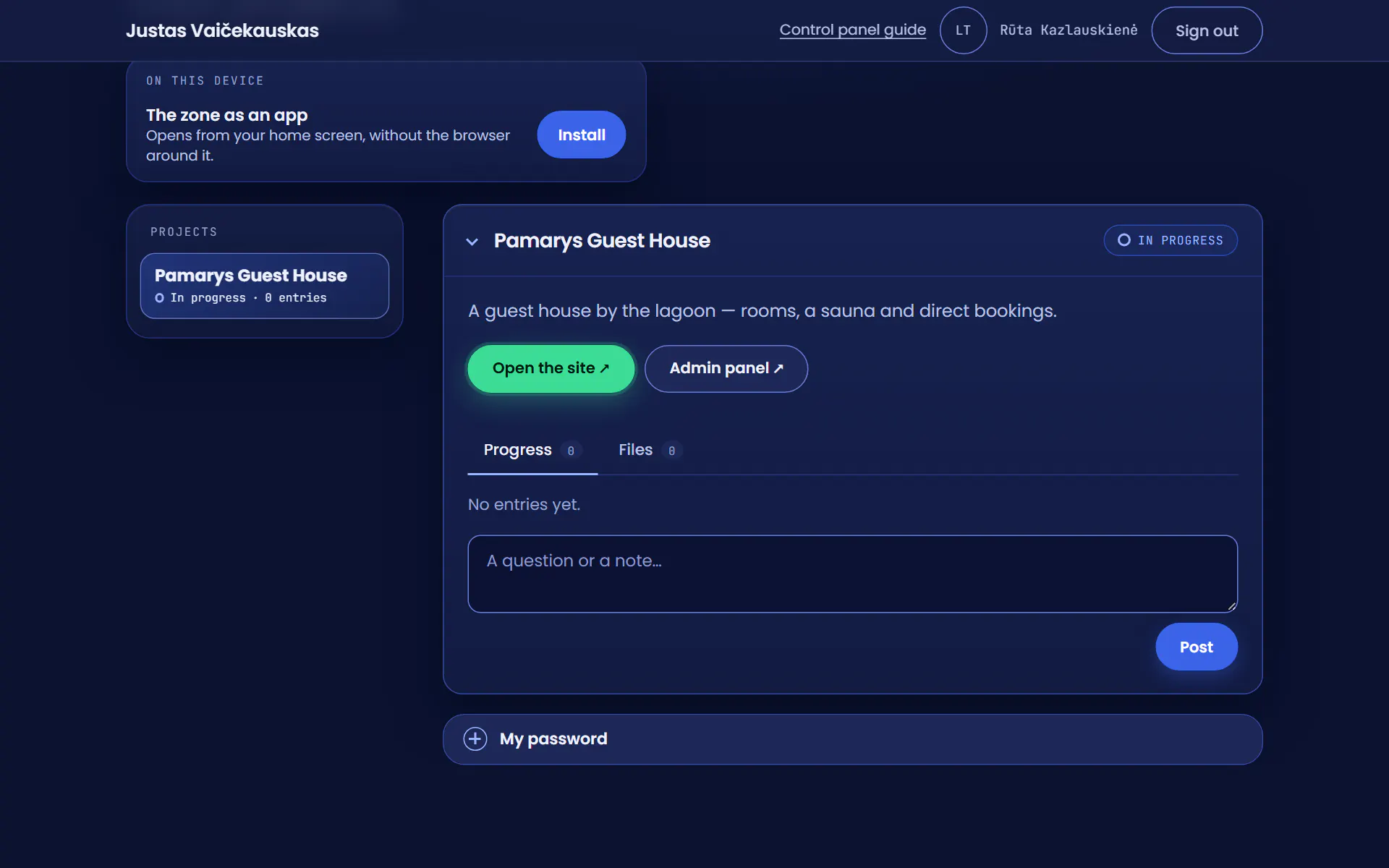
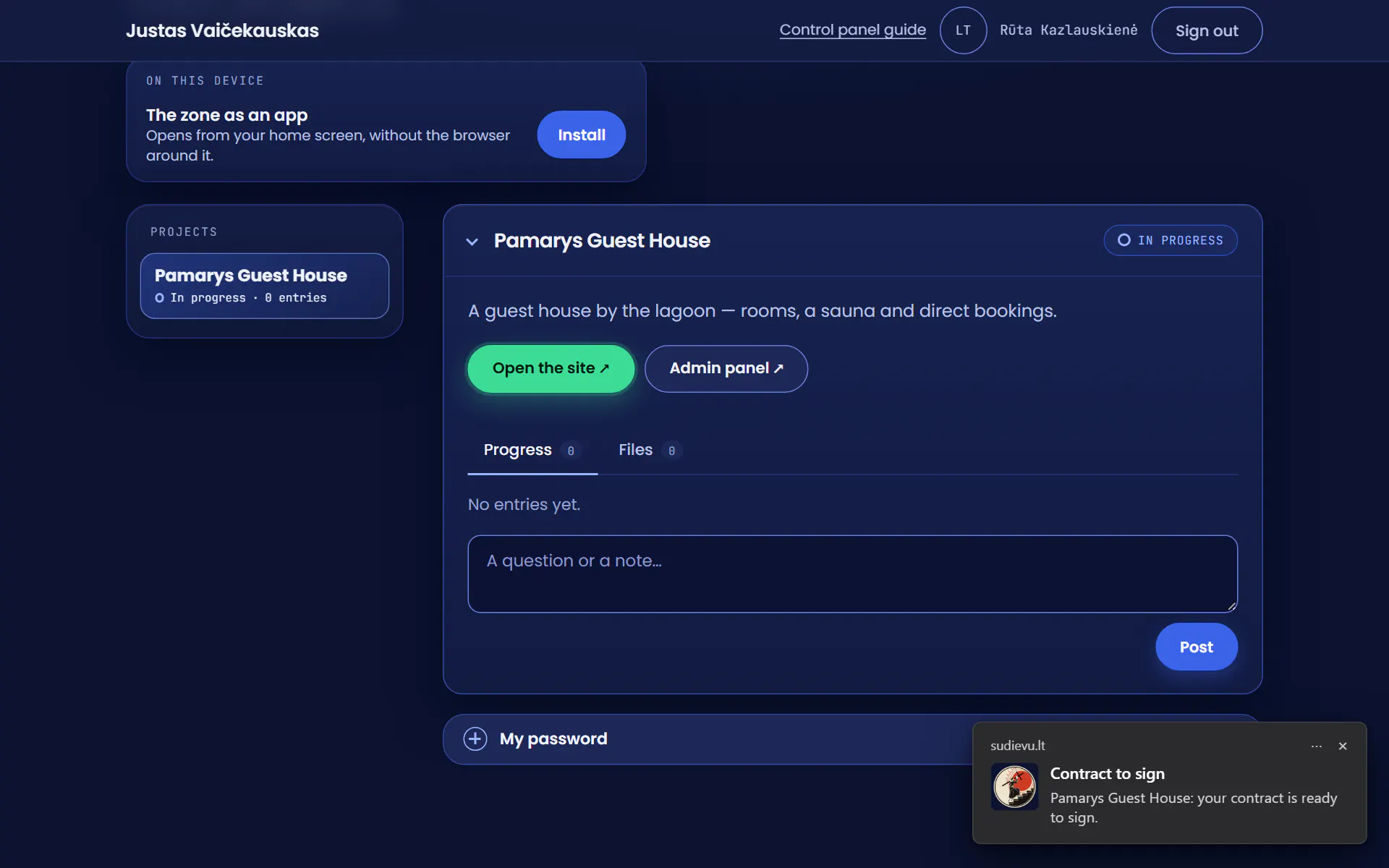
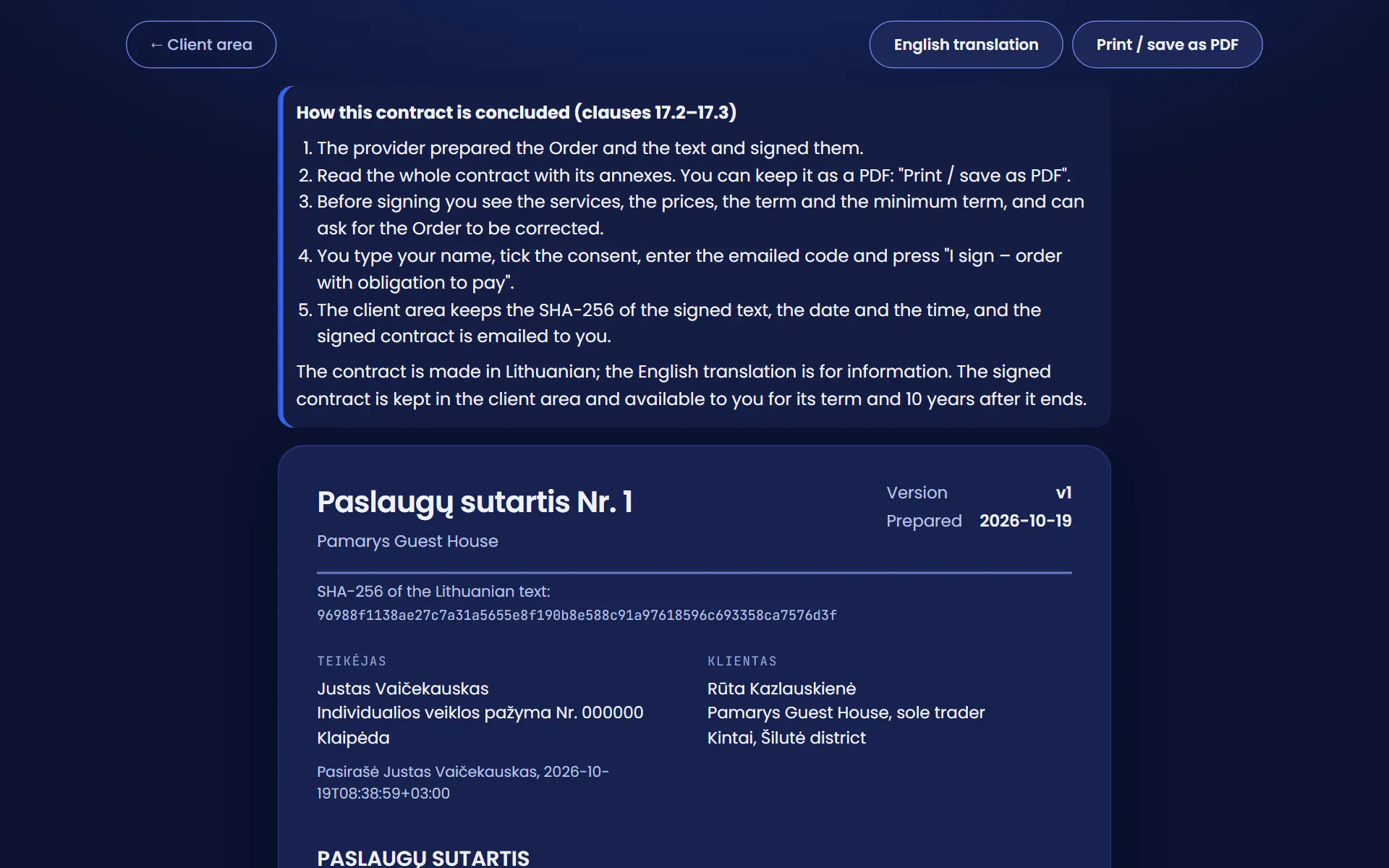
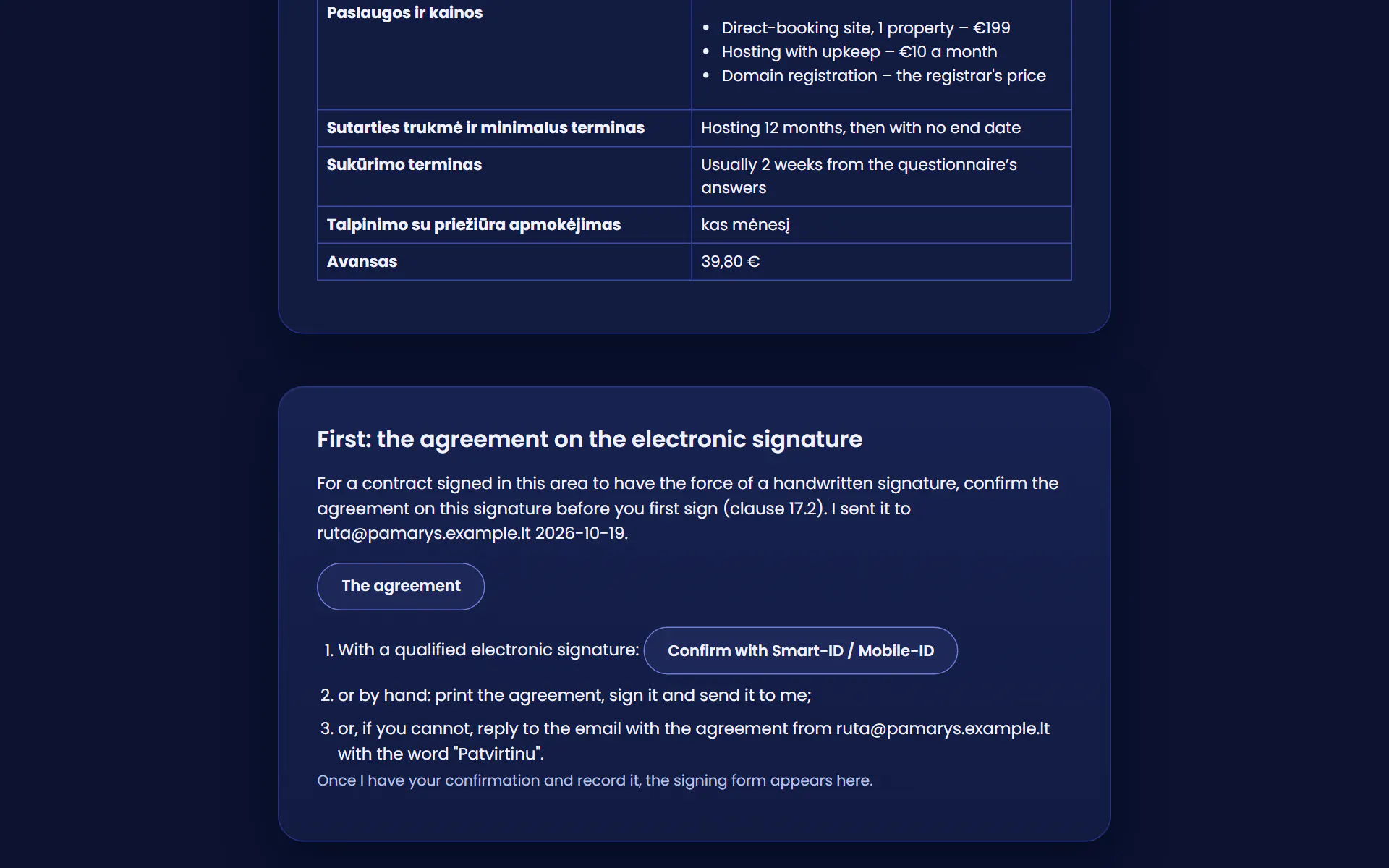
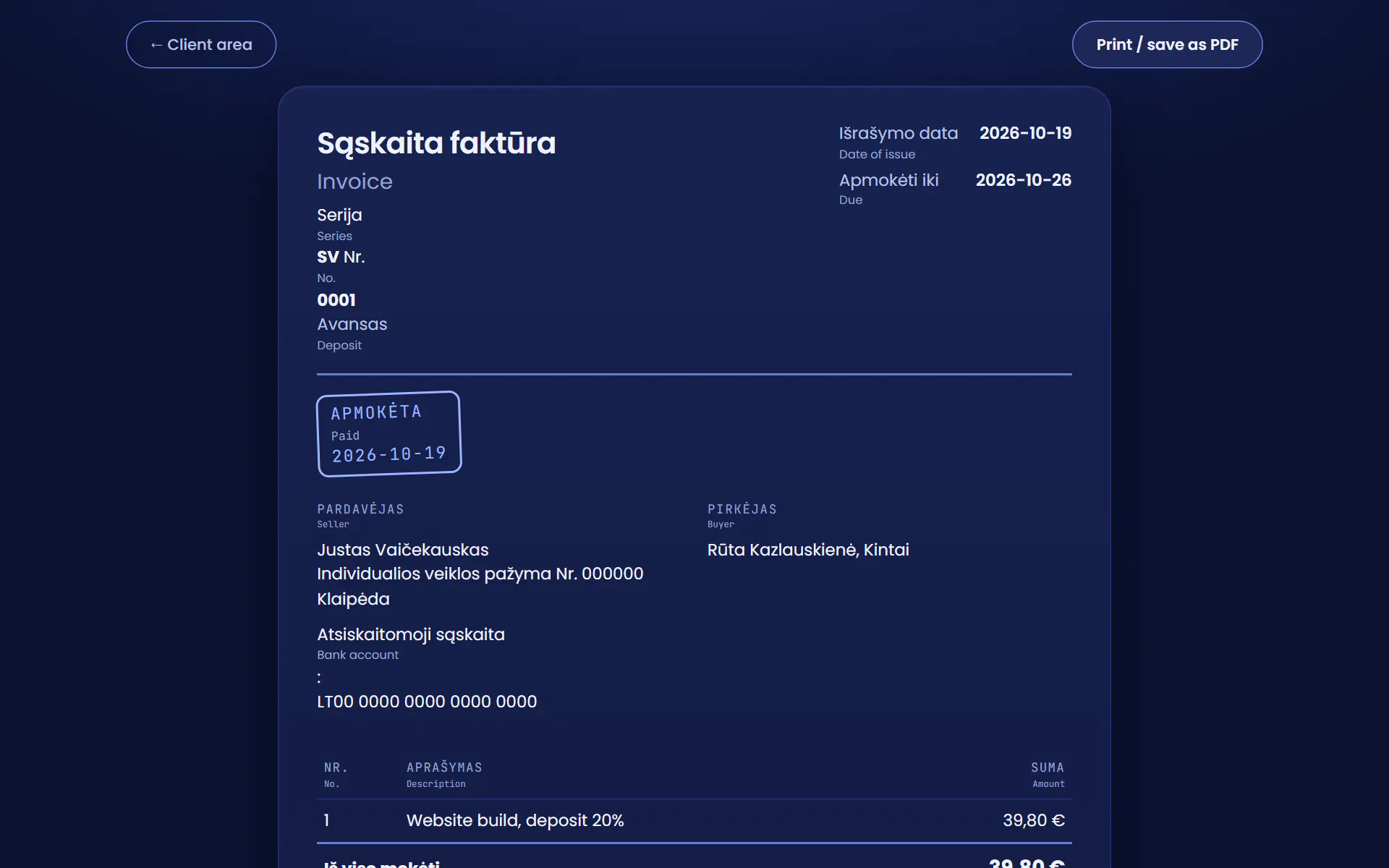

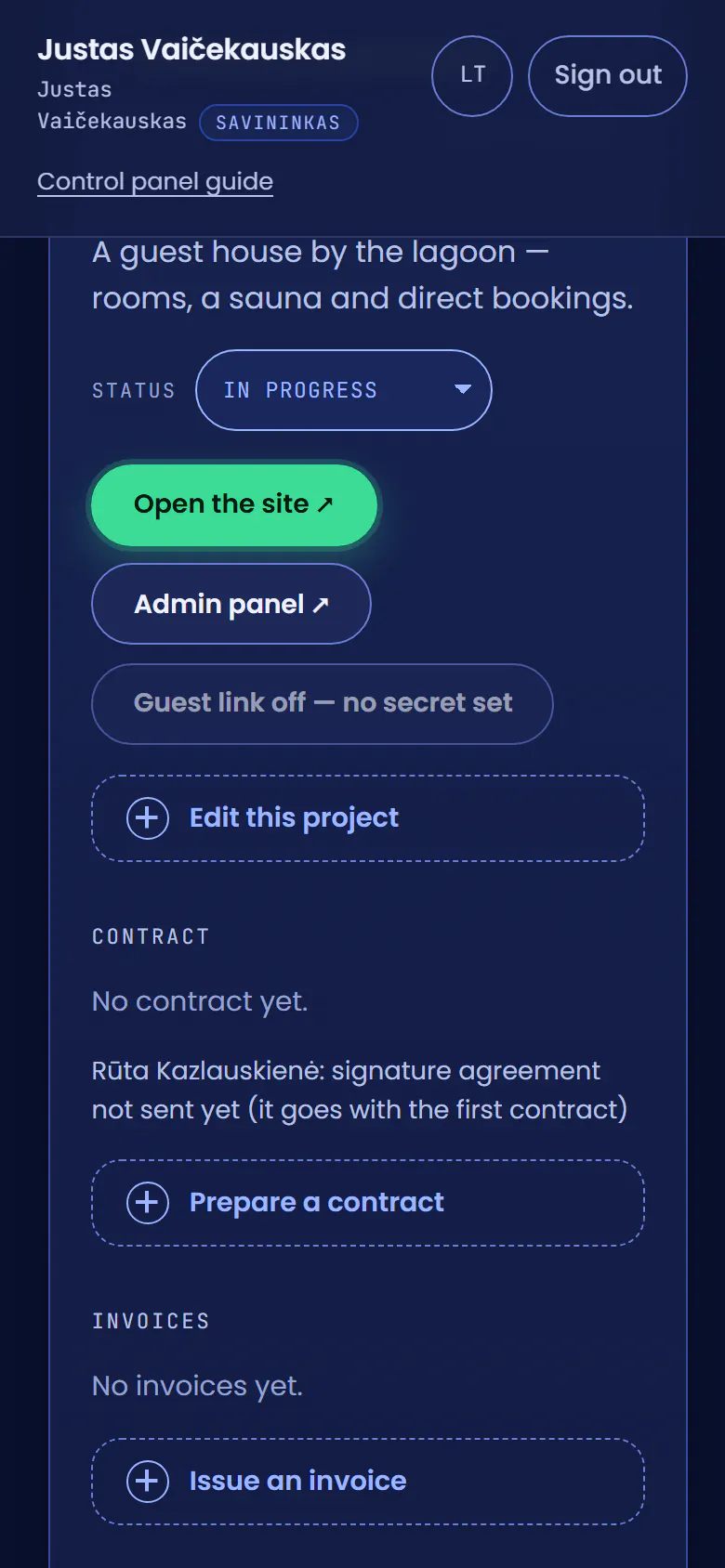
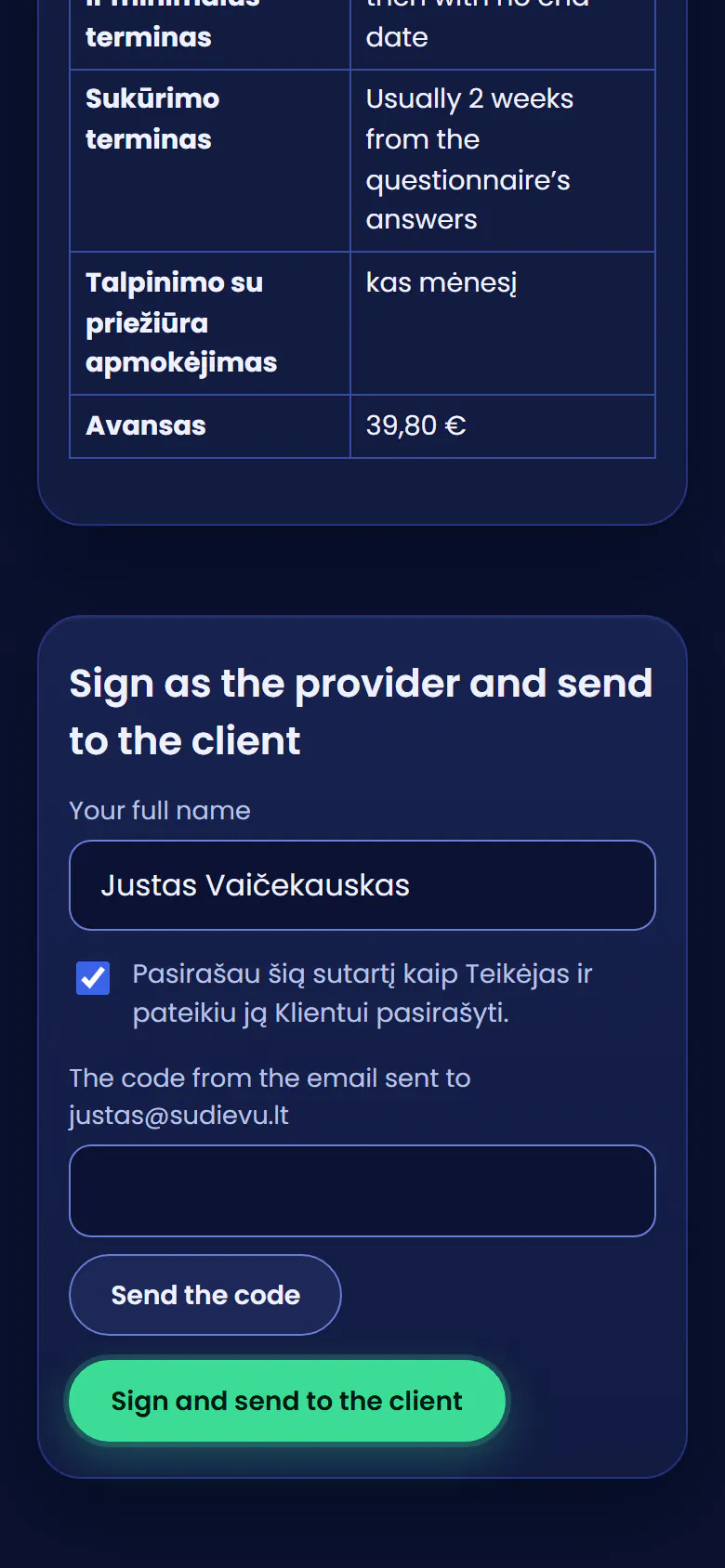
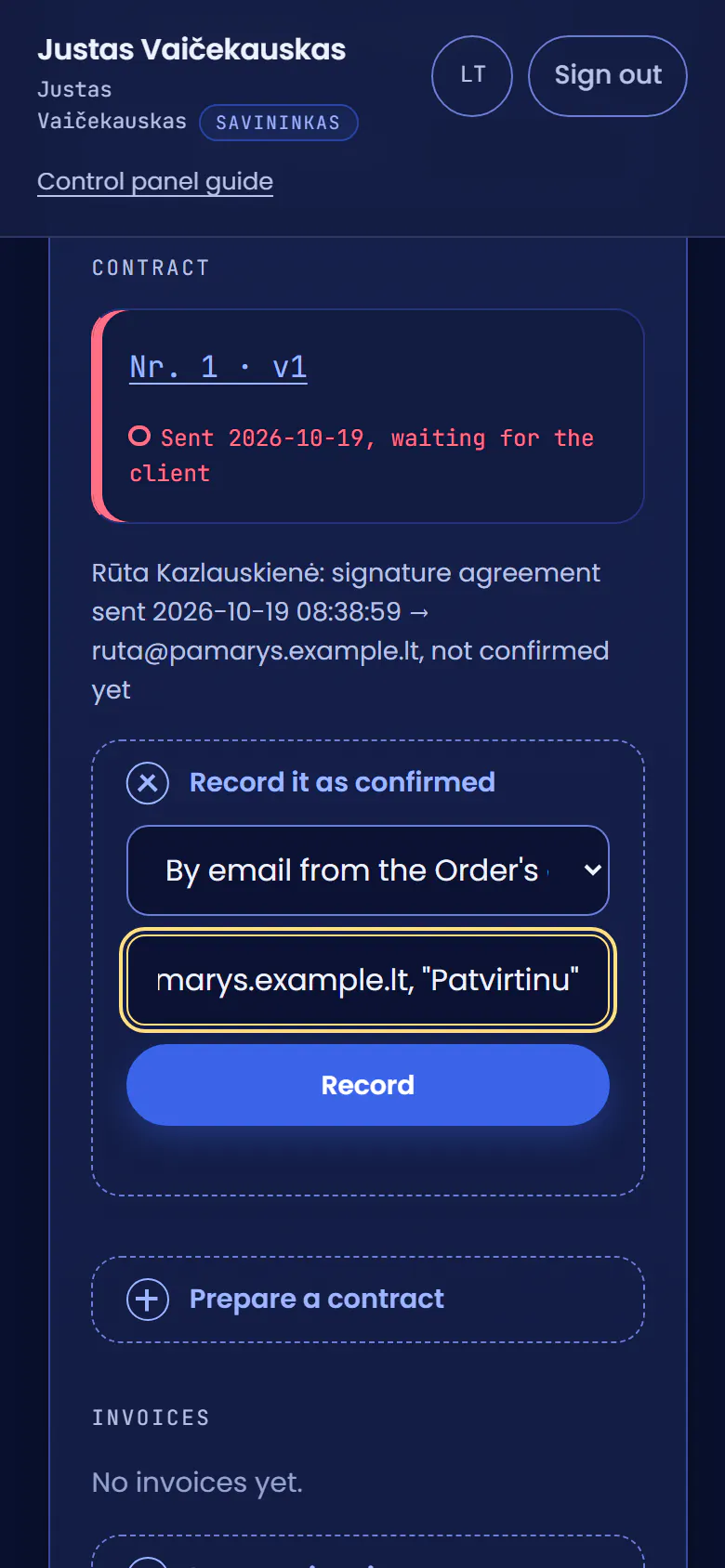
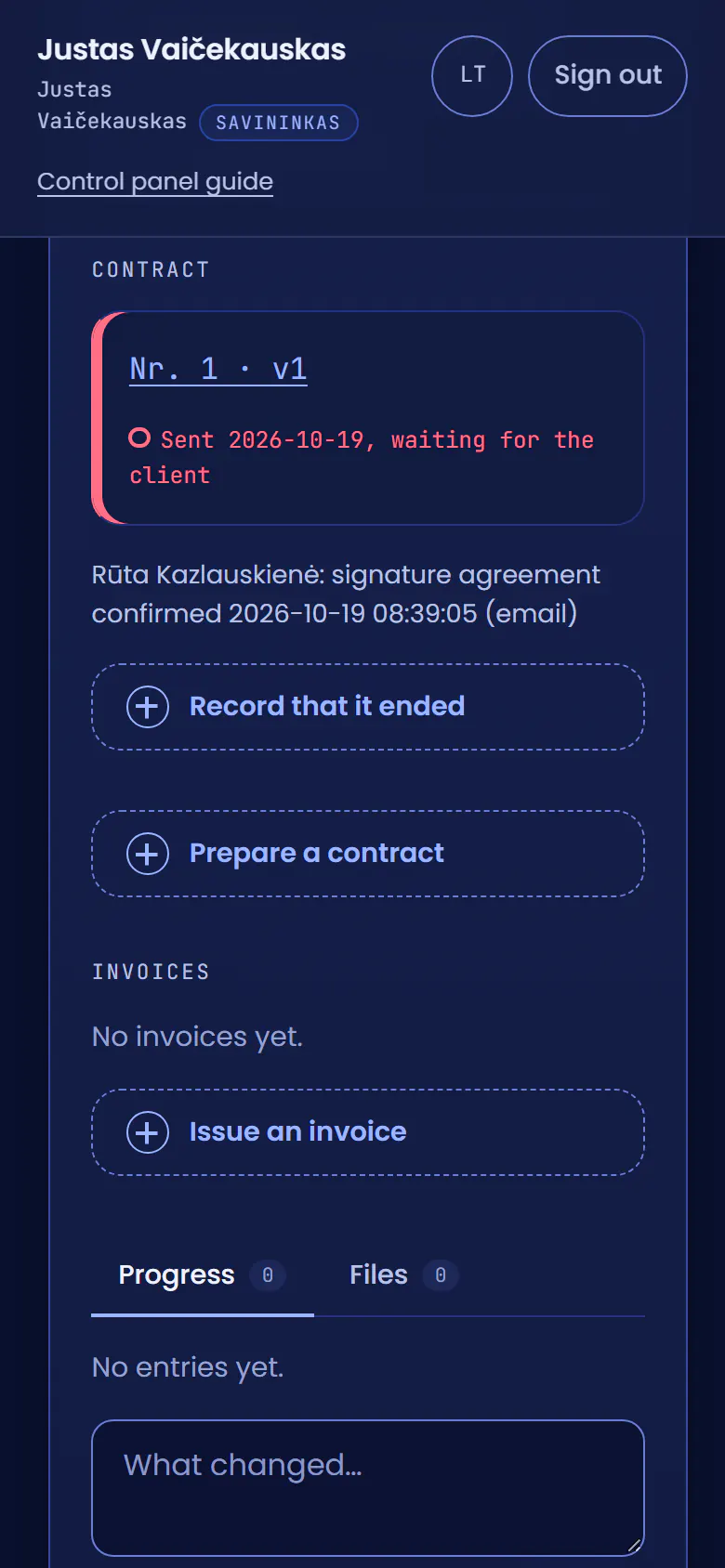
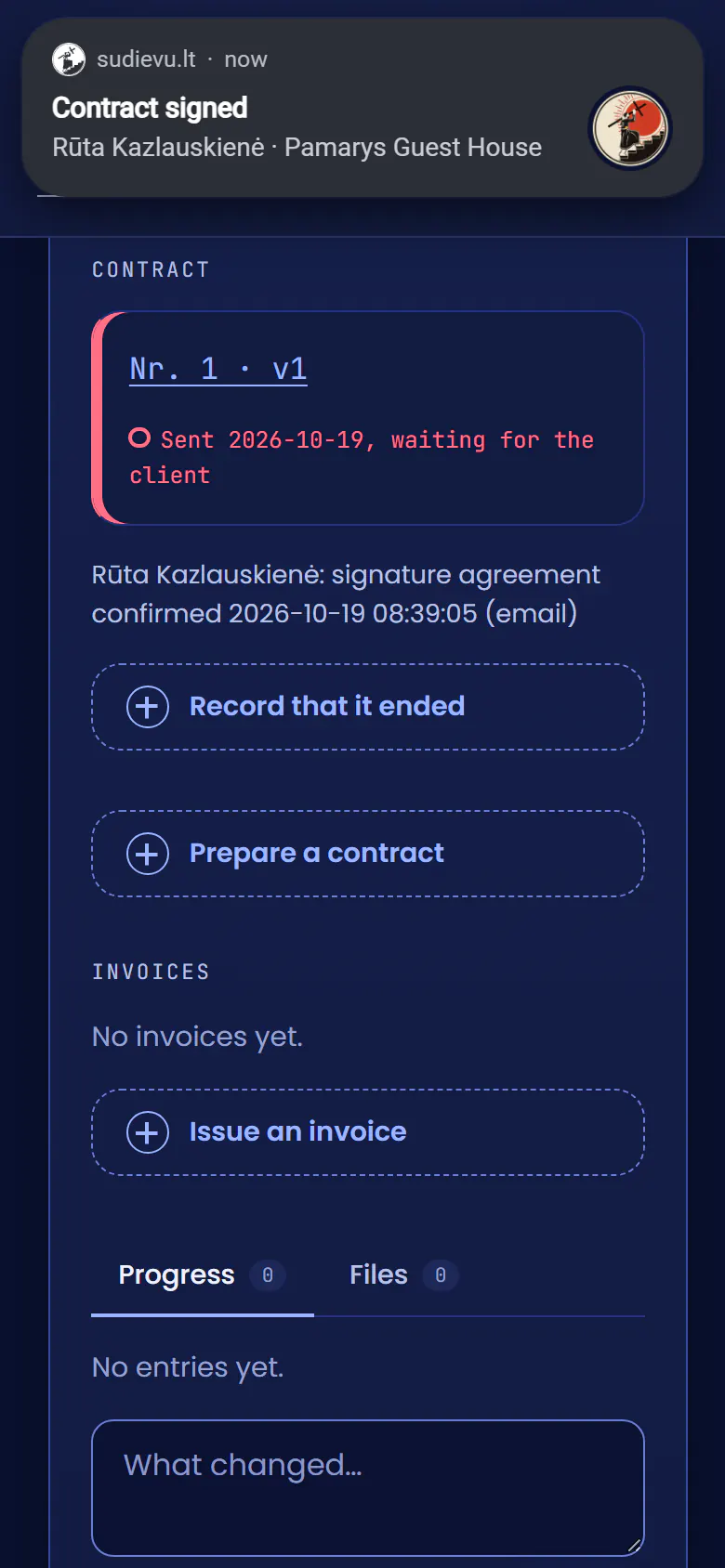
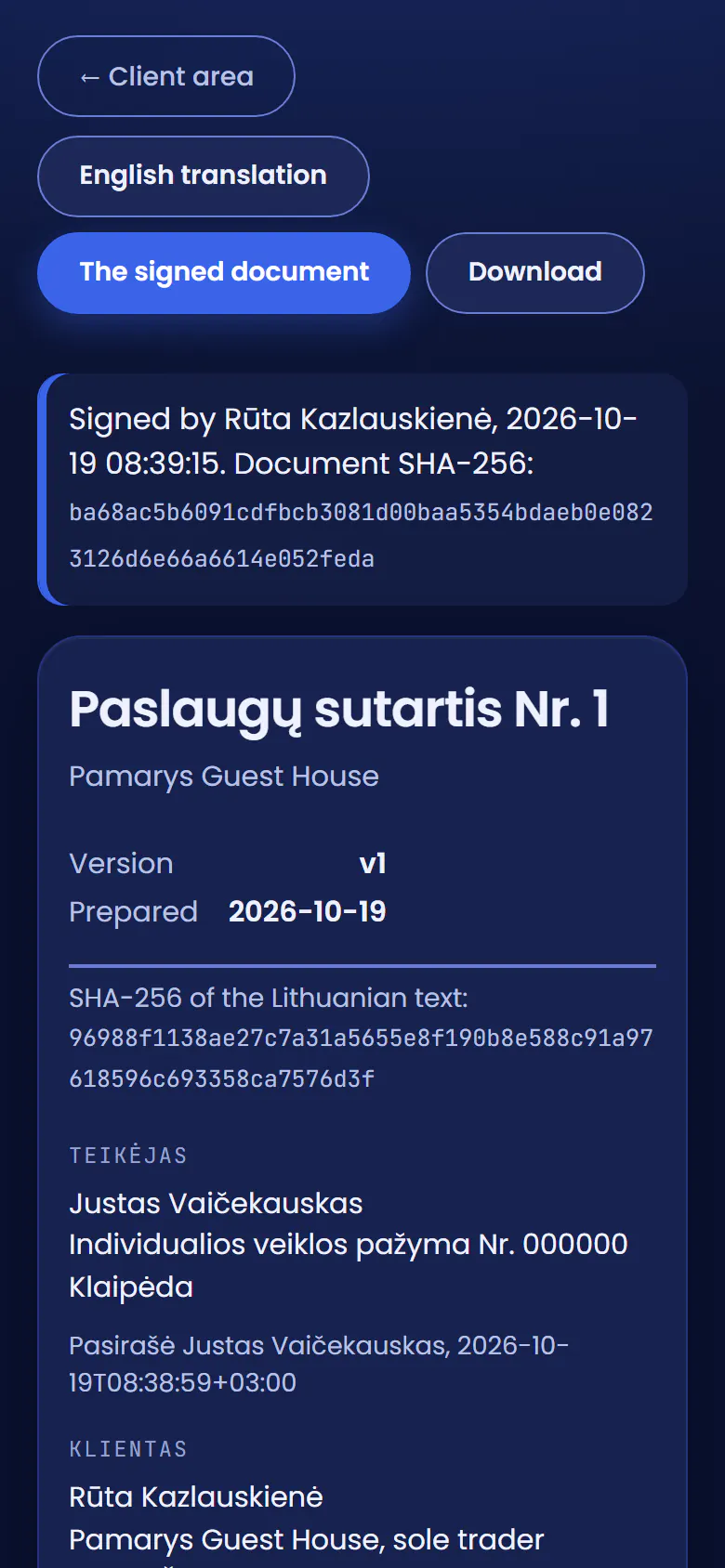
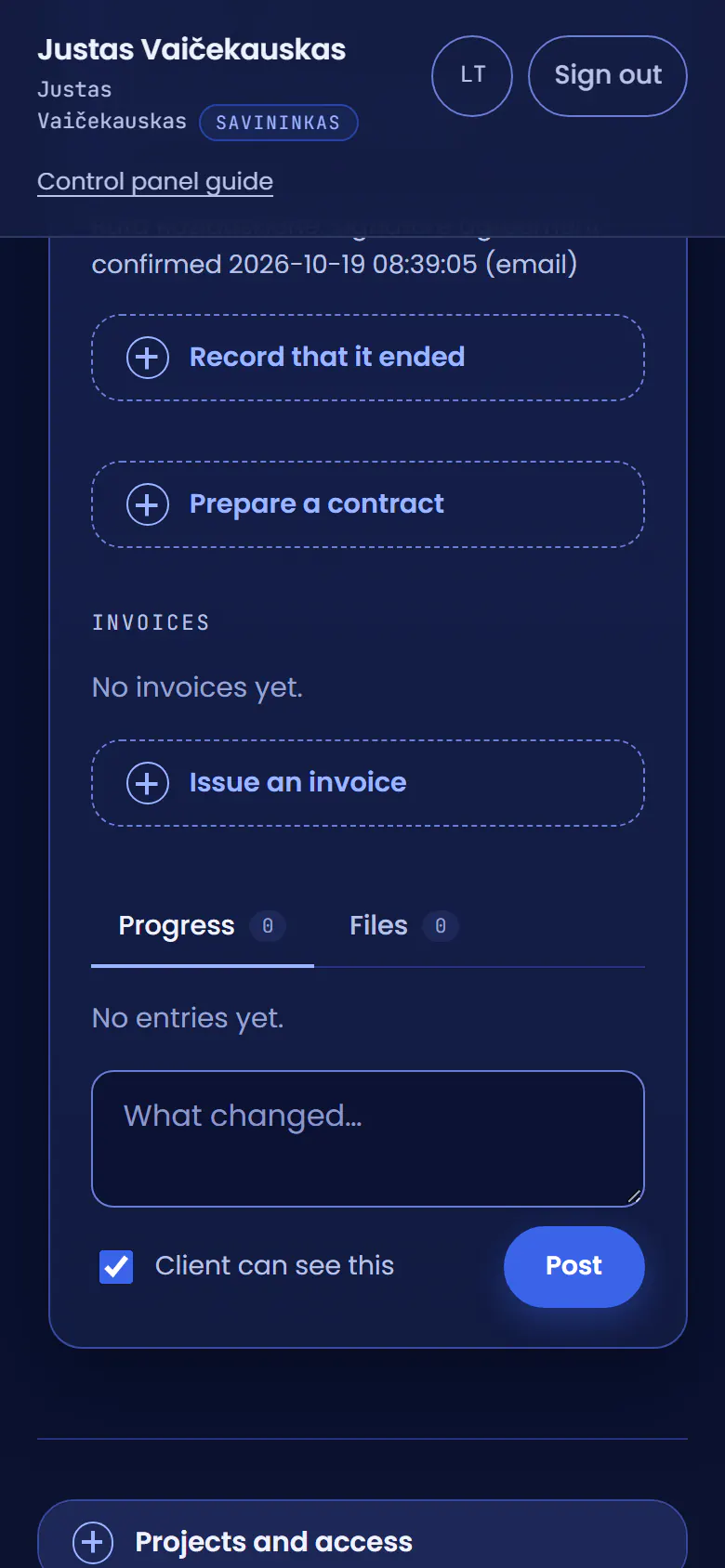
I open Prepare a contractOn my phone, in Rūta’s project: a contract belongs to the project it is for.
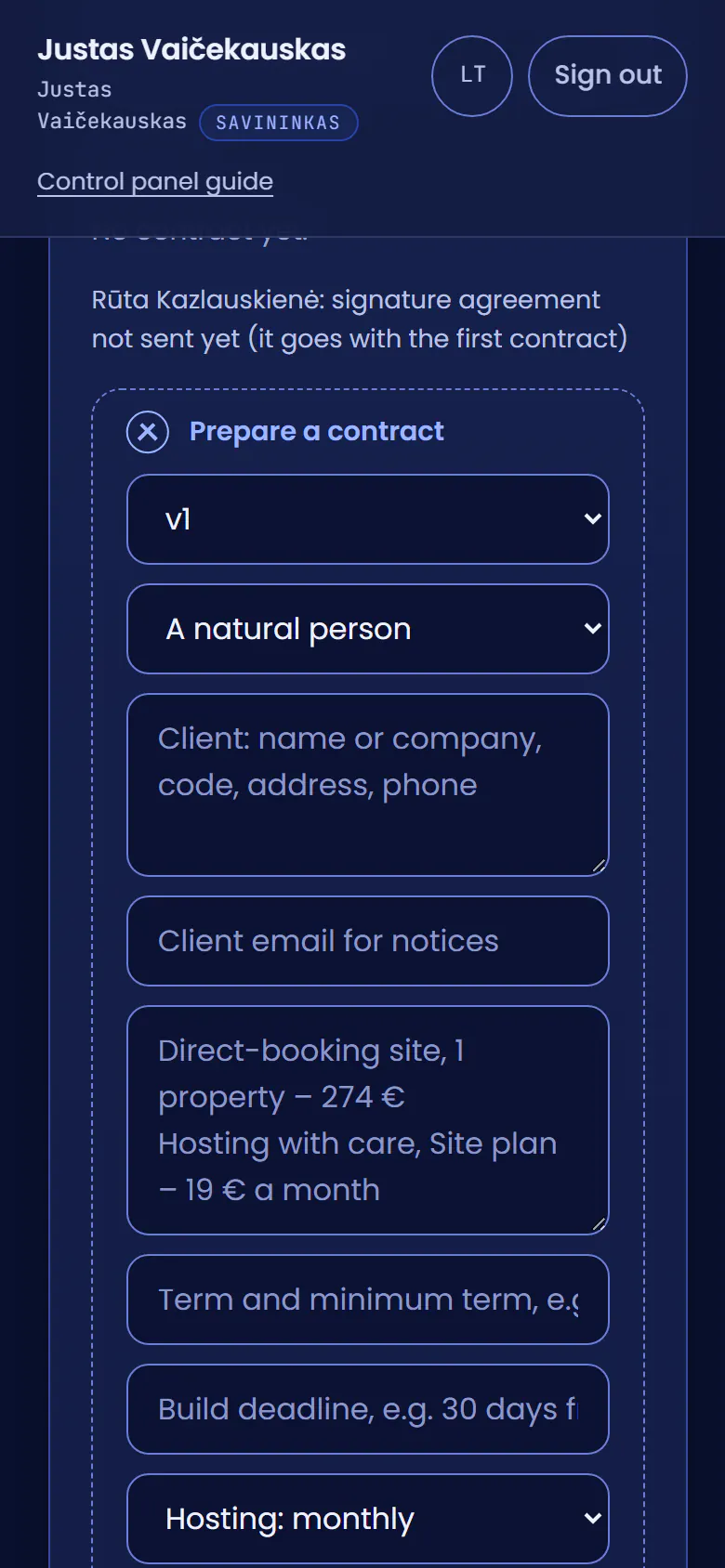
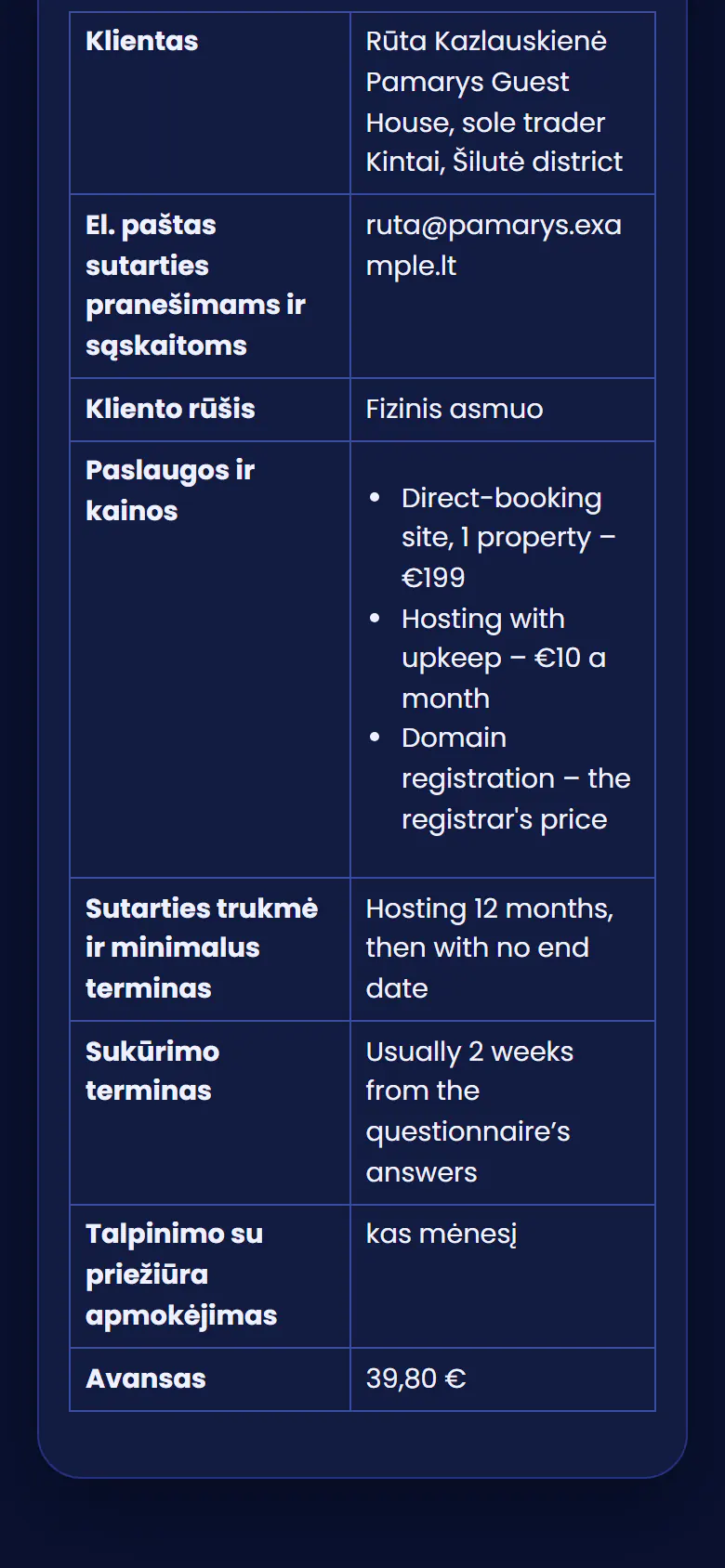
I fill in the OrderThe client, the services and prices, the term, the build deadline and the deposit.
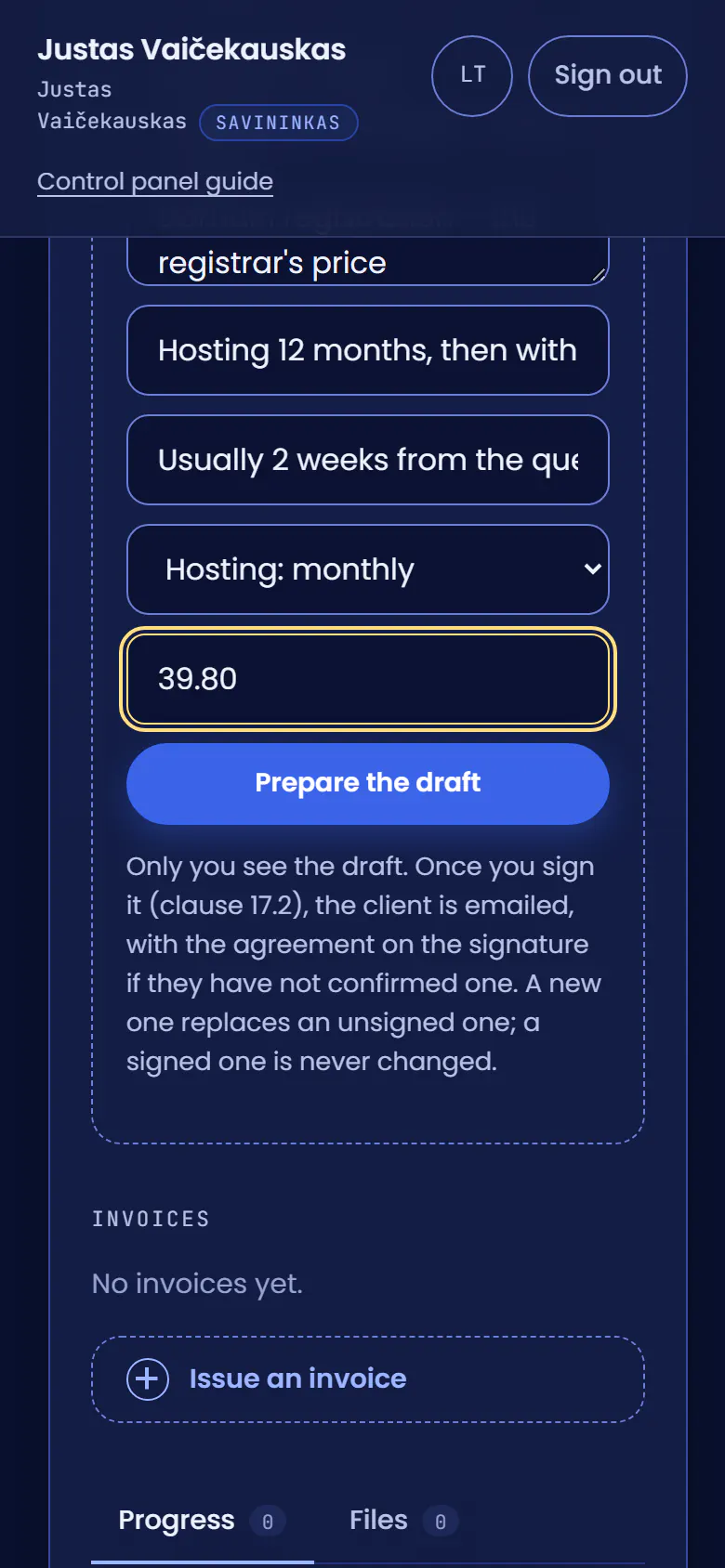
I prepare the draftOnly I see a draft.
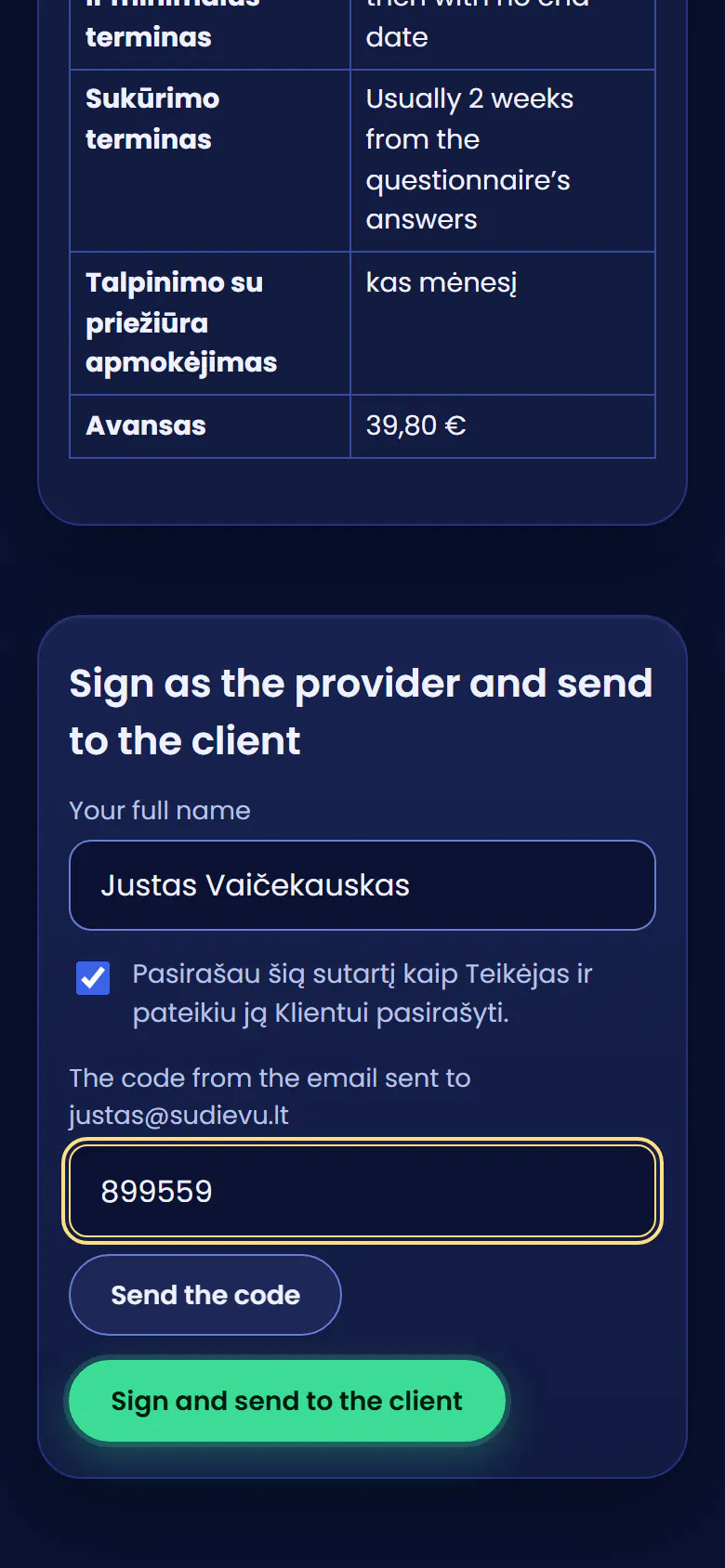
I sign firstI ask for a code: it comes to my email.
I sign and send itRūta gets an email and an alert, and with them the agreement on the electronic signature.
An alert on Rūta’s computerA contract to sign. She clicks it.
The contract opensThe whole text with its annexes and the Order, my signature and the text’s SHA-256 checksum. It can be kept as a PDF.
First: the agreement on the signatureOnly the first time. Rūta replies to the email with "Patvirtinu"; a qualified or a handwritten signature would do too.
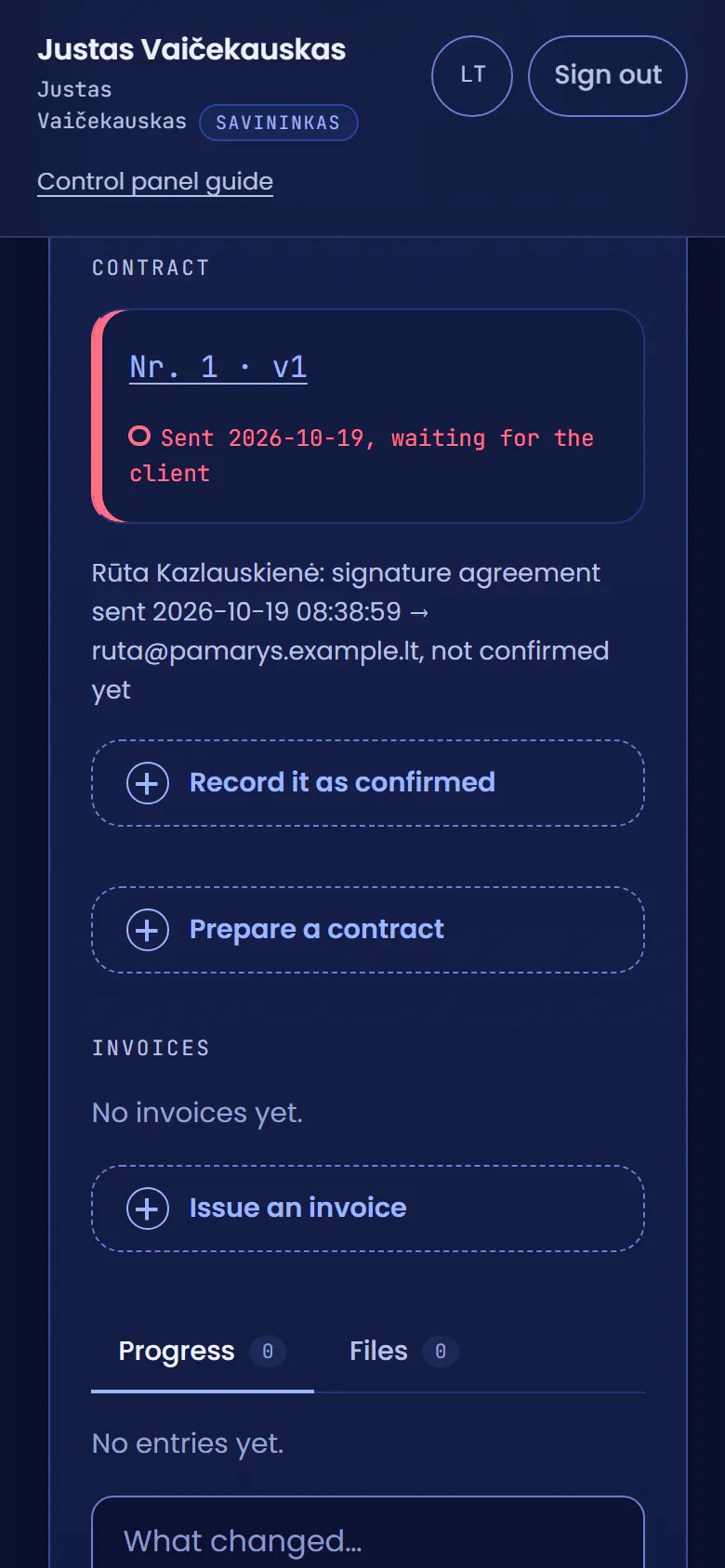
Her "Patvirtinu" is inOn my phone I record the agreement as confirmed.
I record the proofWhen the email came and from which address. It is kept with the agreement.
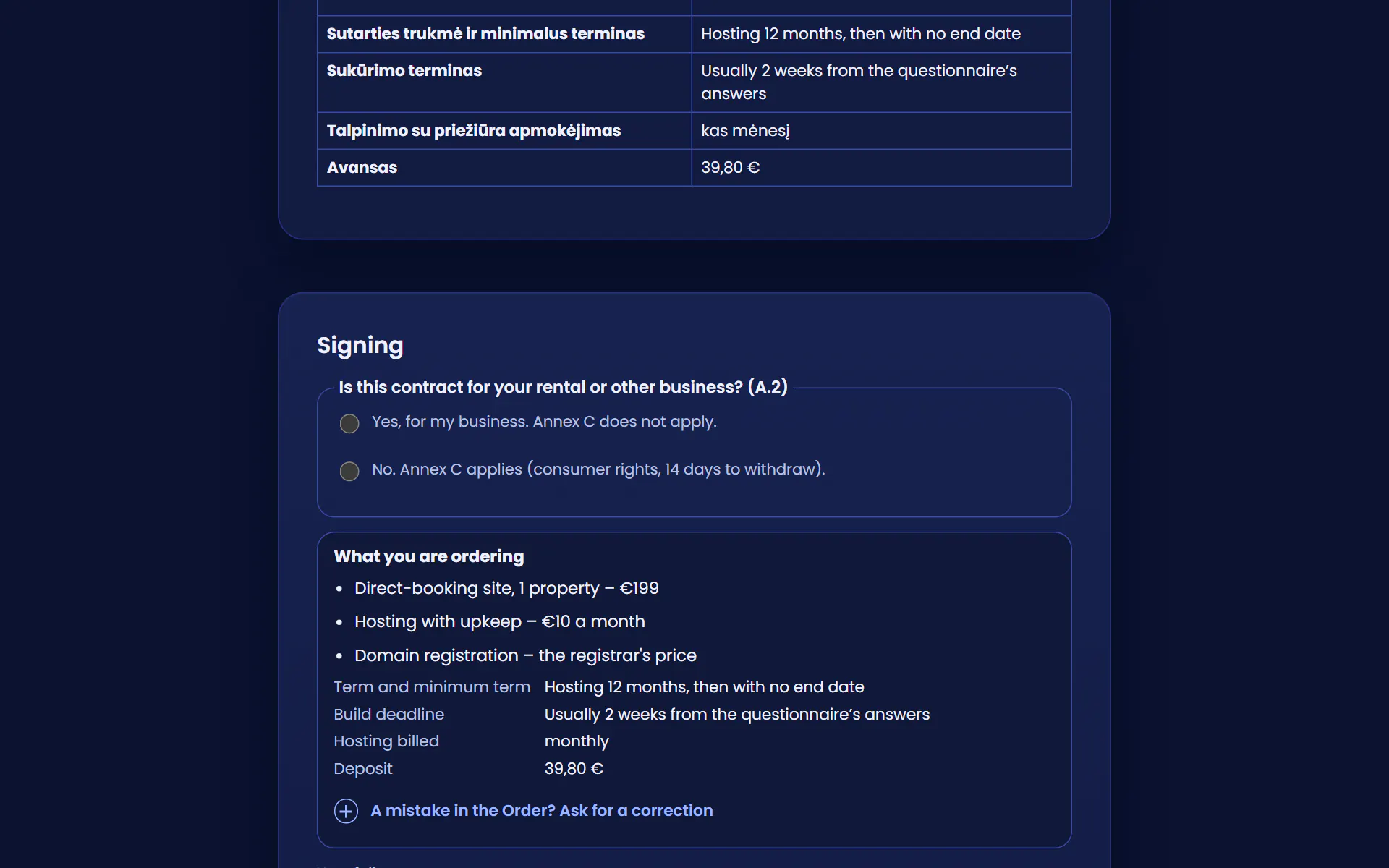
Rūta now has the signing formThe first question: is the contract for her business? For a guest house, yes.
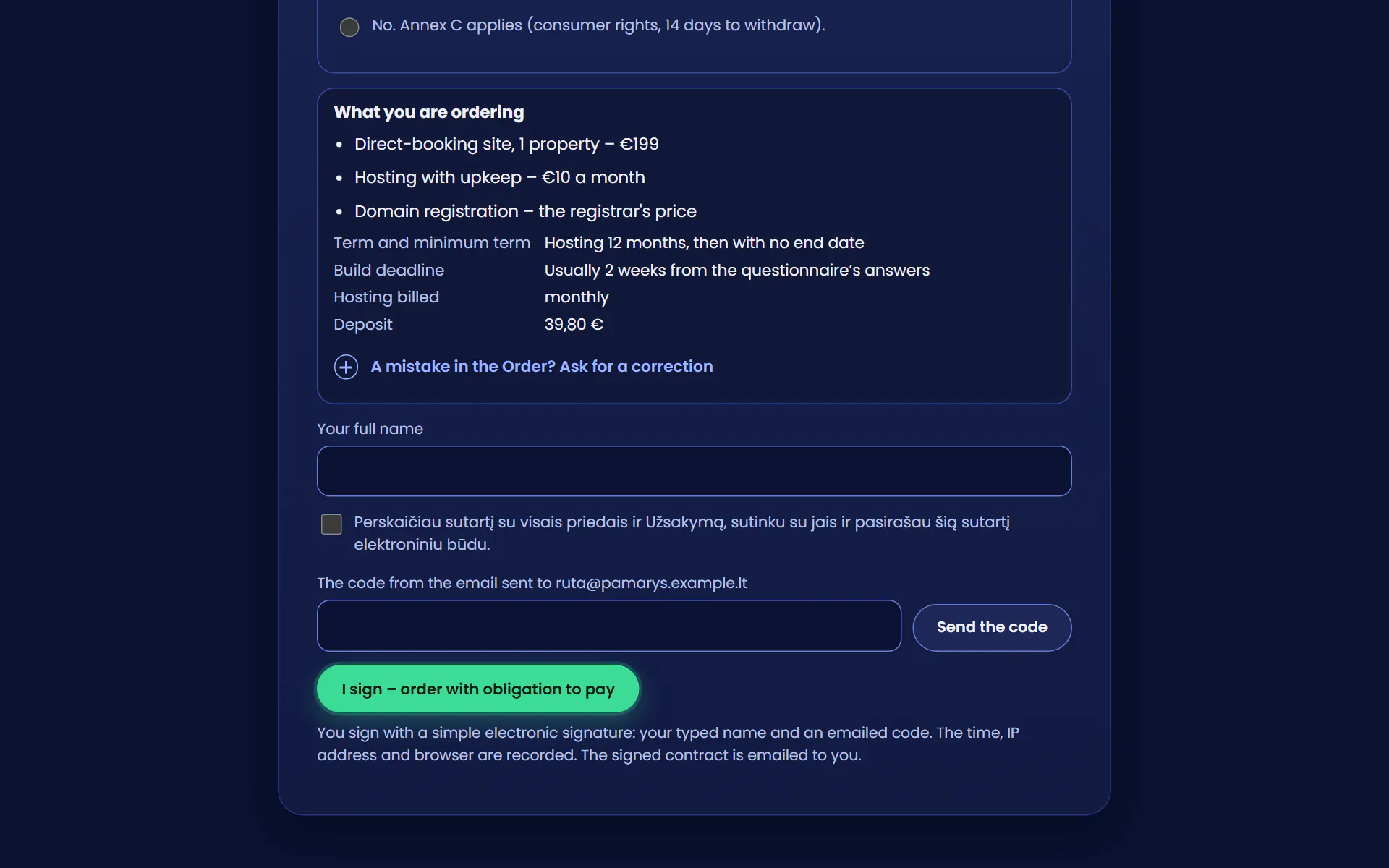
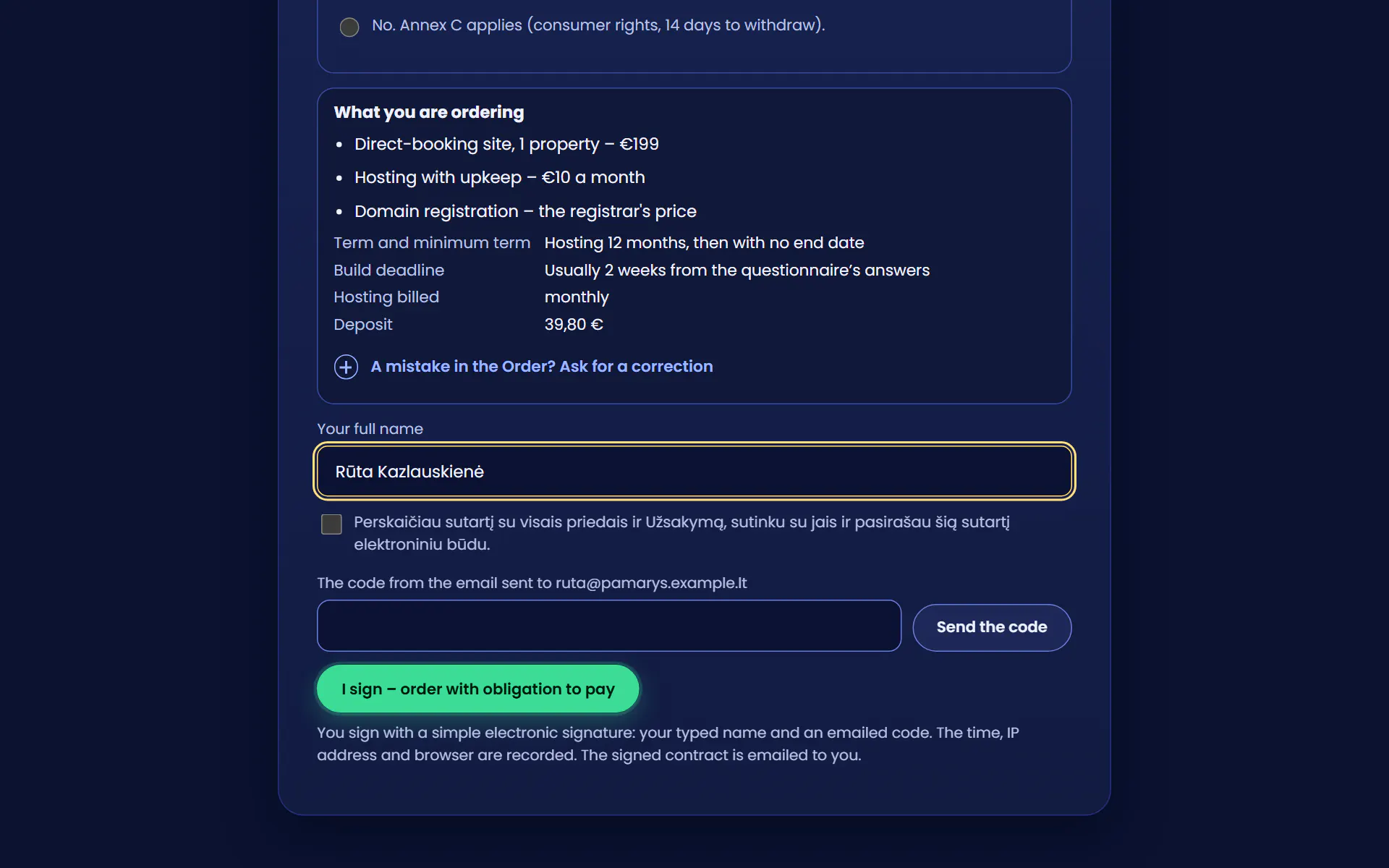
She types her full nameAbove the form she sees once more what she is ordering, for how much and for how long.
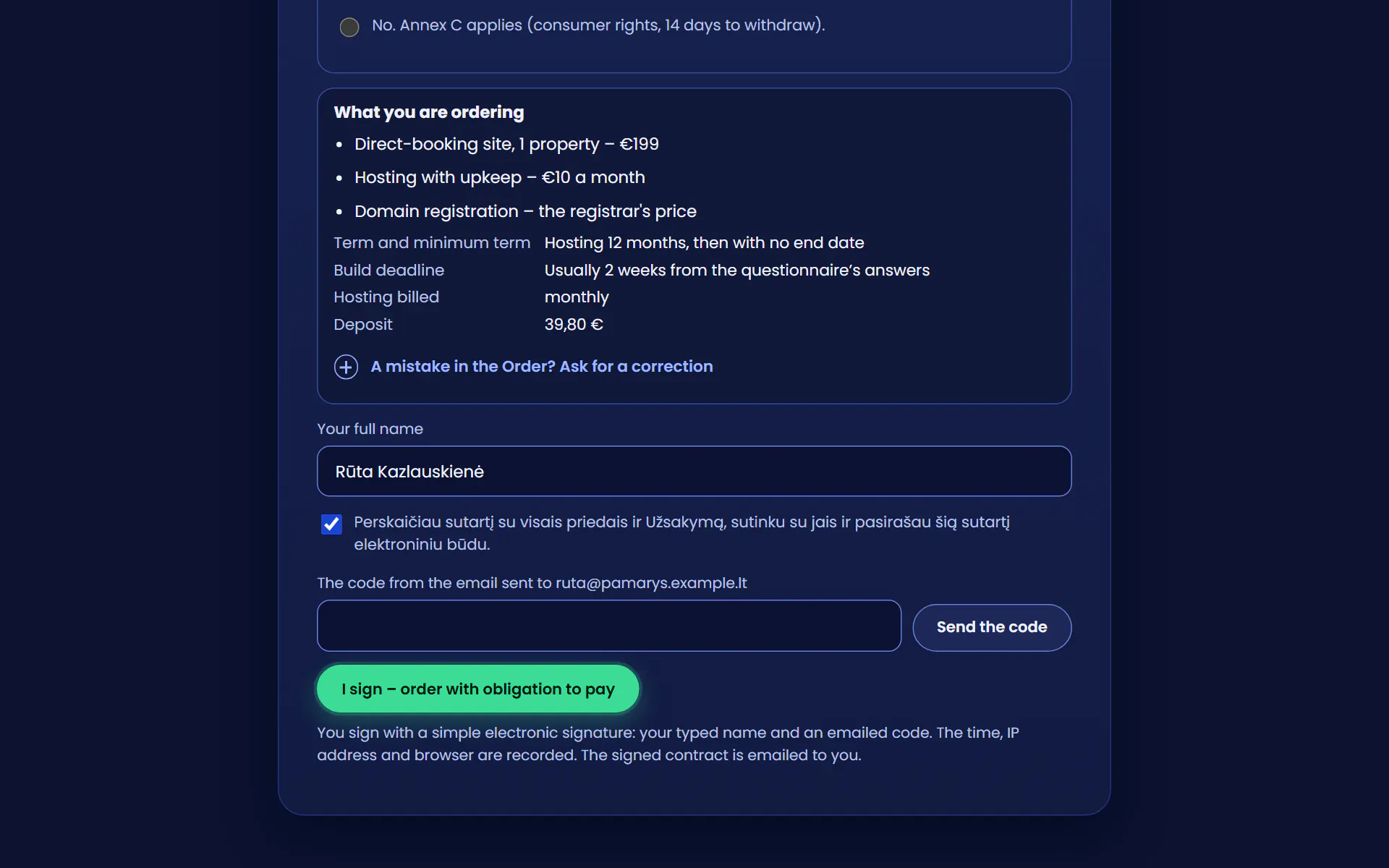
She ticks her consentShe has read the contract with its annexes and the Order, and agrees to them.
A code comes by emailSix digits, valid for 10 minutes.
She signs“Pasirašau – užsakymas su prievole sumokėti” (“I sign – order with obligation to pay”). The time, IP address and browser are recorded.
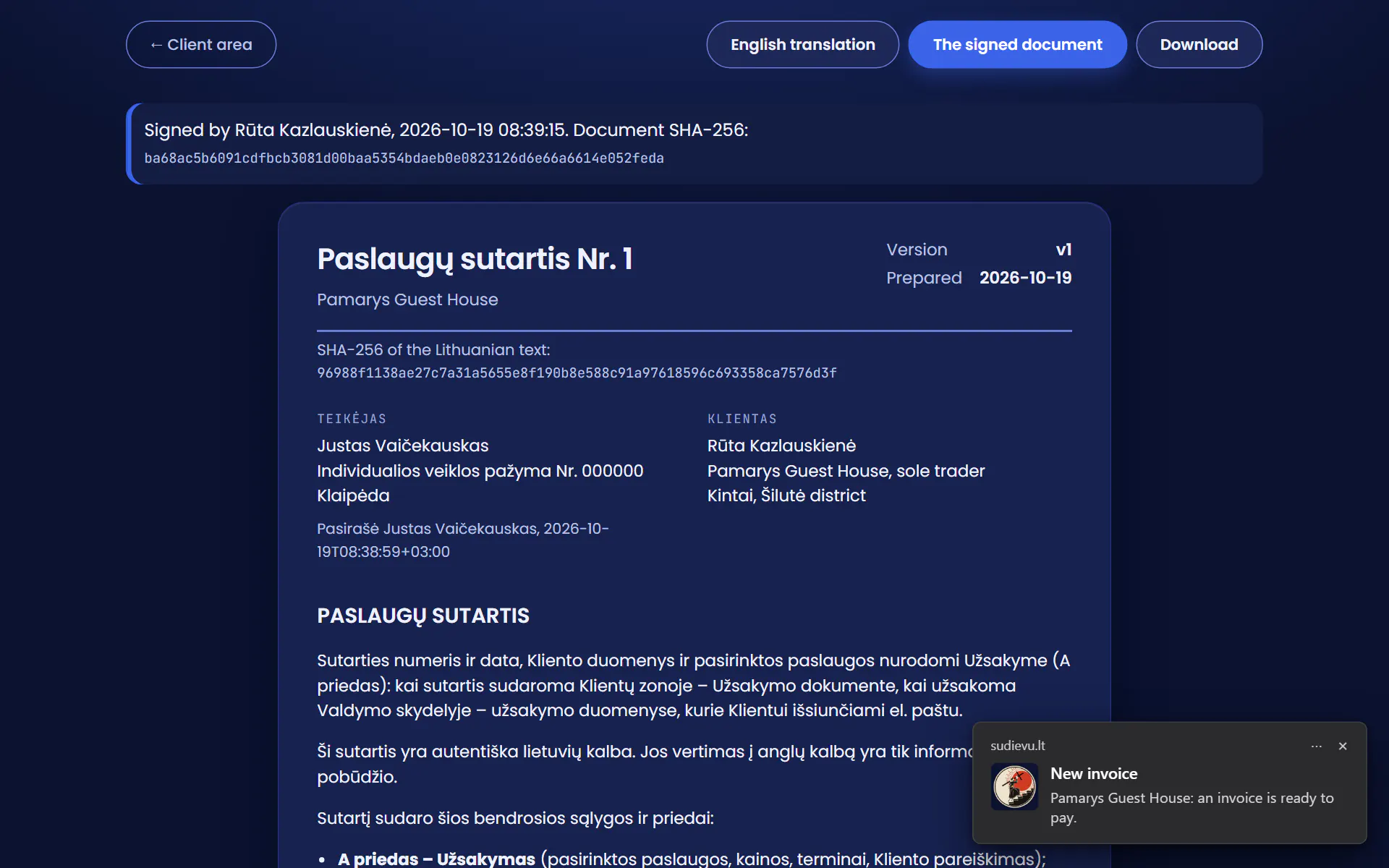
An alert on my phoneThe contract is signed. I tap the alert.
The contract is madeWe both see the signed document, and Rūta gets it by email as well.
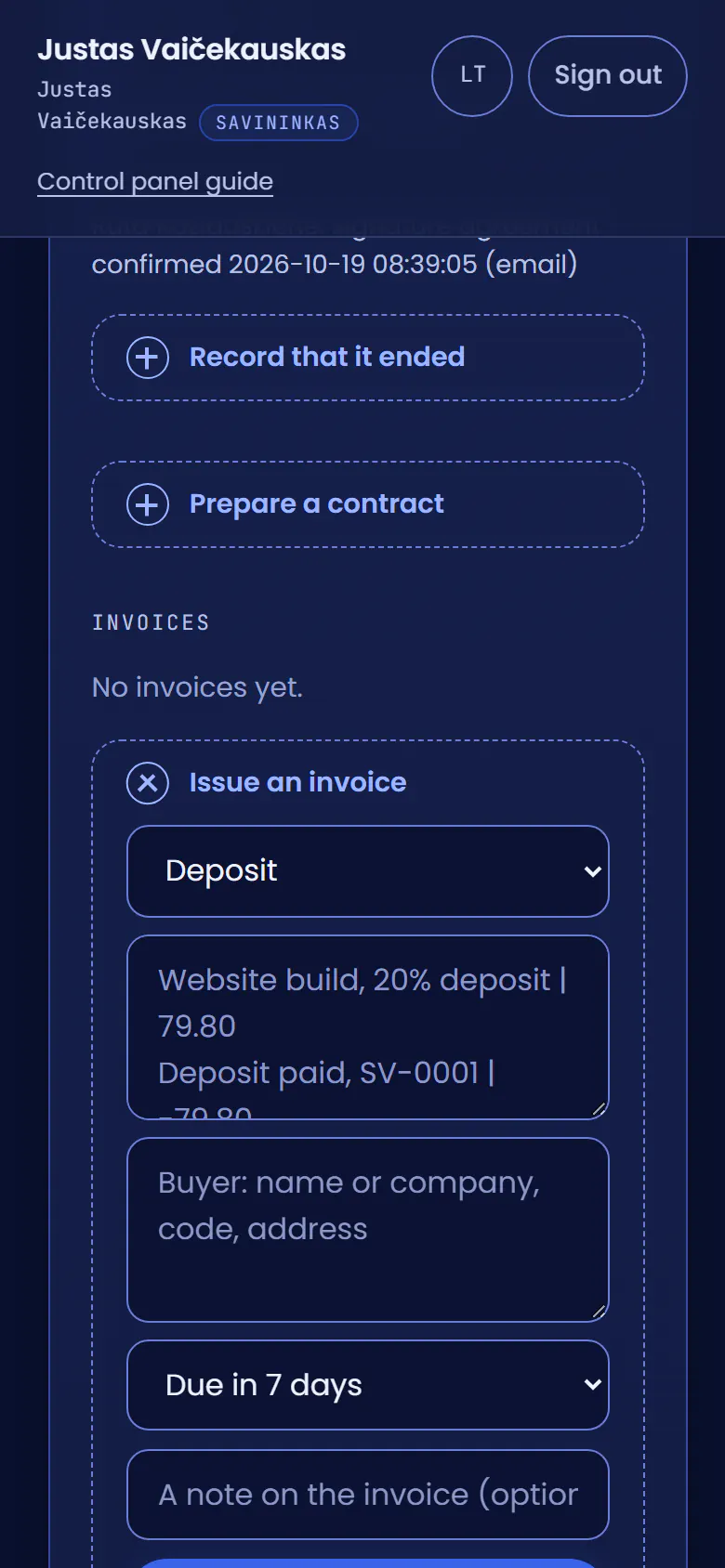
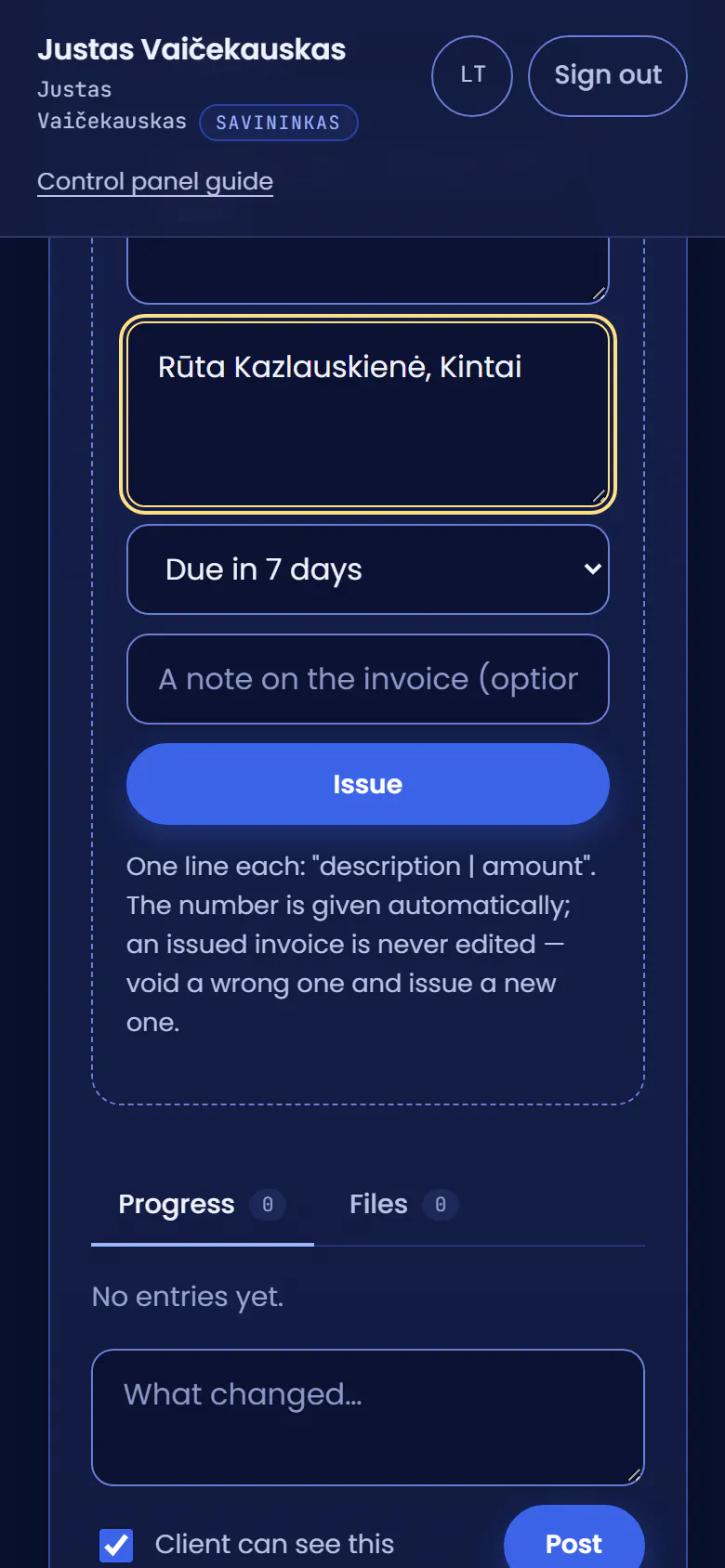
I issue the deposit invoiceIn the same project, on my phone.
One lineThe deposit: 20% of the build price, €39.80.
I issue itIt is numbered by itself and lands in Rūta’s client area at once.
An alert for RūtaA new invoice. Clicking it opens the invoice itself.
She pays by card or bankNext comes Paysera’s page: she picks her bank or card there and comes back.
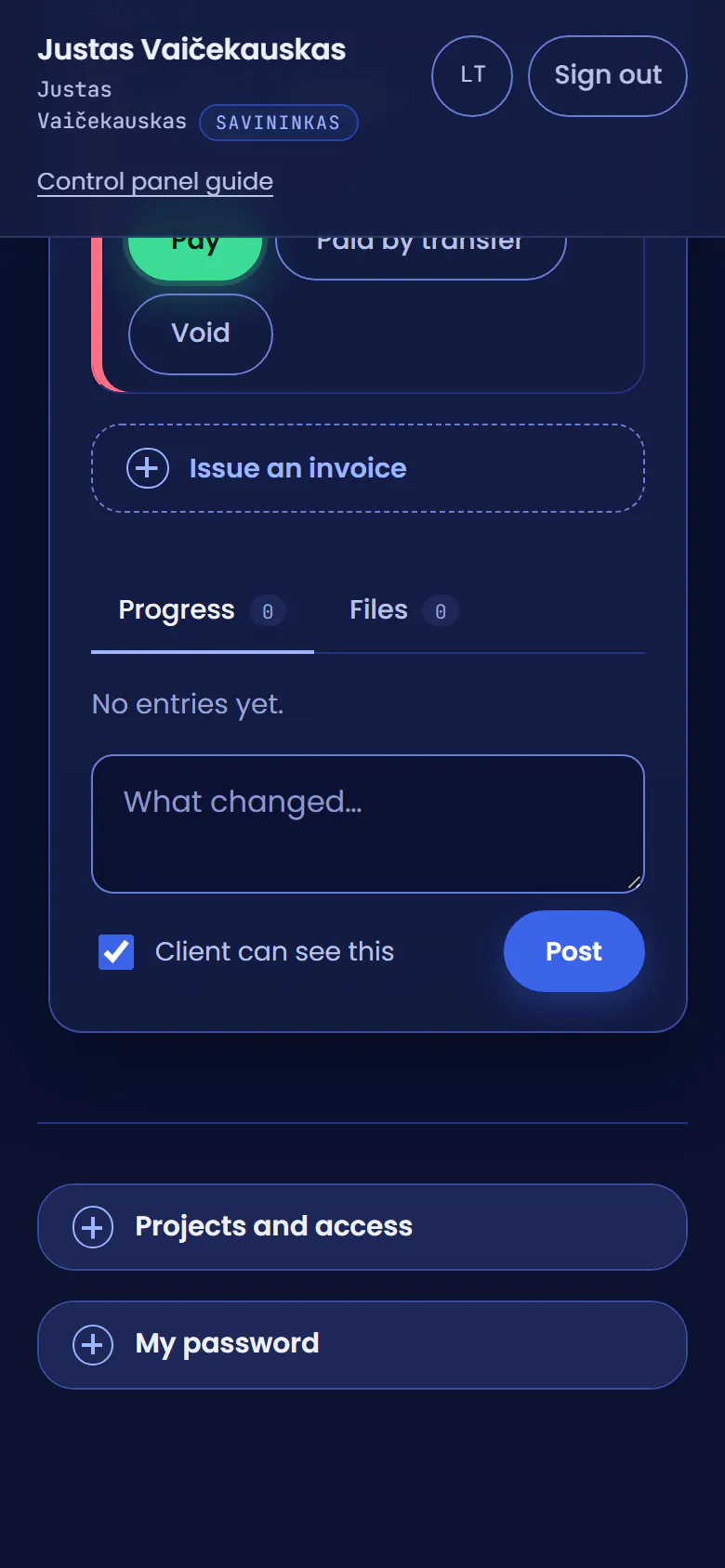
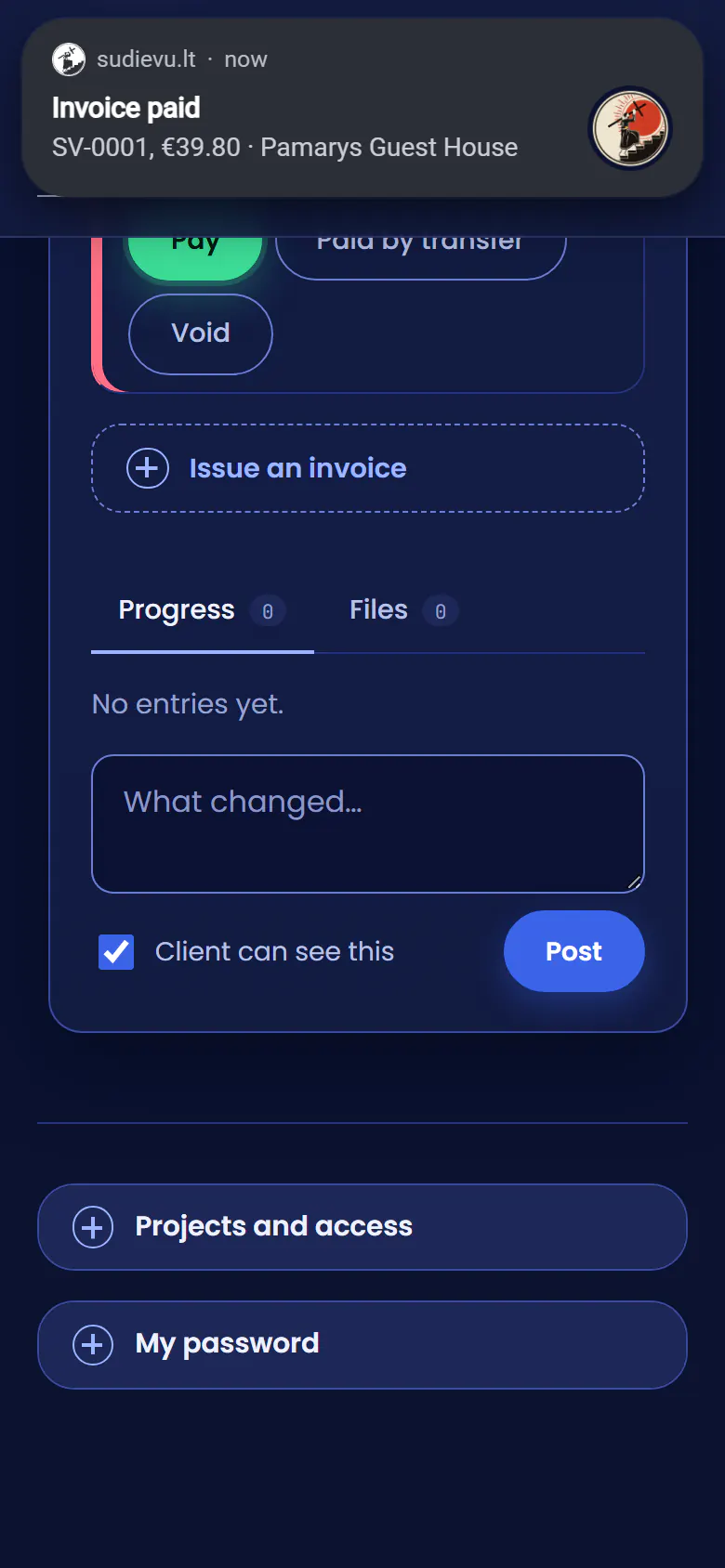
An alert on my phonePaysera tells the client area, and the invoice marks itself paid.
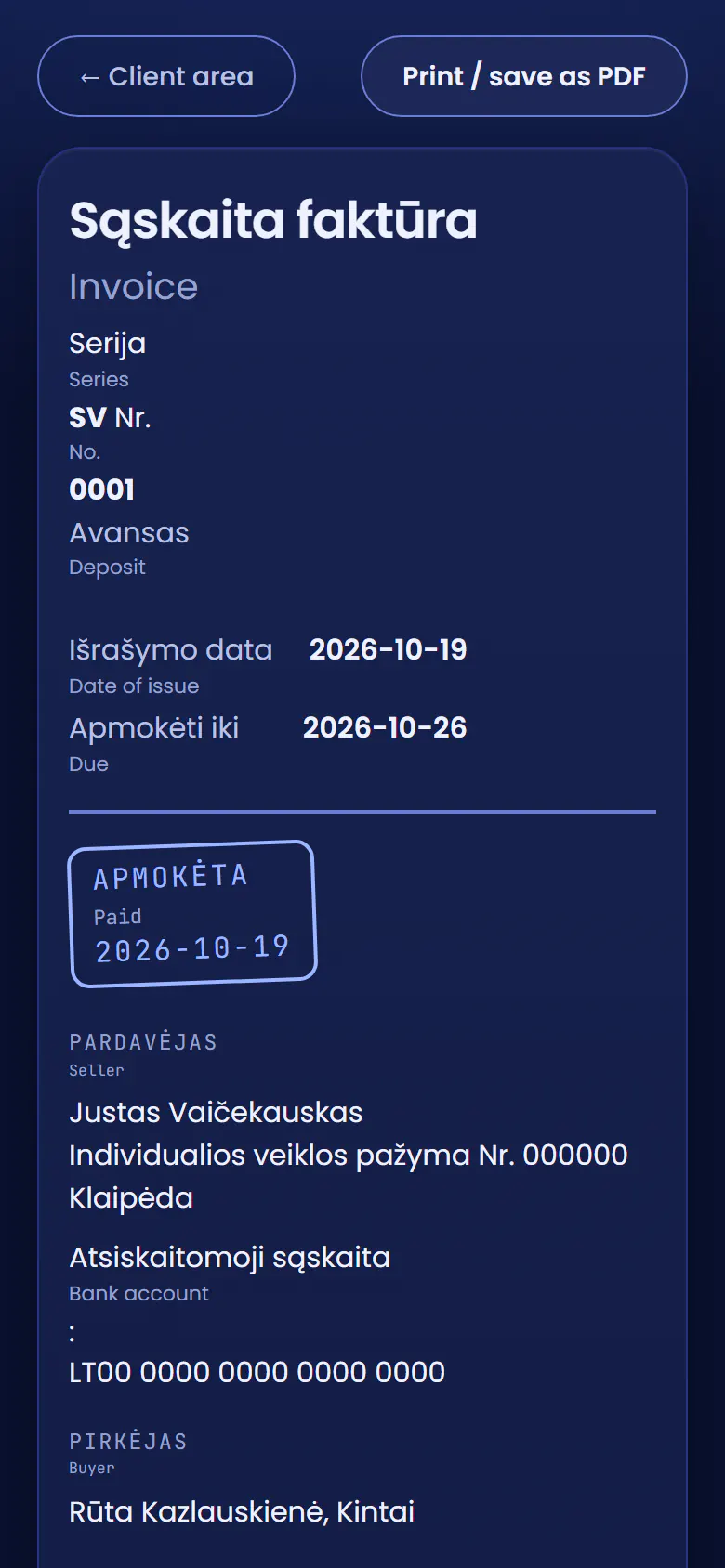
The deposit is inA paid invoice on both sides. I register the domain and start.
The real client area and the real contract text, with made-up data. I added the alerts myself, because a browser cannot photograph them; the payment here is taken by a stand-in for Paysera, so its page is not shown.
We start with a conversation
Write what you would like built. I prepare the contract once we have agreed on everything in it.
You will hear back within one working day.